
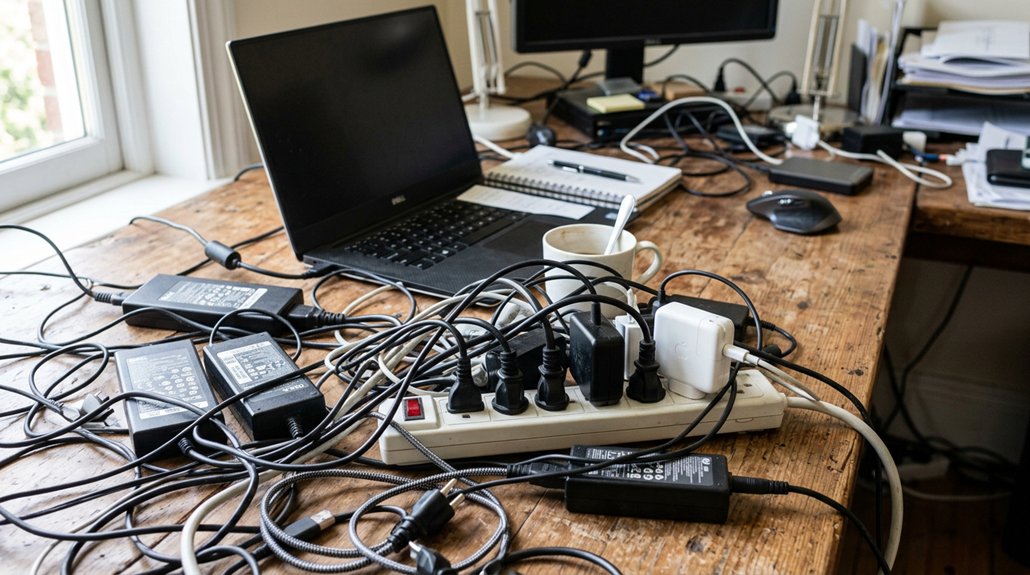
Organizing your laptop chargers saves you time and reduces frustration by helping you find cords quickly. It prevents damage from tangling or mishandling, which can extend their lifespan. Proper organization keeps your workspace tidy, boosts focus, and guarantees your devices stay safe and powered efficiently. With the right setup, you’ll avoid damage and downtime. Curious how to create the perfect system? Keep going to discover simple tips and essential tools to get started.
Why Organizing Your Laptop Chargers Boosts Productivity
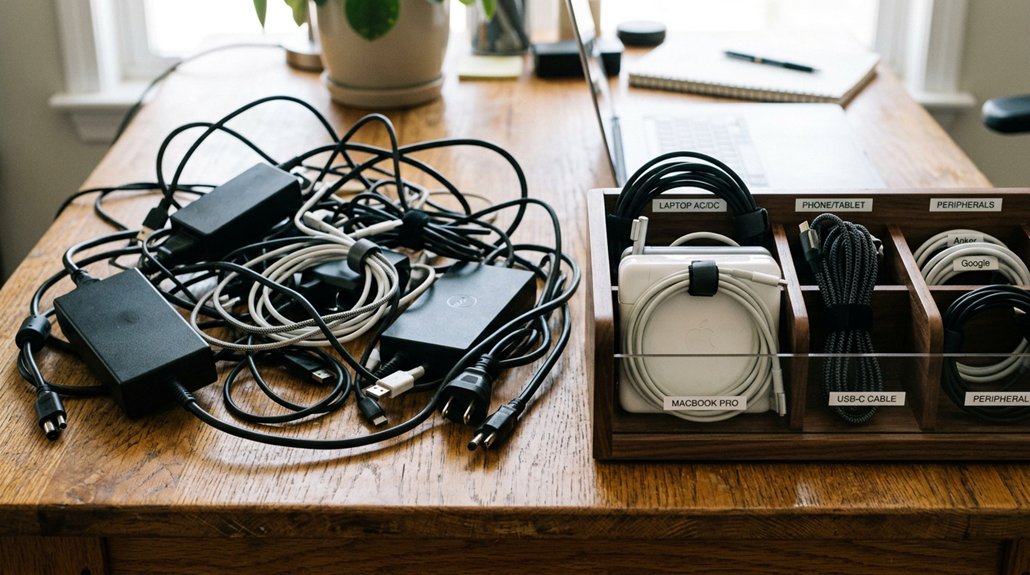
Organizing your laptop chargers can greatly boost your productivity by saving you time and reducing frustration. When you have a dedicated charging hub or a designated storage area, it’s easier to find the right laptop chargers and power cords quickly. Using efficient cable management kits helps ensure your cords are well-separated, protected, and easy to access. Keeping multiple cords neatly stored helps keep your workspace clutter-free, so you spend less time searching and more time focusing on your tasks. Proper organization also helps prevent physical damage to your power cords, maintaining consistent power delivery and prolonging the lifespan of your chargers. When chargers are clearly labeled and segmented, it’s simple to identify and retrieve the right one, reducing downtime. A clutter-free charging area not only saves time but also helps keep your workspace safe and conducive to concentration, maximizing your overall productivity.
Common Cable Clutter Problems and How to Fix Them
Cable clutter from unorganized laptop chargers often leads to tangled cords, which can damage internal wiring and shorten their lifespan. Disorganized chargers and cables increase the risk of cords snagging on sharp edges or water, creating safety hazards. To fix this, use cable organizers like Velcro ties or zip-up sleeves to prevent tight wraps that cause copper conductor breakage. Establish a dedicated charging station with power strips that include surge protection, safeguarding devices from power surges while keeping cords neat. Consider using labeled bins or lift-up compartments in chairs to separate chargers and cables, minimizing loss and improving access. Utilizing fire-resistant materials in cable management products can further enhance safety by reducing fire risks associated with electrical faults.
| Benefit | Solution |
|---|---|
| Prevents damage | Use cable organizers |
| Reduces clutter | Designate charging zones |
| Enhances safety | Keep cords away from water/sharp edges |
| Extends charger lifespan | Employ surge-protected power strips |
Simple Techniques for Tangle-Free Laptop Cable Storage
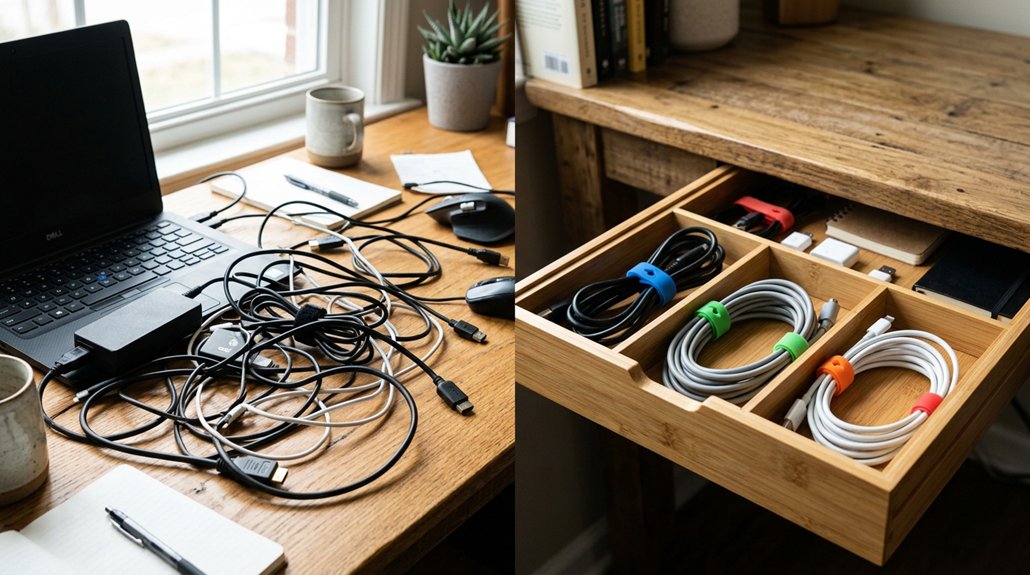
To keep your laptop cables tangle-free, using simple storage techniques can make a big difference. Start by bundling excess cords loosely with reusable Velcro ties or twist ties—this prevents damage from tight wraps and reduces stress. Using adhesive cable clips to secure cables along desks or walls can also help keep everything in place and prevent tangles. Store chargers and cords in clearly labeled bins or compartments to keep different types separate and avoid tangled mixing. Use cable sleeves or zip-up sleeves to neatly group multiple cords, making them easier to stash in drawers or bags. For travel, retractable cord winders are perfect, keeping cables compact and tangle-free on the go. Attach adhesive cable clips or install under-desk trays near your charging station to keep cables accessible and prevent clutter from accumulating. These straightforward methods keep your setup organized and cables in good condition.
Top Tools and Accessories for Managing Your Cables
Using the right tools and accessories can greatly simplify managing your laptop chargers and prevent clutter. Cable sleeves made of zip-up fabric or Velcro ties keep multiple device cords bundled, helping prevent tangling and wear during charging.
Choosing ergonomic port placement accessories like hub designs with wide-spaced ports or vertical configurations can further reduce cable clutter and improve accessibility.
Color-coded tags or heat shrink tubing let you keep track of different chargers, avoiding confusion when multiple devices are involved. Adhesive cable clips and under-desk trays provide easy access to laptop power cords while keeping your charging station tidy.
Retractable cord winders are especially helpful when traveling, reducing damage caused by tight wrapping and repetitive stress on wires. Storing chargers in designated bins or pouches, clearly labeled and separated by type, guarantees your charging setup remains organized.
These tools help keep your workspace efficient and protect your valuable equipment.
How to Set Up an Efficient and Safe Charging Station
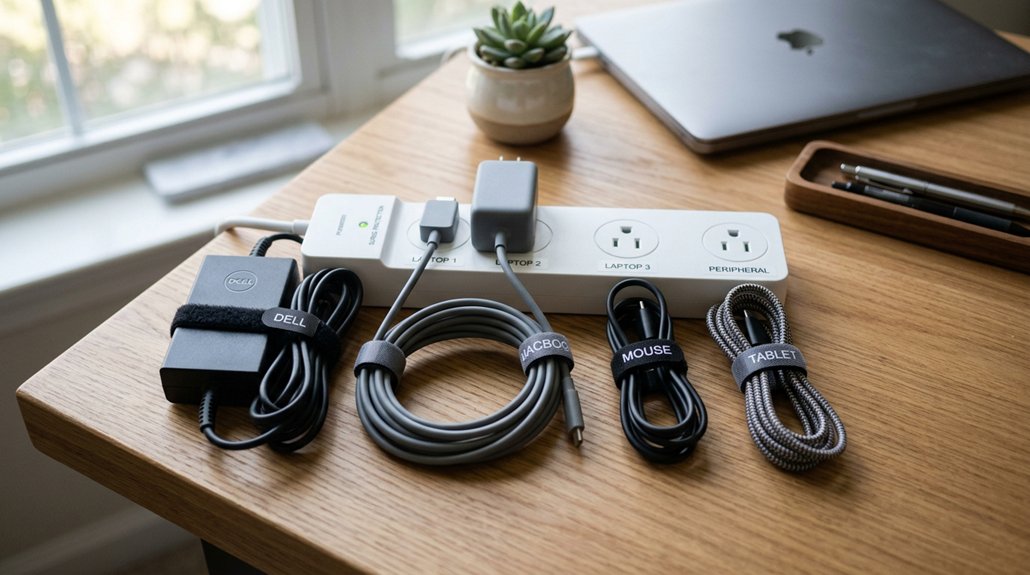
Setting up an efficient and safe charging station starts with choosing a well-ventilated space that’s easily accessible. Use a power strip with surge protection to prevent overheating and electrical damage, ensuring your devices stay safe while charging. Keep cords organized with Velcro ties, zip-up sleeves, or clips for quick access and safety. Store multiple chargers securely in lockable compartments or wall-mounted bins to minimize movement during travel or shared work. Arrange chargers by category in labeled containers to avoid damage and save time. Additionally, selecting a power strip with USB ports that features intelligent IC detection can optimize charging speeds and protect your devices.
Tips to Keep Your Cable Organization Neat and Up-to-Date
Keeping your cable organization neat and up-to-date requires regular maintenance and smart storage solutions. Taking time to label cables with color-coded tags helps you quickly find the right charger and avoid unnecessary frustration. A well-structured setup with multi-compartment storage can further streamline your workspace. Use cable organizers like Velcro ties, zip-up sleeves, or retractable winders to keep cables neatly bundled, reducing tangles and saving you time during setups. Make sure to regularly update a digital inventory with photos and notes about each cable’s type, length, and device it connects to—this makes it easy to find what you need fast. Store chargers in labeled bins or compartments by device type to keep devices charged and accessible. Periodically purge unused or damaged cables to help you avoid clutter and keep your charging setup functional and efficient, ultimately saving you money.
Benefits of Proper Cable Management for Your Devices’ Longevity
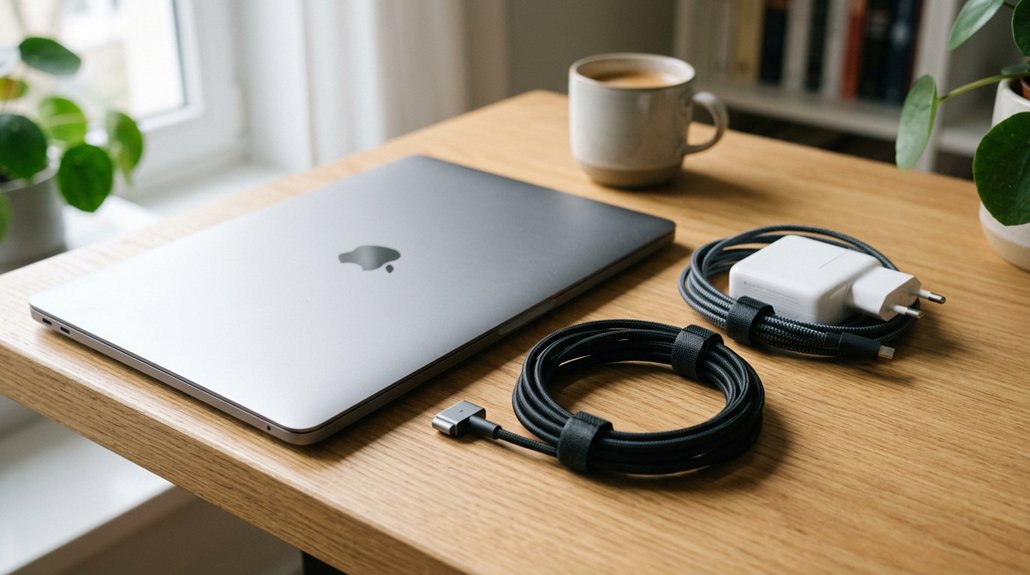
Proper cable management goes beyond neatness—it directly impacts the lifespan of your devices and chargers. When you care for your laptop, organized cables help keep internal wires from crimping or breaking, which can greatly reduce the charger’s life. Using a Power Delivery Capacity to ensure your charger provides the appropriate wattage helps prevent underpowered docks that can cause slower battery charging or battery drain when the laptop is under load. Proper organization also helps keep cables cool by guaranteeing transformers have ventilation, preventing overheating. When cables are labeled and stored properly, you’re less likely to unplug the wrong charger, maintaining consistent power and reducing wear. By avoiding tangles and stress on cords, you minimize electrical damage from surges or physical strain.
Frequently Asked Questions
Why Do Laptop Chargers Need a Brick?
Your laptop charger needs a brick because it converts high-voltage AC power into safe, low-voltage DC, protecting your device from damage and hazards, while also managing heat and providing electrical isolation for safe, efficient, reliable charging.
Should I Keep My Laptop Charger Plugged in All the Time?
You shouldn’t leave your laptop charger plugged in all the time. It can cause overheating and drain your battery capacity, decreasing its lifespan. Unplugging it when you’re not using it helps prevent damage and extends your laptop’s overall health.
How to Organize Chargers and Cables?
You should organize chargers and cables by device type, label both ends with color-coded tags, and bundle cords using zip-up sleeves or Velcro ties. Store them in designated compartments or charging stations for easy access and neatness.
Why Do Laptop Chargers Have a Block in the Middle?
Your laptop charger has a block in the middle because it’s a transformer that converts high-voltage AC into low-voltage DC, protecting your device from surges, overheating, and faults, ensuring safe, stable power delivery during charging.




Leave a Reply