
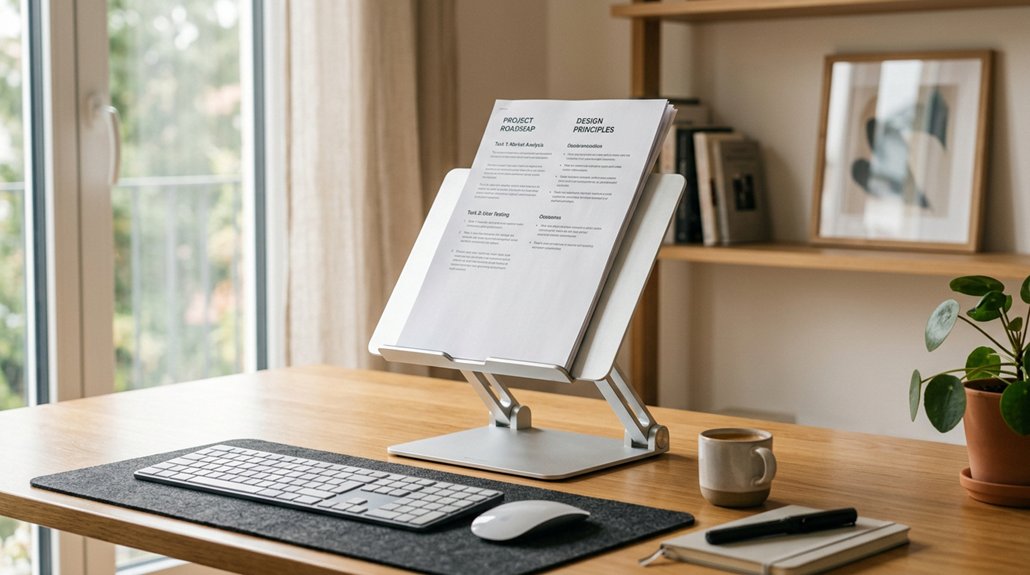
To relieve shoulder pain, set your document stand at an angle between 15 and 30 degrees, ideally around 20 to 30 degrees, with a slight backward tilt of 10 to 20 degrees. This position helps maintain eye-level alignment, reducing the need to hunch or reach awkwardly. Proper adjustment minimizes neck and shoulder strain, preventing discomfort. If you keep optimizing your setup, you’ll discover more tips to stay comfortable during long work sessions.
Why Proper Document Stand Angles Reduce Shoulder Pain
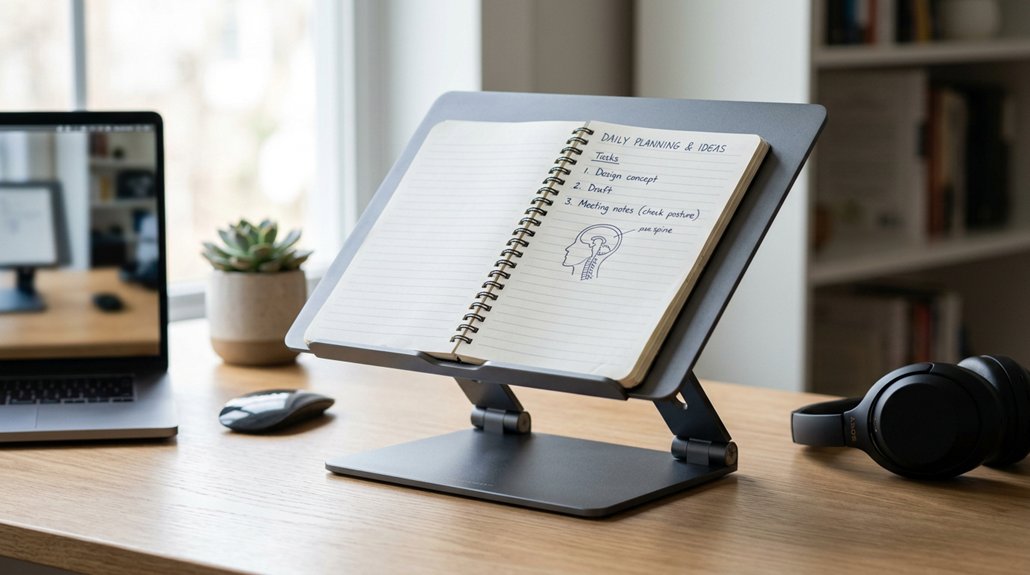
Using a proper document stand angle can greatly reduce shoulder pain by optimizing your posture during reading and writing. When you angle your document stand between 20 to 30 degrees, it keeps your materials at eye level, preventing you from bending your neck or hunching your shoulders. This helps maintain a neutral posture, reducing unnecessary strain on your neck muscles and shoulder area.
Proper angles also minimize forward head posture and shoulder rounding, supporting your upper back’s health. An adjustable document stand allows you to find the ideal angle, which prevents awkward neck tilting and shoulder elevation. Overall, using an ergonomic workspace with the right angle decreases shoulder muscle tension, particularly in the trapezius and levator scapulae, leading to less shoulder strain and promoting comfort during extended work sessions. Incorporating stands with adjustable angle lock points can further enhance ergonomic benefits by maintaining consistent positions.
How Different Stand Angles Impact Your Neck and Shoulders
Different stand angles directly influence your neck and shoulder comfort by altering your posture during reading or writing. When you choose the right ergonomic document stands, you’ll notice a decrease in muscle tension and upper trapezius strain.
Imagine placing your documents at a 20 to 30-degree angle, keeping your neck neutral and reducing forward head posture. Visualize a slight backward tilt of 10-20 degrees, so you avoid hunching or craning your neck forward. Picture positioning your document at eye level or just below, easing stress on the neck and shoulders.
- A tilted document stand supports natural head alignment, minimizing neck strain
- Reduced muscle tension in the upper trapezius relieves shoulder pain
- Adjustable angles customize your ergonomic setup for comfort
- Steeper angles (>30 degrees) cause awkward reach and increase discomfort
- Adjustable angles allow for personalized ergonomic configurations that optimize comfort and posture.
What’s the Best Angle for Your Document Stand?
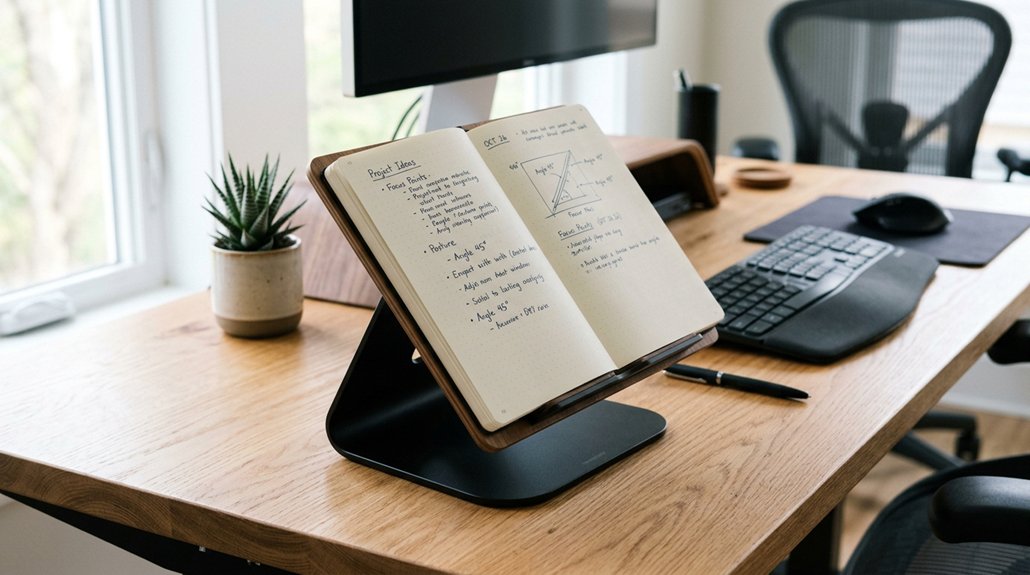
What’s the best angle for your document stand to alleviate shoulder pain? The ideal tilt angle is between 15 to 30 degrees, helping you maintain a neutral neck posture. This slight incline prevents forward head tilt and reduces shoulder strain caused by craning or hunching.
An adjustable document stand allows you to customize the tilt angle for optimal eye-level visibility, minimizing awkward neck movements. Keep your document directly in front of you and at a slight incline to avoid reaching and unnecessary shoulder muscle engagement. Positioning the document stand close to your keyboard also helps prevent overextension, decreasing shoulder fatigue.
Additionally, choosing a stand with a stable base and adjustable features ensures that your setup remains secure during use, further reducing strain.
Factors to Consider When Choosing the Right Document Stand Angle
When selecting a document stand angle, prioritize eye level alignment to reduce neck strain. An adjustable angle feature lets you customize the setup for your height and workspace, ensuring comfort.
Consider how the tilt can position documents closer to your line of sight to prevent shoulder elevation and forward head posture. Additionally, choosing a stand with ergonomic support technology can enhance comfort during prolonged use.
Eye Level Alignment
Achieving ideal eye level alignment for your document stand is essential for reducing neck and shoulder strain during extended work sessions. When your document is at eye level with a slight backward tilt of 10-20 degrees, it promotes a neutral head posture, decreasing the tendency to crane your neck or hunch your shoulders.
This positioning helps prevent neck and shoulder pain and minimizes shoulder strain.
Picture:
- Your eyes directly on the document, avoiding unnecessary tilting or squinting
- The paper tilted comfortably between 20 to 45 degrees, matching your line of sight
- Your shoulders relaxed, with balanced shoulder alignment supported by proper positioning
- An ergonomic chair combined with monitor placement keeping your whole posture in check
A well-adjusted document stand angle supports healthy muscles and reduces tension, making work more comfortable.
Adjustable Angle Features
Choosing a document stand with adjustable angle features is essential for maintaining proper ergonomics, as it lets you customize the tilt for your tasks and height. An adjustable document stand with a range of 20 to 45 degrees helps keep your neck and shoulders in a neutral posture, reducing strain. A tilt around 30 degrees aligns documents at eye level or slightly below, preventing forward head posture and shoulder tension. Features like easy angle lock allow stable adjustments, supporting dynamic posture changes. Proper placement close to your body minimizes reaching, reducing muscle fatigue. Look for a stand that offers smooth adjustments to support your work habits and avoid discomfort. Incorporating adjustable tilt features in your setup can also optimize heat dissipation and airflow, keeping your devices cool during extended use.
How Viewing Height and Angle Affect Shoulder Posture

Your viewing height and document angle directly influence your shoulder posture, so setting them correctly is key. A proper lumbar support adjustment can also help maintain natural spine alignment and reduce strain. When your screen and documents are at eye level or slightly below, you reduce the need to crane or hunch, keeping your neck and shoulders neutral. Proper alignment promotes comfort, prevents strain, and supports overall ergonomic health.
Optimal Viewing Height
When you set the document stand to the right height, it helps keep your neck and shoulders in a neutral position by reducing the need to bend or tilt your head downward. Positioning the top of the document close to eye level minimizes shoulder strain by preventing unnecessary downward neck bending and hunching.
An ideal height allows easy eye movement between the screen and documents, reducing repetitive strain injury and overreaching. Properly adjusting the ergonomic features of your workspace, including document stands, supports sustained comfort and reduces muscle tension.
Imagine:
- The document at eye level, so your gaze naturally shifts without effort.
- Your shoulder muscles relaxed, not elevated or hunched.
- The document stand within arm’s reach, avoiding overreaching.
- Maintaining a comfortable, upright posture for less tension and fatigue.
Proper Document Angle
Proper document angle plays a crucial role in maintaining comfortable shoulder posture during work. Using a document stand angled between 20 to 45 degrees helps keep documents at a suitable viewing height, reducing neck and shoulder strain. A well-designed stand with adjustable tilt and height features offers solid build quality, ensuring stability and durability during prolonged use. Positioning your documents at or slightly below eye level prevents forward head posture and minimizes upper trapezius muscle overuse that can lead to shoulder pain. Tilting the stand backward by around 10-20 degrees also helps reduce glare, keeping your eyes comfortable and shoulders relaxed. Keeping the document holder close to your monitor and keyboard prevents excessive reaching, which can strain your shoulder muscles. An adjustable document stand allows you to personalize the angle and height, optimizing posture and decreasing the risk of musculoskeletal issues linked to poor viewing alignment.
Maintaining Neutral Posture
Maintaining neutral shoulder posture depends largely on how you position your viewing height and angle. Using an adjustable document stand helps achieve this by setting the tilt between 20 to 45 degrees, reducing the need to bend or crane your neck.
When you position the document at or just below eye level, it prevents forward head posture that strains your shoulders and upper back. A tilted stand encourages a relaxed shoulder position, avoiding muscle overuse.
Keeping the document directly in front and close to your keyboard minimizes reaching and awkward arm extension. An ergonomic desk setup with adjustable height and angle supports personalized alignment, encouraging proper neck posture and minimizing shoulder muscle strain. This setup promotes comfort during long work sessions and decreases shoulder pain.
Step-by-Step: Adjusting Your Document Stand for Comfort
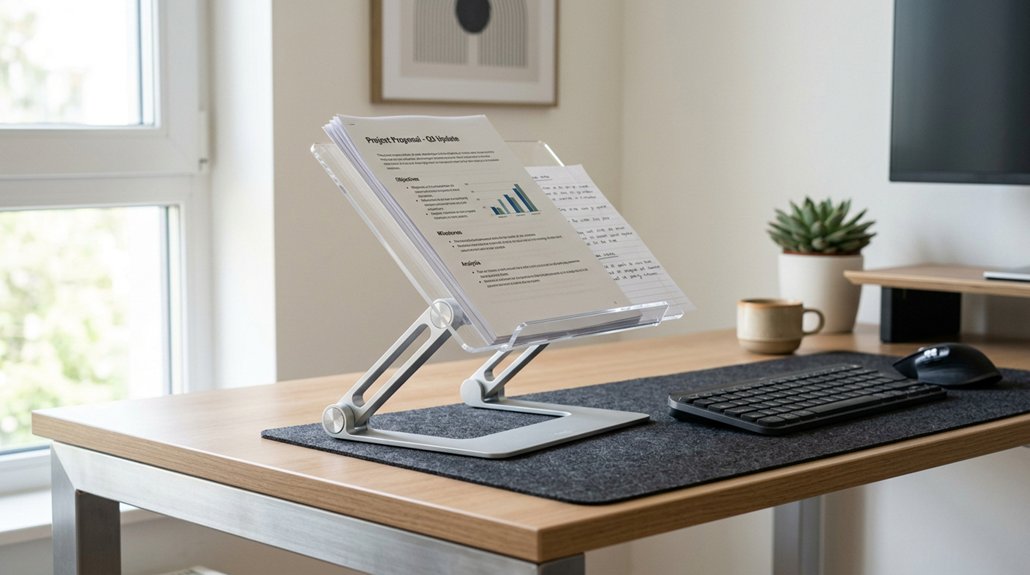
Adjusting your document stand to the right angle can greatly reduce neck and shoulder strain. Start by setting the stand between 20 and 45 degrees to keep your head in a neutral position, preventing awkward neck angles.
Position the stand close to your monitor, at eye level or just below, so you don’t have to crane your neck forward. Make sure the tilt angle allows you to read documents easily without excessive shoulder or upper back bending.
Use an adjustable stand with a stable base to easily modify the angle as needed. Pair this setup with good posture—sit upright and keep your shoulders relaxed—to help relieve shoulder pain.
Proper angle adjustment promotes a natural, comfortable posture, reducing strain during long work sessions. Additionally, selecting breathable materials for your setup can help prevent heat buildup and discomfort during extended periods of focused work.
Common Setup Mistakes That Cause Shoulder Discomfort
Many common setup mistakes can lead to shoulder discomfort, especially when you ignore proper document stand positioning. An incorrect desk setup can cause you to crane your neck or hunch forward, increasing shoulder strain.
Ignoring proper document stand positioning can lead to neck strain and increased shoulder discomfort.
For example:
- Placing the document flat or too low forces you into a forward head posture and rounded shoulders.
- Using steep angles without adequate height adjustment causes frequent reaching or twisting motions.
- Positioning documents off to one side leads to unbalanced shoulder loading.
- Failing to maintain a neutral posture while working results in sustained shoulder tension and increased neck pain.
- Incorporating adjustable armrests can help support your arms and reduce shoulder fatigue during extended tasks.
These mistakes interrupt proper ergonomic alignment, making it harder to keep your shoulders relaxed. Correcting your document stand setup helps maintain a neutral posture and greatly reduces shoulder pain during long desk tasks.
Tips for Using Your Document Stand to Prevent Shoulder Fatigue
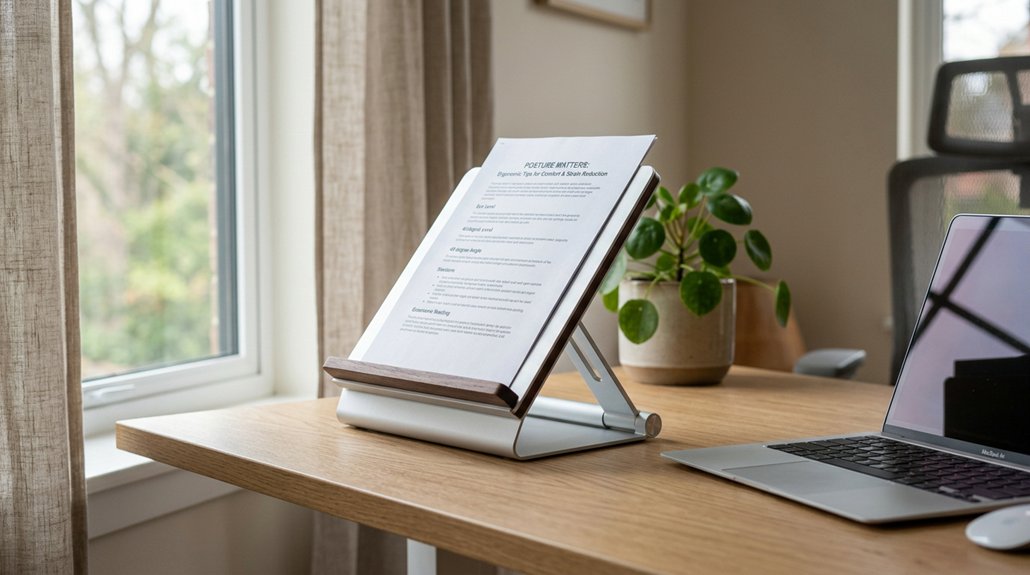
To prevent shoulder fatigue, set your document stand at a 20-30 degree angle to keep papers in line with your eyes, reducing strain.
Make sure it’s close to your monitor and keyboard, so you don’t reach too far and overextend your shoulders.
Also, adjust the height to maintain a neutral neck position and switch the paper sides regularly to avoid persistent muscle tension.
Optimal Document Angle
Setting your document stand at the right angle is essential for preventing shoulder fatigue during prolonged reading or typing tasks. An ideal tilt, usually between 20 to 45 degrees, allows your documents to be easily read without neck tilting or shoulder hunching.
Positioning the document at eye level or just below helps maintain a neutral posture, reducing shoulder strain. To visualize this better, imagine:
- A tilted document’s top edge at your eye level, minimizing neck movement
- A stand with adjustable tilt, enabling you to customize for comfort
- Holding documents close, decreasing reaching and shoulder extension
- A setup that keeps your shoulders relaxed, not elevated or tensed
This approach aligns with ergonomics principles, preventing awkward angles that could cause shoulder pain or overextension during long work sessions.
Proper Height Alignment
Adjusting your document stand to the right height guarantees your documents stay at an ideal eye level, reducing the need to tilt or lean forward. When you align the top of your page with your monitor’s eye level, you prevent head and neck tilting, which can cause shoulder fatigue. Use an adjustable tilt feature to fine-tune the angle and maintain neutral posture, minimizing shoulder strain. Proper height placement guarantees your arms are at a comfortable, relaxed position, avoiding awkward reaching. Here’s how to optimize your setup:
| Aspect | Adjustment Tips | Benefits |
|---|---|---|
| Proper Height | Match top of document with eye line | Prevents neck tilt |
| Adjustable Tilt | Find comfortable angle | Reduces shoulder tension |
| Document Placement | Keep directly in front, arm’s length | Supports neutral posture |
Reduce Shoulder Strain
Positioning your document stand at a 10-20 degree tilt helps keep papers upright, which minimizes the need to bend your neck or shoulders. This simple adjustment helps reduce shoulder pain and neck strain.
To prevent fatigue, keep your document directly in front of you, aligned with your monitor, avoiding awkward reaching or twisting. Make certain the document is at eye level or slightly below; this helps maintain good posture and keeps the head in a neutral position.
Use an adjustable document holder to customize height and angle, preventing repetitive shoulder elevation. Regularly switch the document position between keyboard and monitor zones to avoid sustained overload on your upper trapezius and shoulders.
These tips help reduce strain and promote long-term ergonomic comfort.
Ideal Angles Based on Your Work Tasks and Preferences
Your ideal document stand angle depends largely on the specific tasks you perform and your personal comfort preferences.
For reducing shoulder pain, an angle between 20 to 45 degrees is recommended, allowing you to view documents at eye level without straining your neck or shoulders. If you’re doing extended reading or typing, a more vertical position around 45 degrees helps reduce forward head posture and shoulder strain.
For tasks involving page flipping or note-taking, a moderate tilt of 20 to 30 degrees minimizes shoulder reach and repetitive strain. Positioning the document stand close to your monitor and at a comfortable angle is key to preventing hunching.
An ergonomic workspace setup with customizable angles guarantees your neck posture remains neutral and shoulder discomfort is alleviated during different work activities.
Additional Ergonomic Tricks for a Comfortable Workspace
To create a truly ergonomic workspace, incorporating additional tricks can make a significant difference in comfort and pain prevention. Using an adjustable document stand angled between 20 to 30 degrees helps maintain a neutral posture, reducing forward head tilt and shoulder strain.
Keep the document stand close to your keyboard to minimize reaching and avoid unnecessary shoulder discomfort. Position the stand so the documents are at eye level, promoting relaxed shoulders and preventing muscle fatigue. A slight backward tilt of 10-20 degrees aligns documents with your monitor, reducing repetitive neck and shoulder movements.
Incorporating these ergonomic tricks guarantees your workspace supports proper alignment and minimizes shoulder pain.
- Imagine viewing documents at eye level without tilting your head.
- Visualize a document stand close, reducing shoulder strain during referencing.
- Consider adjusting the stand’s angle for customized comfort.
- Think of a workspace that promotes a relaxed, neutral posture.
How Your Document Stand Affects Overall Desk Ergonomics and Productivity
A well-angled document stand plays an essential role in enhancing overall desk ergonomics and boosting productivity. When you position your document at a 20-45 degree tilt, it helps maintain a neutral neck posture, keeping your head aligned over your shoulders. This reduces shoulder strain and prevents awkward neck movements that can cause discomfort.
Placing your document at eye level and at an appropriate angle minimizes the need to lean forward or reach, supporting better arm and shoulder ergonomics during extended work hours. An adjustable document stand allows you to customize the angle based on your height and desk setup, improving comfort and efficiency.
When combined with proper monitor height and keyboard placement, your desk setup becomes more ergonomic, helping you work more comfortably and productively.
Troubleshooting Common Document Stand Positioning Issues
Are you struggling to find the ideal angle for your document stand? If so, you might notice increased shoulder pain or awkward posture.
Check if your document stand is too steep or flat—both can cause neck craning or slouching. Adjust the angle between 20 to 30 degrees to support a neutral neck and minimize strain.
Keep the stand close to your keyboard, with the reading position aligned to eye level, reducing reaching and repetitive movements.
Visualize a setup where you:
- Keep the reading material at eye level
- Maintain a neutral neck without looking down excessively
- Keep the document stand close to the keyboard
- Set the tilt between 20-30 degrees for comfort
Regularly troubleshoot your setup to relieve shoulder fatigue and support proper posture.
Expert Tips to Keep Your Shoulders Healthy During Long Work Sessions
Maintaining shoulder health during long work sessions requires mindful adjustments to your ergonomic setup. Using a document stand angled between 10 to 20 degrees helps keep your neck in a neutral position and shoulders relaxed.
Position it close to your monitor to avoid excessive reaching, which can cause shoulder overstretch and muscle strain. An well-angled document stand also promotes proper posture, supporting bent elbows at about 90 degrees and reducing upper trapezius tension that leads to shoulder pain.
Additionally, angles that lessen the need to look downward or twist your neck help prevent “tech neck” and upper back discomfort. Adjusting the height and tilt encourages frequent posture changes, decreasing static load on your shoulder muscles and supporting long-term shoulder health during extended work periods.
Frequently Asked Questions
How to Instantly Relieve Shoulder Pain?
You can instantly relieve shoulder pain by adjusting your document stand to eye level or a 45-degree angle, keeping it close to your keyboard, and taking short breaks for shoulder stretches to release tension and reduce discomfort.
Can Cortisol Cause Shoulder Pain?
Yes, cortisol can cause shoulder pain by increasing inflammation and muscle tension. Elevated cortisol levels from stress may worsen discomfort, so managing stress and practicing relaxation techniques could help reduce shoulder pain related to hormonal imbalances.
What Is the Best Desk Posture for Shoulder Pain?
The best desk posture for shoulder pain involves sitting straight with your head aligned over your neck, shoulders relaxed and slightly back, elbows at 90 degrees, monitor at eye level, and keeping your keyboard and mouse close to prevent strain.
Do Laptop Stands Help With Neck Pain?
Yes, laptop stands help with neck pain. They raise your screen to eye level, promote a neutral posture, and reduce strain. Using one combined with an external keyboard can also prevent shoulder discomfort and improve overall ergonomics.



