

To relieve typing strain, try these seven hand stretches: wrist flexor and extensor stretches to loosen forearm muscles, hand opening and closing exercises for flexibility, finger lifts and claw stretches for joint mobility, thumb extensions to improve movement, wrist circles to boost mobility, a praying position stretch to reduce wrist tension, and resisted wrist movements for strength. Doing these regularly can prevent discomfort and injuries. Keep going, and you’ll discover even more effective techniques to keep your hands healthy.
Why Hand Stretches Matter for Typing Comfort
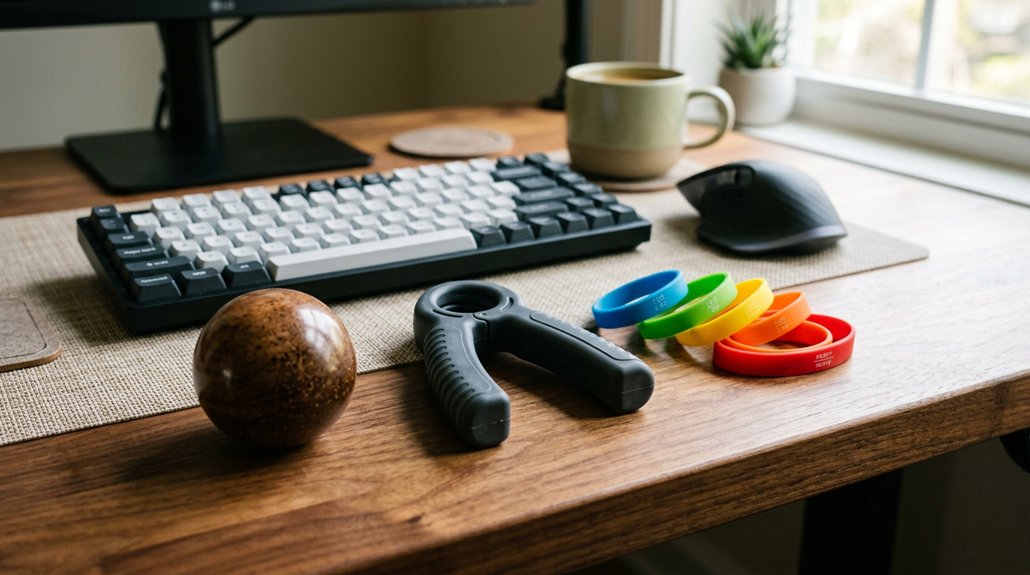
Hand stretches are essential for maintaining comfort while typing, especially since repetitive tasks can lead to muscle tightness and pain. Performing wrist stretches, like wrist extensor and flexor stretches, helps reduce tension built up from hours of keyboard use.
These exercises improve joint range of motion and prevent stiffness that often arises with prolonged typing. Regularly holding stretches for 15 to 30 seconds and repeating them throughout the day can greatly alleviate forearm muscle strain.
In addition, incorporating hand and wrist stretches helps lower the risk of repetitive strain injuries, including carpal tunnel syndrome and tendinitis. By maintaining flexibility and reducing tension, you’ll find typing becomes more comfortable, with less pain and fatigue over time. Posture correction techniques can further enhance overall comfort during extended work sessions.
When and How Often to Stretch During Work
Setting regular reminders helps you remember to take breaks every 30 to 60 minutes. During these breaks, incorporate quick micro-stretches and schedule dedicated stretching sessions twice daily. Doing so keeps your wrists flexible and prevents strain from building up over time. Incorporating ergonomic glove features that support proper hand posture can further enhance your comfort during extended work sessions.
Regular Break Reminders
To effectively prevent strain and discomfort, it’s important to schedule regular stretching breaks throughout your workday. Set reminders or alarms every 30 to 60 minutes to prompt you to take short breaks.
During these intervals, perform wrist extensor and flexor stretches, along with finger and thumb movements. This helps improve circulation, reduces muscle tightness, and can prevent wrist pain. Keep each stretch for 15 to 30 seconds and repeat twice per session.
Short, frequent breaks are proven to lower the risk of repetitive strain injuries like tendinitis and carpal tunnel syndrome. Consistently reminding yourself to stretch guarantees you maintain hand and wrist flexibility, supporting better hand function and avoiding pain during long typing sessions. Incorporating proper ergonomic features such as adjustable tilt and split layouts can further enhance your comfort and reduce strain over time.
Incorporate Micro-Stretches
Incorporating micro-stretches into your work routine is a simple yet effective way to prevent muscle tightness and reduce strain during long hours of typing. You should perform these quick stretches every 30 to 60 minutes to keep your wrist and hand muscles flexible. Hold each stretch gently for 15 to 30 seconds, repeating 2 to 3 times, focusing on wrist extensor and flexor stretches with the elbow both bent and straight. Regular micro-stretches help minimize early discomfort and lower your risk of repetitive strain injuries like tendinitis or carpal tunnel syndrome. Incorporate the following micro-stretches into your workday:
| Stretch Type | Focus Area |
|---|---|
| Wrist Flexor | Flexor muscles |
| Wrist Extensor | Extensor muscles |
| Hand Opening/Closing | Overall hand flexibility |
Adding ergonomic support to your workspace can further enhance the benefits of these stretches.
Schedule Stretching Sessions
Scheduling regular stretching sessions throughout your workday is essential for preventing muscle tightness and discomfort from prolonged typing. To keep your hands healthy and maintain a good range of motion, aim to stretch every 30 to 60 minutes.
Performing 2-3 repetitions of each stretch, holding each for 15 to 30 seconds, allows you to effectively reduce pain and stiffness. Rest for 30 seconds between repetitions to avoid overexertion. Incorporate brief stretch breaks lasting 1-2 minutes to seamlessly fit into your routine and support hand and wrist health.
Consistent stretching during work hours helps keep muscles flexible, reduces the risk of repetitive strain injuries, and keeps pain at bay. Adjust intensity if discomfort occurs, but avoid stopping altogether unless pain worsens. Ensure your ergonomic supports provide proper adjustability and range of motion to complement your stretching routine.
Easy Hand Stretches You Can Do at Your Desk
When you spend long hours typing, your hands and wrists can become tense and uncomfortable. To ease this, try simple hand stretches at your desk.
Start by spreading your fingers wide apart, then make a fist to relax them. This open-and-close exercise improves circulation and relieves hand tension.
For added relief, perform wrist extensor and flexor stretches, holding each for 15 to 30 seconds, with your elbow bent or straight. The praying position wrist stretch—press palms together and lower toward your waist—can also help reduce wrist strain and increase flexibility.
Incorporate gentle wrist circles and finger lifts to boost joint mobility. These quick, easy stretches fit seamlessly into your day, reducing discomfort and preventing strain during extended typing sessions. Using ergonomic grips with triangular or tripod shape designs can further support natural hand positioning and reduce muscle tension.
Quick Exercises to Relieve Tension During Breaks
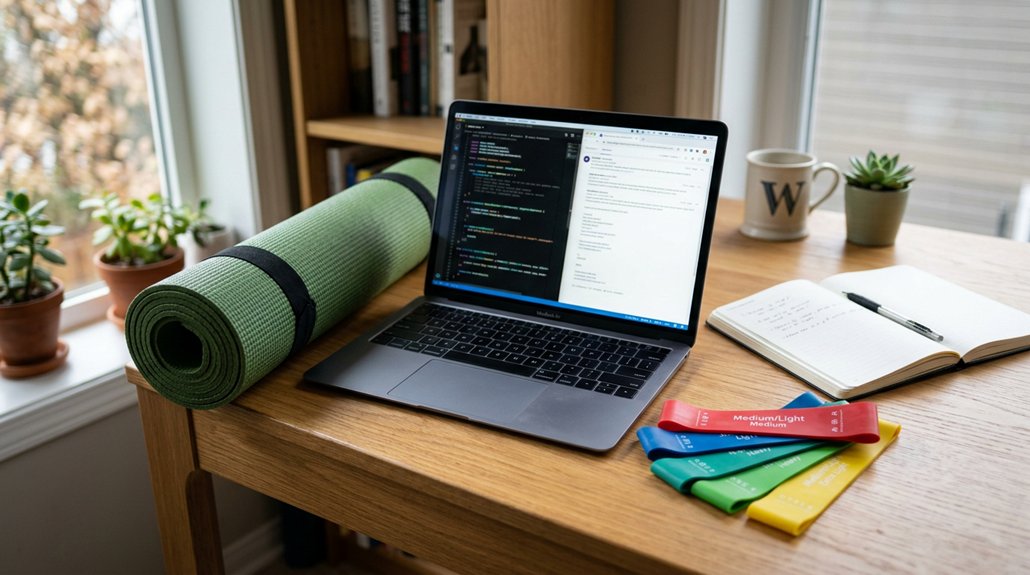
Taking short breaks during your typing sessions isn’t just about resting your eyes—it’s also a prime opportunity to perform quick hand exercises that can greatly reduce tension. These exercises help increase circulation and relax muscles. A well-designed ergonomic support, like armrest pads, can also contribute to reducing strain on your elbows and wrists.
Try these quick tactics:
- Palms Together Stretch: Place your palms together, spread your elbows apart, and lower your hands toward your waist to relieve wrist tension.
- Wrist Extensor/Flexor Stretches: Hold each stretch for 15-30 seconds with elbows bent and straight, repeating four times per hand.
- Open-and-Close Exercises: Make a fist, hold for a few seconds, then spread your fingers wide, repeating to ease muscle tightness.
Performing these during breaks helps prevent strain and keeps your hands comfortable during long typing sessions.
How to Build a Daily Hand Stretch Routine
Creating a daily hand stretch routine is essential for maintaining hand and wrist flexibility and preventing strain from prolonged typing. Start with wrist flexor and extensor stretches, holding each for 15 to 30 seconds and repeating four times per hand. These help strengthen and bend your wrist, relieving tension. Incorporate finger stretches like finger lifts and claw stretches, holding for 30 to 60 seconds to improve flexibility and reduce muscle tightness. Perform hand open-and-close exercises and make fists gradually, holding each for 30 to 60 seconds to boost range of motion and strengthen muscles. Don’t forget thumb stretches, like thumb extension and touch exercises, repeating 10 to 15 times with rest intervals. Schedule these stretches twice daily, before and after typing, to minimize strain and maintain hand health. Additionally, consider using ergonomic accessories like cushioned wrist supports or pressure relief seat cushions to reduce overall discomfort during extended work sessions.
Signs You Need to Stretch Your Hands More Often
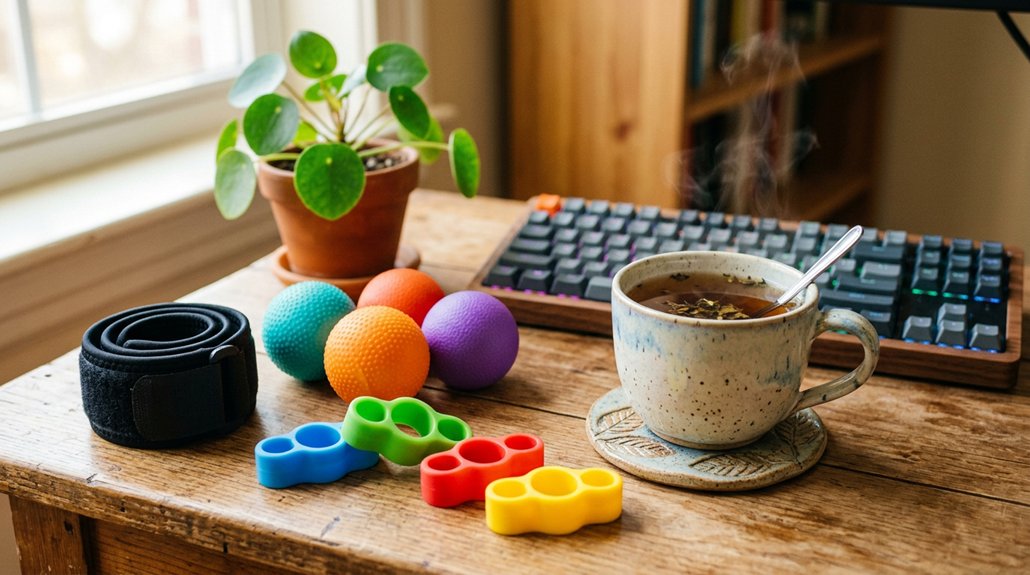
If you notice persistent hand discomfort after typing, it’s a sign you should stretch more often.
Numbness or tingling in your fingers indicates nerve compression that stretching can help relieve.
Additionally, difficulty fully opening or straightening your fingers shows you need to improve your hand flexibility.
Regularly practicing ergonomic vertical mouse techniques can also reduce strain and prevent discomfort.
Persistent Hand Discomfort
Persistent hand discomfort from typing often signals that you’re not stretching enough throughout the day.
If you notice stiffness, aching, numbness, or tingling, it’s a clear sign you need to help your hand muscles and tendons recover. Regular stretching can help increase flexibility, prevent tightness, and reduce pain.
To get relief, try:
- Holding wrist extensor and flexor stretches for 15 to 30 seconds.
- Taking frequent breaks to restore circulation.
- Repeating stretches multiple times daily to loosen muscles and tendons.
Ignoring these symptoms may worsen your condition, increasing the risk of tendinitis, carpal tunnel, or arthritis.
Incorporate hand stretches consistently to help reduce discomfort and maintain long-term hand health during prolonged typing sessions. Memory foam support in wrist rests can also alleviate pressure and improve overall comfort during extended use.
Numbness or Tingling
Numbness or tingling in your hands during or after typing often signals that your muscles and nerves are under strain, indicating a need for more frequent stretching. Repetitive motions can cause nerve compression, leading to symptoms like numbness or tingling.
Incorporating wrist extensor and flexor stretches for 15 to 30 seconds twice daily helps prevent nerve irritation and improves blood flow, reducing these sensations. Gentle wrist circles and prayer position wrist stretches every hour can also lessen the frequency and severity of tingling.
If numbness or tingling persists or worsens despite these habits, it may suggest conditions like carpal tunnel syndrome, requiring medical evaluation. Regular stretching is key to maintaining nerve and muscle health during prolonged typing sessions.
Decreased Flexibility or Range
Decreased flexibility in your hands often becomes noticeable when you struggle to fully extend your fingers, move your thumbs comfortably, or make a smooth fist. You might also notice difficulty when keeping your palm facing down or pulling your fingers apart.
If your fingers don’t stretch easily or you feel tightness, it’s a clear sign to stretch more.
Some key signs include:
- Limited thumb movement affecting your grip.
- Trouble making a fist smoothly, risking injury.
- Stiffness that hinders full finger extension.
Ignoring these signs can lead to more serious issues like tendinitis or carpal tunnel syndrome.
Regular hand stretches will help maintain your finger joint mobility and reduce discomfort, keeping your hands healthy for daily tasks.
Top Tips to Prevent Hand Strain Long-Term
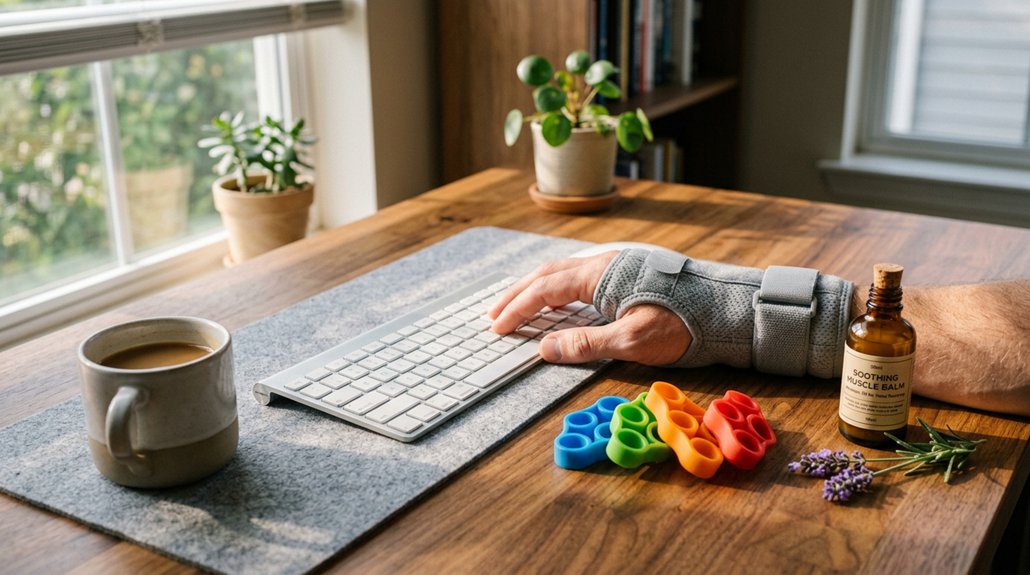
To prevent long-term hand strain from typing, incorporating regular stretching and strengthening routines is essential. When your hands perform repetitive motions, muscles can tighten and weaken over time.
Regular stretching and strengthening help prevent long-term hand strain from repetitive typing.
To address this, perform wrist extensor and flexor stretches with both bent and straight elbows, holding each for 15 to 30 seconds, repeating four times twice daily. Incorporate hand and finger stretches like making fists, finger stretches, and claw stretches regularly to maintain flexibility and reduce strain.
Use resisted isometric exercises such as wrist extension and flexion, holding for 10 seconds with 10 repetitions once or twice daily, to strengthen the muscles supporting your typing motions.
Be sure to take frequent breaks to do simple stretches, which help prevent muscle tension and injury. Always seek medical advice if discomfort persists.
Frequently Asked Questions
Can Hand Stretches Improve Overall Grip Strength?
Yes, hand stretches can improve your overall grip strength by enhancing flexibility, reducing tension, and increasing circulation. Regular stretching helps strengthen hand muscles, ultimately making your grip stronger and more resilient over time.
Are There Specific Stretches for Wrist or Finger Injuries?
Yes, for wrist or finger injuries, you should do gentle stretches like wrist circles, finger extensions, and gentle wrist flexion to improve flexibility and reduce pain, but always consult a healthcare professional before starting any new stretching routine.
How Long Should Each Stretch Be Held for Optimal Benefit?
You should hold each hand stretch for about 15 to 30 seconds. Repeat each stretch two to three times, ensuring comfort and avoiding pain. Consistent stretching helps improve flexibility and relieves strain from typing regularly.
Can Hand Stretches Help With Carpal Tunnel Syndrome?
Yes, hand stretches can help with carpal tunnel syndrome by reducing tension and improving flexibility. You should perform gentle stretches regularly, but consult a healthcare professional for personalized advice and to prevent overexertion or injury.
Are There Contraindications or Situations Where Stretching Should Be Avoided?
Yes, you should avoid stretching if you experience pain, swelling, or injury. Avoid overstretching, and consult a healthcare professional if you’re unsure or have pre-existing conditions, ensuring stretches don’t worsen your discomfort or cause harm.



