
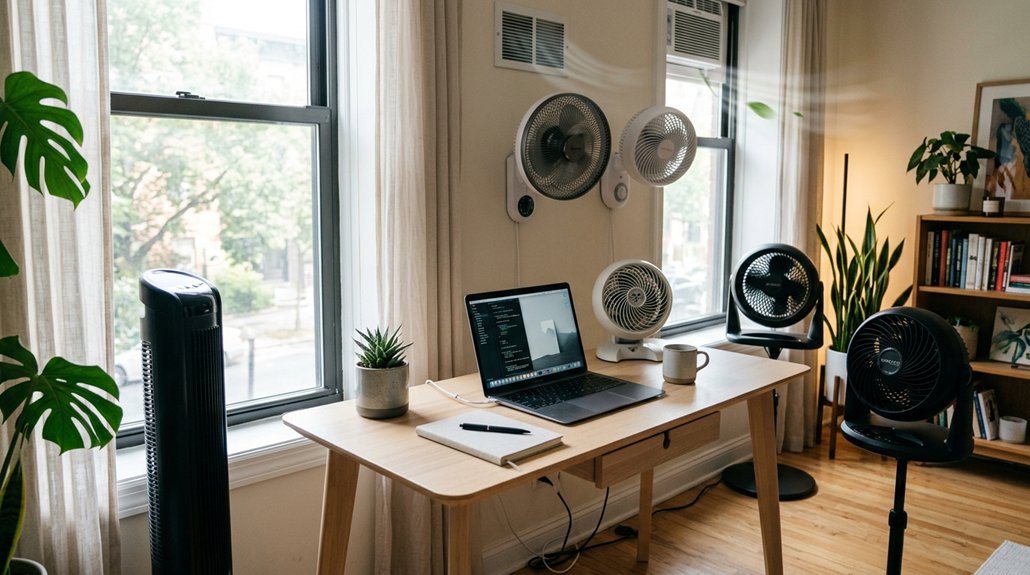
To improve air circulation at your desk, place it about 1.5 meters from the window, ensuring airflow moves naturally without blocking the window. Position a fan roughly 50 cm from the window, blowing outward to expel stale air and draw in fresh air. Keep the desk away from direct airflow paths and avoid obstructing vents. For ideal comfort, consider calming outdoor conditions and fine-tuning your setup—you’ll discover even more effective placement tips.
How Far Should Your Fan Be From the Window for Best Airflow?
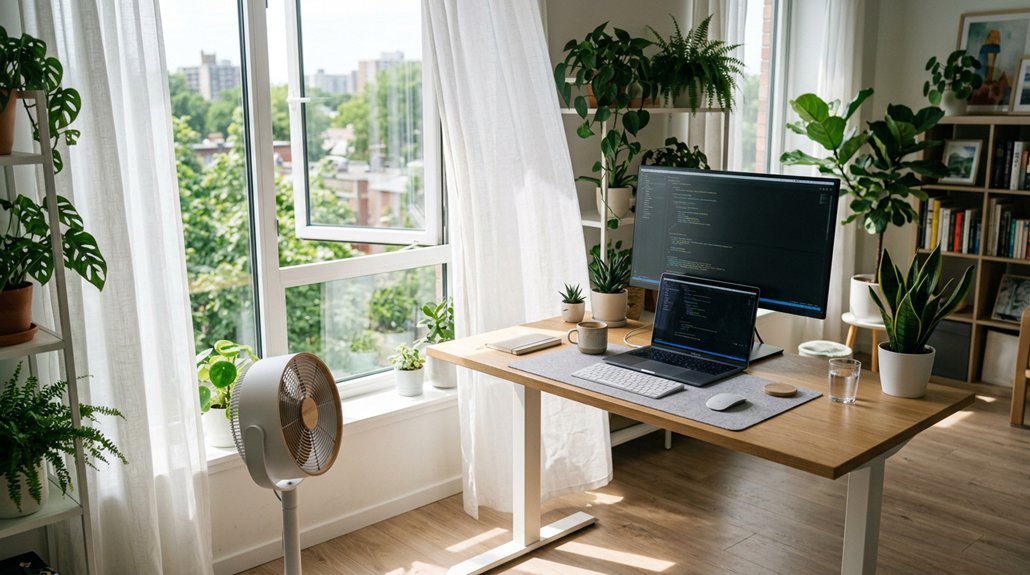
Have you wondered how close your fan should be to the window to maximize airflow? Placing your fan about 50 cm (around 2 feet) away from the window is ideal, as it helps increase airspeed markedly.
Moving it a bit higher, up to 1.5 meters (about 5 feet), still maintains steady wind flow without losing much airflow. If you position the fan too close, it won’t work effectively because it struggles to draw enough air in.
Conversely, keeping it around 2 feet from the window strikes the perfect balance, enhancing circulation better than placing it directly against or far from the window. Airflow remains consistent from 50 cm to over 2 meters, giving you flexibility without sacrificing performance.
Additionally, airflow capacity can be optimized by adjusting the fan’s position to ensure it operates at its most efficient airflow range.
Should You Blow Air Out or In? What’s the Most Effective Ventilation Strategy?
When considering the best way to ventilate a room with a fan, directing airflow out of the window generally proves more effective than pulling air in. Fans blowing air outward improve ventilation because they push stale air out and draw fresh air in naturally.
To maximize efficiency:
- Place the fan about 50 cm (2 feet) from the window for peak airflow.
- Use fans to blow air outward rather than directly against the window.
- Avoid oscillating fans for ventilation—they don’t generate focused airflow.
- Rely on steady, directed airflow rather than fans that pull air inward, especially since outdoor breezes can overpower incoming airflow.
This strategy creates better circulation and guarantees stale indoor air exits efficiently, making your workspace more comfortable.
Where Is the Best Spot to Place Your Desk for Natural and Mechanical Ventilation?
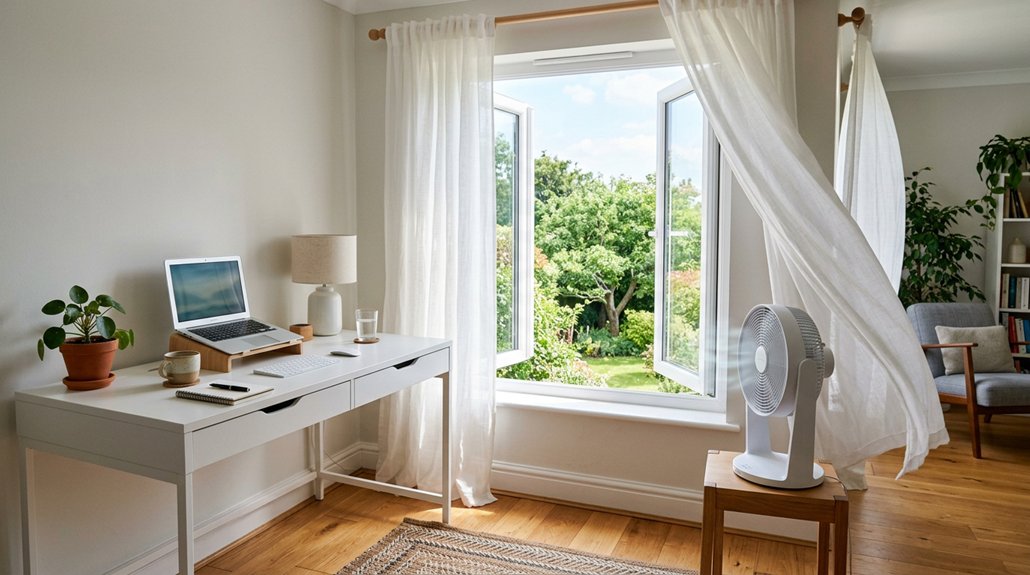
Where should you position your desk to get the best natural and mechanical ventilation? Place your desk near a window about 1.5 meters (5 feet) away to optimize natural airflow, allowing fresh air to circulate effectively.
Position your desk 1.5 meters from the window to maximize natural airflow and fresh air circulation.
If you’re using a fan, position it about 50 cm (2 feet) from the window, blowing air outward to enhance mechanical ventilation around your workspace. Avoid directly blocking the window with your desk if you’re using a box fan, as airflow works better when the fan is slightly away from the window.
To improve airflow, close interior doors connecting to the basement or other rooms, which helps direct the airflow toward your desk.
Choose a location with calm outdoor weather for steadier natural air circulation and a more comfortable workspace. Incorporating a air quality sensor can help monitor and optimize your workspace environment.
How Do Weather Conditions Affect Your Fan’s Performance?
Weather conditions greatly influence your fan’s ability to circulate air effectively. Outdoor breezes can cause fluctuating and unpredictable airflow readings, making the fan’s performance seem inconsistent.
During calm weather, you get more stable and reliable data on how well your fan circulates air. Light outdoor wind might even surpass your fan’s capacity, especially with multiple windows open.
To get accurate measurements and maximize efficiency:
- Avoid testing in windy conditions for clear results.
- Turn the fan on and off to gauge its true impact freely.
- Wait for calm periods to observe consistent airflow.
- Average measurements over time when wind is present, for accuracy.
Understanding these factors helps you better interpret your fan’s performance in different weather scenarios.
How Can You Measure and Adjust Your Setup for Optimal Air Circulation?
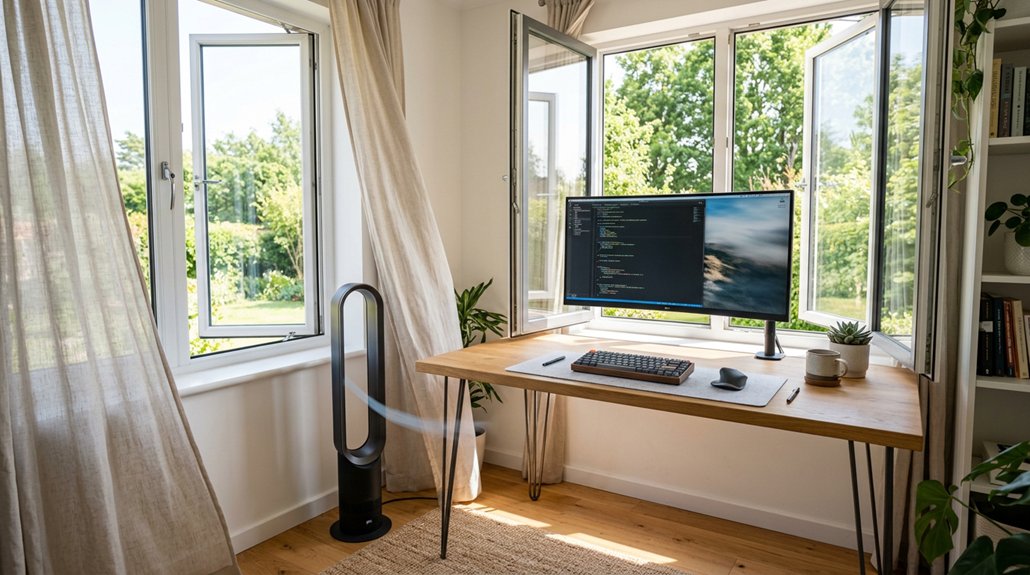
How can you guarantee your fan setup is optimized for maximum airflow? First, use an anemometer placed about 1.5 meters (5 feet) from the window to measure airflow velocity accurately. Position your fan roughly 50 cm (2 feet) from the window to hit steady airspeed before it plateaus.
Adjust the fan to blow air out, not in, to enhance circulation near your desk. Close other doors or openings to isolate airflow paths, which improves measurement precision. Utilizing quiet, energy-efficient humidifiers with adjustable mist output can further support optimal airflow and humidity balance in your workspace.
To confirm consistent results, monitor airflow over time during calm outdoor conditions and average the data. This approach helps adjust and optimize your setup, guaranteeing you get the best air circulation possible for a comfortable workspace.
Frequently Asked Questions
Where Should the Air Circulator Be Placed?
You should place the air circulator about 1.5 to 2 feet from the window, aiming it to blow air out rather than in, and keep it slightly away from the window or screen for ideal airflow and efficiency.
Should a Desk Face the Window or Away?
You should face your desk toward the window to facilitate better airflow, especially if a fan blows air out, directing fresh air your way. Facing away might reduce drafts but could limit your natural ventilation.
How to Best Circulate Air in a Room?
You should position fans to blow outward through windows, about 1.5 to 2 feet away, to enhance airflow. Keep interior doors closed, avoid oscillating fans near windows, and observe airflow stability to maintain consistent, effective circulation throughout your room.
How to Increase Airflow in Office?
You can boost airflow in your office by placing a desk fan 1.5 to 2 feet from a window, blowing outward, and closing other doors. Use a tool to fine-tune placement while avoiding oscillating fans for better efficiency.



