
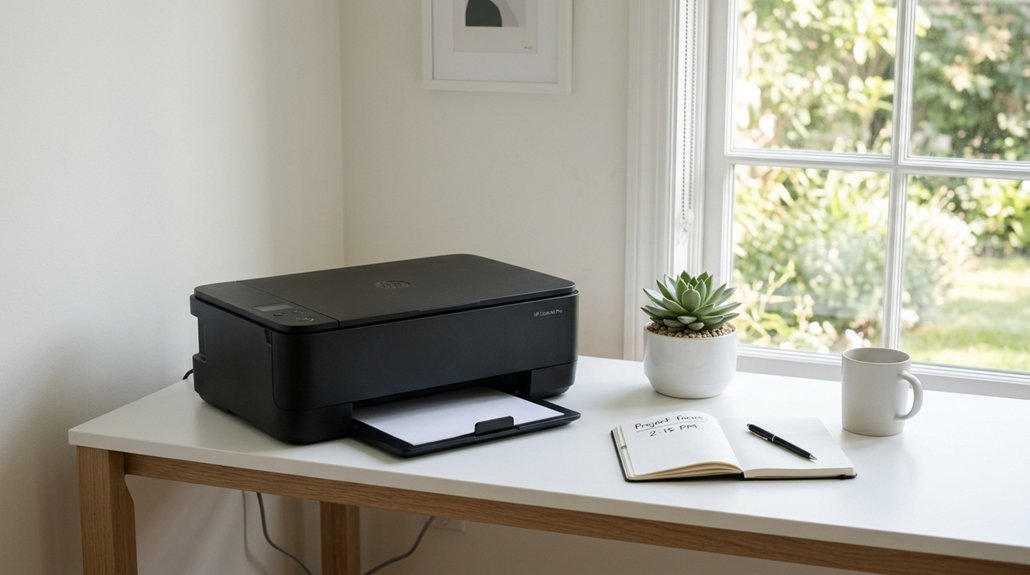
To keep your workspace focused, place printers away from quiet zones and workstations, ideally in enclosed areas or dedicated rooms. Use sound-absorbing materials like acoustic panels or soundproof curtains around printing stations to reduce noise. Choose low-noise, energy-efficient models and schedule heavy printing during off-peak hours. Regular maintenance and thoughtful layout adjustments can make a big difference. Keep exploring for more effective ways to create a calmer, more productive environment.
Why Quiet Printer Placement Boosts Focus and Productivity
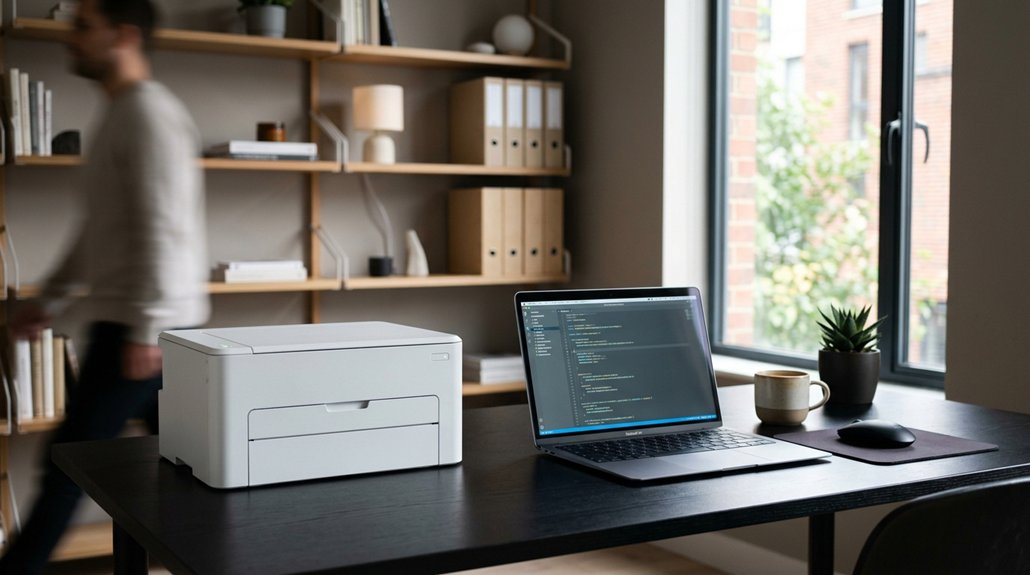
Placing printers away from quiet work zones is essential because noise disruptions can severely impact your ability to focus. In quiet workspaces, sudden printer noise can break concentration and cause cognitive overload.
Placing printers away from quiet zones minimizes noise disruptions, helping staff maintain focus and reducing cognitive overload.
By strategically positioning printers in designated print stations or enclosed alcoves, you effectively reduce noise and create a calmer office layout. This setup supports mental well-being and helps maintain focused work over longer periods.
Keeping printers near, but not within, focused work areas means you don’t have to relocate for printing tasks, preserving workflow continuity and reducing interruptions.
When you integrate printer placement with noise mitigation strategies, you align with office quiet policies and enhance productivity. In fact, this approach can boost focus-intensive task performance by 20-30%, benefiting overall efficiency. Incorporating sound-absorbing materials like acoustic panels can further minimize sound reverberation, creating an even more effective quiet environment.
What Factors Affect Printer Noise in Your Workspace
Printer noise levels are influenced by several key factors that can considerably impact your workspace tranquility. In an office setting, the type of printer matters; multifunction printers and older models tend to produce more disruptive noise, making it harder to focus.
Placement is vital—placing printers near quiet zones or individual workstations can heighten perceived noise, increasing stress and reducing concentration. Mechanical sounds from printing, scanning, or duplexing cause intermittent noise spikes that break your flow.
Environmental factors like room acoustics, hard surfaces, and nearby noise-reflecting walls can amplify printer noise, especially in open-plan offices or high-traffic areas. To reduce disruption, consider using enclosed printer rooms or acoustic barriers and positioning printers away from quiet spaces for a calmer, more productive environment. Additionally, selecting printers with noise reduction features can significantly mitigate noise distractions during operation.
Strategies to Reduce Printer Noise and Disruptions
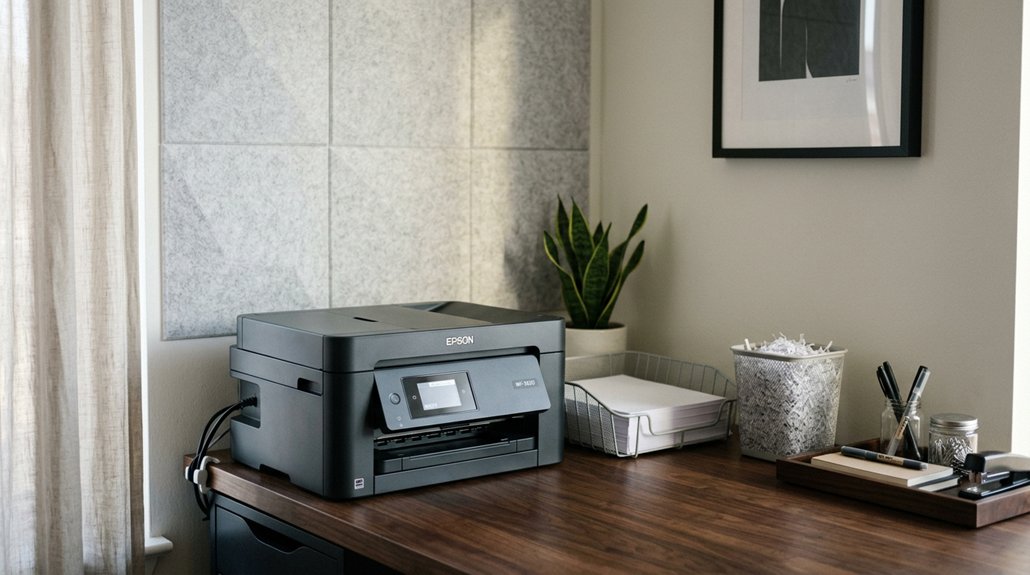
Implementing effective strategies can greatly cut down on printer noise and minimize disruptions in your workspace. To create a more focused office environment, position your place printers in enclosed alcoves or dedicated rooms away from quiet zones and workstations.
Use sound-dampening materials around printing areas to absorb operational noise, supporting mental and physical concentration. Keep devices away from high-traffic and collaboration zones to prevent interruptions during deep work.
Opt for low-noise, energy-efficient models and maintain them regularly to reduce mechanical sounds. Schedule high-volume printing during off-peak hours or provide multiple decentralized devices to distribute noise sources, preventing concentrated disruptions.
Additionally, choosing mats with anti-fatigue properties can help alleviate discomfort for those standing during extended periods, contributing to a calmer, more productive environment. These strategies help handle sensitive work tasks seamlessly while maintaining productivity and a peaceful atmosphere.
How Acoustic Treatments Can Absorb Printer Sound Effectively
Acoustic treatments such as sound-absorptive panels, ceiling baffles, and wall-mounted absorbers can greatly dampen printer noise by capturing sound waves before they spread into quiet work areas. These materials, especially those with high Noise Reduction Coefficient (NRC) ratings like fiberglass or foam panels, help reduce mid- to high-frequency sounds from printer motors and paper handling. Using dense fabrics or layered curtains around the printer station, similar to soundproofing curtains, can provide additional sound dampening benefits. Installing acoustic enclosures or alcoves lined with absorptive materials around printer stations localizes noise, minimizing disruption in adjacent workspaces. Combining these treatments with spatial separation, such as placing printers in low-traffic, semi-enclosed areas, enhances their effectiveness.
Regular assessment with sound level meters guarantees peak performance, helping you achieve a quieter work environment and improve focus in your current setup.
How to Assess and Improve Your Printer Layout for Long-Term Focus
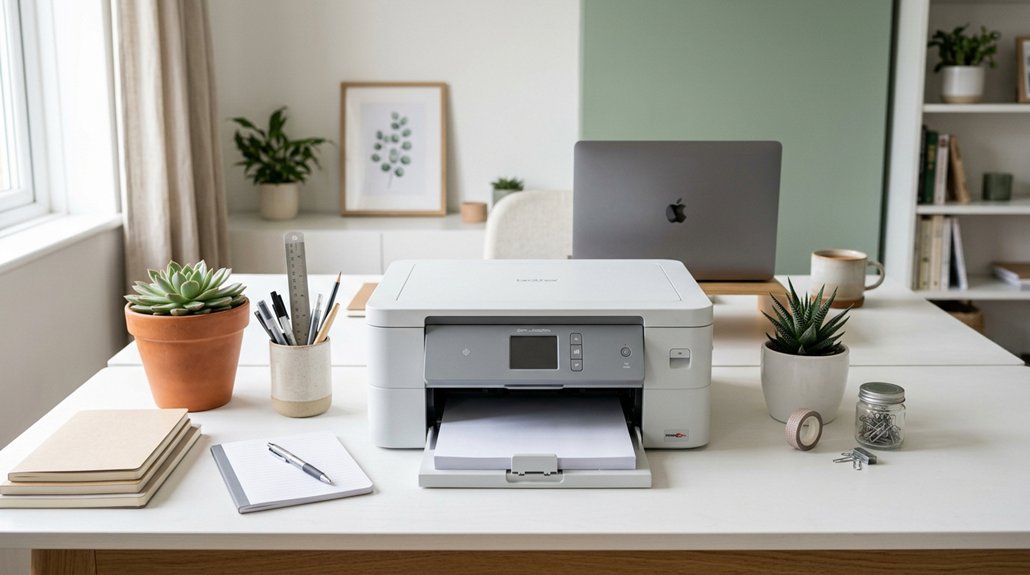
To create a workspace that supports long-term focus, it’s essential to carefully evaluate how your current printer layout impacts overall workflow and concentration. Assess print release procedures to prevent unattended sensitive information and minimize safety risks. Measure employee travel distance and print queue wait times to identify inefficiencies causing downtime or disruptions.
Evaluate printer placement and procedures to enhance focus, reduce disruptions, and protect sensitive information effectively.
Improve layout by positioning printers in accessible, low-traffic zones near high-volume departments, ensuring immediate access without increasing background noise in quiet areas. Regularly review printer placement with office or workforce changes to maintain low noise levels and reduce workflow interruptions. Consider device sprawl and adjust the number of printers based on usage data to optimize efficiency. These adjustments will enhance employee satisfaction and promote sustained focus.
- Minimize background noise with strategic placement
- Use secure print release to prevent sensitive info leaks
- Place printers near high-volume departments for immediate access
- Continually review layout to adapt to organizational changes
Frequently Asked Questions
Where to Place a Printer in the Office?
You should place the printer outside quiet zones and individual work areas to prevent noise disruptions. Position it in accessible shared zones near high-volume departments, or in enclosed rooms, to balance convenience, noise control, and document security.
How to Create a Quiet Space at Work?
You create a quiet space at work by choosing a room or alcove away from busy areas, adding soundproofing or acoustic panels, and keeping noise sources like printers located in distant, enclosed areas to minimize disruptions.
How to Make a Printer Print Quietly?
To make your printer print quietly, select models with low decibel ratings, enable quiet mode, keep it well-maintained, use anti-vibration pads, and place it in sound-absorbing enclosures to reduce noise during printing.
Can My Employer See What I’m Printing at Work?
Yes, your employer can see what you’re printing. They may use print management tools, secure print release, and monitored networks to track print jobs, document content, and volume, ensuring security, compliance, and accountability for all printed materials.



