
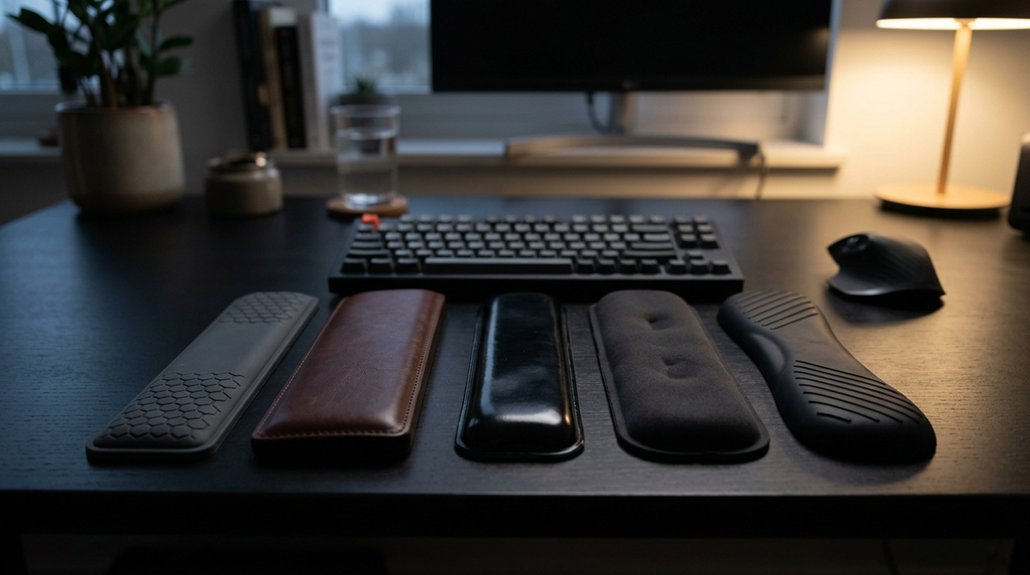
Place your wrist rest flush against the keyboard’s front edge and keep it aligned with the keyboard’s width for proper support. Adjust its height to match the keyboard edge, maintaining a neutral wrist posture. Hover your palms above it during typing, only resting during pauses. Use supportive, ergonomic contours and avoid high or low positions that cause strain. For more detailed tips, discover how to optimize your wrist rest setup effectively.
How Do I Position My Wrist Rest for Ergonomic Comfort?
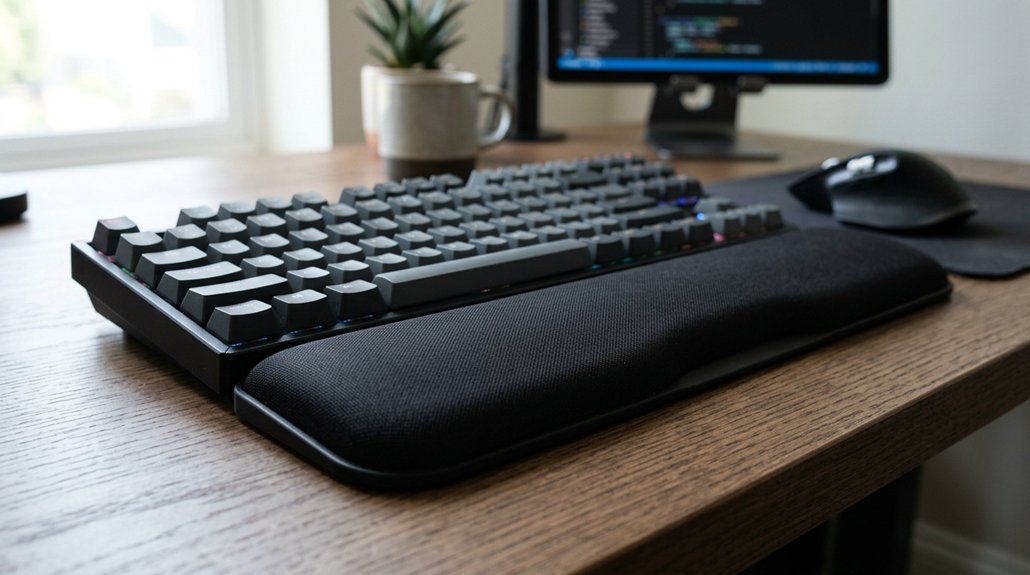
How you position your wrist rest plays a crucial role in maintaining ergonomic comfort while typing. Place the wrist rest flush against the keyboard’s front edge to guarantee proper wrist support and alignment. This keeps your wrists in a neutral position, helping you avoid bending them up or down.
When your fingers are on the home row, hover your palms just above the wrist rest, not resting continuously, to reduce pressure on the median nerve and prevent strain. Use the wrist rest only during short breaks between typing bursts, preventing awkward postures and excess contact stress.
Make sure the wrist rest height matches the front edge of your keyboard; this helps maintain proper wrist alignment and promotes good ergonomics, reducing fatigue during extended typing sessions. Additionally, selecting a wrist rest with appropriate ergonomic contours can further enhance wrist support and comfort.
What Are the Key Factors in Aligning My Wrist Rest With My Keyboard and Desk?
To properly align your wrist rest with your keyboard and desk, start by positioning the wrist rest so it’s flush against the front edge of your keyboard’s frame, guaranteeing it’s evenly aligned with the keyboard’s width. This setup helps you maintain neutral wrist position and supports proper ergonomic form. Keep in mind, your desk height should allow your forearms to be parallel to the floor, promoting natural alignment from desk to wrist rest. Use a wrist rest that’s firm yet cushioned for effective support without sinking. The right width matches your keyboard size, preventing unnatural hand reach. Always guarantee the edge of your keyboard and wrist rest support a straight, comfortable line for your wrists. Proper positioning of the wrist rest enhances keyboard wrist rest ergonomics and minimizes strain.
| Factor | Key Point | Goal |
|---|---|---|
| Wrist Rest Placement | Flush against keyboard’s front edge | Maintain consistent hand placement |
| Height Adjustment | Palm heel rests comfortably without bending wrists | Maintain neutral wrist position |
| Desk and Forearm Setup | Desk height supports 90° elbow bend, forearms parallel | Guarantee natural wrist alignment |
What Is the Best Height and Placement for My Wrist Rest?
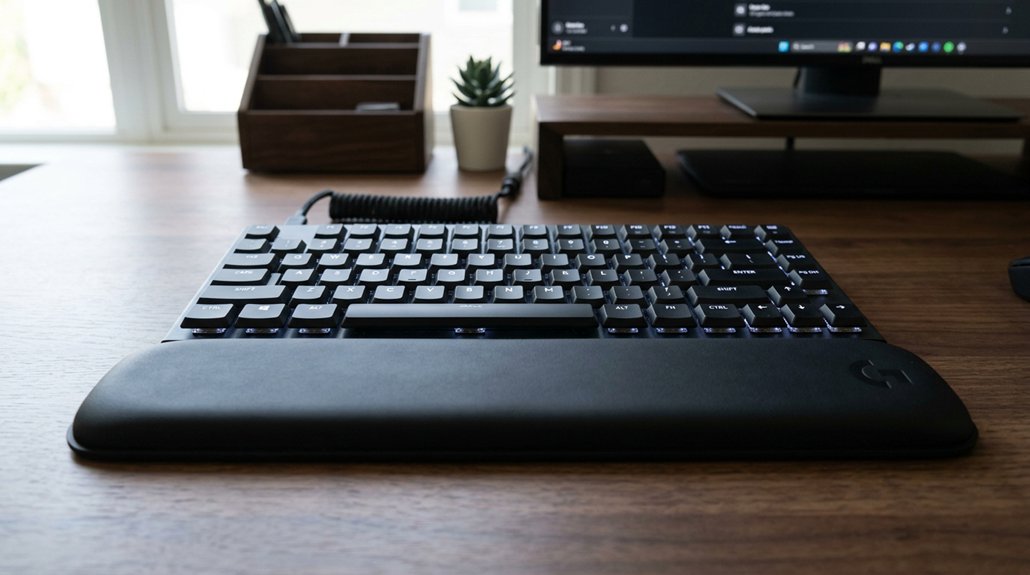
Determining the best height and placement for your wrist rest is essential for maintaining comfort and preventing strain during typing sessions.
Your wrist rest should be positioned flush against the front edge of your keyboard frame, not the key surfaces, to guarantee proper alignment and support. The ideal wrist rest height is level with the keyboard’s front edge, helping you maintain a neutral position without bending your wrists downward or upward.
Use your wrist rest as a keyboard wrist support during pauses, with palm heels lightly resting on it, keeping wrists straight and slightly elevated. Proper use involves maintaining a flat line from forearm to fingers.
The wrist rest should match your ergonomic keyboard setup, allowing effortless movement while resting and typing.
Additionally, selecting a wrist rest with the appropriate support quality can significantly reduce muscle stress and improve overall comfort throughout long work or gaming sessions.
What Are Common Mistakes When Positioning My Wrist Rest?
Many common mistakes in wrist rest positioning can lead to discomfort and even injury. Placing the wrist rest too high or low relative to the keyboard front edge causes wrist bending, increasing strain and risking issues like carpal tunnel syndrome.
Resting wrists continuously on the rest during active typing applies harmful pressure and hampers ergonomic comfort. Misaligning the wrist rest so it doesn’t match the keyboard width or slope creates awkward wrist angles, reducing proper palm support.
Using a wrist rest that’s too soft or too firm can disrupt neutral posture, leading to sinking or excessive pressure. Additionally, positioning the wrist rest away from the keyboard edge prevents proper support during typing pauses, diminishing its ergonomic benefits.
Choosing the right wrist support alignment ensures proper wrist positioning, which is essential for maintaining ergonomic comfort and preventing strain.
How Can I Adjust and Maintain My Wrist Rest for Long-Term Benefits?
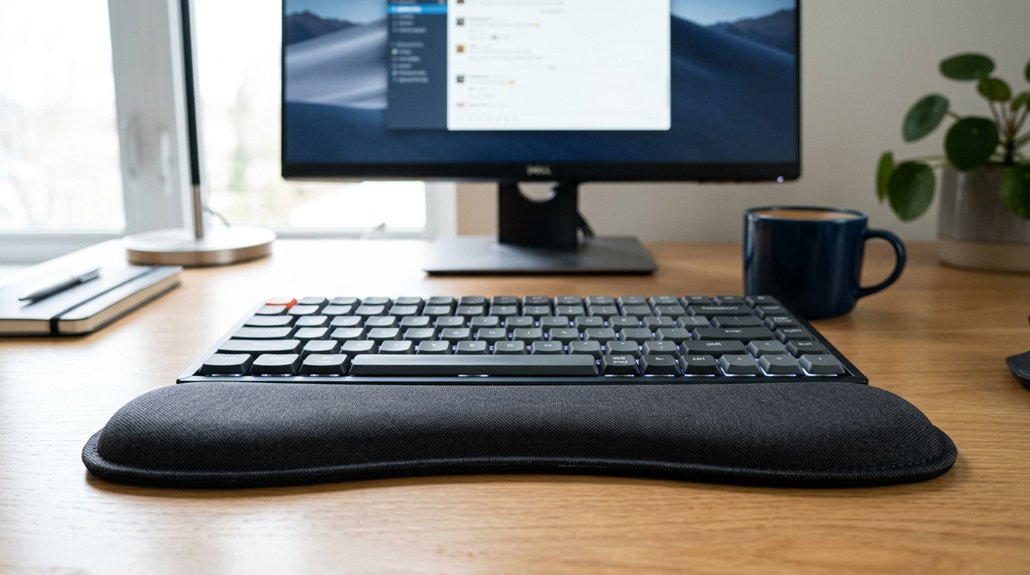
Ever wonder how to keep your wrist rest comfortable and effective over time? To maintain your wrist rest’s benefits, start by ensuring it’s flush with your keyboard’s front edge. This keeps your palms supported without bending your wrists.
Keep your wrists in a neutral position, slightly elevated above the rest, to avoid pressure. Choose a height that prevents upward or downward bending, reducing strain on your forearms. Regularly assess your wrist rest for wear or compression—replace it if it sags or becomes uneven.
An ergonomically-coordinated setup also involves adjusting your desk and chair height, so your elbows stay at 90 degrees and your forearms are parallel to the floor. Soft and rounded edges on your wrist rest promote comfort and better alignment for long-term use. Additionally, selecting a wrist rest with breathable and moisture-wicking materials can help keep your skin dry and prevent irritation during extended typing sessions.
Frequently Asked Questions
Are Wrist Rests Good for Ergonomics?
Wrist rests can be good for ergonomics if you use them properly, supporting your palms during pauses and keeping your wrists neutral. Avoid pressing into them while typing to prevent strain, and make certain they’re aligned with your keyboard.
Where Should a Wrist Rest Be Placed?
You should place your wrist rest flush against the front edge of your keyboard, aligned in width and slope. Rest your palms lightly during pauses, keeping wrists straight and hovering when typing, to prevent strain and maintain comfort.
What Is the Proper Ergonomic Wrist Position?
You should keep your wrists in a neutral position, straight and aligned with your forearms, with your palms gently resting on a wrist rest during pauses, avoiding downward or upward bending, to minimize strain and prevent injury.
How to Use Ergonomic Wrist Rest?
You should place your wrist rest flush against the keyboard’s front edge, keep wrists straight and slightly elevated, hover your hands during typing, and use the rest only during pauses, supporting palms without pressing firmly.



