
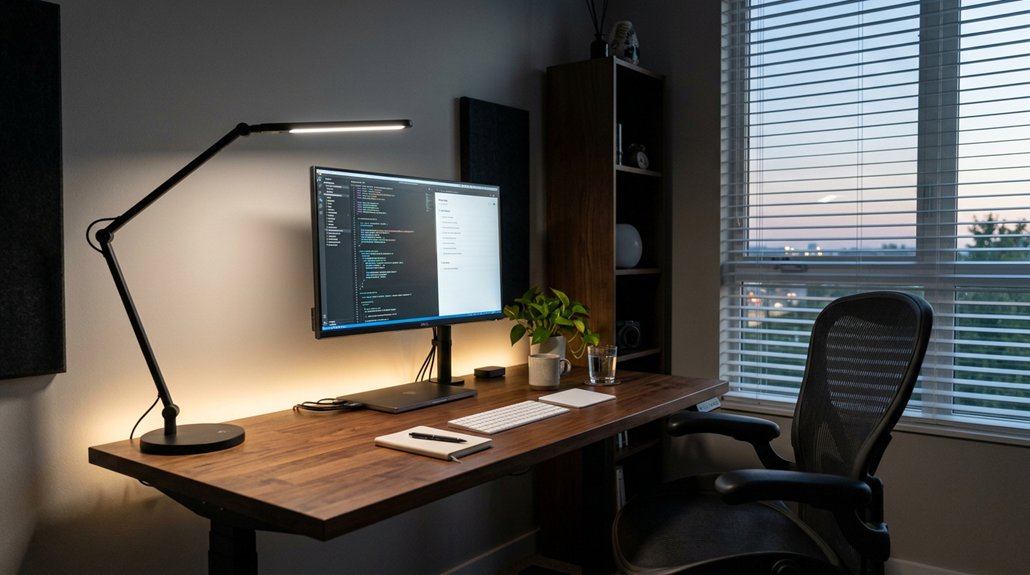
To assess your workspace lighting ergonomics, start by measuring illuminance levels with a lux meter, aiming for 300–500 lux for general tasks and higher for detailed work. Check for glare and shadows by observing how light impacts your view and adjust fixtures to eliminate reflections. Finally, choose flexible, task-specific lighting like dimmable desk lamps with adjustable color temperatures. If you keep exploring, you’ll find practical tips to optimize your lighting for comfort and productivity.
Evaluate Your Workspace Lighting With Metrics and Feedback
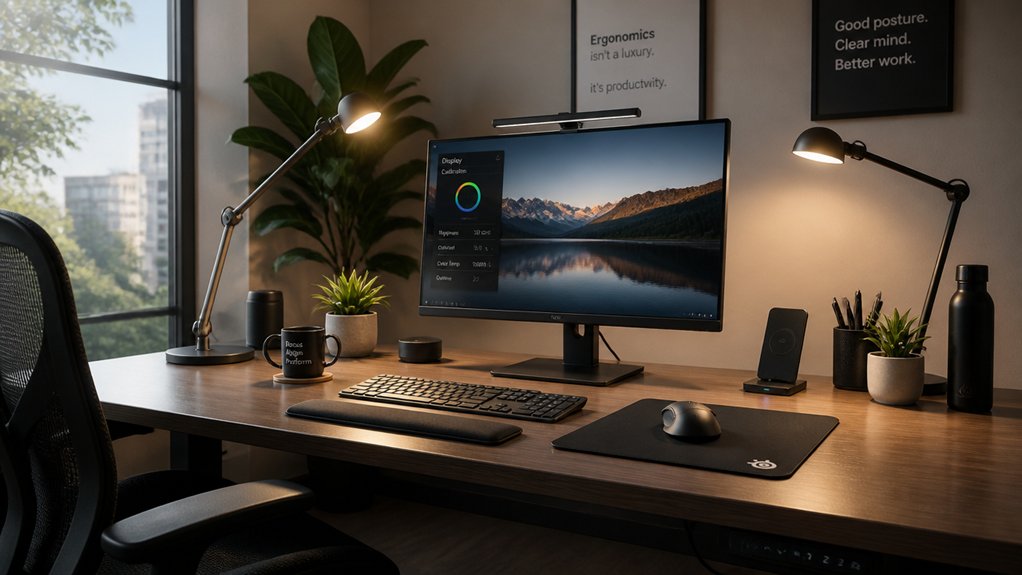
How can you determine if your workspace lighting is truly ergonomic? Start by measuring illuminance with a lux meter to guarantee lighting levels meet recommended ranges—around 300–500 lux for general tasks and up to 750 lux for detailed work. A flicker-free LED standards can also help ensure steady illumination that minimizes eye fatigue. Watch for glare, especially reflected glare on screens and surfaces, by performing simple tests like blocking light paths or using mirrors. Check for uneven light distribution by comparing readings across the workspace; no zone should fall below two-thirds of the average. Gather employee feedback, listening for signs of eye strain, headaches, or discomfort. Remember to assess natural light’s influence at different times of day. Consider color rendering and shadow patterns for fully understanding the lighting quality, aiming for uniform light that minimizes eye strain and boosts comfort.
How to Spot and Fix Glare, Shadows, and Contrast Problems
Have you noticed difficulty seeing clearly or experiencing discomfort at your workspace? Glare, shadows, and contrast problems can cause eye strain and reduce productivity.
To spot glare, view a distant object at eye level and block light paths with an opaque item or a mirror to detect reflected overhead light from fixtures.
Shadows appear as dark zones and can be identified by inspecting your workspace; use a light meter to verify ambient illumination isn’t less than two-thirds of the average lighting level.
Contrast issues—like hard-to-read print—can be fixed by increasing contrast with suitable ink or adjusting monitor settings.
Improve lighting by replacing single fixtures with multiple low-intensity lights, using diffusers or parabolic covers, and positioning lights to prevent reflections. Enhance uniform light distribution with matte surfaces and light-colored walls.
Additionally, incorporating monitor privacy screens that filter blue light and reduce glare can help create a comfortable visual environment.
Test and Choose Adjustable, Task-Specific Lighting Solutions
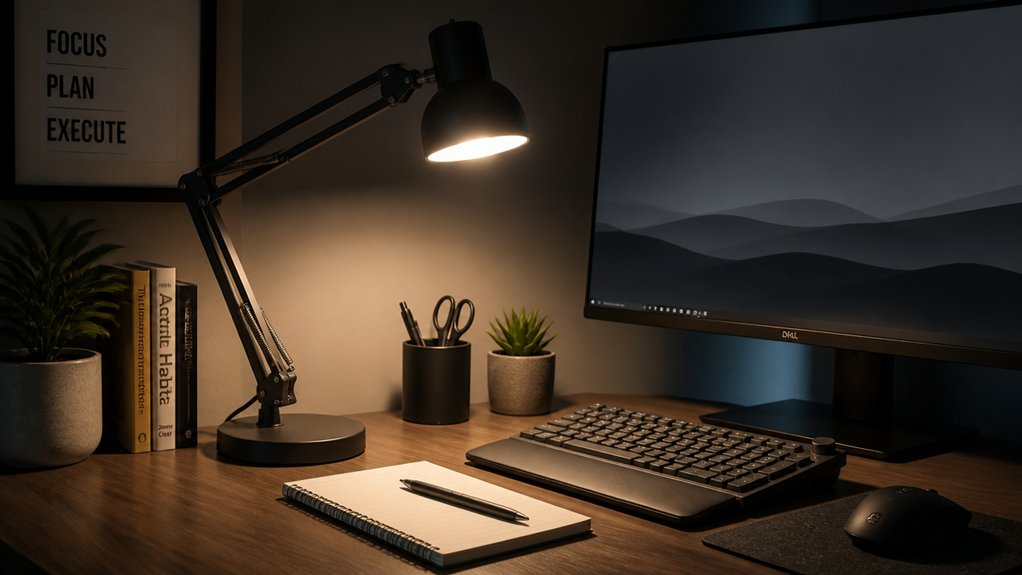
Selecting the right adjustable, task-specific lighting solutions is essential for creating a comfortable and productive workspace. You should test options like ergonomic desk lamps with dimmable settings, ensuring adjustable brightness and color temperature between 2700K and 6500K to suit your tasks. Proper placement minimizes shadows and reduces glare, especially on work surfaces and screens. Look for task lighting that directs light perpendicular to your work area, preventing uneven illumination and screen glare. Reposition and adjust light levels as needed throughout your day to reduce eye strain. Trial different fixtures to evaluate energy efficiency and comfort before finalizing your choice. Additionally, choosing lamps with high CRI values (Color Rendering) ensures accurate and vivid color representation, reducing eye fatigue during prolonged use.
Frequently Asked Questions
What Is the 20 20 20 Rule in Workplace Ergonomics?
The 20 20 20 rule in workplace ergonomics suggests you should look at something 20 feet away for at least 20 seconds every 20 minutes. This helps reduce eye strain and keeps your eyes comfortable during prolonged screen use.
What Is the OSHA Rule for Lighting?
OSHA requires your workplace lighting to be at least 5 foot-candles for general tasks and 10 or more for detailed work. You should also reduce glare, maintain fixtures properly, and guarantee emergency lighting is always visible and functional.
How to Assess Workplace Ergonomics?
To assess workplace ergonomics, observe how comfortably you work, gather feedback on visual strain, check lighting and monitor positioning, guarantee proper posture, and make adjustments based on employee input and task-specific needs for a safer, more comfortable environment.
How to Measure Lighting in the Workplace?
You measure workplace lighting with a calibrated light meter at multiple points and angles, recording lux levels, glare reflections, and contrast ratios, and involve employees to gather feedback on natural light variations and visual comfort across different times.



