
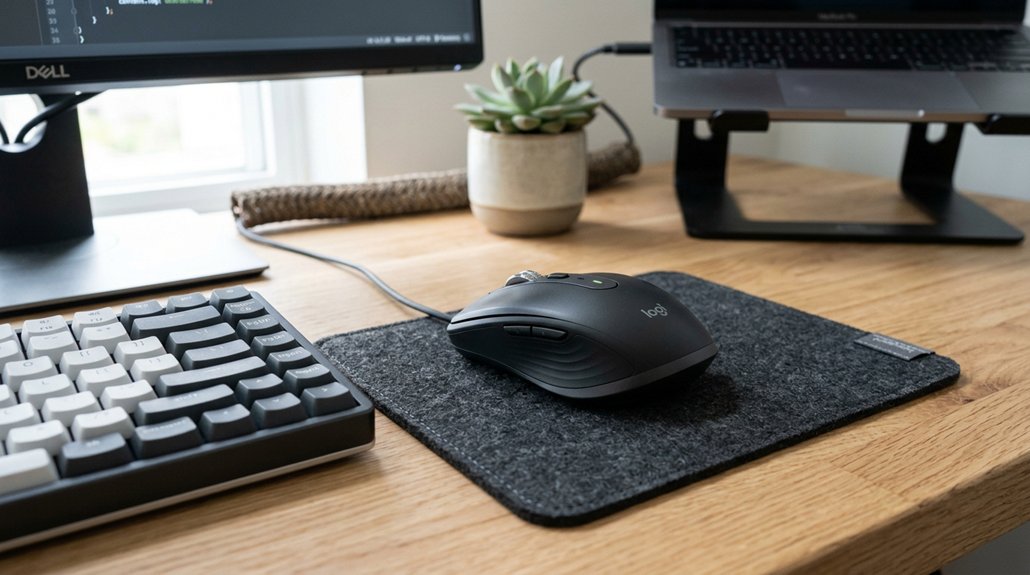
To choose a contoured mouse for small hands, start by measuring your hand length—aim for under 17.5 cm—and look for a mouse that’s 100–120 mm long and 60–68 mm wide for a natural fit. Focus on features like a moderate hump, side curves, thumb rests, and a lightweight design for comfort and control. Picking the right weight and a stable sensor improves precision. Keep exploring to find the tips that will help you pick the perfect match for long-term comfort.
Why a Proper Fit Matters for Small Hands
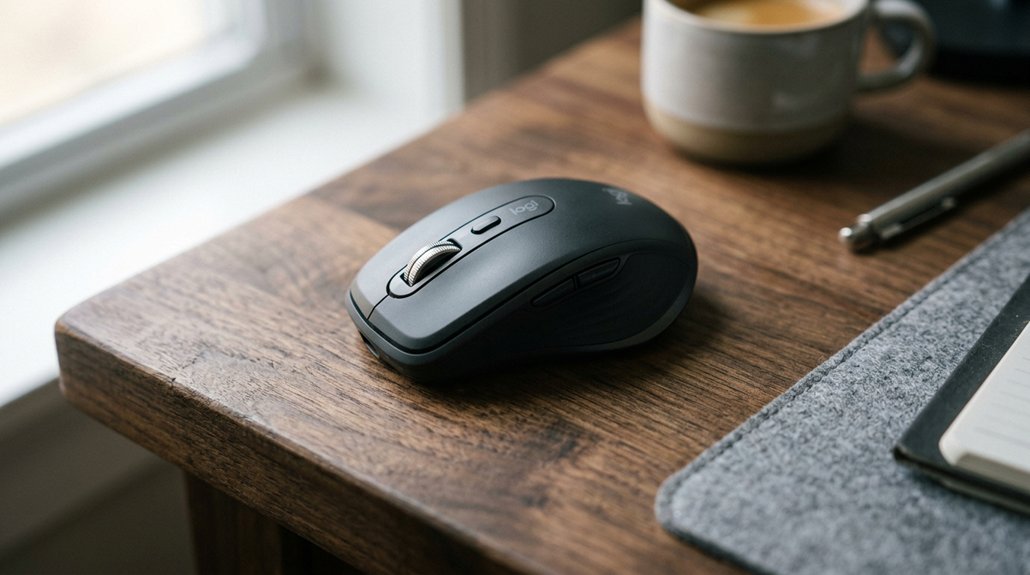
Why does a proper fit matter so much for small hands? Because small hands have unique needs that standard mice often don’t meet.
An ergonomic design tailored for small hand size guarantees your fingers comfortably reach all buttons without overextending or straining. A mouse with the right length—between 100–120 mm—and width of 60–68 mm supports a natural hand posture, reducing fatigue and minimizing injury risk.
Oversized mice cause finger stretching and wrist angling, which can lead to discomfort over time. When your mouse fits your hand size properly, you can maintain precision and control during extended use.
A contoured shape that matches the natural curves of small hands prevents tension in muscles and joints, making your daily tasks more comfortable and efficient. Ergonomic design
How to Measure Your Hand and Find the Best Mouse Size
Determining the right mouse size starts with measuring your hand accurately. Use a ruler or compare your hand’s length to two bank cards (about 17.1 cm). If your hand measurement is under 17.5 cm, you have small hands. For the best fit, aim for a mouse length between 100 mm and 120 mm.
A properly sized mouse can also help promote ergonomic wrist support, reducing strain during prolonged use.
What Features Make a Mouse Comfortable for Small Hands?
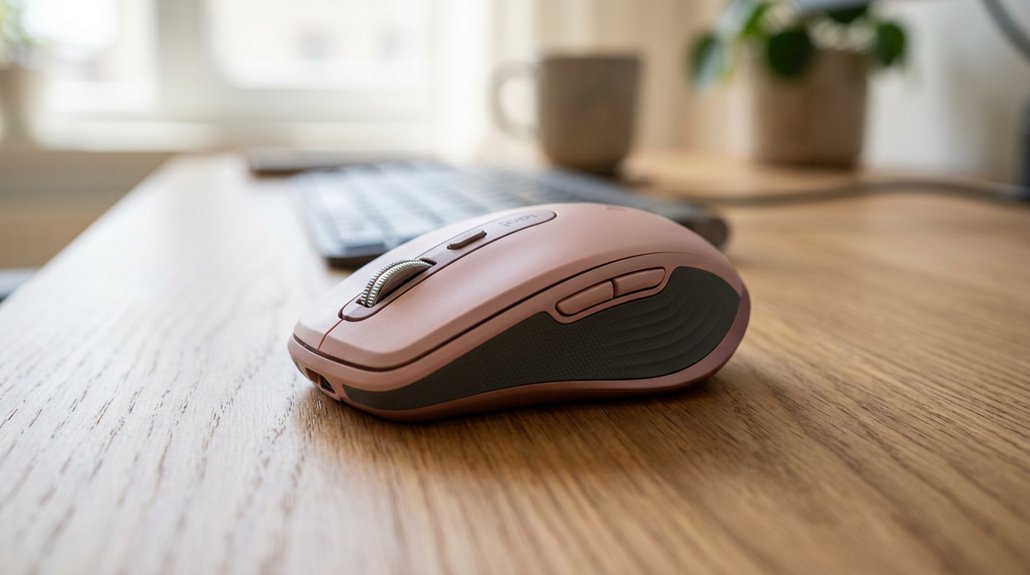
What features make a mouse truly comfortable for small hands? A small, ergonomic design is key. Look for a mouse with a length of 100–120 mm and a width of 60–68 mm to support your natural hand posture without finger overextension.
An ideal contoured mouse has a moderate hump and well-defined side curves, enhancing palm support and finger placement for claw or palm grips. Proper button height and responsiveness are essential, with low-profile buttons that reduce finger fatigue and improve click accuracy.
Additionally, a lightweight design—around 70–85 grams—allows for easy micro-adjustments while maintaining control. Features like asymmetrical curves, thumb rests, or inward side bends help prevent your pinky and ring finger from rubbing the desk, providing ergonomic comfort tailored to small hands. Ergonomic Angle Adjustability is also crucial for fine-tuning the device to your hand size and grip style, ensuring maximum comfort during extended use.
How Shape and Design Impact Comfort and Precision
The shape and design of a contoured mouse directly influence both comfort and precision, especially for small hands. Contoured mice for small hands should feature a moderate hump and pronounced side curves to support your palm and fingers without overextending your wrist. A well-designed curve on the left side eases thumb placement and lifting, while the rounded right slope anchors your ring and pinky fingers for better pivoting and control. Asymmetrical contours that match your natural hand posture reduce tension, decreasing finger fatigue during long use or gaming. Properly shaped mice also allow full button reach with minimal finger stretch, essential for quick, accurate clicking and scrolling. The height and slope of the hump impact finger angles, helping you maintain natural, precise movements. Ensuring that the material provides sufficient breathability can also improve comfort during extended use.
Choosing the Right Weight, Size, and Sensor for Your Needs
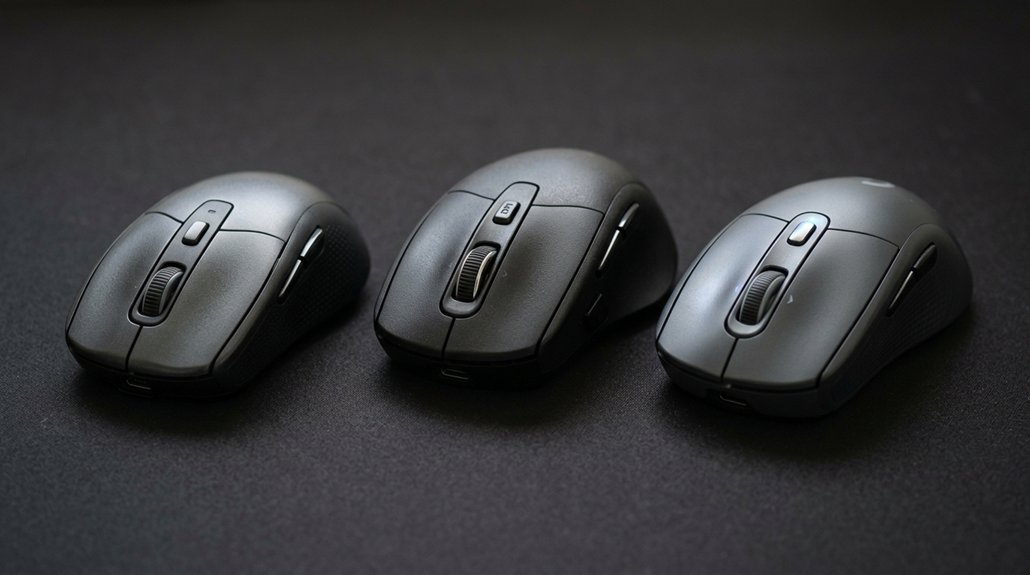
Selecting the right weight, size, and sensor for your contoured mouse hinges on how you plan to use it and your hand’s anatomy. When choosing a mouse, opt for a size between 100–120 mm in length and 60–68 mm in width to guarantee natural grip support and comfortable finger reach. For an ergonomic mouse for small hands, lighter weights under 70 g are ideal for fingertip grips and quick micro-adjustments, while 70–85 g suits claw or palm grips for better control. Look for a sensor that offers stable tracking with an IPS around 750 and crisp actuation, prioritizing reliability over ultra-high DPI. Centered weight distribution enhances stability, making precise movements easier without fatigue. Additionally, choosing models with ergonomic certified designs can further support natural hand posture and reduce strain during extended use.
Top Small-Hand Mice: Brands and Options You Can Trust
When choosing a small-hand mouse, trusted brands offer reliable options that balance ergonomic right-handed design with performance. The ZOWIE EC2-DW and EC3-DW are top choices, supporting palm and claw grips with asymmetrical, curved shells ideal for small hands. Logitech’s MT760Mini fits medium-to-small hands, featuring extended thumb support and an ergonomic right-handed design perfect for prolonged use. Rapoo’s VT0 MAX Gen-2 is lightweight, optimized for claw grip and fingertip control, with high-precision sensors for gaming. The FlexMouse offers a customizable back, ensuring perfect button reach without palm overhang. Vertical mice like the Rapoo EV250 support handshake positioning, reducing wrist strain. Additionally, considering blue light filter screen overlays can help protect your eyes during extended computer use.
Try, Test, and Adjust: Ensuring Long-Term Comfort
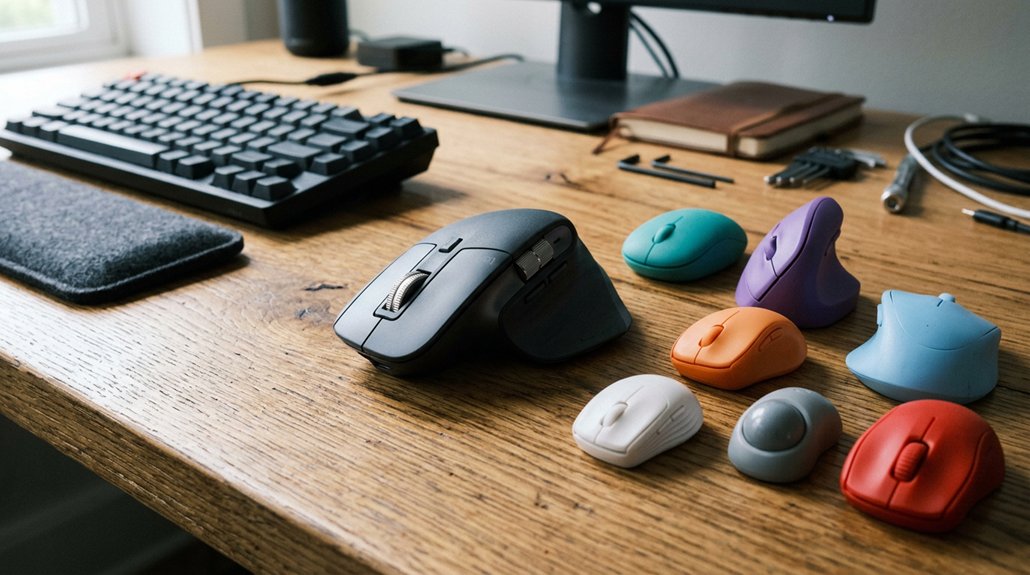
To guarantee lasting comfort with your contoured mouse, it’s crucial to test it thoroughly within the ideal size range for small hands—about 100–120 mm in length and 60–68 mm in width—so you can gauge how naturally your fingers reach all buttons and surfaces.
Try different grip styles, such as fingertip, claw, or palm, to make certain the contour supports your preferred grip without strain. Pay attention to the mouse’s hump height and side curvature, making sure they provide firm palm support and prevent slipping or pressure points.
Adjust the placement and height of side buttons for easy access without overextending your fingers. Allow a 1–2 week adaptation period to identify any discomfort, making incremental adjustments to your posture or grip as needed for long-term comfort.
Additionally, consider ergonomic shape design considerations, such as guiding fingers into relaxed positions and distributing pressure evenly, to ensure the mouse truly supports comfortable long-term use.
Frequently Asked Questions
What Is the Best Mouse Shape for Small Hands?
The best mouse shape for small hands features a curved, asymmetrical design that supports natural palm placement, with a narrower grip, moderate hump, ergonomic thumb rests, and rounded sides, ensuring comfort, control, and reduced wrist or finger strain during use.
How to Choose a Mouse Based on Hand Size?
You should measure your hand from middle fingertip to wrist crease, then select a mouse between 100-120 mm long and 60-68 mm wide that fits comfortably with a profile preventing overstretching, ensuring precise, fatigue-free use.
How to Tell if a Mouse Is Too Small for Your Hand?
You can tell if a mouse is too small when your fingers stretch to reach all buttons and the scroll wheel, your palm doesn’t fully rest, or you feel unstable and must constantly reposition your hand while using it.
What Is the Best Trackball Mouse for Small Hands?
The Logitech MX Master 3, with its compact, contoured design and lightweight feel, suits small hands well. Its precise, centrally located trackball and ergonomic shape reduce strain, making it an excellent choice for comfortable, efficient use.
In Summary
Picking the right contoured mouse for your small hands isn’t just about size — it’s about comfort, control, and precision. Take the time to measure your hand, consider features tailored to your needs, and test different options. With the right fit, you’ll enjoy smoother work sessions and reduce strain. Trust the brands that excel and don’t be afraid to tweak your setup. Ultimately, finding a comfy, well-shaped mouse makes all the difference in your daily productivity.



