

To improve eye comfort, start by choosing fixtures with frosted covers or indirect lighting that diffuse light evenly, reducing harsh glare. Adjust your desk and monitor to avoid reflections from windows and bright sources, and use anti-glare screens or films. Incorporate dimmable and tunable lights to control brightness and color temperature, supporting your circadian rhythm. Finally, manage natural light with window treatments and filters. Keep these tips in mind for a more comfortable workspace, and there’s more to discover below.
Identify What’s Causing Glare in Your Workspace
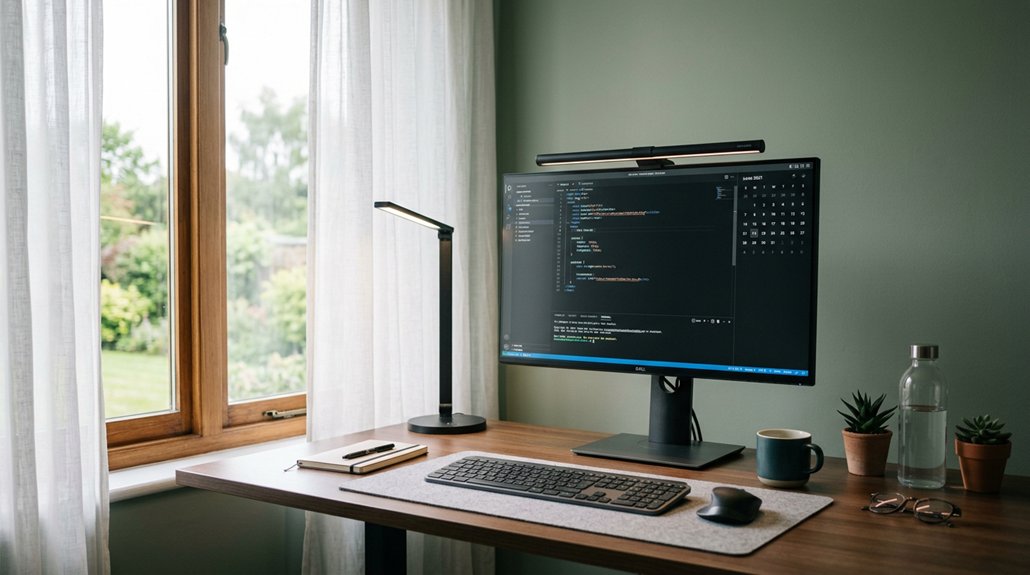
Have you ever noticed flickering screens or streaks of light that make it hard to focus? That’s often caused by glare, which can come from multiple sources in your workspace.
Glare from lighting or reflections can cause flickering screens and make it difficult to focus.
To reduce glare, look at your lighting setup—overhead lighting or bright windows can create reflections on screens and glossy surfaces. Artificial lighting, like fluorescent bulbs or poorly positioned LEDs, can produce harsh reflections and flicker, leading to eye strain.
Reflections on screens from windows or bright lights behind or beside you also contribute to discomfort. Uneven lighting, where bright areas contrast sharply with shaded zones, causes visual stress and hampers focus.
Additionally, understanding the impact of screen reflectivity and its effect on glare can help you choose appropriate anti-glare solutions to improve visual comfort and overall productivity.
Choose Anti-Glare Light Fixtures With Diffused and Indirect Lighting
Choosing the right anti-glare light fixtures is essential for creating a comfortable workspace, especially if you want to minimize harsh reflections and visual discomfort. Opt for fixtures that provide diffused light, such as those with frosted covers or shades, to scatter light evenly and reduce glare.
Incorporating indirect lighting techniques—like reflecting LED panels off ceilings or walls—creates a gentle glow that minimizes direct exposure, lowering screen glare and eye strain. LED panels with built-in diffusers deliver flicker-free illumination, ensuring consistent lighting without flicker-related discomfort.
Proper positioning of fixtures helps avoid direct overhead light shining on monitors. Combining diffused and indirect lighting solutions supports balanced illumination, greatly enhancing visual comfort and reducing fatigue for prolonged computer use.
Rearrange Your Desk and Monitor for Less Reflection
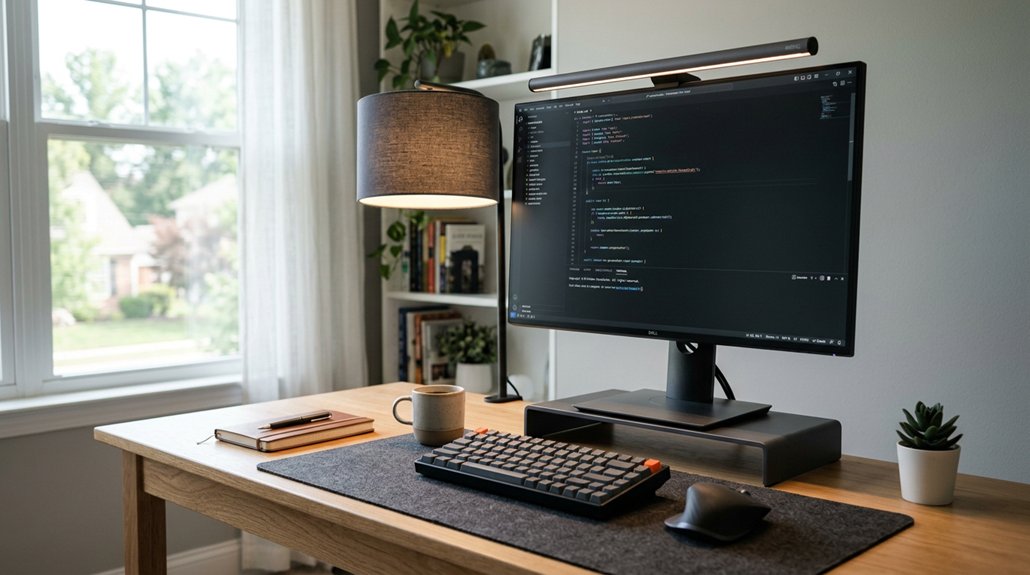
To reduce reflections on your screen, position your desk so that windows and bright light sources are to the side rather than directly in front or behind your monitor. This minimizes screen glare and reflections that can cause eye strain.
Position your desk so light sources are to the side, reducing glare and eye strain from reflections.
Adjust your monitor tilt and angle to prevent overhead and ambient lighting from hitting the screen directly. Using anti-glare screen protectors or films further reduces reflective glare caused by ambient lighting, making your workspace more comfortable.
Keep your monitor at an arm’s length distance to improve visibility and lessen eye fatigue. Also, avoid placing glossy or reflective objects near your workspace, as they can increase distracting reflections.
Rearranging your desk and monitor guarantees a glare-free setup that eases eye strain and improves overall comfort. Incorporating monitor privacy screens with anti-glare coating can further enhance your display clarity and reduce reflective issues.
Use Dimmable and Tunable Lights to Adjust Brightness and Color
Using dimmable and tunable lights allows you to customize your workspace’s brightness and color temperature, which can greatly reduce eye strain during extended screen time. Dimmable LED lights let you easily adjust lighting brightness to minimize glare and prevent visual fatigue.
Tunable lights provide the ability to modify color temperature between 3500K and 5000K, shifting from warm to cool tones based on your task or time of day, supporting circadian rhythm regulation. Adjusting these settings creates a balanced, flicker-free illumination that enhances visual comfort during prolonged screen use.
Combining dimming with tunable white technology allows you to craft customized lighting scenes that reduce glare while improving task visibility and focus, ultimately promoting healthier eyes and more comfortable viewing conditions. Additionally, incorporating flicker-free LEDs ensures consistent, steady illumination that further alleviates eye strain.
Optimize Natural Light With Window Treatments and Screen Filters
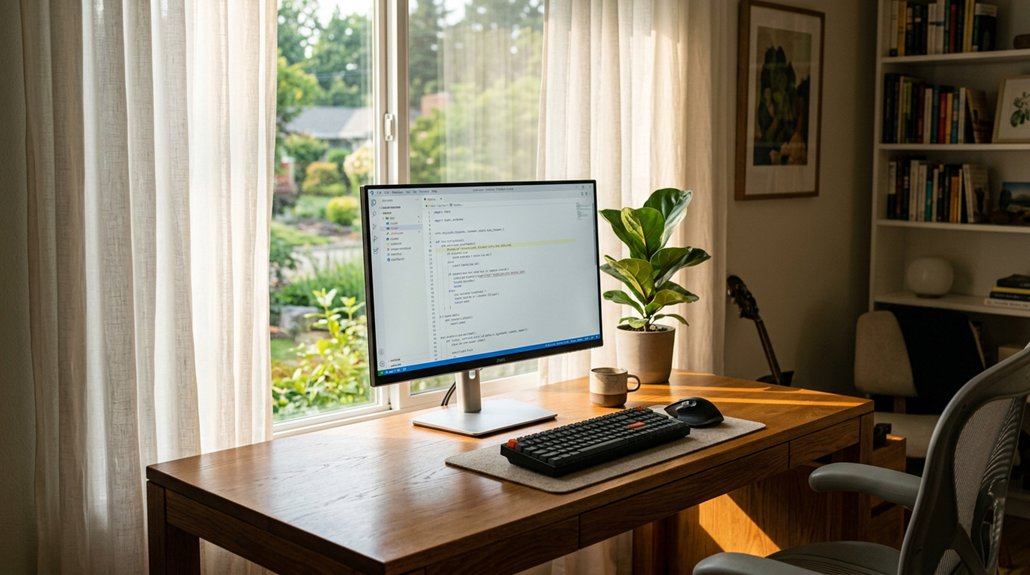
Natural light can greatly enhance your workspace, but if not properly managed, it can cause glare and reflections that strain your eyes. To control natural light, use adjustable window treatments like blinds, shades, or light-diffusing films, which evenly distribute sunlight. Position your desk to receive light from the side, minimizing reflections and harsh contrasts on screens. Applying anti-glare screen filters further reduces reflected light and blue light exposure, boosting visual comfort. Combining window treatments with screen filters creates balanced lighting that reduces glare and enhances visual clarity. Here is a quick overview:
| Solution | Benefits | Tips |
|---|---|---|
| Adjustable window treatments | Control natural light intensity | Use light-diffusing films |
| Window positioning | Minimize reflections | Position desks near windows properly |
| Anti-glare screen filters | Reduce reflections and blue light | Clean regularly for better效果 |
| Light-diffusing films | Evenly distribute sunlight | Use shades during peak sunlight |
| Combined approach | Reduce glare, enhance visual comfort | Adjust light based on tasks |
Moreover, understanding color temperature can help you select lighting setups that are more soothing and tailored to your work environment.
Frequently Asked Questions
What Is the Best Light for Eye Comfort?
You should choose a light with a 3500K to 5000K color temperature, flicker-free LED with high CRI, and adjustable brightness, combined with diffusers and layered lighting, to guarantee your eyes stay comfortable and reduce strain throughout the day.
Is Anti-Glare Good for Your Eyes?
Yes, anti-glare lighting is good for your eyes. It reduces reflections, flicker, and harsh contrasts, helping you stay comfortable, prevent eye strain, headaches, and fatigue during prolonged screen use, promoting overall eye health.
What Is the Healthiest Lighting for Your Eyes?
The healthiest lighting for your eyes uses 3500K to 5000K color temperature, flicker-free LEDs with high CRI, adjustable brightness, indirect diffused light, and minimal glare, helping reduce strain, improve comfort, and support your eye health throughout the day.
How to Get Rid of Light Glare in Eyes?
To eliminate eye glare, position your monitor perpendicular to windows, use diffused or anti-glare lighting, and employ screen filters or adjustable lamps. Keep lighting balanced and avoid direct reflections, so your eyes stay comfortable during extended work.
In Summary
By understanding what’s causing glare and choosing the right lighting solutions, you can create a more comfortable workspace. Rearranging your desk and adjusting light settings help reduce reflections and eye strain. Incorporate dimmable, tunable lights, and make the most of natural light with window treatments and screen filters. These simple adjustments can greatly enhance your eye comfort, boost productivity, and make your workspace a more pleasant place to spend your day.



