
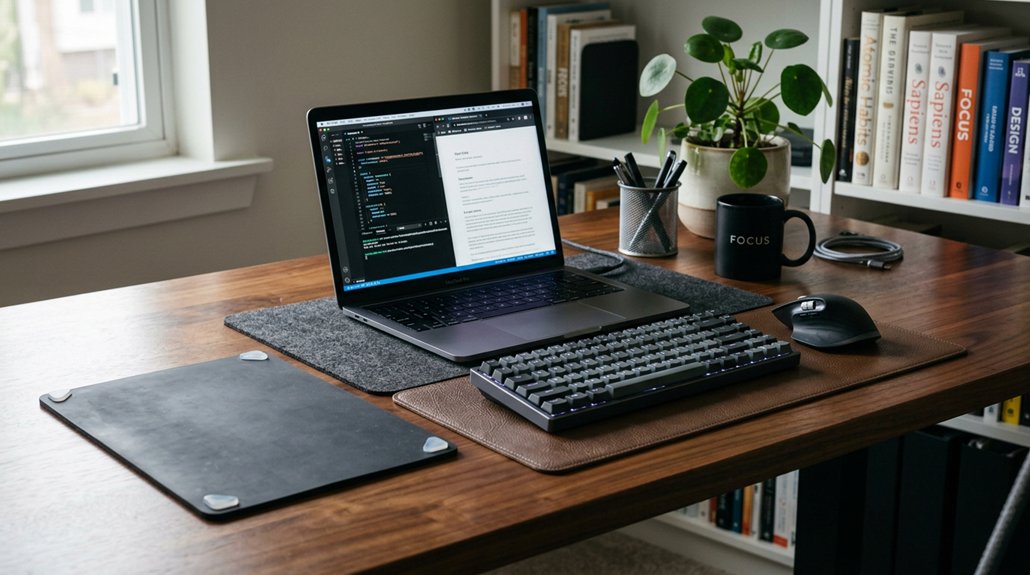
To reduce desk vibration for better focus, start by reinforcing your desk with solid materials like wood or metal, adding diagonal braces, and ensuring all joints are secure. Use anti-vibration pads or rubber washers at joints and where equipment contacts the surface. Opt for stable monitor mounts and arrange cables to prevent pulling. Increasing the desk’s mass with heavy materials and ensuring all feet touch a level floor also helps. Discover more ways to stabilize your workspace below.
Why Desk Rigidity Matters for Vibration Control
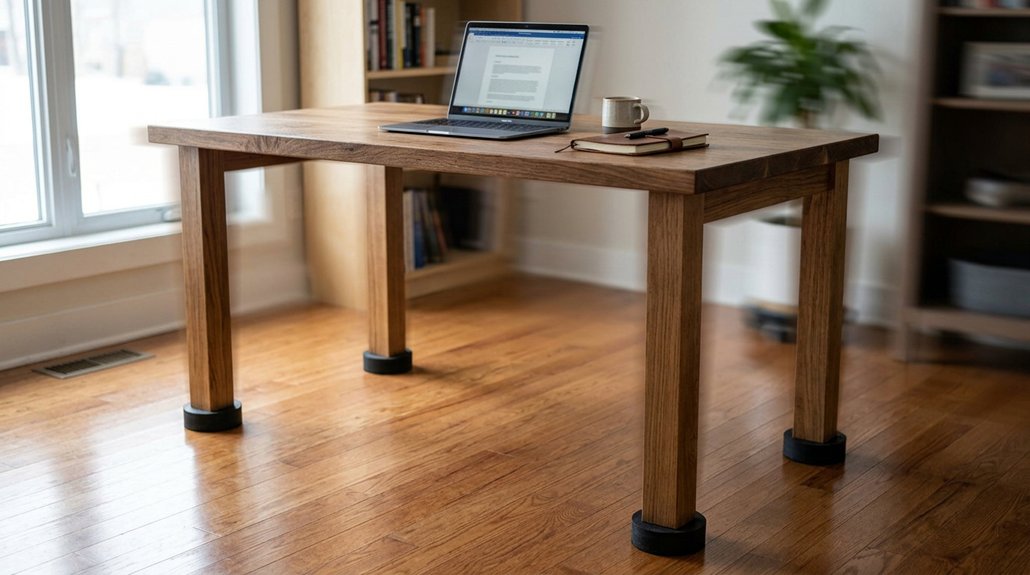
Understanding why desk rigidity matters is essential for keeping vibrations in check. A solid desk provides a sturdy foundation that resists sway, torsion, and edge collapse, especially when you place off-center loads like equipment or typing forces.
When your desk is stable, vibrations from daily use are minimized, helping keep your workspace steady. Standing desks at full height tend to amplify vibrations because of increased leverage and decreased structural stiffness, so rigidity is even more critical.
Desks made from solid materials like wood or metal with strong cross-bracing and ideal frame design offer better resistance to movement than hollow or glass surfaces. By choosing a solid desk, you enhance stability, ensuring your monitor and other equipment stay steady, and vibrations are effectively dampened during regular use. Additionally, incorporating adjustable height desks with reinforced frames, such as those with alloy steel or arc-shaped leg designs, further improves overall desk stability.
Choosing the Best Monitor Mount to Reduce Shake
Choosing the right monitor mount is key to minimizing screen shake and enhancing stability during your work. The right mount reduces printer vibration transfer, especially if vibrations originate from nearby equipment.
Consider a grommet mount if you work on a particleboard or thin desk, as it distributes force over a solid point, limiting desk flex. Fixed monitor stands place weight directly on the desk, minimizing shake, but offer less flexibility than arms or wall mounts.
Wall mounts eliminate desk-transferred vibrations altogether, though they restrict movement. When selecting, match the mount to your monitor’s weight and your desk’s rigidity to balance ease of adjustment with stability.
- Use sturdy, well-secured grommet mounts over fragile desk materials
- Avoid fully extended articulating arms if vibrations are a concern
- Choose fixed stands for stability if adjustability isn’t critical
- Opt for wall mounts to eliminate desk vibration transfer
- Make certain the mount’s weight capacity aligns with your monitor
- Adjustable height and tilt features in mounts can further help to reduce unwanted shake and improve overall stability.
Adding Anti-Vibration Feet and Pads for Stability
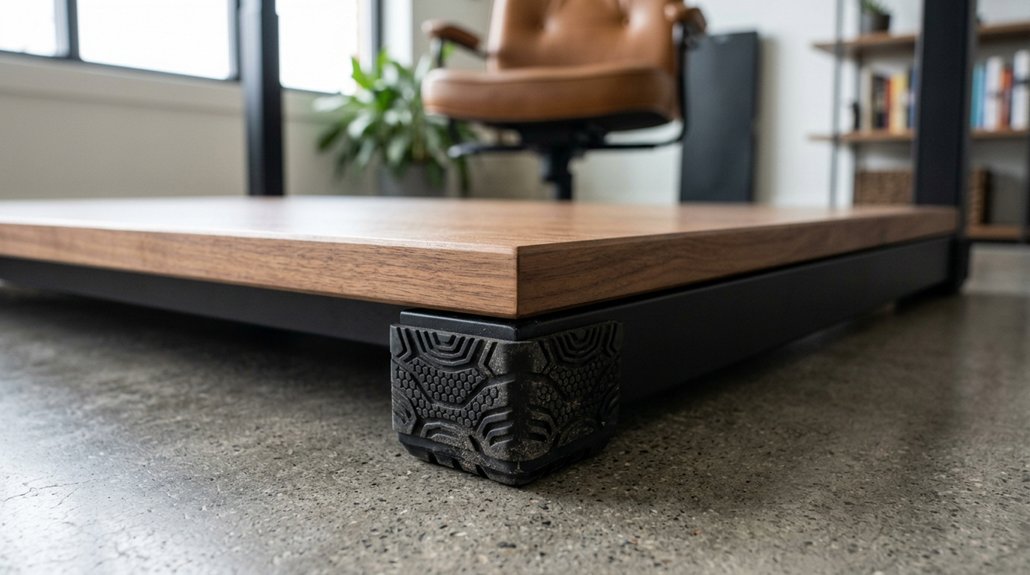
Adding anti-vibration feet and pads can greatly improve your workspace stability by isolating your equipment from the desk surface. These flexible elastomer feet help reduce vibration transfer, acting as shock dampeners that allow independent movement between devices and the desk. Placing pads or thin rubber layers where desk legs meet the tabletop can dampen slight flexing, helping reduce subtle vibrations felt during typing or equipment use. For best results, position anti-vibration feet on a heavy, stable surface, which enhances their effectiveness in minimizing vibration. Keep in mind, lightweight or unstable desks won’t benefit as much. Combining anti-vibration pads with a heavy base can substantially help reduce desk shake, creating a more focused and comfortable workspace. Utilizing durable caster wheels designed for hard floors can also contribute to smoother, quieter operation, further reducing vibrations transmitted through your workspace furniture.
Reinforcing Your Desk With Structural Supports
Reinforcing your desk with structural supports can greatly boost its stability by reducing sway and torsional movement. By adding diagonal bracing across the rear legs, especially for slender steel designs, you enhance rigidity and minimize wobbling. A sturdy base also depends on ensuring that the mounting method is properly secured and compatible with your desk structure. Guarantee all desk feet are level and firmly contact the floor prevents uneven load distribution that causes vibrations. Increasing the width or thickness of supporting wood beneath the legs boosts structural stiffness, helping resist flexing during heavy use.
Adding diagonal bracing to rear legs enhances desk stability and reduces wobbling.
Installing rubber washers between steel frame joints and the desktop dampens micro-movements and absorbs vibrations transmitted through bolted connections. Additionally, positioning mounts on stronger spans of the frame takes advantage of its inherent twisting resistance, further reducing vibrations and wobble.
- Add diagonal bracing to rear legs
- Guarantee all feet are level
- Use thicker supporting wood pieces
- Install rubber washers at joints
- Position supports on strong frame spans
Proper Cable and Equipment Placement to Minimize Vibration
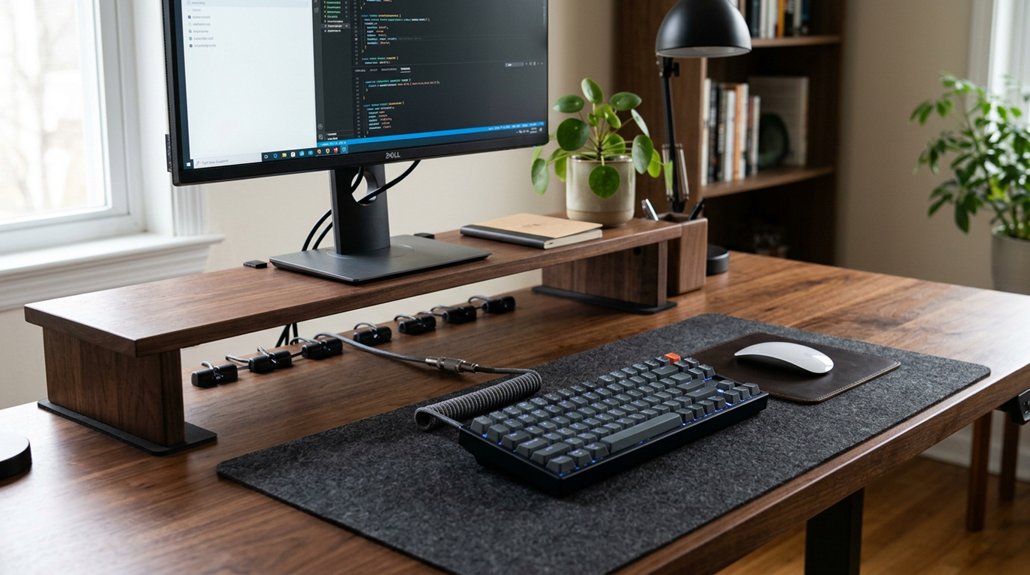
Have you noticed how loose or improperly placed cables can cause your monitor or desk to shake? Proper cable and equipment placement can greatly reduce vibrations.
Guarantee cable slack at monitor mounts and around your desk to prevent pulling that transmits force to screens and mounts. Position heavier equipment and cables closer to the desk’s strongest structural points, minimizing off-center loads that cause shaking.
Route cables away from flexible or thin desk edges, avoiding force transfer that induces desk vibration. Organize cables to prevent tension and tangling, which can cause subtle jerks during typing or gear use.
Use cable clips or supports to secure cables firmly but flexibly to stable points. This proper cable and equipment placement reduces the vibration forces transferred from equipment, helping maintain a steadier workspace. Additionally, selecting durable cable management solutions made from flame-retardant and eco-friendly materials protects your setup from potential hazards and ensures long-term safety.
How to Increase Desk Mass and Dampening Effectively
To effectively reduce desk vibration, increasing the desk’s mass and rigidity is essential, as a heavier surface resists movement more readily. Adding dense, rigid materials like concrete pavers or heavy slabs beneath or within the desk structure boosts inertia and damping.
Incorporate vibration-damping layers, such as neoprene washers or rubber strips, between the surface and frame to absorb energy. Properly installed isolation feet help prevent secondary resonance and wobbling, stabilizing the entire setup. Guarantee your desk has a firm, level base with all feet fully in contact with a rigid floor to maximize effectiveness.
Using anti-fatigue office rugs or pads can also help absorb vibrations and improve overall stability. Strategic weight distribution near strong spans of the desk frame enhances rigidity, coupling vibration forces into a more stable structure. This combination greatly improves vibration dampening.
Tips for a Quiet, Vibration-Free Home Office Setup
Creating a quiet, vibration-free home office starts with thoughtful equipment positioning and solid setup choices. Even though your desk might seem stable, adding diagonal bracing or choosing desks made from solid materials like wood or metal can drastically reduce flex and vibration transmission.
Securely mounting monitors with grommet or wall mounts redistributes forces, preventing screen shaking during typing. Position these mounts on stronger desk spans to leverage the desk’s stability and reduce wobble.
Incorporate vibration-damping materials, such as rubber washers, at key joints or mount points to absorb minor vibrations without diminishing desk firmness. Additionally, even though you might need devices like 3D printers or other vibration-prone equipment, placing them on dedicated, stable surfaces or mass-loaded bases avoids transmitting shake into your workspace. Utilizing modular storage solutions that can be expanded and customized helps in organizing your workspace effectively, reducing clutter that may contribute to instability.
Frequently Asked Questions
How to Reduce Desk Vibration?
You can reduce desk vibration by adding diagonal braces, placing mounts on stable surfaces, using rubber washers at connections, ensuring the feet are level, and choosing desks made from solid materials with strong cross-bracing for better stability.
Can Vibration Cause Neuropathy?
Yes, vibration can cause neuropathy if you’re exposed to high levels or prolonged periods. You might experience numbness or tingling in your hands or fingers, so, it’s essential to minimize exposure and use protective measures.
Do Anti-Vibration Pads Work?
Anti-vibration pads do work by reducing vibration transfer to your desk, but they mainly dampen shocks rather than eliminate vibrations entirely. For best results, pair them with a heavy, stable surface to improve focus and minimize disturbance.
How Do I Turn off Vibrations During Focus Mode?
You can turn off vibrations during focus mode by repositioning your monitor mount on a stable surface, tightening desk fasteners, using rubber washers, and placing vibration isolators like Sorbothane pads under equipment to dampen movement effectively.



