
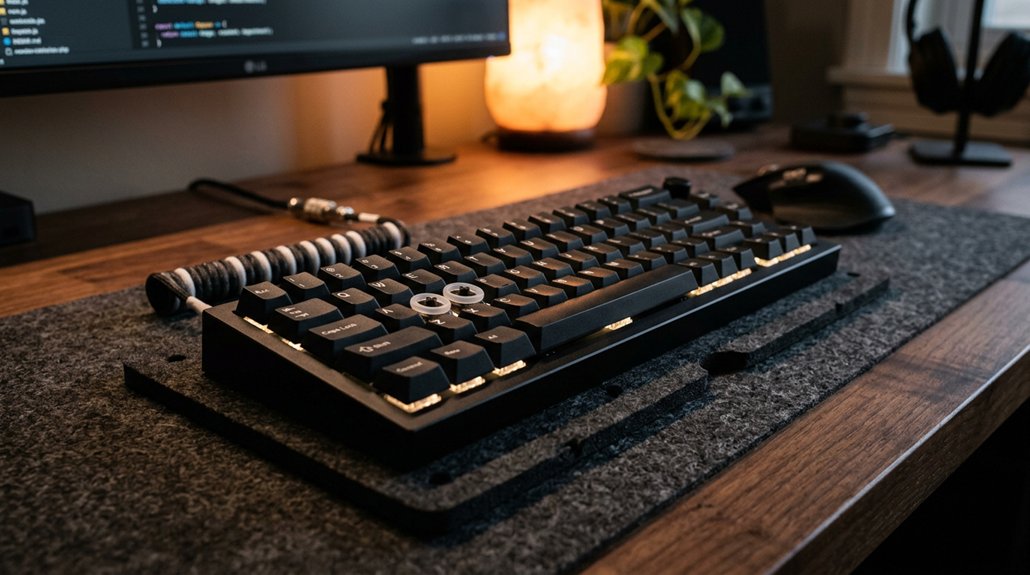
To reduce keyboard noise during work, using a quality desk mat made of sound-absorbing materials like foam, neoprene, or rubber helps dampen vibrations and impact sounds. Thicker mats (6–8 mm) and multi-layer designs with stitched or bound edges prevent sound leakage and desk vibrations. You can also try silent switches, lubricants, or adding padding beneath your keyboard. Keep in mind that choosing the right setup can make a big difference; explore more ways to quiet your workspace below.
How Desk Mats Help Reduce Typing Noise and Vibrations
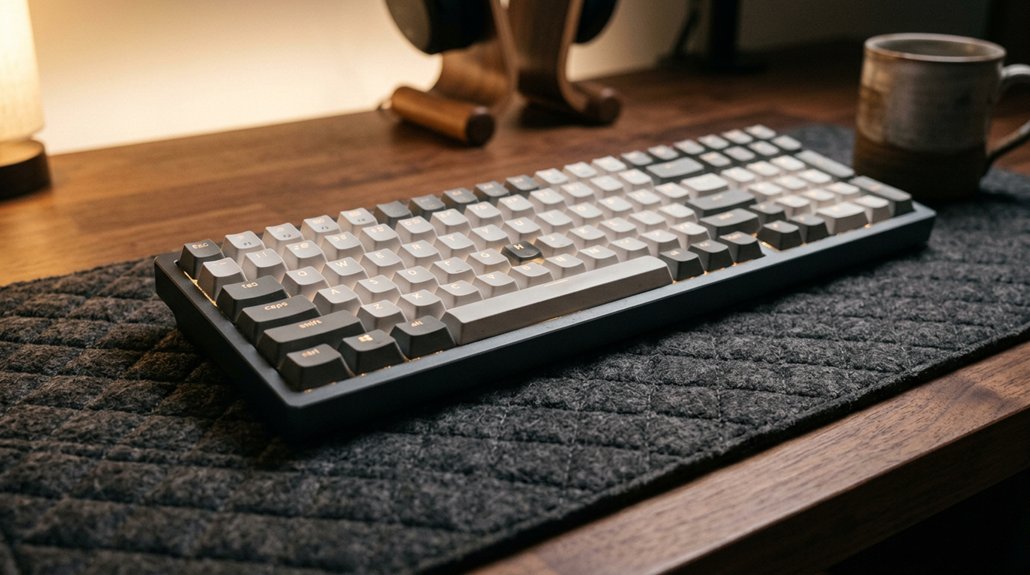
Ever wondered how your desk setup can influence the noise you produce while typing? Desk mats help absorb vibrations and reduce the impact of keystrokes, preventing noise from amplifying through hard surfaces. Using non-slip bases further enhances stability, which can help minimize noise caused by shifting mats during intense typing sessions. Multi-layer desk mats with rubber bases, foam cores, and fabric tops are particularly effective at reducing keyboard noise, cutting typing noise by up to 6.1 dB. Thicker mats, around 6–8 mm, achieve more significant noise reduction, lowering both low-frequency and high-frequency sounds by up to 40%. Stitched or bound edges also improve noise reduction by minimizing sound leakage and maintaining the mat’s shape. Soft materials like fabric combined with foam not only enhance comfort but also dampen vibrations, making your workspace quieter overall.
What Materials and Design Features Make Desk Mats Quieter
Choosing the right materials and design features can greatly reduce keyboard noise. Rubber bases and foam layers absorb vibrations, while thicker mats and textured surfaces enhance sound dampening. Additionally, incorporating anti-slip bottom features can prevent movement that causes additional noise during typing.
Material Composition Matters
The materials and design features of desk mats play a essential role in minimizing keyboard noise. Choosing desk mats with a foam core, neoprene, and a rubber base can greatly improve sound absorption. A foam core helps dampen impact vibrations from keystrokes, while neoprene enhances low-frequency noise reduction. The rubber base prevents slipping and absorbs ambient vibrations, further cutting noise. Layering these materials creates multilayer sound control that effectively dampens typing noise. Additionally, mats constructed from PVC-free polyurethane or high-density memory foam, as emphasized in the Material Durability section, are particularly effective in reducing noise through their resilient and sound-absorbing properties. Stitched or bound edges are also beneficial, reducing sound leakage and boosting durability. Textured surfaces help diffuse sound waves, amplifying noise reduction beyond flat mats.
Thickness and Layering
Thicker desk mats greatly enhance noise reduction by absorbing vibrations more effectively. A thickness of around 6 mm can cut typing noise by 5–7 dB(A) and reduce high-frequency sounds by up to 40%, especially with cork-backed wool.
Using anti-slip backing also helps stabilize the mat, preventing movement that could amplify noise during typing.
Layering also plays a vital role; multi-layer desk mats with a rubber base, foam core, and fabric top provide layered sound control by diffusing and dampening vibrations. These materials convert typing vibrations into heat or absorb sound waves, which markedly lowers noise levels.
Additionally, stitched or bound edges reduce sound leakage and prevent fraying, maintaining the mat’s soundproofing properties over time. Overall, increased thickness and smart layering design make desk mats far more effective at reducing keyboard noise during work.
Surface Texture Impact
Surface texture plays a significant role in how effectively a desk mat can dampen keyboard noise. The right surface texture can absorb sound, reduce vibrations, and improve sound control during typing. Desk mats with textured or stitched surfaces disrupt and diffuse sound waves, preventing reflected typing noise and enhancing quietness.
Thicker mats (6–8 mm) with textured finishes enhance sound absorption and reduce noise by 5–7 dB(A), while also preventing sound leakage by 8–10%. Soft materials like fabric and foam are better at absorbing sound than hard surfaces such as plastic or leather, which may provide smoother typing but less noise reduction. Additionally, the choice of surface material can influence how much noise is dampened by affecting its sound absorption properties.
Advanced manufacturing techniques, like compression molding, can improve mat density and texture, boosting sound absorption by up to 15%.
How to Choose a Quiet Desk Mat for Your Workspace
Looking for a desk mat that can effectively quiet your keyboard sounds? Focus on options that prioritize sound dampening and vibration absorption.
Choose from desk mats made of neoprene, rubber composites, felt, or memory foam, which excel at reducing noise and enhancing typing comfort.
When selecting a mat, consider these factors:
- Thickness: Aim for 6 to 8 mm to cut typing sounds by 5–7 dB(A) or more.
- Layered Design: Multi-layer mats with rubber bases, foam cores, and fabric tops better absorb vibrations and reduce both high- and low-frequency noise.
- Size & Stability: Larger mats covering your workspace with non-slip bottoms guarantee consistent noise reduction and stability, preventing unwanted movement.
Prioritize these features for peak sound dampening and long-lasting noise control. Additionally, choosing sound-absorbing materials that effectively dampen vibrations can significantly enhance your workspace’s quietness.
Additional Benefits of Using a Desk Mat Beyond Noise Reduction
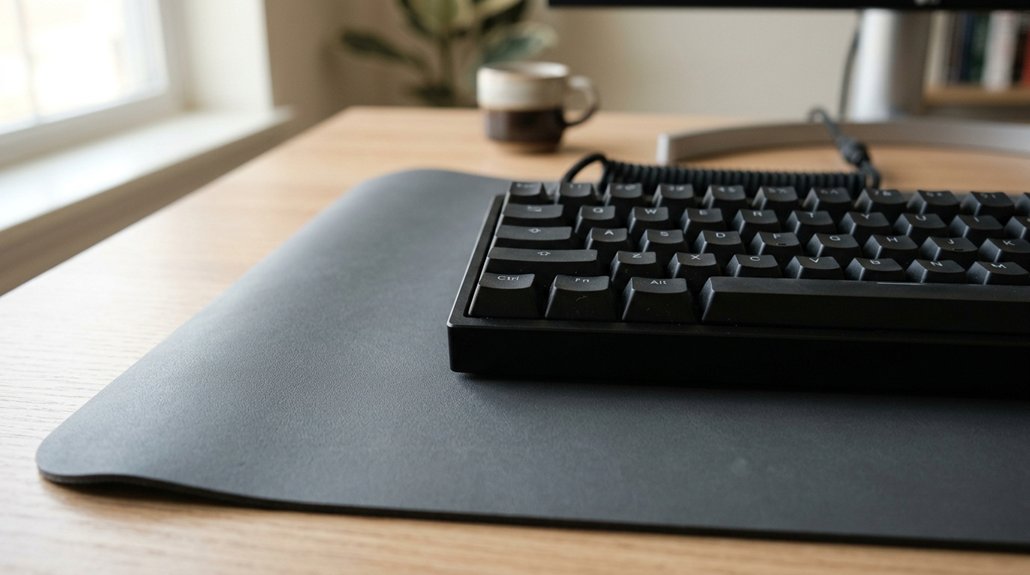
Using a desk mat does more than just quiet your keyboard; it also offers a range of practical benefits that can enhance your overall workspace. A good desk mat absorbs sound and minimizes vibrations, creating a calmer environment. Dense materials in the mat provide cushioning, improving wrist comfort and supporting better typing posture, which reduces strain during long hours. Additionally, a desk mat protects your desk from scratches, spills, and everyday wear, keeping your workspace neat and durable. Many mats feature non-slip bases and water-resistant coatings, ensuring stability and longevity. Reinforced and stitched edges prevent fraying, preserving the mat’s shape and appearance over time. Incorporating a high-quality desk mat can also contribute to ergonomic support, promoting comfort and reducing fatigue during extended periods of use.
How to Test and Measure Your Desk Mat’s Effectiveness
To test your desk mat’s effectiveness, start by measuring the baseline typing noise with a sound level meter, then repeat with the mat installed, ensuring consistent keystrokes each time. A quieter, textured surface can help reduce sliding and shifting, further minimizing noise during use. Observe desk vibrations before and after adding the mat to see how much impact absorption improves, paying attention to softer materials. Keeping the testing environment steady and edges securely stitched helps you accurately compare noise and vibration reductions.
Sound Level Measurements
Accurate sound level measurements are essential to determine how effectively your desk mat reduces keyboard noise. To do this, use a decibel meter placed at a consistent distance from your keyboard.
Follow these steps:
- Record sound levels before installing the desk mat, ensuring the same keyboard switch types and typing patterns.
- Place a thicker or multi-layer desk mat, then type the same way while measuring sound levels again.
- Compare the readings—thicker mats and layered designs typically show a 5–7 dB(A) reduction, especially in quiet rooms with low ambient noise.
Visual Vibration Observation
Visual vibration observation offers a straightforward way to assess your desk mat’s noise-reducing effectiveness. When you type on your mechanical keyboard, observe how the reflective object, like foil or a light ball, shifts on the desk mat. Using a smartphone camera in slow-motion mode helps capture subtle vibrations caused by keystrokes.
Compare the vibrations on a bare desk surface versus your mat to see how well it reduces sound and surface movement. Thicker, multi-layered mats (4 mm+) typically dampen vibrations better, showing less movement. Stitched or bound edges also help maintain shape and decrease sound leakage vibrations.
This visual method gives you a clear, immediate understanding of your desk mat’s ability to reduce mechanical keyboard noise during work.
Consistent Testing Environment
Establishing a consistent testing environment is essential to accurately measure your desk mat’s noise-reducing performance. To do this, keep your desk setup unchanged between tests, ensuring variables don’t affect noise levels. Use the same keyboard and position your microphone or sound sensor at a fixed, recommended distance (6-12 inches) for consistent recordings.
Conduct your tests by performing a standard typing pattern or benchmark passage, maintaining consistent typing force and rhythm.
Remember to:
- Measure sound levels with and without the desk mat.
- Repeat tests multiple times for reliability.
- Average results to get an accurate measure of noise reduction.
Tips for Setting Up a Quieter, More Comfortable Workstation
Setting up a quieter and more comfortable workstation involves making strategic choices about your equipment and environment.
Create a peaceful workspace with quiet gear and sound-absorbing accessories for enhanced comfort.
A mechanical keyboard with silent switches or membrane options can greatly reduce noise. Use a thick, multi-layer desk mat with a rubber base and fabric top—at least 6 mm thick—to absorb vibrations and dampen keyboard sounds by up to 7 dB. Mats serve as an effective barrier, preventing desk vibrations from amplifying noise.
Apply lubricants like Krytox 205g0 to keyboard stabilizers to soften the clicks and rattles. Adding O-rings on keycaps also reduces impact noise. Position a soft towel or foam pad under your keyboard to dampen desk vibrations further.
For communication, keep a condenser mic close to your mouth and opt for quiet peripherals like silent mice for a more comfortable environment.
Frequently Asked Questions
How to Reduce Keyboard Typing Noise?
You can reduce keyboard typing noise by using a soft desk mat, installing O-rings on keycaps, lubricating stabilizers, and opting for thicker PBT keycaps. These steps absorb vibrations, soften keystrokes, and diminish sharp sounds effectively.
Do Keyboard Sound Dampeners Really Work?
Yes, keyboard sound dampeners really work. They soften keystrokes, absorb vibrations, and reduce rattling, making your typing quieter. Combining dampeners with lubrication and sound-absorbing keycaps maximizes noise reduction without sacrificing key feel.
How to Make the Typing Noise Go Away?
You can make the typing noise go away by switching to a quieter keyboard, lubricating stabilizers, adding O-rings, using thicker PBT keycaps, and placing a fabric desk mat beneath, all of which dampen vibrations and soften keystrokes effectively.
How Do I Stop Typing so Loudly?
You stop typing so loudly by typing more softly, avoiding bottoming-out keys, and switching to quieter switches like membrane or silent models. Adding O-rings, using desk mats, and positioning your microphone properly also help reduce noise.



