
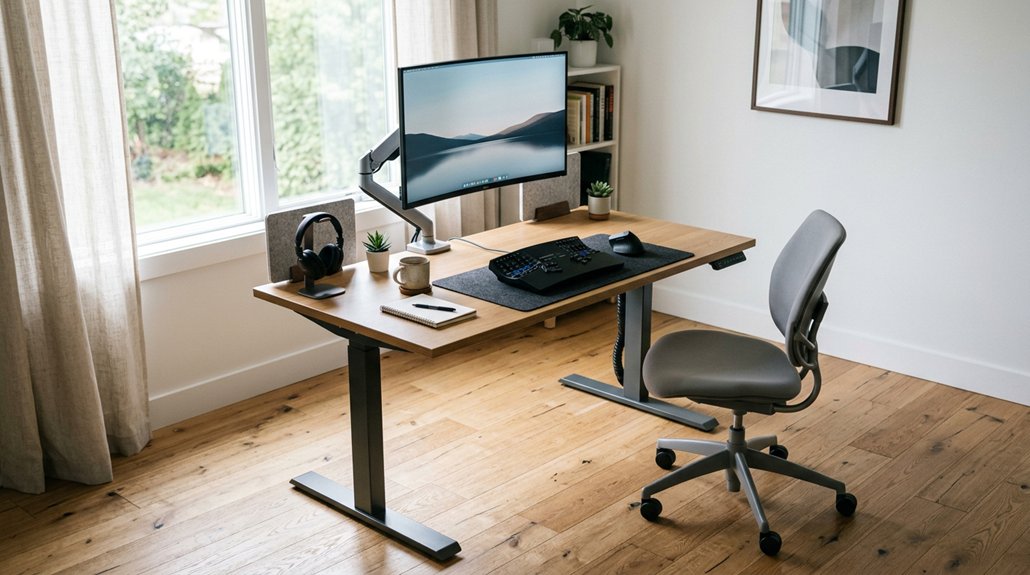
To position yourself correctly at a standing desk, keep your monitor at eye level about 20-28 inches away, and support your forearms comfortably with elbows at 90°. Stand with feet shoulder-width apart, knees slightly bent, and hips upright. Use anti-fatigue mats and supportive shoes to reduce fatigue, and switch between sitting and standing every 20-60 minutes. Incorporating movement and proper setup helps prevent discomfort—continue exploring for detailed tips to optimize your posture and health.
Achieve Proper Standing Posture for Comfort
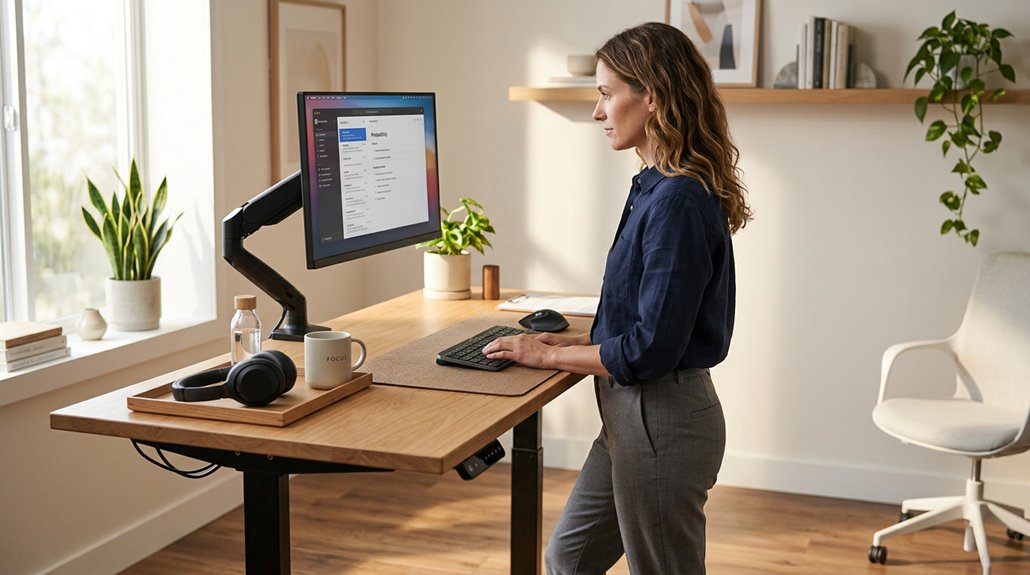
To achieve comfort while standing at your desk, it’s vital to adopt the right posture. Use a proper standing desk setup with the correct desk height to keep your monitor at eye level, about 20-28 inches from your eyes. This reduces strain on your back and neck.
Position your monitor directly in front of you, about an arm’s length away, so you avoid twisting or leaning. Guarantee your elbows are bent at a 90° angle, supporting your forearms comfortably. Keep your head balanced over your pelvis with your chin parallel to the floor, maintaining a neutral spine with a natural S-curve. Using anti-fatigue mats can help promote subtle movements and reduce discomfort. Standing with feet shoulder-width apart, knees slightly bent, and hips upright promotes better posture. Support your feet with footwear and an anti-fatigue mat to encourage subtle movement and reduce discomfort.
Set Up Your Desk and Monitor Ergonomically
Setting up your desk and monitor correctly can make a significant difference in your comfort and productivity. Start by adjusting your standing desk so your elbows form a 90° angle with your forearms parallel to the floor, including footwear and mats. Using a monitor stand can help achieve optimal screen height and reduce strain. Position your computer monitor at eye level or slightly below, with the top about 2-3 inches above eye height, to reduce neck and eye strain. Keep the monitor about 20-28 inches from your eyes, roughly an arm’s length away. Use monitor arms to independently adjust screen height and tilt, ensuring comfortable viewing in both sitting and standing positions. Elevate laptops with a stand and incorporate an external keyboard and mouse to keep wrists straight and elbows close to your body at a 90° angle, with feet flat on the floor.
How to Switch Between Sitting and Standing Effectively
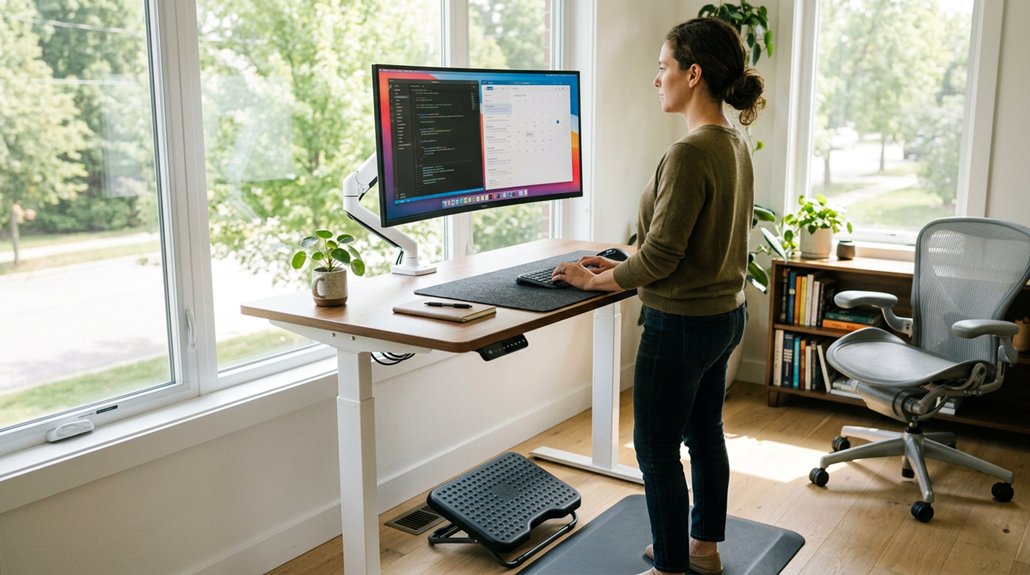
Shifting smoothly between sitting and standing is key to avoiding fatigue and ensuring you gain the full ergonomic benefits.
To alternate sitting and standing effectively, start with standing for 5 minutes every hour and gradually increase to 15-20 minutes, maintaining proper sitting when needed. Stick to periods of standing every 20 to 60 minutes to promote better circulation and musculoskeletal health.
Use timers or reminders to prompt you to switch between sitting and standing, aiming for up to 16 changes daily.
During the shift, keep your standing desk posture aligned by maintaining elbows at approximately 90° and positioning the top of your screen at or slightly below eye level. Reposition items in your work area and incorporate small movement breaks to enhance comfort and prevent strain. Additionally, selecting a desk with height range flexibility ensures you can make smooth adjustments suited to your height and maintain ergonomic posture throughout your workday.
Choose Supportive Shoes and Anti-Fatigue Mats
Choosing the right footwear and flooring is essential for comfortable, healthy standing throughout your workday. Supportive shoes like Birkenstock sandals or cushioned running shoes, such as the Hoka One One Clifton 8, help prevent foot problems like bunions and plantar fasciitis during prolonged standing.
Anti-fatigue mats, such as the Ergodriven Topo mat, reduce pressure on your feet and legs, alleviating fatigue and encouraging subtle movements that improve blood flow. Many of these mats feature massage nodules designed to stimulate circulation and reduce muscle tension.
Here are four tips to maximize comfort:
- Wear supportive shoes that cushion your feet.
- Use anti-fatigue mats to decrease musculoskeletal strain.
- Avoid standing barefoot to prevent foot conditions.
- Move around periodically, even on mats, to stay comfortable.
Combining supportive footwear with high-quality mats promotes better posture and reduces discomfort at your standing desk.
Incorporate Movement and Breaks to Stay Healthy
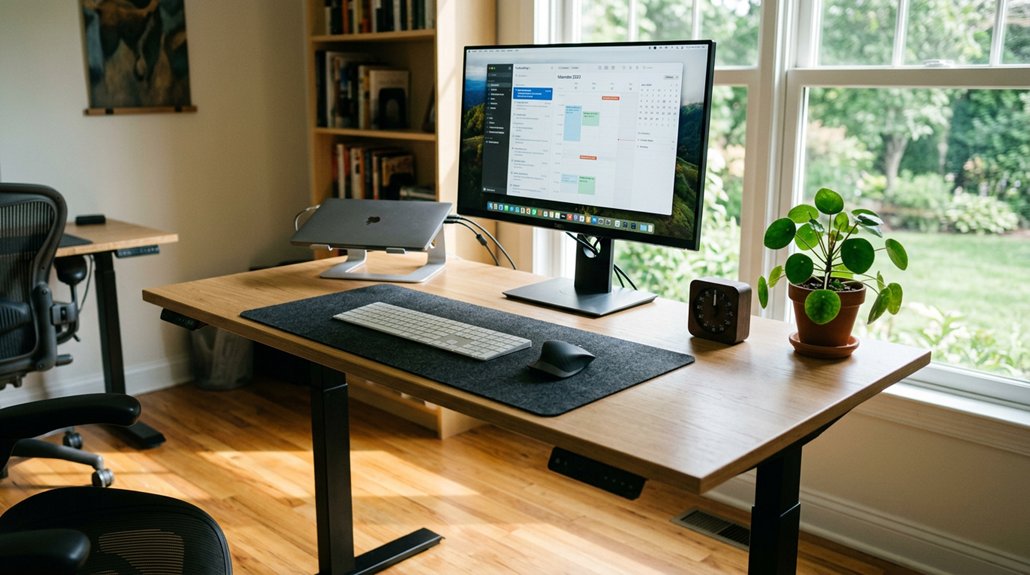
Incorporating movement and breaks into your routine is key to maintaining comfort and health at your standing desk. Alternate between sitting and standing every 20-30 minutes to reduce strain and improve posture.
Alternate between sitting and standing every 20-30 minutes to reduce strain and support better posture.
Take regular breaks, ideally every hour, with 10-minute movement breaks that include walking or stretching, which boost circulation and prevent stiffness. Use timers or reminder apps to prompt these posture changes and breaks, minimizing upper limb and back discomfort.
Position frequently used items away from immediate reach to encourage standing and walking. Remember, standing still reduces benefits—subtle movements like shifting weight or pacing on anti-fatigue mats help maintain circulation and reduce fatigue. Additionally, choosing a suitable anti-fatigue mat with proper support features can significantly enhance comfort during extended periods of standing.
These small adjustments keep your energy levels up and make your sit/stand desk healthier and more effective.
Frequently Asked Questions
How Do I Know if My Monitor Is at the Correct Eye Level?
You’ll know your monitor is at the correct eye level when your eyes naturally align with the top third of the screen, and you feel comfy without tilting your head up or down. Keep your neck relaxed.
What’s the Best Way to Prevent Wrist Strain While Standing?
To prevent wrist strain, keep your wrists straight and relaxed while typing, use a supportive wrist rest, and guarantee your keyboard and mouse are at a comfortable height. Take regular breaks to stretch and reduce tension.
How Often Should I Adjust My Posture Throughout the Day?
You should adjust your posture every 20 to 30 minutes throughout the day. This helps prevent strain, keeps your muscles active, and maintains comfort. Regular movement is key to staying healthy at your standing desk.
Are There Specific Exercises to Improve Standing Desk Comfort?
Yes, you can do exercises like calf stretches, hip openers, shoulder rolls, and neck stretches to improve standing desk comfort. Regularly incorporate these into your day to reduce tension, encourage circulation, and maintain better posture effortlessly.
What Signs Indicate My Setup Is Causing Poor Ergonomic Health?
You feel neck or back pain, experience frequent fatigue, or notice discomfort in your wrists or shoulders. Your body stiffness, tingling, or numbness signals your setup might be causing poor ergonomic health, so adjust your workstation promptly.
In Summary
Now that you know how to position your body correctly, you can enjoy the benefits of a standing desk without discomfort. Remember to set up your workspace ergonomically, switch between sitting and standing, and wear supportive shoes. Incorporate movement and regular breaks to stay energized and healthy throughout the day. When you pay attention to your posture, you’ll find standing desks become a comfortable, productive part of your routine. Stay mindful, and enjoy your healthier work environment!



