
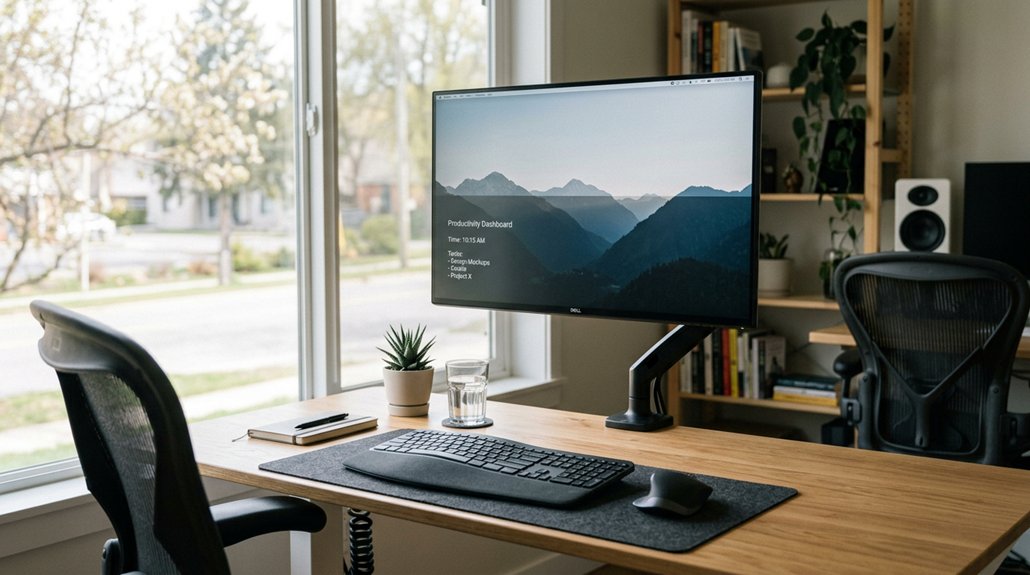
To position your display for neck relief, guarantee your monitor’s top edge is at or slightly below eye level so you can look down with a relaxed neck. Keep your screen about arm’s length away to avoid leaning or squinting, and tilt it back 10°-20° to reduce glare without straining your head. Using adjustable stands and supports can help maintain proper alignment. For more tips on keeping your neck comfortable, continue exploring helpful strategies.
How to Check If Your Monitor Is in the Right Spot for Your Neck
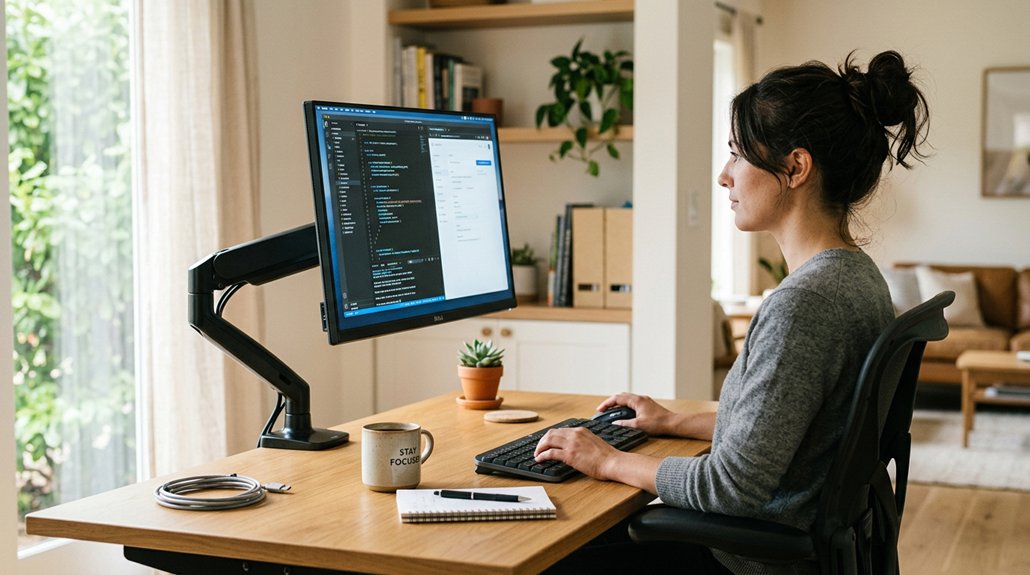
Wondering if your monitor’s placement is harming your neck? The key is to check your monitor height. Make sure the top edge is at or slightly below your eye level to prevent neck strain.
Ensure your monitor’s top edge is at or just below eye level to prevent neck strain.
Your monitor should be positioned with the center directly in front of your nose and keyboard, so your neck muscles stay relaxed. Keep the screen about an arm’s length away—around 20-30 inches—to avoid leaning or squinting.
Check that your eyes naturally focus on the top third of the screen with a slight downward gaze, which reduces neck flexion. Also, tilt the monitor back 10°–20° to minimize glare without forcing you to tilt your head or crane your neck forward.
For optimal comfort, consider using adjustable monitor stands that support ergonomic positioning and allow for precise height and angle adjustments. Proper placement helps maintain a healthy viewing angle and reduces neck discomfort.
How to Adjust Your Monitor for a More Comfortable Neck Position
Once you’ve confirmed your monitor is positioned correctly in relation to your eye level, you can make further adjustments to improve comfort. Make certain the monitor is directly in front of your nose and keyboard to prevent twisting your neck.
The top of the screen should be at or slightly below eye level so your eyes naturally gaze downward, reducing strain. Keep the monitor at a viewing distance of about one arm’s length—20 to 30 inches—and adjust farther for larger screens to avoid leaning forward or twisting.
Tilt the monitor back 10°–20° to reduce glare and promote a relaxed head posture. For dual monitors, center the primary screen and angle secondary screens inward toward your dominant eye to minimize neck twisting and overuse, easing neck pain. Ensuring your monitor riser provides the proper ergonomic benefits can further support a healthy neck and visual alignment.
Easy Moves and Habits to Keep Your Neck Comfortable During Work
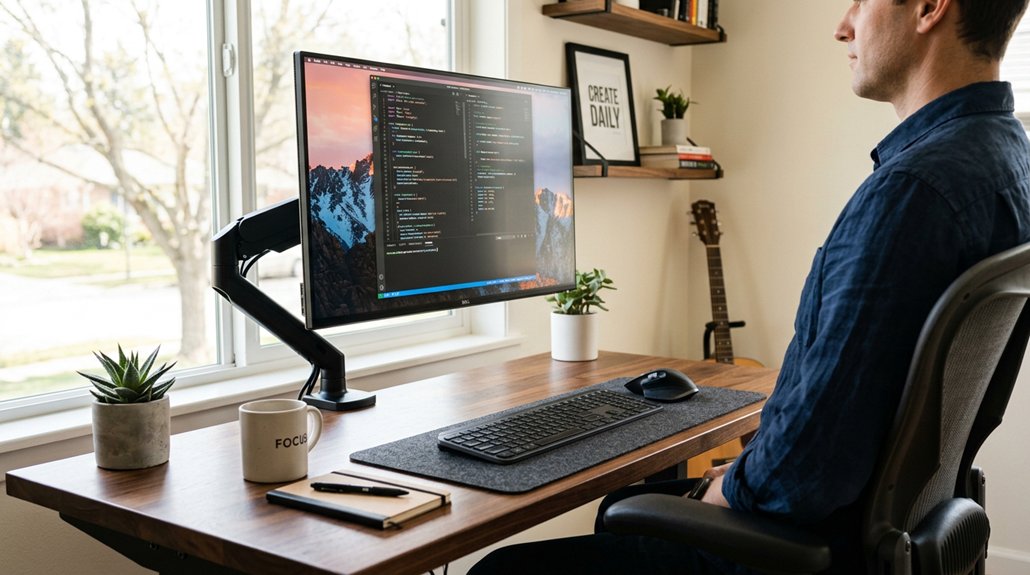
To keep your neck comfortable during work, incorporating simple habits can make a big difference.
Start with your monitor setup: make certain your monitor is at eye level or slightly below, with the top of the viewing area aligned to prevent neck tilting or rotation. If your monitor is too low, raise it with an adjustable stand or switch to an adjustable chair to maintain proper posture. Keep the monitor at arm’s length distance, about 20-30 inches, adjusting based on screen size.
For dual monitors, position the primary centered and angle the second inward to minimize neck twisting.
Remember to practice posture resets and take breaks every 30 minutes. Use the 20-20-20 rule by looking at something 20 feet away for 20 seconds to relieve neck and eye strain. Incorporating ergonomic supports like document holders for neck strain prevention can further promote healthy posture.
Frequently Asked Questions
How to Position a Monitor to Avoid Neck Pain?
To avoid neck pain, position your monitor directly in front of you, at eye level, about an arm’s length away, tilted slightly back, and center focused, so your head stays in a natural, comfortable position.
How Should Your Monitor Be Positioned?
You should position your monitor so it’s centered directly in front of you, with the top at or slightly below eye level, tilted back slightly, and at an arm’s length distance, to promote comfort and reduce neck strain.
What Is the Best Position for Your Screen to Be to the Light?
You should position your screen perpendicular to windows, tilt it slightly, and use glare-reducing filters or shades. This setup minimizes reflections, glare, and eye strain, ensuring comfortable viewing while preventing awkward neck angles.
Is It Better to Look Down or Up?
It’s better to look slightly down at your screen, about 15° below eye level. This posture reduces neck muscle strain, keeps your spine neutral, and prevents discomfort associated with looking up, promoting better long-term neck health and comfort.



