
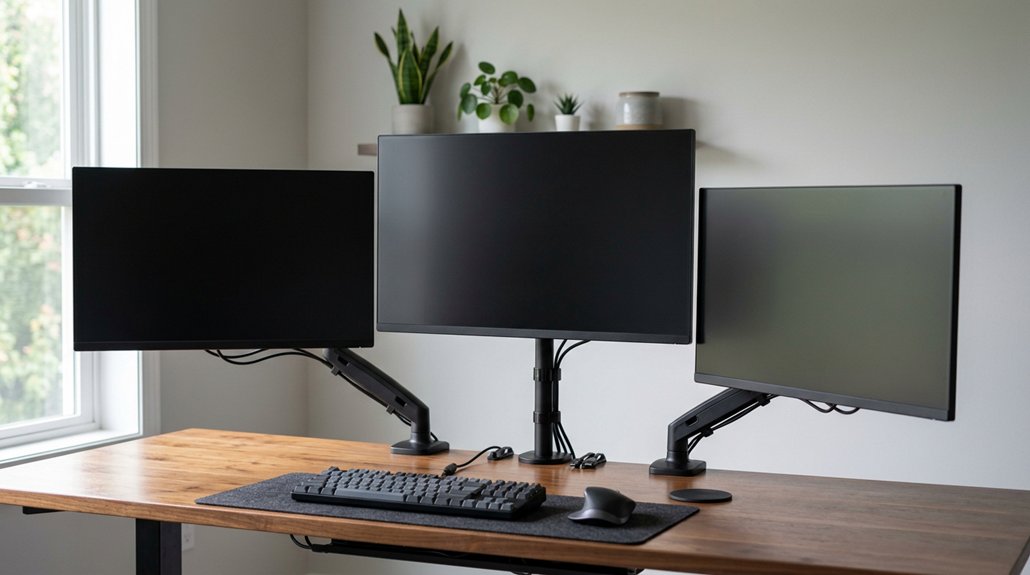
To improve neck alignment, position your monitor so the top edge is at or just below your eye level and tilt it up to 35° to reduce glare. Use an adjustable stand or arm that lets you easily change height and angle for comfort. Keep the screen about 20-30 inches away, depending on size, and make sure your setup promotes a neutral neck posture. By following these tips, you’ll stay comfortable longer and avoid strain—learn more to optimize your workspace.
How to Adjust Your Monitor Height and Angle for Optimal Neck Support
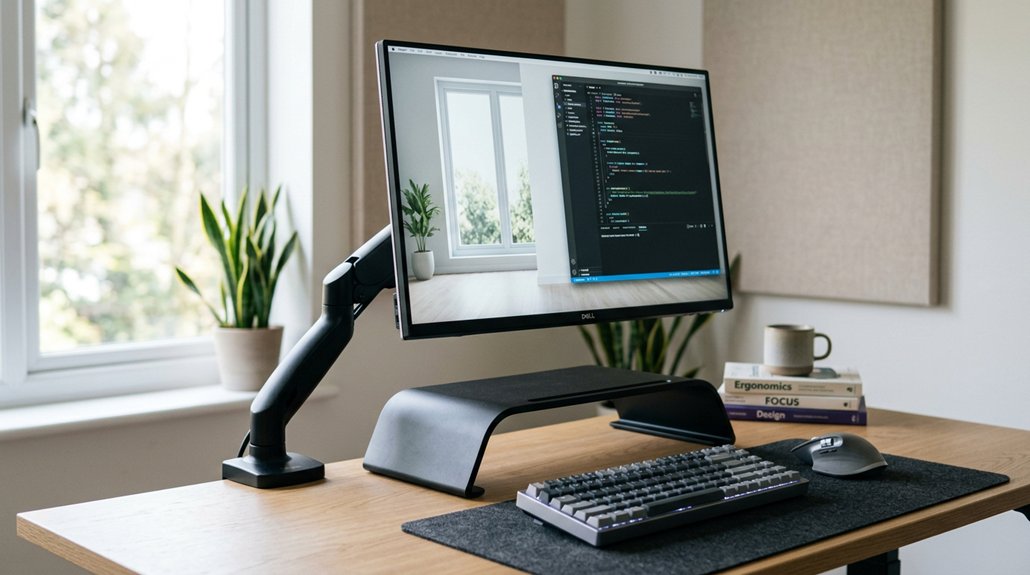
To achieve ideal neck support, start by positioning your monitor so that the top edge is at or just below your eye level. Your monitor height should guarantee the screen center is about 15 degrees below your horizontal eye line, helping maintain a neutral neck posture and reduce neck strain. Proper mounting method ensures stability and correct positioning, which is crucial for ergonomic setup. Adjust the monitor tilt so it faces you directly without exceeding a 35-degree angle, which minimizes glare and awkward neck angles. Keep a viewing distance of 20-30 inches for 24-27 inch monitors to prevent forward neck bending.
Using adjustable monitor arms allows you to fine-tune height and angle dynamically, keeping your monitor aligned with your natural line of sight. This ergonomic setup promotes comfort and prevents unnecessary neck movement during work.
Selecting the Right Monitor Stand for Your Desk Space and Monitor Size
Finding the right monitor stand begins with guaranteeing it can support your monitor’s size and weight securely. For peak stability, choose a monitor stand designed for screens from 13 to 32 inches and up to 8 kg per arm.
Choose a monitor stand that securely supports 13 to 32-inch screens up to 8 kg per arm for optimal stability.
Additionally, ensure that the stand provides a full range of motion, including tilt, swivel, and rotation, to help you achieve optimal ergonomic positioning and reduce neck strain.
- Look for stands with height adjustment, adjustable tilt, swivel, and rotation to customize viewing angles and reduce neck strain.
- If you’re working with multiple monitors, dual monitor arms can position screens side-by-side in a comfortable semicircle.
- Check the installation type—clamp or grommet—to guarantee it fits your desk space without obstructing workspace or causing ergonomic issues.
Selecting a stand that fits your monitor size and benefits your desk space promotes a healthier, more ergonomic setup.
Tips for Maintaining Good Posture and Preventing Neck Strain During Long Work Sessions
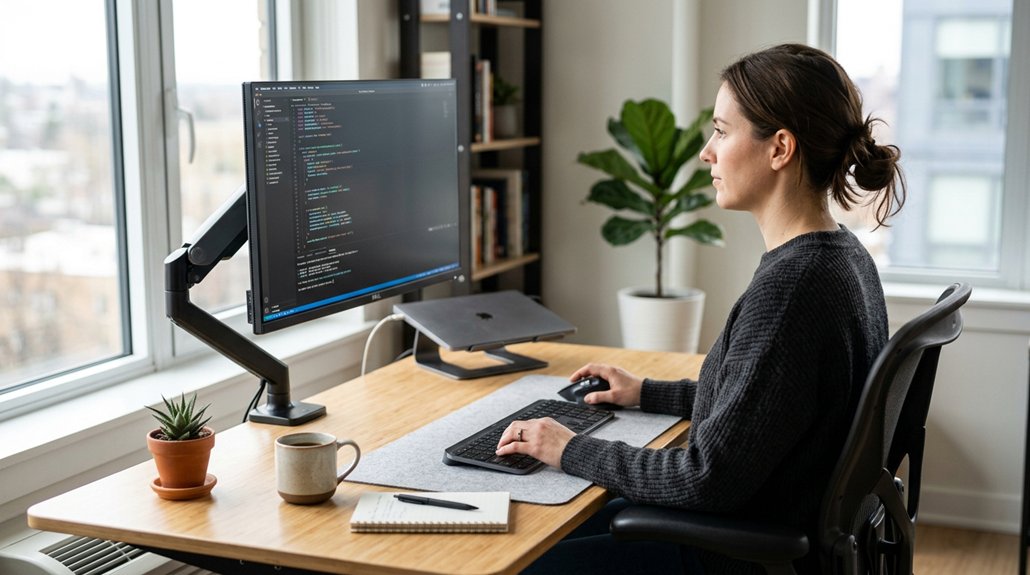
Maintaining good posture during long work sessions hinges on how well your monitor is positioned. Use an ergonomic monitor stand or monitor arm setup to keep your screen directly in front of you at the correct height.
Position the top edge of the monitor at or slightly below eye level, with the screen center about 15 degrees below horizontal eye level, to promote a neutral neck posture and reduce strain. Keep your viewing distance between 20-30 inches for typical monitor sizes, adjusting for larger screens. Make sure your monitor stand allows tilt and swivel adjustments to prevent glare and maintain a relaxed neck position. Choosing a monitor arm with sufficient reach and height adjustment can further help achieve optimal ergonomic positioning.
Regular breaks every 20 minutes follow the 20-20-20 rule to relieve neck and shoulder tension and support long-term comfort.
Frequently Asked Questions
What Is the 90 90 90 Rule for Ergonomics?
The 90 90 90 rule means you should keep your hips, knees, and elbows bent at about 90 degrees. This helps maintain good posture, reduces strain, and keeps your neck and back properly aligned during work.
How to Get Monitors Perfectly Aligned?
To get your monitors perfectly aligned, place the top edges at or just below eye level, center primary monitors directly in front, angle secondary ones inward, and use adjustable arms for fine-tuning height, tilt, and swivel for ideal comfort.
What Is the Best Position for a Monitor to Avoid Neck Pain?
To avoid neck pain, position your monitor so the top edge is at or slightly below eye level, keep it 20-30 inches away, tilt it no more than 35 degrees, and use adjustable stands for precise positioning.
How Do You Realign Your Neck Naturally?
To realign your neck naturally, keep your monitor at eye level, maintain the right distance, practice good posture, and take regular breaks with neck stretches. These habits help you prevent strain and promote proper neck alignment.



