
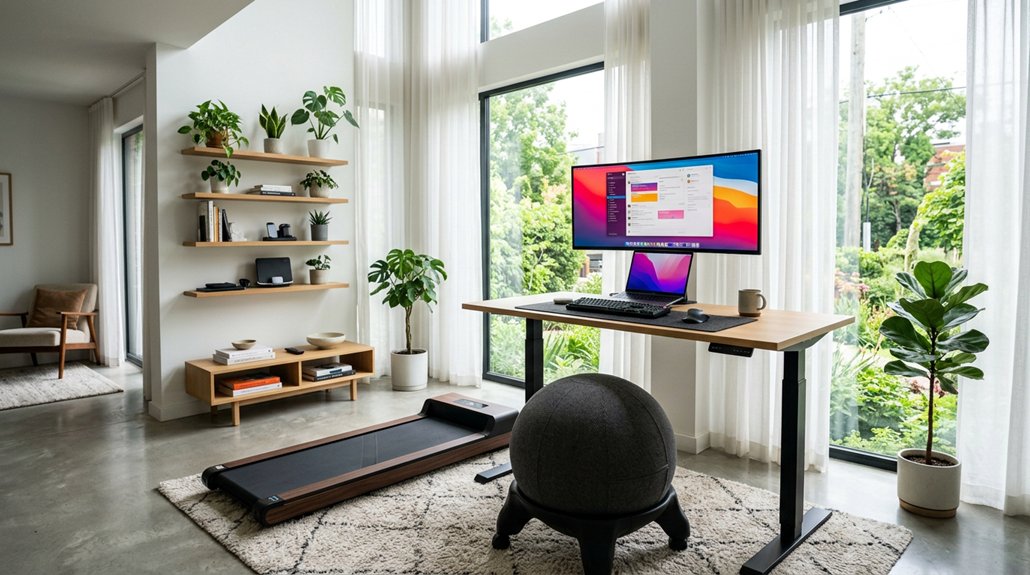
To keep active during remote work, incorporate movement patterns like adjusting your desk between sitting and standing, taking quick micro-movements such as stretches and rotations, and scheduling regular walking or standing breaks. Do simple bodyweight exercises, like squats or arm circles, during short pauses. Practice shoulder and neck mobility exercises to avoid tension, and include quick cardio or yoga sessions to boost energy. If you want to learn more about making movement a seamless part of your work routine, keep exploring these strategies.
Address Why Movement Is Critical for Remote Work
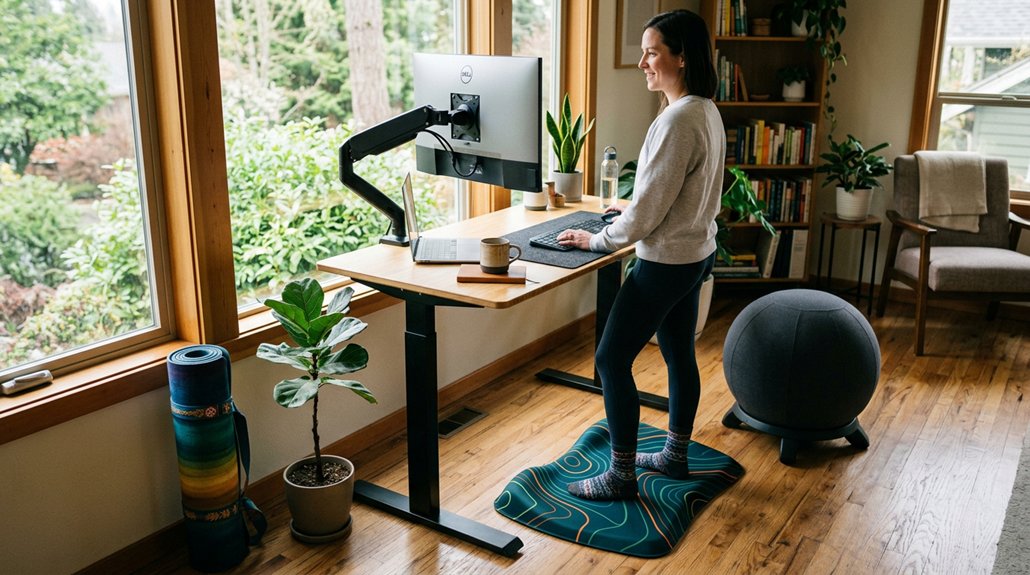
Since remote workers spend much more time sitting, movement becomes essential for maintaining health and productivity. During your work day, prolonged sedentary periods increase health risks and decrease focus.
Remote work increases sitting, making regular movement vital for health and staying focused throughout the day.
Without regular physical activity, you’re more likely to experience mental fatigue, higher stress, and reduced concentration. Limited movement also raises the chances of developing chronic conditions like cardiovascular disease and diabetes. Incorporating small movement breaks, such as walking during calls or stretching every hour, helps counteract these effects. Moving regularly improves circulation, mental clarity, and energy levels, making your workday more efficient and less stressful. Additionally, choosing ergonomic treadmill desks supports consistent movement without sacrificing comfort or safety. Staying active isn’t just good for your body—it’s vital for sustaining focus and well-being in a remote environment.
Use Desk Adjustments and Micro-Movements for Better Posture
Adjusting your desk to switch between sitting and standing helps break up long periods of inactivity and reduces strain.
Incorporating micro-movements like stretches and rotations boosts circulation and prevents discomfort.
Properly setting your chair and monitor guarantees your posture stays aligned, minimizing neck and shoulder tension.
A height adjustability range that accommodates both tall and short users ensures ergonomic comfort throughout the day.
Adjustable Desk Benefits
Using an adjustable desk allows you to switch easily between sitting and standing positions throughout the day, which helps break up long periods of inactivity. This flexibility encourages movement snacks—brief micro-movements and posture adjustments—that boost circulation and reduce musculoskeletal discomfort. A well-designed converter with a smooth lifting mechanism makes these transitions seamless and ergonomically sound.
Adjustable desks enable you to alternate desk heights multiple times daily, supporting better energy and focus by breaking static postures. This variation promotes blood flow, helps maintain spinal alignment, and decreases the risk of visual exhaustion from extended screen time.
Incorporating sit-stand desks with ergonomic chair adjustments creates a more adaptable workspace, enhancing comfort and productivity. With these benefits, adjustable desks serve as a simple but effective method to improve your posture and overall health during long remote work sessions.
Incorporate Micro-Movements
Incorporating micro-movements into your remote work routine can greatly improve your posture and overall comfort. Move around frequently by adjusting your sit-stand desk heights every 30-60 minutes to prevent prolonged sitting and boost circulation.
Use small desk-based mobility exercises like seated zenith stretches, back extensions, and arm rotations to stimulate blood flow and maintain mobility without leaving your workspace.
Alternating between sitting, standing, and light movement breaks every 1-2 hours supports proper posture, reduces musculoskeletal strain, and keeps you alert. Incorporate minimal movements such as ankle circles, shoulder shrugs, and gentle neck rotations at your desk to counteract stiffness and promote ergonomic health.
Utilizing wireless headsets can also help you incorporate walking or standing during calls, encouraging continuous movement. Additionally, choosing a compact desk converter can help you easily switch positions and incorporate micro-movements without disrupting a cluttered workspace.
Posture Alignment Tips
Optimizing your workspace for better posture involves smart desk adjustments and micro-movements that can make a significant difference in comfort and alignment.
To improve posture alignment throughout the day, start by adjusting your desk height so your elbows form a 90-degree angle and your wrists stay neutral, reducing strain. Use an adjustable monitor arm to position your screen at eye level, preventing neck flexion and forward head posture during long hours.
Incorporate frequent micro-movements, like seated thoracic rotations and shoulder blade squeezes every 30-60 minutes, to combat stiffness and support spinal alignment. Also, alternate between sitting and standing using a height-adjustable desk every 20-30 minutes to reduce the negative effects of prolonged sitting.
Ergonomic accessories like footrests and lumbar cushions help maintain natural spinal curves and promote balanced posture throughout the day. Choosing sturdy adjustable stands can also enhance stability and flexibility in your workspace setup.
Take Standing and Walking Breaks Throughout Your Day
Taking regular standing and walking breaks helps reduce the health risks tied to prolonged sitting. You can easily add short walks during calls or before and after work to boost circulation and mental focus. Incorporating these movement habits keeps you more energized and productive throughout your day. Using anti-fatigue mats can further support comfortable standing and reduce muscle strain during these breaks.
Benefits of Standing Breaks
Standing and walking breaks are essential for maintaining your health and productivity during remote work. Taking regular standing breaks helps counteract the risks of prolonged sitting, like cardiovascular issues and diabetes, by improving circulation and reducing musculoskeletal discomfort.
Alternating between sitting and standing throughout the day with an adjustable desk can keep you comfortable and healthy. These breaks boost mental focus and productivity by reducing cognitive fatigue caused by long periods at your desk.
Incorporating light movement, such as stretching or quick walks, stimulates blood flow and increases energy levels, enhancing both physical and mental well-being. Ensuring proper ergonomic support during these breaks can further improve comfort and reduce strain.
Using wireless headsets and remote communication tools allows you to take standing or walking calls seamlessly, keeping movement integrated into your work routine and supporting your overall health throughout the day.
Incorporate Walking Intervals
Incorporating walking intervals into your daily routine is a simple yet effective way to break up prolonged periods of sitting. You can walk and move during short breaks, especially by stepping outside for quick outdoor walks before work, during breaks, or after work.
During video calls, especially when your video is off, use the time to stand up and walk around—this increases your low-intensity activity and sharpens your mental focus.
Even brief walks throughout the day support blood circulation, reduce tension, and activate muscle groups. Regularly taking standing and walking breaks helps you stay energized, lowers the risk of chronic health issues, and improves overall well-being.
Choosing the right footrest can further encourage movement and proper posture during work hours.
Small, consistent efforts to move can make a big difference in your remote work routine.
Promoting Movement Habits
To develop effective movement habits, it’s essential to schedule regular breaks to stand or walk throughout the day. During work, take breaks every 1–2 hours to reduce prolonged sitting, which can increase risks for cardiovascular issues and diabetes.
Incorporate short outdoor walks before work, during breaks, or after work to boost mentally and physically, counteracting the one mile of daily activity lost remotely. Walking during teleconferences with no video encourages move.
Repositioning commonly used items, like water stations, prompts small movements that also improve hydration and bathroom breaks. Using wireless headsets allows you to stand or pace while on calls without disrupting workflow.
Scheduling micro-movement breaks mid-morning and mid-afternoon refreshes circulation and keeps you energized, helping to develop lasting work movement habits.
Do Quick Bodyweight Exercises During Work Sessions
Taking short breaks to do bodyweight exercises during work sessions can greatly boost your energy and focus. These quick movement breaks help break up prolonged sitting, improving circulation and mental clarity.
During working from home, you can easily fit in exercises like push-ups, squats, or pull-ups in between tasks or during designated movement times. Performing multiple brief sessions throughout the day, such as mid-morning and mid-afternoon, keeps you alert and reduces the health risks of a sedentary lifestyle.
Using the Go-To-Gym (GTG) method with light volume sets, including isometric holds near failure, supports strength without fatigue. Minimal warm-up and equipment, like band shoulder work or hollow body holds, make this routine efficient and practical, helping you stay active during your training sessions and workday.
Practice Shoulder and Neck Mobility to Prevent Tension
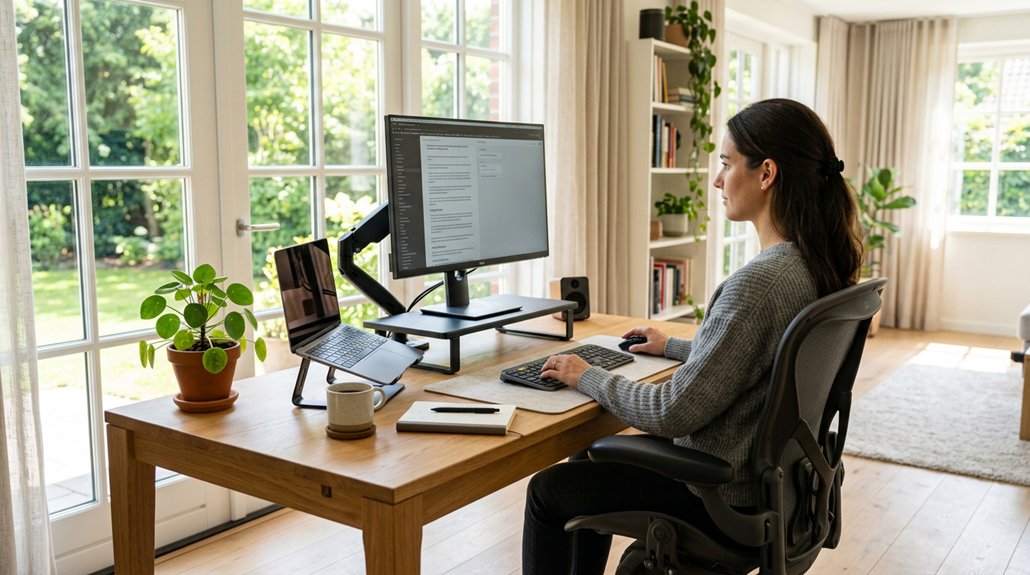
After finishing quick bodyweight exercises, shifting your focus to shoulder and neck mobility helps prevent lingering tension and stiffness caused by long hours of sitting.
Starting and ending your day with simple shoulder and neck movements can make a noticeable difference. Incorporate exercises like arm circles, gentle neck rotations, and seated zenith stretches targeting the thoracic spine.
Begin and end your day with gentle shoulder and neck stretches to boost flexibility and relieve tension.
These quick movements stimulate blood flow, loosen tight muscles, and promote better posture. Regular mobility practices, especially during breaks, prevent chronic tension and musculoskeletal discomfort in the neck and shoulders.
Performing these exercises per day keeps your muscles flexible and reduces stiffness, which improves overall comfort and mental clarity. Consistent shoulder and neck mobility routines are easy to integrate into your remote workday, ensuring you stay limber and tension-free.
Schedule Short Cardio or Yoga Breaks for Energy Boost
Scheduling short cardio or yoga breaks throughout your workday can greatly boost your energy levels and improve focus. Aim for 5–10 minute sessions mid-morning and mid-afternoon to counteract prolonged sitting, improve circulation, and reduce fatigue.
Incorporate brief yoga stretches targeting areas like the thoracic spine and hip flexors to relieve muscle tension caused by sedentary setups. These low-intensity movements can elevate your mood and cognitive performance for up to 3 hours afterward.
Regular reminders to take these breaks guarantee you stay consistent and help prevent chronic health issues linked to inactivity. Doing this at the end of the day can also help you shift out of work mode and recharge for the next day, maximizing your overall well-being during remote work.
Design Your Workspace to Make Movement Easy and Natural
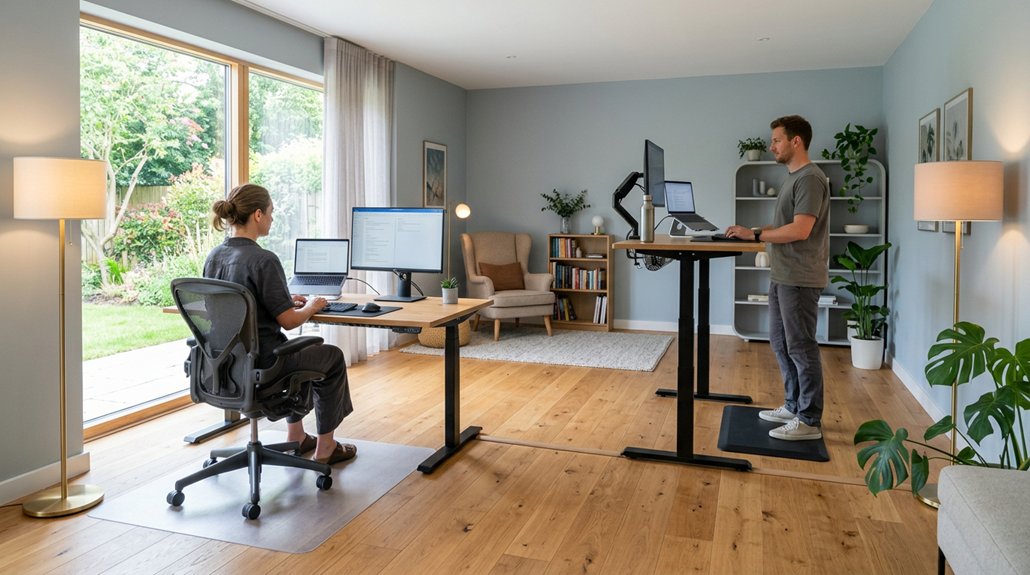
Creating a workspace that encourages movement starts with strategic design choices. To allow employees to move naturally, position frequently used items—like printers, water stations, and trash cans—away from desks, prompting walking and standing breaks.
Arrange commonly used items away from desks to naturally promote movement and quick breaks throughout the day.
Incorporate sit-stand desks and adjustable chairs for seamless shifts between sitting and standing, reducing prolonged sedentary periods. Design flexible, dynamic work zones with varied seating and open spaces for different activities, encouraging natural mobility.
Adding indoor walking paths or trails makes quick walking breaks easy, boosting circulation during remote hours. Technology placement also matters; wireless headsets and mobile devices support movement during calls and virtual meetings without restriction.
These design elements are a critical factor in creating an environment that promotes effortless movement and enhances overall well-being.
Frequently Asked Questions
What Is the 3 3 3 Rule for Working?
The 3 3 3 rule for working encourages you to take a break every three hours, do three minutes of movement, and practice three deep breaths, helping you stay energized, reduce stress, and boost focus during remote work.
What Are Best Practices for Remote Employee Work Schedules?
You should set consistent daily work hours, include movement breaks, schedule micro-workouts or walks, designate a separate workspace, and establish clear boundaries by powering down devices after work, ensuring balance, focus, and health during remote work.
What Are Effective Communication Styles for Remote Work?
You should use clear, concise language with active listening and positive reinforcement. Set expectations, encourage participation, and utilize interactive tools to foster engagement. Balancing emotional support and structured check-ins keeps your remote team connected and productive.
Why Do Overthinkers Struggle With Remote Work?
You struggle with remote work because overthinking amplifies decision fatigue, blurs boundaries, and creates mental overload. Distractions, lack of external structure, and difficulty disengaging heighten anxiety and procrastination, making it tough to stay focused and committed.



