
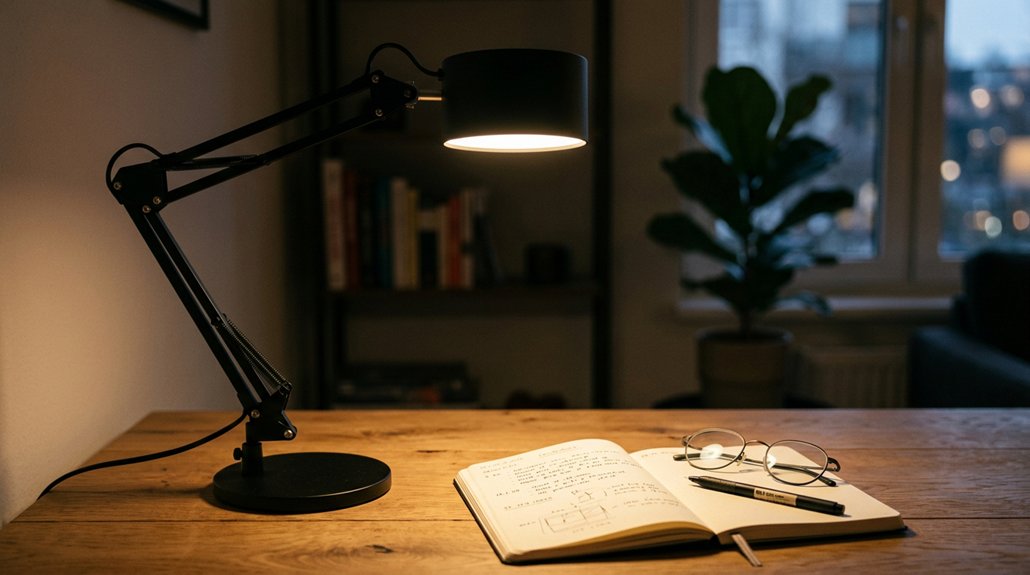
To reduce eye fatigue, choose a desk lamp with adjustable brightness and color temperature, ideally from warm to daylight hues. Look for flicker-free LEDs with stable current drivers and diffusers that minimize glare and shadows. Proper positioning—like placing the lamp beside and slightly above your workspace—helps prevent reflections on screens. Combining these features with good ambient lighting creates a comfortable setup. Keep reading to discover more tips for keeping your eyes comfortable during long work sessions.
Why Adjustable Brightness and Color Temperature Are Key to Eye Comfort
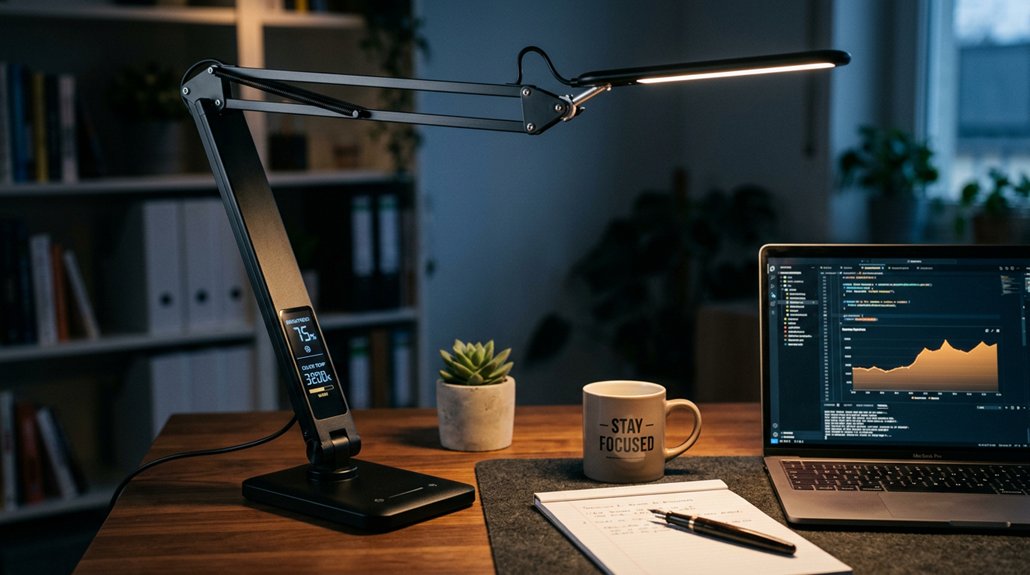
Adjustable brightness and color temperature are essential features for reducing eye fatigue because they let you customize your lighting to suit your task and environment.
With adjustable brightness, you can set the light intensity from around 100 to 850 lumens, matching ambient conditions and minimizing eye strain. Adjustable color temperature, ranging from warm (~3000K) to cool daylight (~5500K–6500K), helps support eye protection by reducing blue light exposure in the evening and boosting alertness during the day.
Incorporating flicker-free LED technology further enhances eye comfort by ensuring steady, consistent illumination that prevents visual fatigue. These controls, especially in flicker-free LED lamps, reduce glare and flicker that often cause headaches and visual fatigue. By gradually adjusting both brightness and color temperature, you create a more comfortable visual experience, maintaining natural rhythms and preventing eye fatigue during prolonged use.
How Diffusers and Light Spread Reduce Glare and Shadows
Using diffusers and broad light spread helps you avoid harsh shadows and glare that can strain your eyes. This even distribution of light guarantees your workspace is consistently lit, making detailed tasks easier and more comfortable. Incorporating full-spectrum LEDs can further enhance visual clarity and reduce eye fatigue by providing accurate color rendering across different settings.
Even Light Distribution
Even light distribution plays an essential role in reducing eye fatigue by ensuring that illumination is spread evenly across your workspace. When your desk lamp provides consistent light, it prevents harsh hotspots that can cause glare on screens and discomfort. Lamps with wide LED panels deliver soft shadows and balanced illumination, making your tasks easier on your eyes. Diffusers help spread the light widely, reducing contrast between bright and dark areas, which lessens eye strain during long work sessions. They also lower direct exposure to LED bulbs, preventing flicker and harsh lighting that can lead to headaches. Proper light spread covering your entire desk minimizes sharp shadows from writing or typing, supporting sustained focus without causing unnecessary eye fatigue. Additionally, selecting LED lights with adjustable brightness levels facilitates eye-comfort by tailoring illumination to your ambient environment.
Minimized Shadow Formation
Diffuse lighting and wider LED panels play a key role in minimizing shadows on your workspace. Diffusers soften and evenly distribute the LED light, preventing harsh, direct beams that cause sharp shadows and glare, which helps reduce eye strain.
An LED Task Lamp with a diffusing element guarantees uniform illumination across your desk, reducing contrast between bright and dark areas that can cause fatigue. Proper diffusion minimizes shadow formation, maintaining consistent brightness and preventing your eyes from constantly adjusting to uneven lighting.
Additionally, diffused light reduces glare reflected off glossy surfaces or screens, lowering discomfort. By spreading light more evenly and reducing harsh shadows, these features contribute greatly to a comfortable, eye-friendly environment, enabling you to work longer without fatigue or strain. Incorporating anti-glare technology further enhances visual comfort by minimizing reflective glare and supporting prolonged focus.
Reduced Glare Zones
Since harsh reflections can cause significant eye discomfort, employing diffusers and spreading light evenly helps prevent these issues. Diffusers on desk lamps scatter light across your workspace, creating reduced glare zones and softening shadows.
Wide LED panels produce a broad, gentle light that prevents sharp contrasts and reduces glare on screens and surfaces. An adjustable design, including a flexible lamp head, lets you direct light away from reflective surfaces, enhancing visual comfort.
Lamps with spread-out illumination avoid concentrated bright spots, minimizing intense reflections that cause eye strain. By setting the lamp’s brightness and angle correctly, you can guarantee a glare-free environment that reduces visual fatigue. Additionally, choosing lamps with diffusers or light spread mechanisms helps distribute illumination evenly, further decreasing eye strain.
These features work together to improve comfort, especially during prolonged work sessions, keeping your eyes relaxed and protected.
Why Flicker-Free LEDs Protect Your Eyes
Flicker-free LEDs provide a steady light that reduces screen flickering, which can cause eye discomfort over time. This type of lighting lowers eye strain and helps you focus more comfortably during long tasks.
Reduced Screen Flickering
Many people experience eye strain and discomfort because traditional LED lights and screens often flicker subtly, creating rapid brightness fluctuations that tire your eye muscles. Flicker-free LED lamps use advanced LED Technology to provide a steady, continuous light without noticeable fluctuations, greatly reducing eye fatigue.
Furthermore, high-quality flicker-free LEDs typically feature multi-layer diffusion panels, which help to evenly distribute light and minimize glare that can contribute to eye strain.
Even flicker rates above 90 Hz can cause subtle flickering that stresses your eyes over time. Lamps with flicker-free drivers and proper circuitry deliver consistent brightness levels, helping you avoid headaches, blurred vision, and dry eyes.
Lower Eye Strain
Eliminating flicker in LED desk lamps directly reduces the physical strain on your eyes during extended periods of use. Flicker-free LED desk lamps maintain a steady light output, preventing subtle flickering that can cause eye strain and fatigue over time.
These lamps use stable current drivers to guarantee consistent brightness, so you can confidently adjust the brightness level without worrying about flicker-related discomfort. When the screen brightness remains stable, your eyes don’t have to work as hard to adapt, reducing visual stress. Additionally, selecting lamps with proper light distribution ensures the light is evenly spread across your workspace, further minimizing eye fatigue.
Enhanced Visual Comfort
By reducing rapid fluctuations in light intensity, flicker-free LEDs provide a more stable environment for your eyes, greatly enhancing visual comfort. This helps lower eye strain and minimizes discomfort during extended use. Incorporating flicker-free LEDs also supports eye health by preventing fatigue caused by inconsistent lighting. LEDs with a high Color Rendering Index (CRI) above 95 deliver accurate color reproduction, making it easier for you to distinguish details without eye fatigue. Adjustable brightness allows you to tailor the light to your needs, further reducing visual stress. Stable current drivers guarantee a consistent, flicker-free light output invisible to the naked eye but harmful to your retina if unstable. Overall, flicker-free lighting promotes better eye health, especially during long reading or computer sessions, keeping your eyes comfortable and reducing the risk of fatigue and soreness.
How Proper Lamp Positioning Minimizes Screen Reflections
Proper lamp positioning is essential for reducing screen reflections and minimizing eye strain during work or study. Position your desk lamp beside the monitor and slightly above desk height (30–50 cm) to illuminate your workspace evenly without causing reflections on the screen.
Use an adjustable lamp to direct light between 30°–60° toward the keyboard or work surface, avoiding direct glare on your monitor. This setup prevents harsh reflections that can lead to eye fatigue. Avoid placing lamps directly behind or in front of your screen, which can cause glare.
Incorporate matte or low-reflective surfaces and use diffusers or wide LED panels with an adjustable arm to create soft, glare-free light. These practices help reduce eye strain and enhance overall visual comfort. Choosing lights with proper heat insulation features can further prevent discomfort during prolonged use.
What Light Intensity and Spectrum Best Suit Your Tasks

How do you choose the right light intensity and spectrum to maximize comfort and productivity? Start with a brightness around 500 lux for detailed tasks to prevent glare and eye fatigue. A color temperature between 3500K and 4500K strikes a balance between alertness and warmth, reducing strain during reading or screen work. Prefer lamps with a high Color Rendering Index (CRI) over 95 to guarantee accurate color perception. Adjustability matters: select lamps with multiple brightness settings for tailored illumination. Some LED desks lamps come with an ambient light sensor that automatically adjusts brightness, optimizing lighting quality. Avoid excessive blue light by choosing low blue emission LEDs, which lessen fatigue and circadian disruption. Here’s a quick guide:
| Task Type | Ideal Brightness | Recommended Spectrum | Key Features |
|---|---|---|---|
| Detailed work | 500 lux | 3500K – 4500K | Adjustable LED, high CRI |
| Color-sensitive tasks | Variable | High CRI (>95) | Blue light filter, auto dimming |
| Reading | Moderate | Warmwhite (around 4000K) | Adjustable brightness, ambient sensor |
A well-designed lighting setup can greatly reduce eye strain and enhance focus during extended work sessions.
How to Use Ambient Lighting to Ease Eye Strain
Using ambient lighting effectively can greatly reduce eye strain during extended computer use. An e-Reading Desk Lamp with a light sensor automatically adjusts its brightness to match the room’s light level, maintaining consistent illumination without glare.
Aim for ambient lighting that provides about 300–500 lux to create a comfortable contrast between your screen and surroundings. Combining this with task lighting minimizes sharp shadows and dulls reflections on the monitor, easing eye fatigue.
Soft, indirect ambient light prevents hotspots and avoids bright reflections. Choose lighting with a color temperature around 3500K to 4500K to boost alertness while reducing discomfort. Ensuring the ambient light has a high CRI improves color accuracy and visual clarity, further supporting eye comfort during long tasks.
Top Features to Look for in Eye-Friendly Desk Lamps
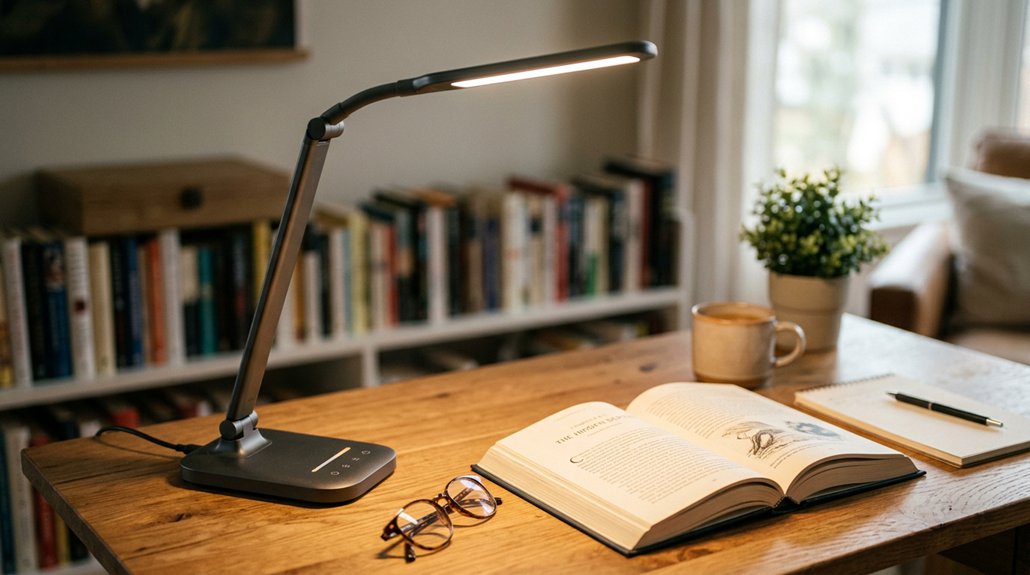
When choosing an eye-friendly desk lamp, key features can make a big difference in reducing eye strain and boosting comfort. Look for flicker-free LED bulbs with a high Color Rendering Index (CRI 80+; ideally 95+) to produce steady, life-like light. Adjustable brightness levels (at least five) and multiple color temperatures let you customize light for different tasks and times of day. Blue light reduction technology minimizes discomfort and protects your circadian rhythm. Glare reduction through diffusers and adjustable arms prevents reflections and shadows. Additionally, adaptive ambient light sensors automatically adjust brightness for consistent comfort. Features like memory functions help maintain your preferred settings, guaranteeing peak lighting at all times.
| Feature | Benefit |
|---|---|
| High CRI (80+ or 95+) | Reduces eye fatigue by providing true-to-life color rendering |
| Adjustable brightness & temp | Tailors light to your needs and time of day |
| Blue light reduction | Protects your eyes and circadian rhythms |
| Adaptive sensors | Guarantees consistent, comfortable illumination |
Tips for Placing and Using Your Desk Lamp to Keep Eyes Happy
Are you positioning your desk lamp effectively to reduce eye strain? Place it beside and slightly above your monitor at a 30°–60° angle. This helps illuminate your workspace evenly, minimizing glare and reflections that can cause eye fatigue. Avoid positioning the lamp directly behind or in front of the monitor, as this can create screen glare and strain your eyes.
Choose adjustable lamps with flicker-free LEDs that automatically adjust the brightness and offer multiple color temperature settings—such as 3000K–5500K—to match ambient lighting. A high CRI above 80 guarantees natural, soft light that reduces harsh shadows.
Balancing natural daylight with layered artificial lighting, along with matte finishes on surfaces, promotes visual comfort and lessens contrast, keeping your eyes happy and reducing eye fatigue.
Frequently Asked Questions
What Is the Best Desk Lamp to Reduce Eye Strain?
The best desk lamp to reduce eye strain is the Humanscale Nova, because it offers glare-free, diffused light with adjustable brightness and two color temperatures, helping you work comfortably and prevent fatigue during long hours.
Are LED Desk Lamps Better for Your Eyes?
Yes, LED desk lamps are better for your eyes because they offer flicker-free, blue light-free, customizable brightness, high CRI for true colors, and glare reduction features that support comfortable, natural illumination during long work or study sessions.
What Table Lamp Is Best for Eyes?
The best table lamp for your eyes has flicker-free LED technology, adjustable brightness and color temperature, and a diffuser to eliminate glare. It should also have flexible positioning and sensors to adapt to your environment for ideal comfort.
What Is the Healthiest Lighting for Your Eyes?
The healthiest lighting for your eyes mimics natural daylight with high CRI, low blue light emission, flicker-free LEDs, adjustable brightness and color temperature, plus ambient sensors that auto-adjust to your environment for ideal comfort and reduced eye strain.



