
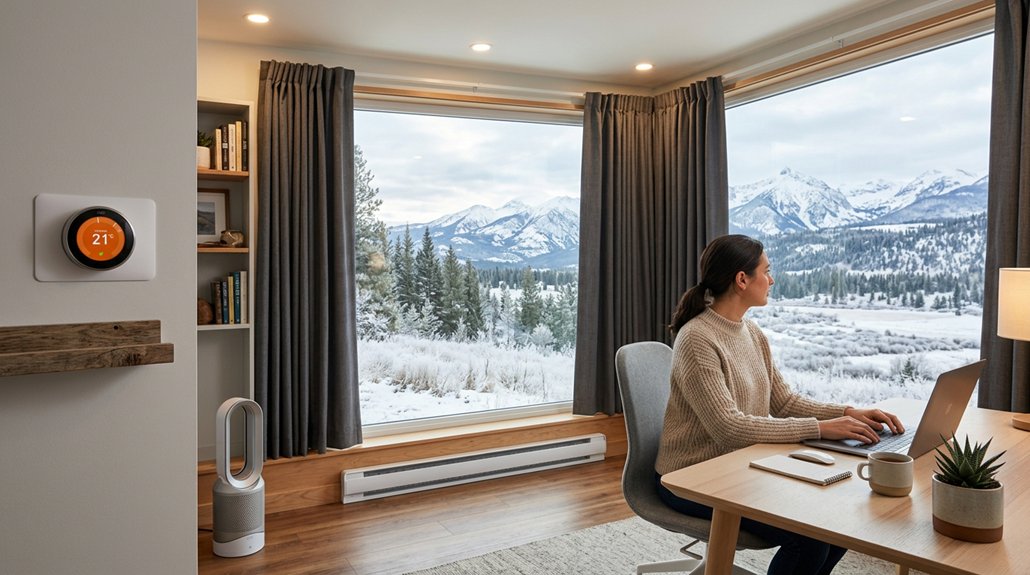
To maintain an even temperature in your home office, guarantee vents are unobstructed and properly placed to promote balanced airflow. Use fans, adjust vents, and consider smart thermostats with zoning features for better control. Seal leaks, insulate key areas, and add passive cooling like blinds or window films. Portable devices and humidifiers can also help. If discomfort persists, explore expert solutions to achieve consistent comfort—stay tuned for more tips to keep your workspace perfect.
Why Uneven Temperatures Hurt Your Home Office Productivity
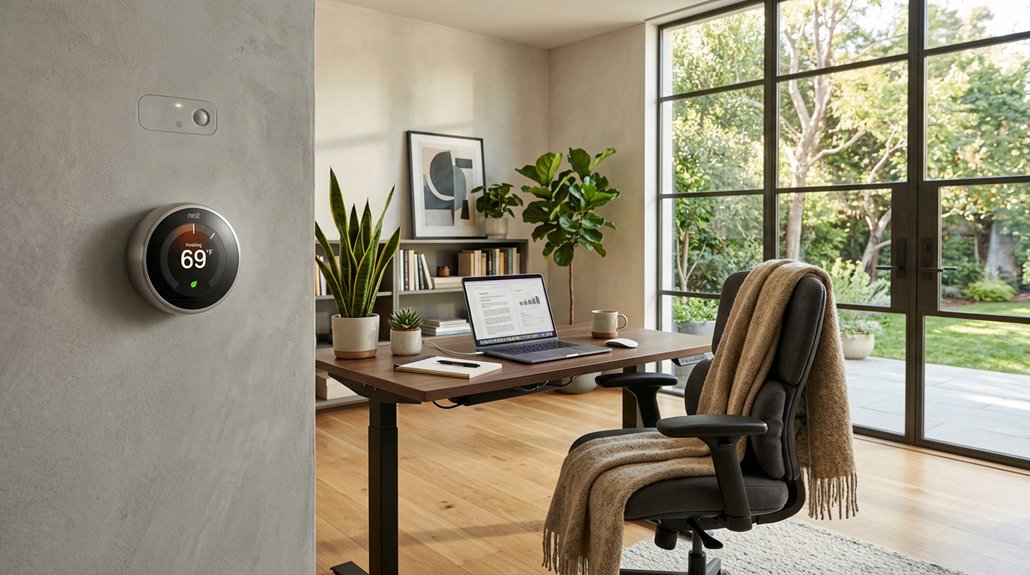
Uneven temperatures in your home office can directly harm your productivity because they cause physical discomfort like fatigue and headaches. When temperature fluctuations occur, they distract you from work and lower your focus.
Uneven office temperatures create discomfort, reducing focus and productivity through fatigue and headaches.
As you constantly adjust the thermostat, energy waste increases because your HVAC system works harder to compensate for inconsistent conditions. Poor temperature control forces you to spend extra time and effort trying to stay comfortable, diverting attention from your tasks.
Temperatures outside the ideal range of 68-70°F lead to reduced cognitive performance and more mistakes, affecting your efficiency. Additionally, balancing different zones in your office consumes energy unnecessarily, raising costs.
Maintaining uniform temperature helps you stay comfortable, focused, and productive, without unnecessary energy waste or stress. Proper humidifier operation can also contribute to consistent room conditions, further supporting your comfort and focus.
How to Check If Your Home Office Has Temperature Fluctuations
To see if your home office has temperature fluctuations, start by monitoring the temperature at different times and spots throughout the day. Inspect your vents and their placement to guarantee proper airflow, and pay attention to signs like drafts or uneven heating. Comparing your office to adjacent rooms can also reveal zones where temperature consistency needs improvement. Additionally, using a reliable thermometer with precise thermostat control can help you identify subtle temperature variations that might otherwise go unnoticed.
Verify Temperature Consistency
Start by systematically measuring the temperature at different spots in your home office throughout the day. Use digital thermometers or smart sensors near walls, windows, and work areas to monitor fluctuations accurately. A high-quality air purifier can also help maintain consistent temperature and air quality, especially models with efficient airflow and multi-stage filtration. Pay attention to areas where drafts or heat gain from sunlight occur, especially during peak sun hours, as these can cause inconsistent air temperature throughout your space. When HVAC systems run, observe if some parts of your office feel warmer or cooler than others, indicating possible airflow or zoning problems. Track these temperature changes during different cycles of your HVAC system to identify short cycling or poor air distribution. Regularly verifying temperature consistency helps you pinpoint fluctuations caused by air circulation issues, ensuring your home office stays comfortable and evenly heated or cooled.
Inspect Vent Placement
Inspecting your vents is essential for identifying temperature fluctuations in your home office. Start by checking if supply vents and return vents are unobstructed by furniture or curtains, since blocked vents restrict air to move freely, causing uneven temperature.
Observe their placement—vents near windows or exterior walls can lead to heat gain or loss, creating hot or cold spots. Measure temperature at different points in your room with a thermometer to spot zones with higher or lower temperatures. Additionally, proper vent placement and soundproofing curtain insulation play a role in maintaining consistent room temperatures by preventing drafts and heat transfer through windows.
Also, verify that vent sizes match your room’s airflow needs; undersized vents won’t deliver proper airflow, resulting in cold or hot patches. Ensuring vents are well-placed and clear helps maintain consistent temperatures, creating a comfortable workspace.
Monitor Airflow Patterns
Monitoring airflow patterns in your home office helps identify areas with uneven temperature distribution. To do this, check for signs of temperature fluctuations and poor air circulation. A crucial aspect is ensuring that fans or air conditioning units are effectively directing airflow without obstruction, as airflow capacity influences how well the temperature is balanced throughout the space.
- Observe if air vents are unobstructed and feel consistent across the room, revealing possible blockages.
- Use a handheld thermometer to monitor temperature at multiple spots, helping pinpoint fluctuations caused by uneven air circulation.
- Notice if certain zones near windows, exterior walls, or vents feel warmer or cooler, indicating uneven airflow.
- Pay attention to drafts or stagnant air, which suggest poor circulation and contribute to temperature imbalances.
Common Causes of Uneven Temperatures in Your Home Office
Uneven temperatures in your home office often come down to issues like poor air distribution, which can happen if vents are blocked or doors are closed. A mismatched or poorly calibrated thermostat can also lead to inconsistent heating or cooling throughout the space. Recognizing these common causes can help you take targeted steps to keep your workspace comfortable. Additionally, the placement of vents or radiators might impact how evenly the temperature is maintained, especially if anti-fatigue mats or other objects interfere with proper air flow.
HVAC System Imbalances
HVAC system imbalances are a common culprit behind inconsistent temperatures in your home office, often caused by issues like blocked vents, poorly designed ductwork, or improper airflow distribution. When airflow isn’t properly managed, some areas may feel too hot while others stay cold. Properly mounting acoustic panels can also influence airflow and temperature, contributing to more balanced conditions. Regular HVAC maintenance helps keep airflow balanced and systems running efficiently.
Consider these common causes:
- Blocked or closed vents reducing airflow to certain zones
- Poorly designed ductwork causing uneven distribution
- Thermostat placement near heat sources or outside walls
- Lack of zoning or dampers preventing independent control
Poor Air Distribution
Proper air distribution plays a key role in guaranteeing consistent comfort in your home office. Blocked or misadjusted supply vents limit airflow, causing uneven temperatures. Leaking or inadequate ductwork lets cool or warm air bypass the room, creating hot or cold zones. Furniture blocking vents or returns reduces air circulation, making some areas less comfortable. An unbalanced HVAC system with poor zoning prevents independent control, forcing the entire system to work harder. Dirty filters and clogged ducts lower airflow efficiency, increasing energy consumption and strain on your HVAC solutions. Ongoing maintenance keeps air conditioning running smoothly and maintains proper air distribution. Ensuring that all ducts are sealed and insulated helps prevent leaks and improves overall system performance. Guaranteeing vents are clear, ducts are sealed, and the system is balanced minimizes temperature inconsistencies and reduces unnecessary energy use.
Thermostat Placement
Thermostat placement is essential for maintaining a consistent temperature in your home office. Incorrect placement can lead to inaccurate temperature readings and uneven heating or cooling.
If your thermostats are near exterior walls, windows, or direct sunlight, they may record higher temperatures, causing improper HVAC adjustments. Placing thermostats close to heat-generating electronics or appliances can result in false readings, making your system overcompensate.
Improper height, ideally 52 to 60 inches from the floor, can also affect sensor accuracy. Additionally, installing thermostats in rooms with many windows or poor insulation causes temperature swings due to fluctuating local air.
For multi-zone HVAC systems, unrepresentative placement may overheat or overcool certain zones, disrupting your home office comfort.
- Near exterior walls, windows, or sunlight
- Close to heat sources like electronics
- Improper height on the wall
- In rooms with poor insulation
Passive Cooling Tips to Keep Your Home Office Cooler
By making simple adjustments, you can greatly lower the temperature in your home office without relying on air conditioning. Blocking heat entry and improving air circulation enhances energy efficiency and reduces indoor air temperature. Close blinds or curtains during peak sun hours to block heat gain by up to 77%. Use ceiling fans counterclockwise to push air downward, creating a cooling breeze and decreasing cooling system reliance. Open interior doors to promote airflow, while closing rooms with many windows prevents cooler air from escaping. Installing window films adds thermal resistance without sacrificing natural light. Additionally, replacing incandescent bulbs with energy-efficient LEDs or CFLs minimizes indoor heat production. These passive strategies help maintain a comfortable, even temperature while lowering overall energy usage.
| Tip | Description |
|---|---|
| Close blinds | Blocks heat from entering |
| Use ceiling fans | Creates a cooling breeze |
| Open interior doors | Improves airflow |
| Install window films | Adds thermal resistance |
| Switch bulbs | Reduces indoor heat |
How Proper Vent Placement and Fans Can Improve Airflow
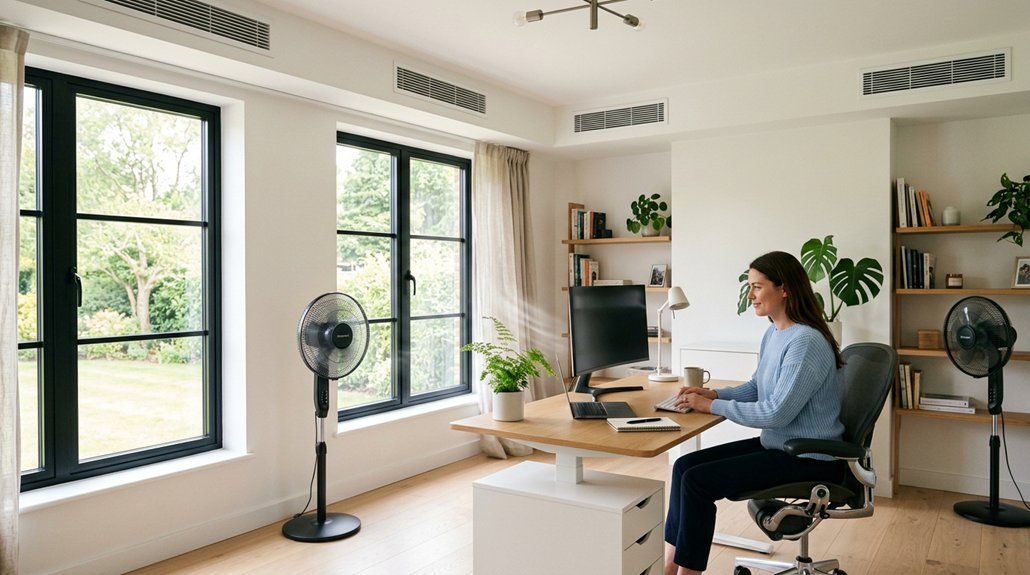
Effective airflow in your home office depends largely on strategic vent placement and the use of fans. Proper vent placement guarantees air circulates evenly, preventing hot or cold spots that can disrupt comfort and focus. Avoid blocking supply or return vents with furniture to maintain unrestricted airflow.
Strategic vent placement ensures even airflow and prevents hot or cold spots.
Ceiling fans set to run counterclockwise push cool air downward, boosting airflow and reducing reliance on air conditioning. Partially closing vents in overcooled areas redirects airflow to warmer zones, balancing temperatures naturally. Turning on the AC fan continuously helps circulate air throughout the space, sustaining a consistent temperature even when the AC isn’t actively cooling.
- Position vents to promote cross-ventilation
- Use ceiling fans to enhance airflow and cooling
- Keep vents unblocked for peak circulation
- Adjust vent openings to balance temperature disparities
Smart Zoning and Thermostats: The Keys to Consistent Office Temperatures
Smart zoning and thermostats are game-changers when it comes to maintaining a comfortable home office, especially if you work in different areas of your home. With smart thermostats and programmable thermostats, you can set tailored temperature schedules based on your work hours, reducing energy costs while keeping your space comfortable.
Zoned HVAC systems with smart controls allow you to isolate and regulate temperature in specific zones, ensuring faster response times and improved efficiency. These systems prevent temperature fluctuations caused by uneven airflow or solar heat gain, providing consistent comfort throughout your home office.
Boost Insulation and Seal Leaks to Maintain Stability
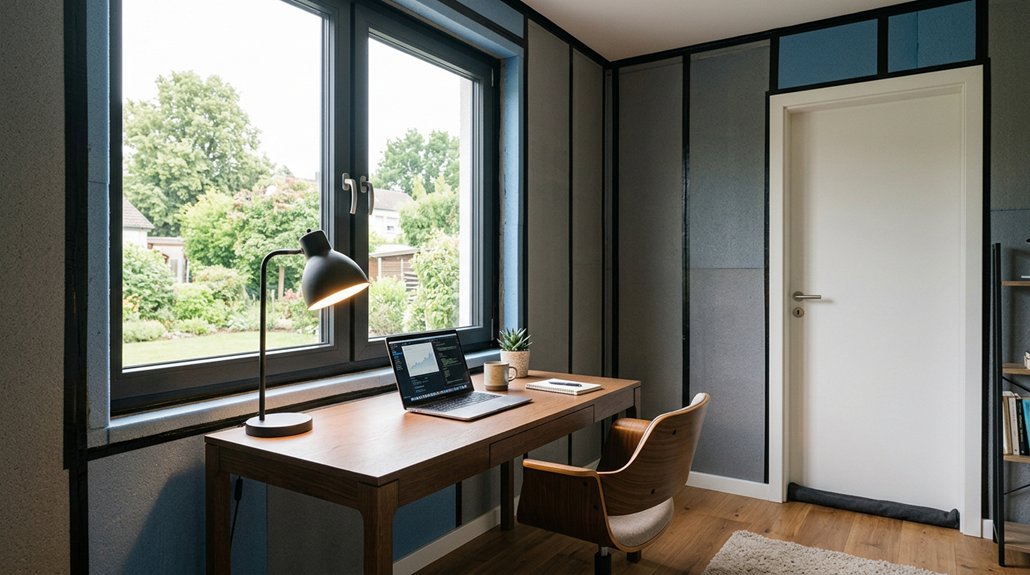
Boosting insulation and sealing leaks are essential steps to keep your home office temperature stable. Proper insulation in walls, ceilings, floors, and attics prevents heat exchange, maintaining comfort year-round.
Sealing leaks around windows, doors, and ductwork stops conditioned air from escaping and unconditioned air from entering, reducing temperature swings. High-quality insulation and effective sealing lessen your HVAC system’s workload, saving energy and lowering utility bills.
Regular maintenance of insulation and seals guarantees consistent comfort and peak home energy efficiency.
- Insulate exposed attic spaces and basement walls
- Seal gaps around windows and door frames
- Insulate ductwork to prevent heat loss or gain
- Check for drafts and add weatherstripping where needed
Using Portable Devices and Humidifiers to Enhance Comfort
Portable devices like space heaters, fans, and portable air conditioners offer targeted temperature control, allowing you to adjust the comfort level in your home office without affecting the entire house. This flexibility means you can fine-tune your space for ideal comfort during remote work, without markedly increasing energy bills.
Using a humidifier helps maintain indoor humidity around 40-50%, which reduces dry air discomfort, such as dry skin and throat irritation, and helps you stay focused longer. Portable humidifiers are easy to set up and can be moved as needed, offering a cost-effective, customizable solution.
Combined with smart controls, these devices help you achieve precise temperature and humidity adjustments, making your home office more comfortable and energy-efficient for everyday remote work sessions.
When to Call an HVAC Expert for Advanced Home Office Cooling Solutions
Have you noticed persistent temperature inconsistencies in your home office even after adjusting vents or using fans? If so, it’s time to call an HVAC expert for advanced cooling solutions.
Your systems might require professional assessment if they lack proper zoning or struggle with cooling capacity during peak hours. Mechanical issues like short cycling, uneven airflow, or abnormal noises also indicate the need for expert diagnosis to avoid energy waste and discomfort.
An HVAC specialist can perform system balancing, inspect ductwork, and relocate thermostats tailored to your layout. Consider calling a professional if you’re thinking about integrating smart thermostats or microzoning solutions.
Proper installation guarantees compatibility and peak performance, helping you maintain a comfortable, even temperature in your home office efficiently.
Frequently Asked Questions
What Is an Unreasonable Temperature for an Office?
An unreasonable temperature for your office is anything below 65°F or above 77°F. These ranges cause discomfort and reduce productivity, so keeping your office between 68-70°F helps maintain comfort and efficiency throughout your workday.
What Is the 30 Minute Heating Rule?
The 30 minute heating rule advises you to turn on your HVAC system 30 minutes before working, so you guarantee even temperature distribution, avoid cold spots, and maintain a consistent, comfortable environment that boosts your productivity and comfort.
How to Keep Warm in a Home Office?
You keep warm in your home office by closing blinds and doors, using insulated curtains, running ceiling fans in reverse, ensuring proper insulation, and opting for zoned or mini-split heating to directly target the space.
How to Maintain Constant Temperature in a Room?
To keep a room’s temperature steady, you should close blinds during peak sun hours, run ceiling fans counterclockwise, keep interior doors open, unclog vents, and seal leaks to minimize heat exchange and promote consistent airflow.



