
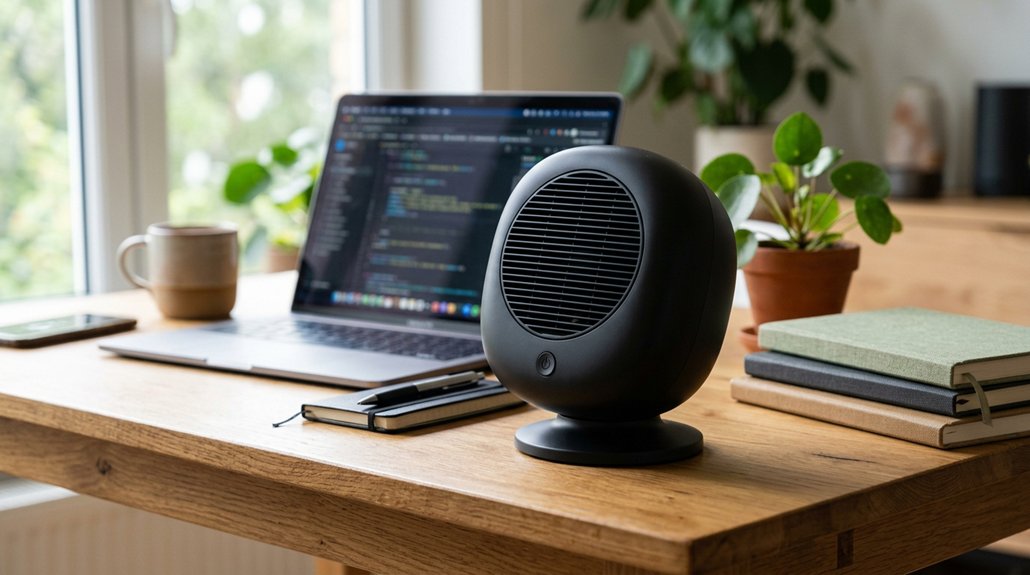
To keep your desk fan quiet, choose models with brushless motors and aerodynamic blades, as these reduce noise and vibrations. Position the fan slightly off to the side and on a stable surface to minimize rattling. Use lower speed settings to balance airflow and sound. Regularly clean blades and tighten loose parts to prevent noise issues. Opt for fans with adjustable tilt and oscillation features for better airflow control. If you keep these tips in mind, you’ll soon enjoy a quieter, more focused workspace.
Why Quiet Desk Fans Are Key to a Focused Home Office
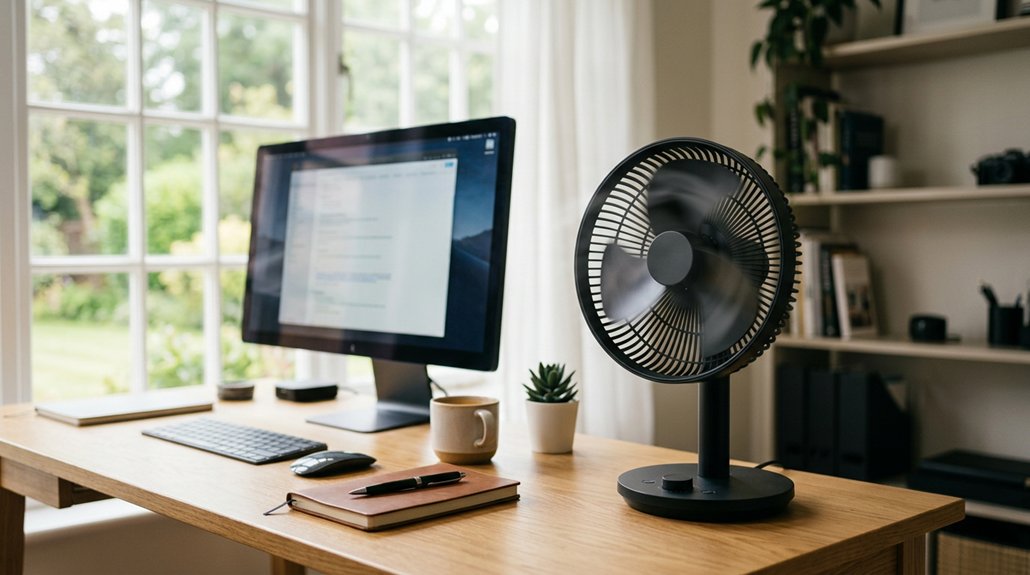
Quiet desk fans are essential for creating a focused home office environment because they prevent noise from interrupting your concentration. When you work, disruptions from loud fans can distract you during calls or virtual meetings.
Quiet desk fans, typically operating around 30-40 dB, minimize these disruptions while keeping the air fresh. Fans with multiple speed settings let you choose lower, quieter airflow levels that still provide comfort.
Look for models with brushless motors and well-designed blades, like the Vornado Pivot, which reduce mechanical noise for silent operation. Adjustable tilt and oscillation features help improve air circulation without increasing sound levels.
Regular maintenance and cleaning keep your quiet desk fan running smoothly, ensuring it remains nearly silent during long work sessions. Additionally, choosing fans with low noise levels and energy-efficient motors can further enhance a distraction-free work environment.
How to Find a Quiet Desk Fan That Won’t Disrupt Your Work
Ever wonder how to choose a desk fan that keeps you cool without adding noise to your work environment? To find a quiet desk fan, look for models with brushless motors and multiple speed settings. These features help balance airflow with low noise levels, ideally around 30-40 dB.
Consider compact options like the Vornado Pivot Personal Air Circulator or EasyAcc Desk Mini Fan, which operate quietly and offer adjustable speeds. Fans with oscillation and tilt capabilities improve airflow at lower, quieter speeds, reducing the need for loud settings.
Battery-powered or USB fans increase portability without noisy adapters, but double-check that they stay quiet at all speeds. Regular maintenance, like cleaning blades and tightening screws, also keeps your quiet desk fan running smoothly and silently. Additionally, selecting fans with low noise operation ensures minimal disruption during focused work sessions.
Essential Features That Make a Desk Fan Quiet and Effective
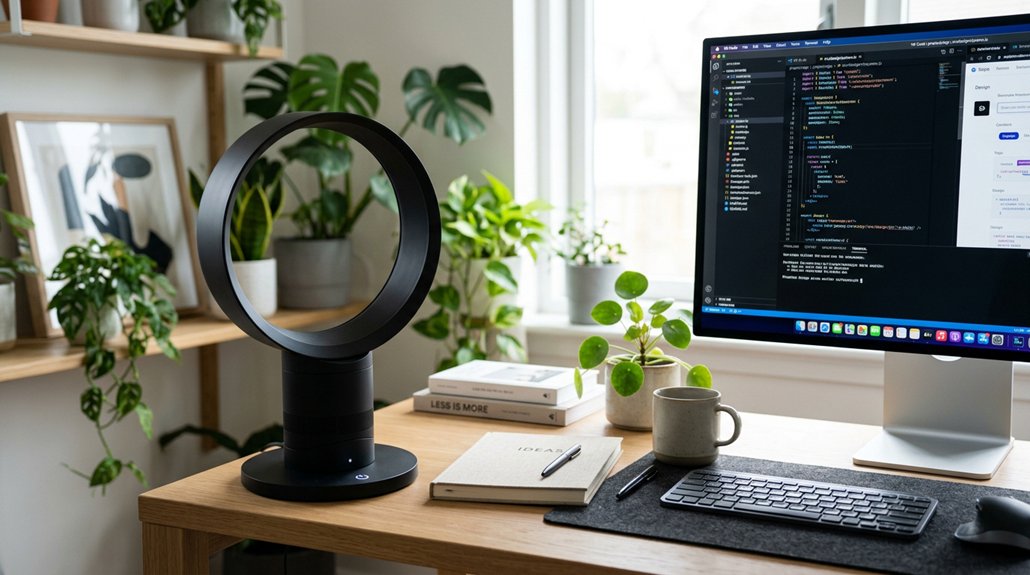
To keep your desk fan quiet and effective, look for models with brushless motors, which run smoothly and produce less noise. Adjustable speed settings let you find the perfect airflow without increasing noise levels, while an ideal blade design guarantees efficient airflow with minimal sound. Additionally, choosing fans with auto shut-off features ensures safe operation during extended use or when unattended.
Brushless Motor Technology
Brushless motor technology is transforming the way desk fans operate by replacing traditional brushes with electronic commutation. This modern approach minimizes mechanical friction and greatly reduces noise, making your fans quieter and more efficient.
Fans with brushless motors often produce sound levels as low as 30-40 dB, perfect for silent home office environments. They also boost energy efficiency and extend the lifespan of your fan, providing consistent airflow without the wear and tear of brushed motors.
Plus, many models offer multiple speed settings and oscillation options without sharply increasing noise. Thanks to the smooth, vibration-free operation of brushless motors, your fan stays steady and quiet even after extended use.
- Reduced noise levels for silent operation
- Greater energy efficiency and longer lifespan
- Minimal vibration and rattling
- Reliable performance at multiple speeds
- Stable airflow with smooth operation
Adjustable Speed Settings
Adjustable speed settings are a key feature that enhances both the comfort and functionality of a desk fan. They allow you to select a quieter airflow at lower speeds, ideal for maintaining silence in your home office. Fans with multiple speed levels, like the Vornado Silver Swan’s three speeds or the IRIS WOOZOO’s five speeds, give you fine-tuned control over noise and cooling power. Using moderate speeds with brushless motors and aerodynamic blades, quiet fans often produce markedly less noise—up to 50% less than maximum settings. Digital or dial controls, like the EasyAcc Mini Fan’s dimmer, enable smooth adjustments, preventing sudden noise spikes. The table below highlights common speed setting options:
| Fan Model | Number of Speeds | Control Type |
|---|---|---|
| Vornado Silver Swan | 3 | Dial |
| IRIS WOOZOO | 5 | Digital |
| EasyAcc Mini Fan | Variable (dimmer) | Dimmer control |
| Other models | 2-4 | Button or Knob |
| Max Speed noise level | Moderate to quiet | Varies |
An additional benefit of adjustable speeds is the ability to conserve power efficiency while keeping your workspace comfortable.
Optimal Fan Blade Design
Ideal fan blade design plays a crucial role in making a desk fan both quiet and effective. Aerodynamic, curved blades are key—they reduce turbulence and noise while still delivering strong airflow. Using materials like soft plastics or composites helps absorb vibrations, further silencing the fan. Incorporating multi-layer composites in blade construction can enhance noise reduction by diffusing sound waves more effectively. Blade size matters; 4 to 12 inches balances air movement and noise without overloading the motor. Multi-blade configurations produce smoother airflow at lower speeds, decreasing noise levels. Additionally, precise pitch angles optimize circulation and minimize drag, easing motor strain. When choosing quiet desk fans, look for blades engineered with these features. Proper design guarantees that your fan runs quietly yet efficiently, creating a more comfortable home office environment.
How Fan Size Influences Noise Levels in Quiet Desk Fans
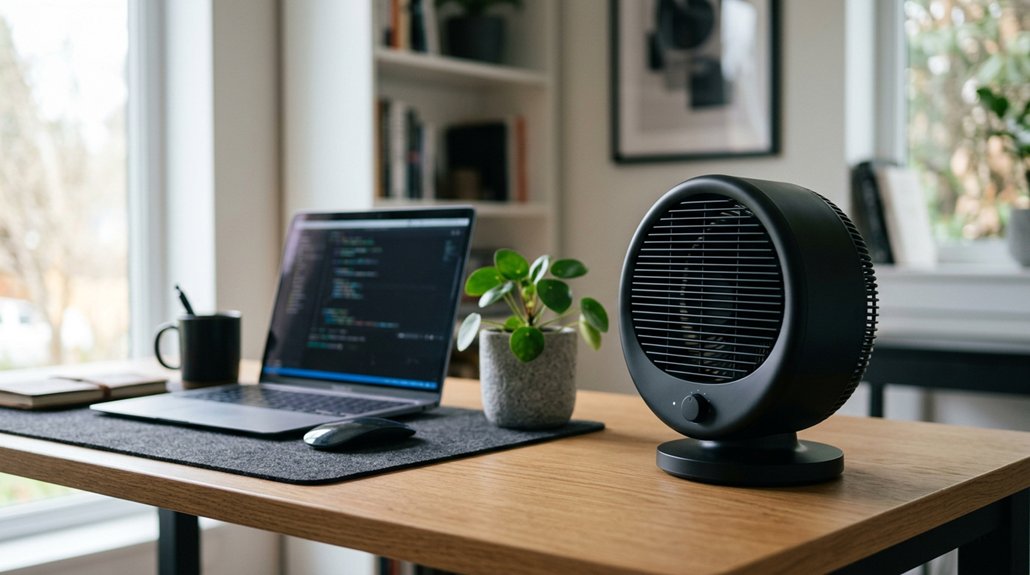
Larger desk fans often move more air but tend to be louder, sometimes reaching up to 55 dB.
Smaller fans generally operate quieter, around 30 dB, making them better for personal use. Choosing the right size depends on balancing noise levels with airflow needs in your workspace.
Larger Fans, Louder Sound
While bigger desk fans like the 12-inch Comfort Zone model tend to move more air, they also tend to produce louder sounds. Larger desk fans generate more air turbulence and mechanical noise because of their increased blade size and airflow capacity. The noise levels can reach up to 55 decibels, compared to smaller fans that can operate as quietly as 30 decibels. To keep the noise down, look for larger desk fans with:
- Brushless motors for quieter operation
- Multiple speed settings to tailor airflow
- Optimized blade design to reduce turbulence
- Noise-reducing housing features
- Better balance between size and sound output
Additionally, selecting fans with Active Noise Cancellation features can further minimize disruptive sounds, ensuring a quieter workspace while maintaining effective airflow.
Smaller Fans, Quieter Operation
Smaller desk fans tend to operate more quietly than their larger counterparts because they’ve less moving air and fewer mechanical components creating noise. A small desk fan, like a compact USB model under 6 inches, typically produces around 30 dB, making it ideal for a quiet home office. Additionally, their fan noise levels are lower due to the use of whisper-quiet motors and fewer blades, which helps maintain a peaceful working environment. These fans use fewer blades and often feature brushless motors, reducing vibrations and motor noise. Since they require less power, they generate less mechanical sound overall. However, their limited size means they mainly cool personal spaces rather than large areas. Choosing a small desk fan with adjustable tilt or multiple speeds allows you to balance quieter operation with effective airflow, ensuring comfort without disrupting your focus.
Placement Tips for Keeping Your Desk Cooler and Quieter
To keep your desk cooler and quieter, it’s important to pay attention to where you place your fan. Position it slightly off to the side rather than directly in front to reduce noise and prevent air from blowing straight into your face, which can be distracting.
Choose fans with an adjustable tilt to direct airflow exactly where needed, helping you stay comfortable without cranking up the speed. Place the fan on a stable, vibration-absorbing surface or use rubber pads to minimize rattling sounds from shaking or vibrations.
Smaller models like the Vornado Fly Move or EasyAcc Desk Mini are ideal for quiet, efficient airflow. Keep the fan clean and well-maintained to prevent noise increases caused by dust or mechanical wear.
How Speed Settings and Oscillation Affect Fan Noise
Adjusting the speed settings on your desk fan can greatly impact its noise level; higher speeds tend to produce more sound, while lower to medium settings keep the environment quieter without sacrificing too much airflow. With three speeds, you can fine-tune your comfort and noise balance — using the lowest or medium setting for quieter operation during work. Using fans with non-slip bases or stable positioning can also prevent additional noise caused by shifting or rattling. Oscillation adds to noise because the fan motor moves continuously, creating subtle mechanical sounds. Fans with smooth, brushless motors and quality oscillation mechanisms produce less noise even when oscillating. Disabling oscillation reduces overall noise, but limits airflow coverage. If you want a quieter fan experience, opt for features like multiple speed options and quieter oscillation mechanisms, so you can find the ideal balance between comfort and silence in your home office.
Maintenance Tips to Keep Your Desk Fan Running Quietly
Maintaining your desk fan regularly is essential for ensuring it runs quietly and efficiently. A clean, well-kept desk fan reduces noise caused by dust and mechanical issues.
Regular maintenance keeps your desk fan quiet and efficient.
Here are some quick maintenance tips:
- Unplug the fan, wipe down the exterior, and remove the grill if possible to clean the blades gently.
- Use compressed air or a cool hair dryer setting to blow out debris from internal components.
- Check for loose screws or worn bearings, tightening or servicing as needed.
- Avoid constantly running the fan at maximum speed; opt for moderate settings for quieter airflow.
- Place your desk on a stable, flat surface to minimize vibrations and rattling sounds.
These simple steps will help keep your desk fan whisper-quiet while enduring longer.
What Do Noise Ratings and Decibel Levels Tell You?
Understanding decibel levels helps you choose a fan that balances noise and cooling. A quieter fan, around 30 dB, won’t distract you during work or meetings, while higher levels can be disruptive.
Understanding Decibel Measurements
Ever wondered what the noise ratings and decibel levels of desk fans actually mean for your environment? Decibel (dB) levels measure sound intensity, helping you gauge how loud a fan might be. Desk fans come with ratings usually between 30 and 55 dB—values that show how quiet or loud they’re at different speeds.
Keep in mind, a 10 dB increase makes the noise ten times louder. Ratings are measured at about 1 meter, giving a clear comparison across models. Factors like fan speed, motor type, and oscillation influence noise levels.
When choosing a fan, understanding these measurements helps you find quiet options suited to a home office environment, where staying unobtrusive is key.
- Lower decibels mean quieter operation
- 40 dB is generally unobtrusive for work
- Fan speed impacts decibel level markedly
- Brushless motors tend to be quieter
- Oscillation features can add noise, depending on design
Noise Level Impact
Decibel levels in desk fans reveal how much noise they produce, directly impacting your workspace comfort. Small differences in decibel ratings can make a huge difference, especially in a home office.
Fans with noise ratings around 30-40 dB are typically quiet enough for focused work, comparable to a whisper or background chatter. If a fan exceeds 50 dB, it might become disruptive, interfering with calls or meetings.
Keep in mind, higher speeds generate more noise, but models with multiple speed settings help you balance airflow and quietness. Features like brushless motors and aerodynamic blades greatly reduce noise.
Monitoring decibel levels also helps you catch potential maintenance needs, as increased noise may signal worn bearings or dirt, affecting your fan’s quiet performance.
Troubleshooting Common Quiet Fan Noise Problems
Are you noticing your quiet desk fan making more noise than usual? It’s a common issue with desktop fans, but often fixable. Here are some troubleshooting tips:
- Check for loose screws and tighten them to prevent rattling.
- Lubricate worn bearings and moving parts to restore smooth operation.
- Clean blades and motor housing with compressed air or a cool hairdryer to remove dust buildup.
- Inspect for debris trapped in the grill or blades and carefully disassemble if needed.
- If electrical buzzing persists, consider consulting the manufacturer or replacing the fan.
Addressing these areas can greatly reduce noise. Regular maintenance goes a long way in keeping your desktop fan whisper-quiet and performing at its best.
Finding the Best Quiet Desk Fan to Boost Your Focus
Finding the best quiet desk fan is essential for maintaining focus and comfort while working or studying at home. Look for models with adjustable tilt so you can direct airflow precisely where you need it, enhancing comfort without creating noise.
Fans like the Vornado Pivot offer multiple speeds and a tilt feature, delivering powerful yet silent airflow ideal for focused tasks. Opt for fans with brushless motors and oscillation to provide gentle, even circulation that minimizes disruptions.
Battery-powered mini fans, such as the EasyAcc Desk Mini Fan, deliver quiet portability, letting you adjust airflow quietly nearby. Noise levels around 30 dB help you stay concentrated during video calls or deep work.
Choosing a fan with a small footprint, versatile tilt, and multiple speed options guarantees effective cooling without sacrificing productivity.
Frequently Asked Questions
How to Reduce Desk Fan Noise?
You can reduce desk fan noise by choosing models with brushless motors, adjusting the speed to lower settings, positioning the fan properly, and performing regular maintenance like cleaning dust and checking for loose parts, ensuring quieter operation during work.
What Is the Quietest Desk Fan on the Market?
The quietest desk fan on the market is the EasyAcc Desk Mini Fan. It runs quietly, offers customizable speed, and is battery-powered, making it ideal for a silent work environment without sacrificing airflow or convenience.
Does Putting a Wet Towel Over a Fan Make It Cooler?
No, putting a wet towel over a fan doesn’t cool the fan itself, but it can temporarily cool the air slightly through evaporation, especially in dry conditions, helping you feel more comfortable without lowering the actual room temperature.
How to Cool a Room With a Desk Fan?
You can cool a room with a desk fan by placing it near a window or door to draw in cooler air, using oscillation for even circulation, and combining it with larger fans for a cross-breeze, while keeping blades clean and quiet.



