
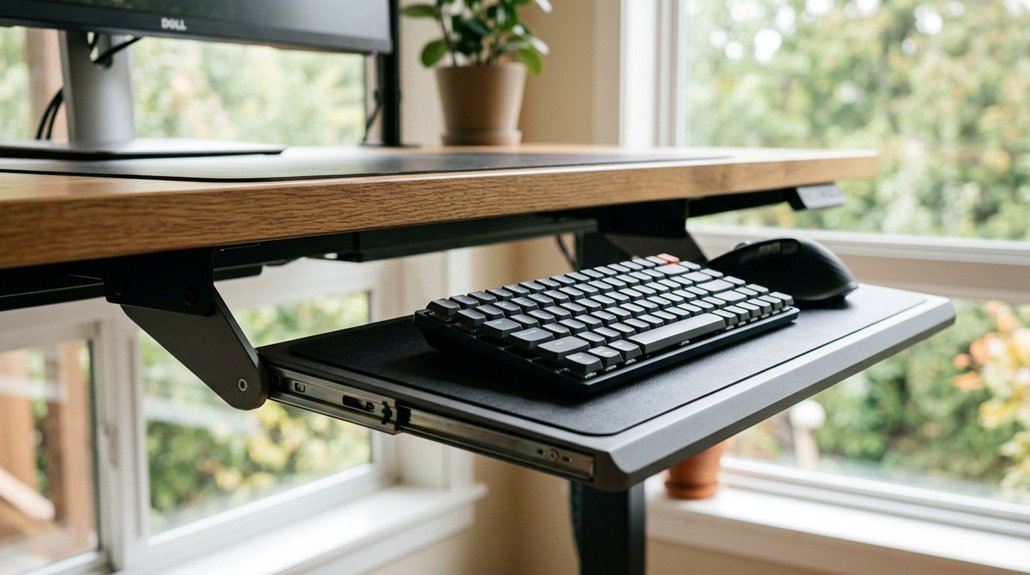
Your keyboard tray angle is key to maintaining good posture and preventing discomfort. A slight negative tilt (-5° to -10°) keeps your wrists neutral and reduces strain, while positive tilt forces your wrists upward, causing tension and potential issues like carpal tunnel syndrome. Adjusting your tray correctly guarantees your wrists stay aligned, easing muscle tension and shoulder strain. Keep exploring, and you’ll discover simple tips to set up your tray for long-term comfort.
Why Your Keyboard Tray Angle Matters for Wrist Comfort
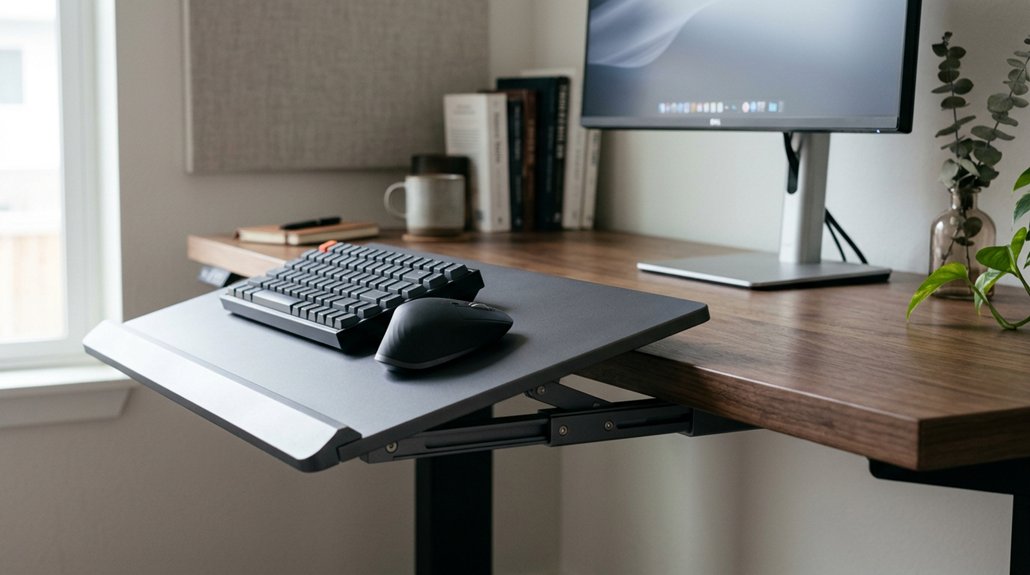
Have you ever wondered why your wrist comfort varies when you adjust your keyboard tray? The key is the keyboard tray height and angle. Using a slight negative tilt, around -5° to -10°, keeps your wrists in a neutral, straight position during typing. Proper wrist positioning reduces wrist extension, preventing strain and discomfort. Additionally, selecting a tray with adjustable tilt options ergonomic height range can help tailor your setup for optimal comfort. When the keyboard placement is aligned with the underside of your elbows, your ergonomic setup promotes relaxation and minimizes pressure on tendons. Incorrect tray angles, like positive tilt, force wrist extension, increasing tension and risking issues like carpal tunnel syndrome. Maintaining the right keyboard tray height and a slight negative tilt supports your wrist’s natural bend, reduces wrist stress, and enhances your overall comfort, making long typing sessions more sustainable and healthy.
Avoid Positive Tilt: How It Causes Strain and Why Negative Angles Help
Using a positive tilt on your keyboard tray forces your wrists to bend upward, which increases wrist extension and puts unnecessary pressure on your joints. This misalignment can lead to discomfort, repetitive strain, and increases the risk of carpal tunnel syndrome.
To avoid this, aim for a slight negative tilt (0° to -10°), aligning your keyboard position for a neutral posture that minimizes muscle tension. According to ergonomic guidelines, negative tilt prevents harmful wrist angles and reduces shoulder strain caused by unconsciously elevating shoulders.
- Limit positive tilt to prevent wrist strain and joint stress
- Use negative tilt to promote a more natural, neutral posture
- Follow ergonomic guidelines to reduce repetitive strain and promote long-term comfort
How to Adjust Your Keyboard Tray for the Best Neutral Wrist Posture
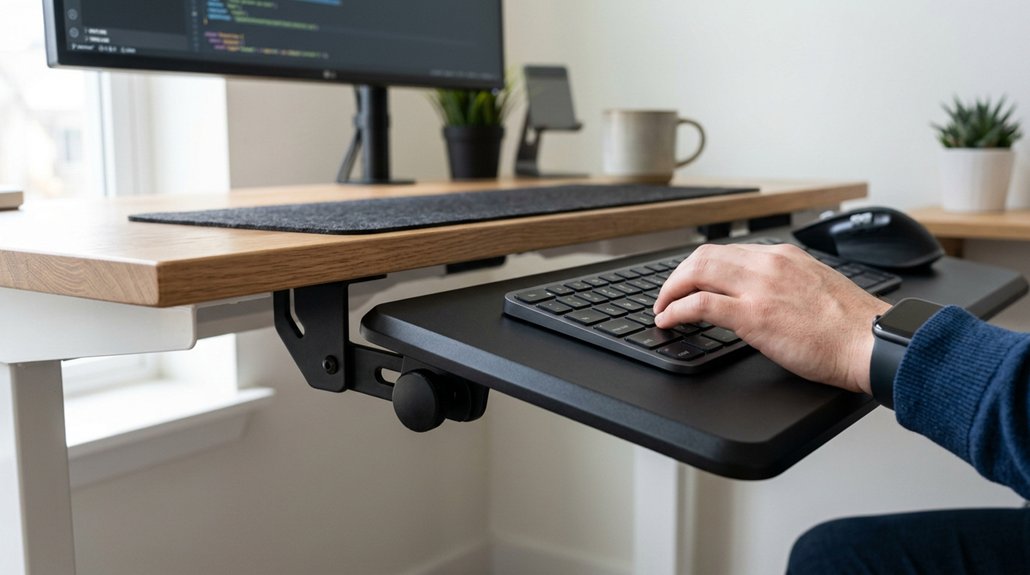
Wondering how to set up your keyboard tray for ideal wrist comfort? Start by adjusting your keyboard tray to a slight negative tilt, around -5° to -10°, to keep your wrists straight and prevent upward bending that increases strain and raises carpal tunnel risk.
Set the tray height so your elbows bend at approximately 90°, ensuring your forearms are horizontal and your wrists stay in a neutral posture. Position the tray close enough to your body to avoid reaching forward; this helps prevent shoulder and neck tension caused by poor upper body posture.
Avoid positive tilt angles, which bend wrists upward and add static muscle load, leading to discomfort during long typing sessions. Periodically relax your arms, keeping your eyes closed, to confirm your wrists are straight and shoulders remain relaxed without tension.
Adjusting the tilt mechanism to offer smooth, lock-in stability—such as the features found in the Logitech Ergo K860 or Vaydeer Space-Saver Pro—can further support ergonomic positioning and help alleviate wrist strain.
Common Mistakes When Setting Your Keyboard Tray Angle
Many people set their keyboard tray with a steep positive tilt, which pushes your wrists into harmful extension and causes discomfort.
You might also incorrectly choose a negative tilt that’s too shallow or exaggerated, leading to awkward wrist positions or strain. Testing your setup with relaxed, eyes-closed typing can help you avoid these common mistakes and find the right angle.
Common Positive Tilt Errors
A common mistake when setting your keyboard tray angle is leaning into a positive tilt, which pushes your wrists upward rather than maintaining a neutral position. This can increase the risk of carpal tunnel syndrome and cause muscle strain in your forearms, shoulders, and neck. Many users visually estimate the tray angle incorrectly, often opting for a positive tilt instead of the recommended slight negative tilt of 0° to -10°. To avoid this error, be mindful of these points: – Over-tilting the tray leads to extended wrists, increasing nerve pressure – Ignoring proper angle restricts blood flow and causes discomfort – Relying on visual cues rather than precise measurements increases positive tilt errors. Incorporating ergonomic features such as adjustable tilt legs can help achieve the ideal angle, promoting a more neutral wrist position. Breaking the positive tilt habit is crucial for a neutral wrist posture and long-term comfort.
Improper Negative Tilt Setup
Setting your keyboard tray with too steep a negative tilt can actually cause more harm than good by increasing wrist extension, which strains your muscles and joints. An overly negative tilt forces your wrists into an unnatural upward bend, preventing a neutral posture and increasing the risk of wrist strain and carpal tunnel syndrome.
Many users mistakenly set the tilt without testing wrist and forearm relaxation during typing, leading to discomfort. Incorrect negative tilt can also cause your forearm to sag or your shoulders to shrug, creating tension elsewhere.
The ideal negative tilt range is between 0° and -10°, as recommended by ergonomic guidelines. Proper setup guarantees your wrists stay aligned with your forearms, promoting a neutral posture and reducing the chance of long-term musculoskeletal issues.
Tips to Keep Your Posture Correct During Work
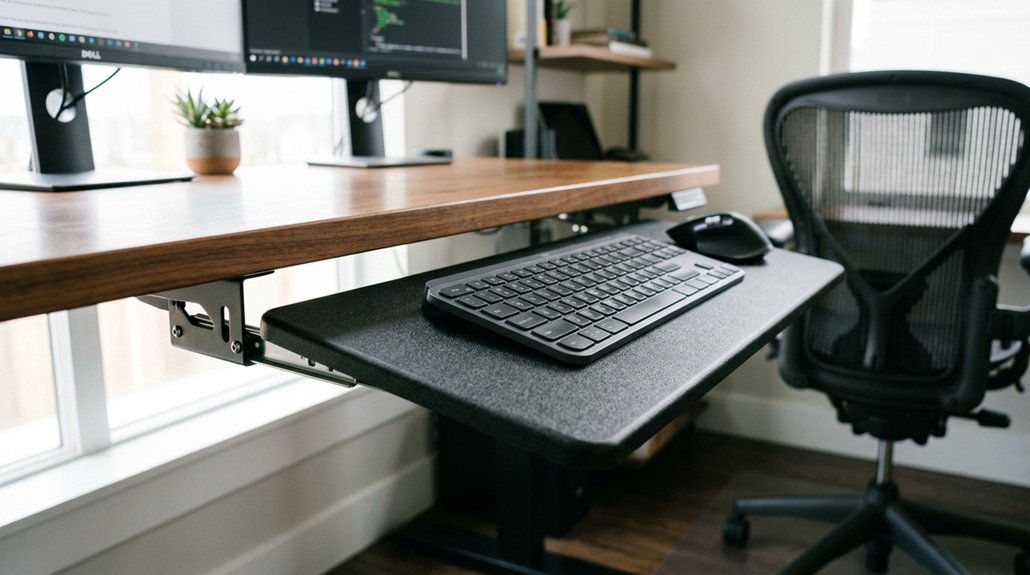
Maintaining proper posture during work requires paying attention to your keyboard and mouse placement. To do this, use ergonomic keyboard trays that allow adjustable height and tilt, helping you find the neutral wrist position and reduce wrist pain.
Keep the keyboard below your seated elbow height, which helps prevent shoulder discomfort and keeps elbows at about 90°. Place the mouse close and level with the keyboard on a proper mouse platform to minimize reaching and neck strain.
Incorporate wrist rests to support your wrists and keep them straight during long sessions. Regularly check your posture by relaxing your shoulders and maintaining a neutral wrist position to avoid fatigue.
- Adjust the keyboard tray tilt to -5° to -10° for a neutral wrist position
- Keep your keyboard below elbow height for ideal posture
- Use wrist rests and keep the mouse close and level
- Choose adjustable armrests with multi-directional movements to better support your ergonomic setup and reduce fatiguing positions during extended work hours
Troubleshooting Your Keyboard Tray Setup for Maximum Comfort
Wondering if your keyboard tray setup truly offers maximum comfort? First, check the tray’s angle. A slight negative tilt of -5° to -10° helps maintain a neutral wrist position, preventing wrist extension strain. Avoid positive tilt angles, which bend your wrists upward and increase the risk of carpal tunnel syndrome and discomfort. Incorporating ergonomic design principles into your setup can further enhance comfort and reduce strain.
Adjust the tray height so, when you sit relaxed with elbows bent around 90°, your forearms and wrists form a straight line while typing. Place the mouse on the tray within 10–20 cm of the keyboard to prevent shoulder and neck strain.
Also, make certain cable slack on sit-stand desks so the tray stays aligned during height changes. Proper setup encourages good posture and reduces discomfort during long work sessions.
Frequently Asked Questions
What Is the 90 90 90 Rule for Ergonomics?
The 90 90 90 rule means keeping your elbows, hips, and knees each at a roughly 90-degree angle. You do this to maintain good posture, reduce strain, and improve comfort while sitting and working at your desk.
Is a Keyboard Tray Better Ergonomically?
Yes, a keyboard tray is better ergonomically because it allows you to adjust the height and tilt, keeping your wrists neutral, reducing strain, and promoting a more comfortable, healthy posture during long periods of typing or mouse use.
Is It Better to Have Your Keyboard at an Angle?
Having your keyboard at a slight negative tilt, around -5° to -10°, is better because it keeps your wrists neutral, reduces strain, and prevents discomfort. Adjusting for this angle helps you type comfortably and maintain good posture during long sessions.
Should Elbows Be at 90 Degrees When Typing?
Yes, your elbows should be at 90 degrees when typing. This position helps keep your shoulders relaxed, reduces muscle tension, and promotes proper blood flow, preventing strain and discomfort, while supporting healthier, long-term posture.



