
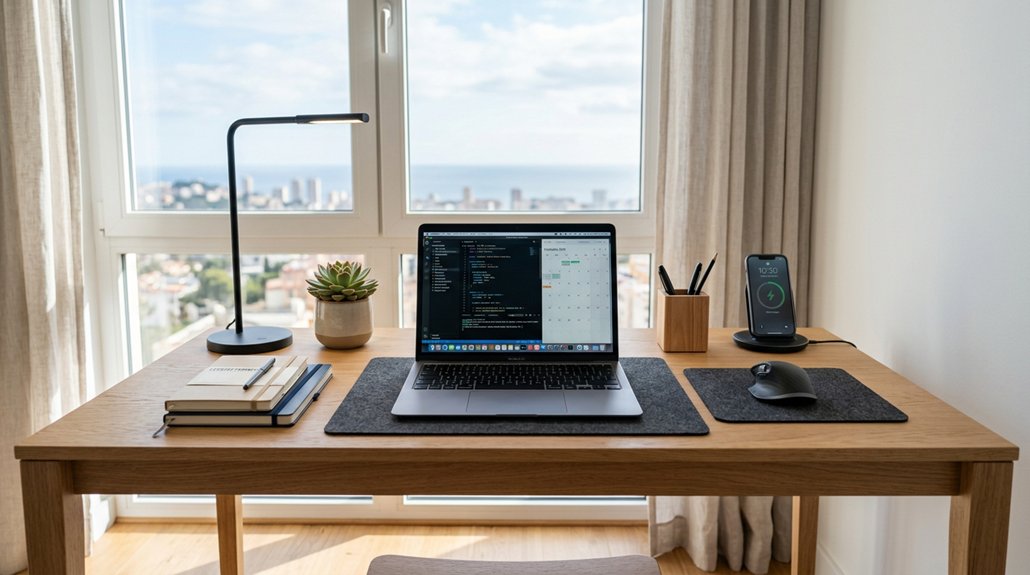
To arrange your desk for maximum productivity, divide it into zones for different tasks like research, drawing, and admin work. Keep essential items within reach and store non-essentials out of the way. Use storage solutions like drawer dividers and vertical organizers to keep everything tidy. Optimize lighting and set up ergonomic equipment for comfort. Manage cables neatly and utilize vertical space for extra storage. For more tips on creating an efficient workspace, stay tuned.
How to Designate and Organize Your Workspace Zones
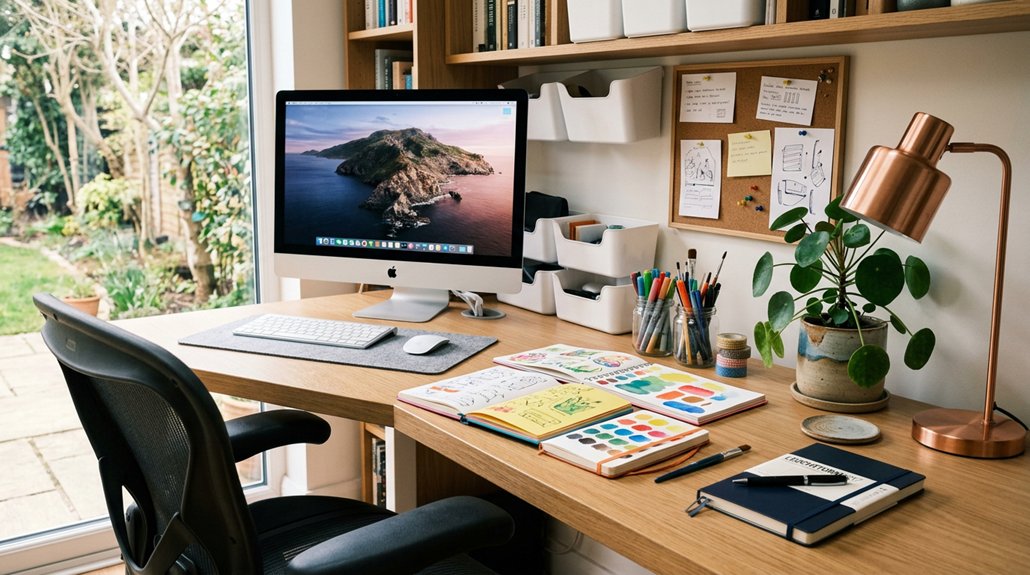
To optimize your workspace, start by dividing your desk into distinct zones tailored to your tasks. This helps create an organized desk where each area is dedicated to specific activities, reducing clutter and distractions. Incorporating an ergonomic adjustable height workstation can further enhance comfort and efficiency during long periods of work. Allocate the front zone for reading and research, with good lighting, and the back for drawing or making. Use shallow piles and organizers within each zone to keep essential reference materials and tools within easy reach. Establish clear boundaries between administrative and creative tasks by assigning separate surfaces, making workflow smoother. Incorporate personal items, like a favorite object or note holder, in each zone to boost motivation without cluttering your workspace. Designing your zones based on natural work habits guarantees your desk space is functional, efficient, and promotes productivity.
How to Arrange Your Desk Surface to Minimize Clutter
Start by organizing your reference materials into shallow, neat piles with larger items at the bottom to keep your surface clear. AVOID clutter by using cable management kits to route and secure cables, preventing tangles and maintaining a tidy workspace. Create distinct zones for administrative and creative tasks to prevent clutter from overlapping. Keep only the essential items within reach, storing the rest in labeled containers or drawers to minimize distractions.
Use Neat, Shallow Piles
Arranging reference materials in neat, shallow piles creates an organized and accessible workspace. This method keeps your desk clear, making it easier to find what you need quickly. Place larger items at the bottom of each pile for stability and visual clarity, and limit each pile to essential, actively used items. Shallow piles prevent papers from toppling and facilitate swift retrieval. Additionally, using adjustable compartments helps customize your storage to keep items neatly separated and easily reachable. By doing so, your work space becomes less chaotic, reducing cognitive load and boosting productivity.
Designate Specific Zones
Dividing your desk into specific zones helps streamline your work and keep everything organized. Create a front-facing area for reading and research, and a back zone for drawing or making. Use clear boundaries to prevent task overlap and clutter. Arrange reference materials in neat, shallow piles, with larger items at the bottom for easy access. Designate separate zones for administrative tasks and creative projects to improve focus. Incorporate storage containers and organizers within each zone so essential items stay close and distractions are minimized. Keep meaningful personal items sparingly within designated areas to boost motivation without cluttering your workspace. This zoning approach guarantees your desk remains a functional, tidy environment optimized for maximum productivity. Properly sized filing systems can further enhance your organization by keeping documents accessible and neatly arranged.
Keep Only Essential Items
Maintaining a clutter-free desk surface begins with prioritizing only the items you genuinely need for your work. Keep space organized by limiting your desk to essential items that support your tasks.
To help you stay focused and efficient, consider these steps:
- Limit reference materials to shallow piles or designated zones for quick access without crowding your surface.
- Store non-essential items in drawers, containers, or shelves, freeing up space for your work essentials.
- Regularly declutter by removing unused pens, papers, and supplies, ensuring your desk remains clean and functional.
- Incorporate under-desk storage drawers to maximize space and keep frequently used items within easy reach without cluttering the surface.
Focusing on only what’s necessary helps you stay organized, reduces distractions, and creates a workspace that encourages productivity at all times.
Which Storage Solutions Help Keep Your Desk Tidy and Accessible
Drawer dividers and organizers break up space and keep small items in order, making everything easy to find. A modular expansion system allows you to customize your storage options as needed, ensuring your workspace remains organized and adaptable. Vertical file holders keep important documents upright and accessible without taking up much space. Using these storage solutions helps you maintain a tidy, efficient workspace that’s simple to navigate.
Drawer Dividers and Organizers
Using drawer dividers and organizers is one of the most effective ways to keep your desk tidy and your supplies within easy reach. They help organize your tools and documents, preventing clutter and saving time.
With compartmentalized organizers for items up to 12-13 inches, you guarantee efficient use of space while keeping frequently used items accessible. Labeling each section makes retrieval quick, maintaining order over time.
Moving rarely used or bulky items into dedicated storage frees up your desk surface for active tasks.
A variety of adjustable height desks are designed to adapt to your workspace needs, helping you maintain an ergonomic setup and improve your workflow.
- Feel the satisfaction of a tidy, clutter-free workspace every day.
- Experience the ease of finding exactly what you need instantly.
- Enjoy increased productivity with everything in the right place.
Vertical File Holders
Vertical file holders serve as practical solutions for keeping documents upright and easily accessible on your desk. By organizing papers in these holders, you reduce clutter and make your office space more efficient. Placing them near your administrative zone allows for quick retrieval of folders and loose sheets, helping you keep your desk setup tidy. Labeling each holder enhances organization, enabling rapid sorting and filing of documents. Choosing shallow, upright file holders maintains a streamlined surface, preventing piles from becoming overwhelming. Integrating vertical file holders with drawer dividers creates a layered storage system that maximizes desk space. These solutions guarantee your office remains organized and accessible, supporting productivity. Maintaining a tidy workspace with effective cable management enhances overall efficiency and safety.
How to Use Lighting to Boost Focus and Reduce Eye Strain
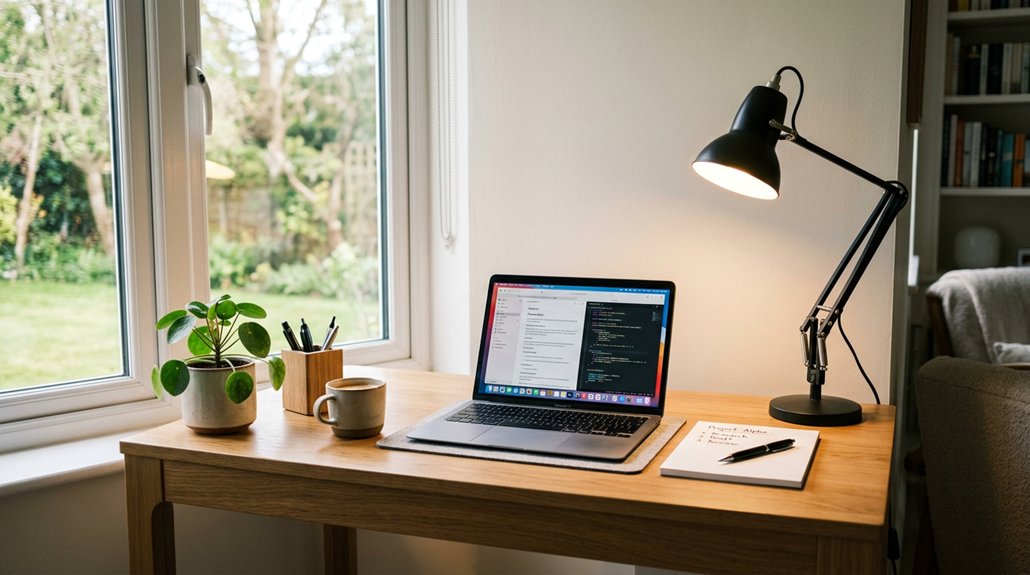
Proper lighting is essential for maintaining focus and reducing eye strain at your desk. To optimize your workspace, consider these key strategies:
- Use an adjustable desk lamp with a dimmer to customize brightness, minimizing glare and shadows for better visual comfort.
- Position a Monitor Light Bar or Laptop Bar directly on your screen to provide balanced illumination, preventing reflections and harsh contrasts.
- Incorporate LED bulbs rated between 5000K and 6500K to mimic natural daylight, keeping your eyes comfortable during long work sessions.
Combine natural ambient light with task lighting to create a vibrant, energizing environment.
Sleek, minimalist lighting designs help keep your workspace clear and calming, supporting sustained focus and reducing eye strain effectively.
How to Set Up Ergonomic Equipment for Comfort and Good Posture
Creating an ergonomic workspace begins with positioning your equipment correctly to support good posture and comfort. Start by placing your monitor at eye level, about 4-8 inches above your desk, to avoid neck strain. Use an adjustable chair with lumbar support and guarantee your feet rest flat on the floor or on a footrest measuring 4-12 inches to promote good circulation.
An ergonomic keyboard with a 10-degree split design helps keep your wrists neutral, reducing strain, while your mouse should fit comfortably in your hand, ideally for 7-9 inch hands. Consider a standing desk with a height range of 24-50 inches to alternate between sitting and standing, encouraging movement. Keep essential items within easy reach to prevent unnecessary stretching or twisting, supporting better posture and comfort.
How to Personalize Your Desk Without Creating Clutter
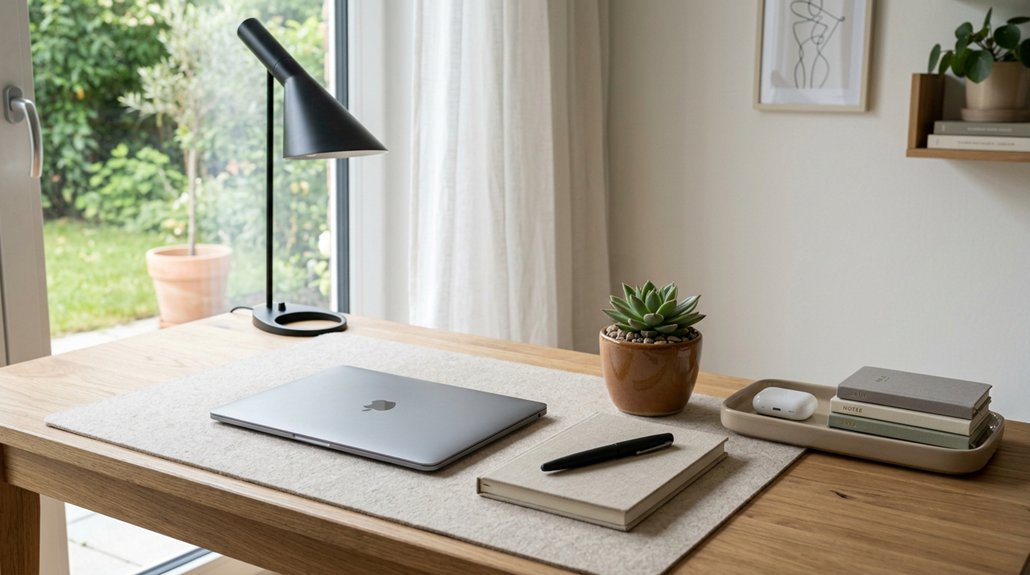
Personalizing your desk helps boost your mood and inspiration, but it’s important to keep things simple.
Limit yourself to three meaningful objects that bring you joy or motivation, and position them thoughtfully to avoid clutter. Rotating these items periodically keeps your space fresh without overcrowding.
Select Meaningful Items
Choosing meaningful items for your desk helps you stay connected to what inspires and motivates you, without turning your workspace into clutter. Limit personal touches to three items that uplift your spirit or reflect your interests:
- A small, lively plant that adds a touch of nature and freshness.
- A desk calendar with inspiring quotes or goals to keep you focused.
- A framed photo of someone or something meaningful, reminding you of your personal motivation.
Select objects that truly spark joy and support your professional environment. Rotate or update these items regularly to keep your workspace feeling fresh and motivating, without overcrowding.
Prioritize personal objects that are both needed and loved, making your desk a blend of inspiration and functionality.
Limit Personal Objects
While adding meaningful items can boost your motivation, it’s equally important to keep your desk organized and free of clutter. Limiting personal objects to no more than three helps you stay focused and productive.
Choose items like a framed photo or a motivational calendar that truly inspire you without overwhelming your workspace. Rotate these objects periodically to refresh their impact and prevent clutter from piling up.
Keep personal touches confined to a designated area so they don’t distract or interfere with your tasks. Select objects that align with your professional environment and contribute positively to your workspace atmosphere.
Maintain Visual Balance
Maintaining visual balance on your desk guarantees that personal touches enhance your workspace instead of overwhelming it. When well-balanced, your home office feels good, inspiring motivation and focus.
Limit personal items to three meaningful objects, like a small plant or motivational calendar, to prevent clutter. Arrange these touches so they stay unobtrusive and don’t interfere with your main task zones, helping you stay focused. Incorporate joy-sparking objects—such as a tiny owl or unique rock—spaced carefully for visual appeal.
Keep personal items grouped and neatly organized for a professional look that invites comfort without distraction. Rotate or refresh your belongings periodically to refresh your workspace, maintaining a feeling of newness and inspiration while avoiding clutter buildup.
How to Manage Cables and Devices for a Clean, Efficient Workspace
Managing cables and devices effectively can dramatically transform your workspace into a cleaner, more efficient area. Use cable sleeves, clips, or trays to group and bundle laptop chargers, monitor cables, and power cords, reducing clutter by up to 80% and preventing hazards.
Create a dedicated charging station near your desk to consolidate device charging, keeping cords organized and easily accessible. Implement cable management by tethering cords under the desk, which keeps them off the floor and neatly routed.
Conceal cables with clips and trays to maintain a sleek, minimalist look while supporting functional device use. These strategies not only enhance the visual appeal of your workspace but also improve safety and accessibility, making your entire setup more efficient and user-friendly.
How to Create Clear Pathways for Easy Movement
Ever considered how easily a cluttered workspace can impede your movement and slow down your productivity? To create clear pathways, focus on organizing different areas of your desk.
- Keep large items at the bottom of shallow, neat piles to prevent blocking movement and guarantee easy access.
- Designate zones—research materials at the front, creative tools at the back—to make shifts smooth and keep clutter out of the way.
- Maintain a clutter-free zone for writing and working, allowing your hands and arms to move freely without interference.
Leave a few inches of free space along desk edges and between work zones, so you can sit or stand comfortably, reaching within reach without unnecessary effort. Clear pathways optimize your workflow and reduce stress.
How to Use Vertical Space for Extra Storage and Inspiration
By optimizing your vertical space, you can expand your storage options without cluttering your desk surface. Wall-mounted pegboards or magnetic strips keep tools, supplies, and frequently used items within easy reach, making project management more efficient.
Floating shelves or narrow bookcases above your desk organize reference materials, inspiring objects, and storage containers neatly, freeing up workspace. Vertical filing systems or document holders attached to the wall help manage papers and files while maintaining a clear area for focus.
Incorporate vertical plant displays or inspiring art hung above your desk to boost mood and motivation without sacrificing functional space. Finally, install adjustable wall-mounted lamps or LED light bars for ideal task lighting.
Together, these solutions work best to create an inspiring, clutter-free environment that promotes productivity.
How to Review and Adjust Your Desk Setup for Ongoing Productivity
Regularly reviewing and adjusting your desk setup is essential to maintaining ongoing productivity. You’ll stay motivated and create a productive environment that adapts to your evolving needs.
To keep your space optimized, consider these steps:
- Refresh your workspace layout—remove clutter, reassess organization, and implement new zoning for administrative versus creative tasks. This helps you work more efficiently with clear focus areas.
- Adjust lighting and ergonomic tools based on comfort feedback and task demands, ensuring you stay comfortable during long work sessions.
- Update personal items and storage regularly to keep inspiration high without clutter. Try incorporating techniques like the Pomodoro Technique to structure focused work periods while keeping your workspace fresh and motivating. These adjustments boost your productivity, helping you work smarter daily.
Frequently Asked Questions
How Often Should I Declutter My Desk to Maintain Productivity?
You should declutter your desk weekly to maintain productivity. Regular tidying helps you stay organized, reduce distractions, and create a calm workspace. Consistent decluttering guarantees your environment remains efficient and conducive to focus.
What Are the Signs My Desk Setup Needs an Improvement?
You notice clutter piling up, frequently misplacing essential items, feeling distracted or stressed, and struggling to find things quickly. These signs indicate your desk setup needs improvement to boost your focus and efficiency.
How Can I Prevent Distractions From Personal Items?
You can prevent distractions from personal items by limiting their visibility, using storage solutions like drawers or containers, and keeping only essential or inspiring items within arm’s reach. Regularly declutter to maintain focus and minimize interruptions.
What Are the Best Practices for Labeling Storage Containers?
You should label storage containers clearly with descriptive words or symbols, use consistent font or color coding, and place labels at eye level for easy identification, helping you stay organized and find items quickly without confusion.
How Do I Prioritize Tasks to Keep My Desk Organized and Efficient?
You should prioritize tasks by identifying urgent and important ones first, breaking larger projects into manageable steps, and setting clear deadlines. Regularly review your to-do list, focusing on high-impact activities to keep your desk organized and efficient.




Leave a Reply