
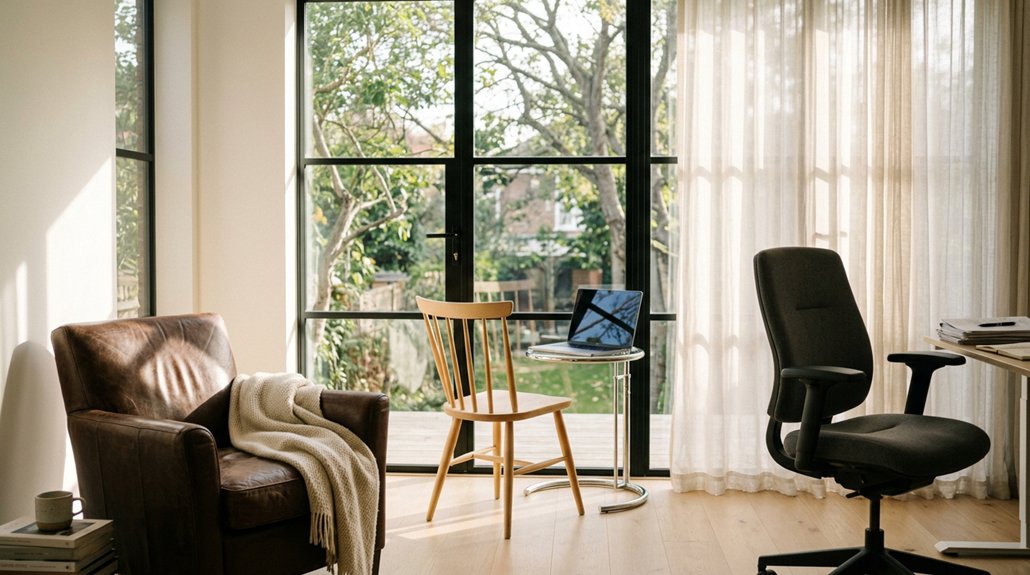
To reduce window glare, position your chair perpendicular to the window so your monitor is facing away from direct sunlight. Turn your body slightly 15–20 degrees if needed to diffuse incoming light and prevent reflections. Adjust your chair height so your eyes are just below the monitor’s top, and tilt it to avoid leaning or twisting. Using these tips can greatly improve your comfort; keep going to discover even more effective strategies.
How to Position Your Chair to Reduce Glare Conflicts
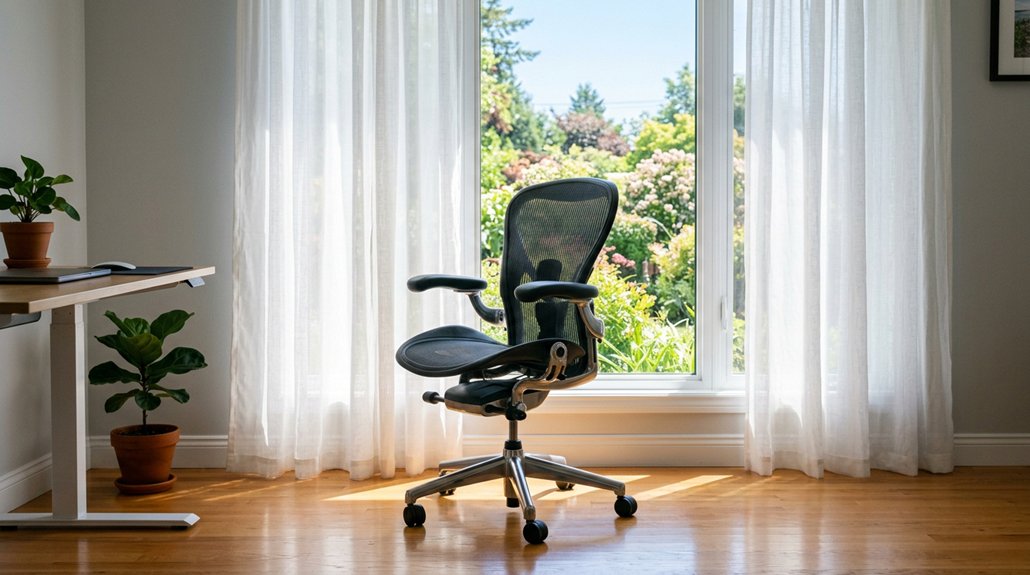
To reduce glare conflicts effectively, you should position your chair so that your monitor sits perpendicular to the window, with the window to your side. This setup minimizes front and behind glare, helping prevent direct reflections on your screen.
Avoid facing the window directly or having it behind you, as both increase the glare problem and cause screen dimness, leading to eye strain. Keep in mind your ambient lighting; adjusting your desk to be perpendicular to natural light sources helps reduce screen glare.
Maintain a viewing distance of 20–30 inches and set your chair height so your eyes are slightly below the top of the monitor. If sunlight hits intermittently, rotate your chair 15–20 degrees to lessen glare while managing ambient lighting with blinds or curtains. Additionally, monitor privacy screens can help block side glare and enhance privacy, further improving your workspace comfort.
Best Ways to Turn Your Body Away From Window Light
Rotating your body away from window light can greatly reduce glare on your screen. Position your chair so your body faces perpendicular to the window, ideally at a 90-degree angle, to minimize direct sunlight hitting your eyes and causing screen glare.
Facing your chair perpendicular to the window minimizes sunlight glare and keeps your eyes comfortable.
If perpendicular placement isn’t possible, slightly rotate your chair and desk 15–20 degrees away from the window. This helps diffuse incoming light and prevents reflections on reflective surfaces or your monitor.
Avoid sitting with your back directly to the window, as this can create screen reflections and glare forces that strain your eyes. Use adjustable chairs to easily reposition as the sunlight angle shifts throughout the day.
Keep your body aligned with the screen and maintain a comfortable viewing distance of 20–30 inches to optimize glare reduction. Awareness of ergonomic chair adjustments can help you fine-tune your positioning for better comfort and glare management.
Adjust Your Chair Height and Angle for Comfort and Glare Reduction
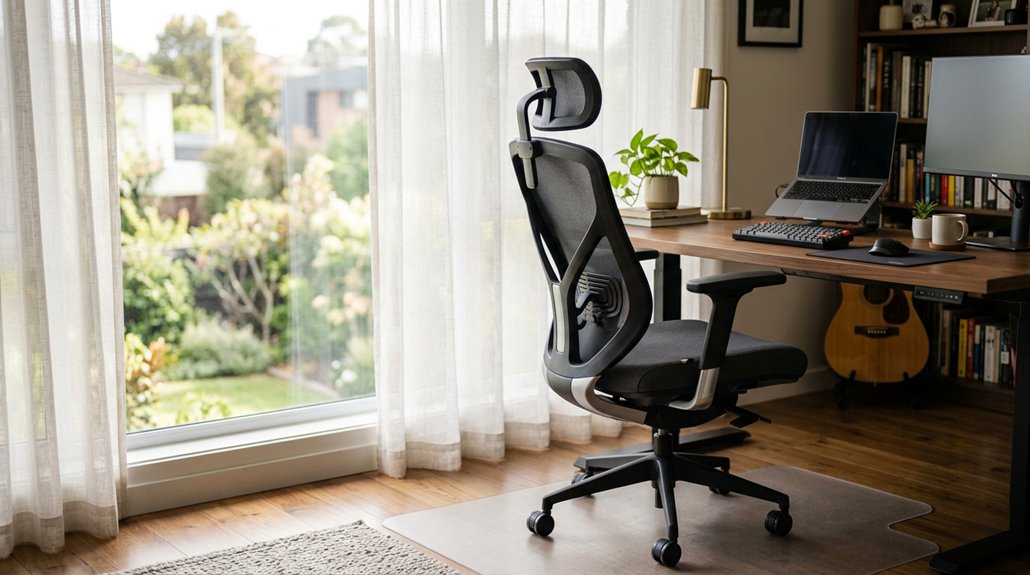
Adjusting your chair height and angle is essential for both comfort and reducing glare. You should adjust your chair height so your eyes are slightly below eye level, promoting a neutral neck posture and minimizing window glare reflections. Tilt the chair angle to maintain an ergonomic posture that prevents leaning or twisting, which often happens when trying to avoid glare. Keep your chair approximately 20–30 inches from the screen for ideal viewing without strain. Avoid sitting with your back directly facing a bright window, which can cause sharp reflections. Use a chair with adjustable recline and lumbar support to help subtly shift your seating angle, reducing direct sunlight exposure. Proper adjustability range and control features enable quick ergonomic repositioning, enhancing comfort and glare mitigation.
Frequently Asked Questions
What Position Reduces Screen Glare?
You should sit with your monitor perpendicular to the window, slighty rotate your chair and desk away from direct sunlight, keep your eyes slightly above the screen, and tilt it 10-20 degrees to cut glare and reflections effectively.
Should I Sit Facing the Window?
You shouldn’t sit facing the window because it causes glare and makes it hard to see your screen clearly. Instead, position your desk perpendicular or use window treatments to reduce brightness, helping you stay comfortable and avoid eye strain.
How to Eliminate Window Glare?
You eliminate window glare by positioning your chair so your monitor isn’t directly facing or behind the window, using window treatments like blinds or shades, and tilting your screen slightly to reduce reflections. Maintain appropriate distance and eye level.
Should Your Computer Face the Window?
You shouldn’t face the window directly with your computer, as it causes glare and reduces visibility. Instead, position your monitor perpendicular to the window, or adjust your setup with blinds, curtains, or slight rotation to minimize reflections and eye strain.



