
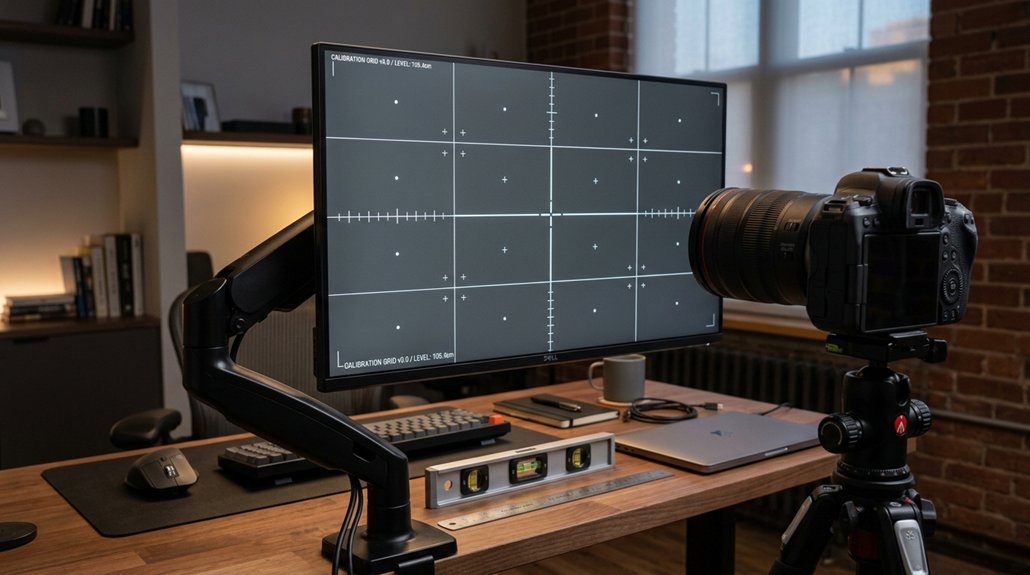
To test your screen height setup, start with short work sessions of 3–5 minutes to check comfort. Make small adjustments in 1–2 cm increments, ensuring your monitor is roughly 15–20° below eye level with a relaxed gaze. Keep your shoulders relaxed and avoid head tilting. Repeat these steps, fine-tuning until you find the position that supports a neutral posture. Staying mindful of these steps can lead to better comfort and productivity over time.
Why Proper Monitor Height and Position Matter for Comfort
Proper monitor height and position are essential because they directly impact your comfort and posture during work. Your monitor heights should position the screen so your eyes gaze 10–20° downward at the center, which helps reduce neck and shoulder strain.
Aligning the top third of the monitor at or just below eye level encourages a neutral posture, avoiding excessive chin tilt or neck extension. Maintaining the correct viewing distance—50–70 cm for smaller monitors and 80–100 cm for larger screens—supports comfortable eye focus and reduces eye strain.
Proper positioning also allows easy micro-adjustments during sit–stand shifts, promoting healthy movement and less fatigue. By using an ergonomic monitor height, you prevent repetitive strain injuries and keep your workspace comfortable and sustainable all day.
How to Test and Establish Your Neutral Posture
To establish your neutral posture, start by sitting with your back straight, shoulders relaxed, feet flat on the floor, and knees bent at about 90 degrees.
Sit with your back straight, shoulders relaxed, feet flat, and knees at 90 degrees for proper neutral posture.
Adjust your chair and desk height so your elbows rest comfortably at a 90–110° angle, with wrists straight and forearms parallel to the floor. Position your monitor at arm’s length away (50–70 cm for 24–27” screens), ensuring your line of sight is within a 0–35° downward gaze window.
Look slightly downward at the monitor’s center without tilting your head to help reduce neck strain. Conduct short 3–5 minute work trials, making small 1–2 cm adjustments to monitor height and chair position.
Pay attention to ergonomic adjustability, as it plays a critical role in creating a comfortable and healthy workspace. This process helps your head, neck, and shoulders feel relaxed and balanced, establishing a healthy neutral posture.
Make Small Adjustments and Verify Comfort During Short Work Sessions
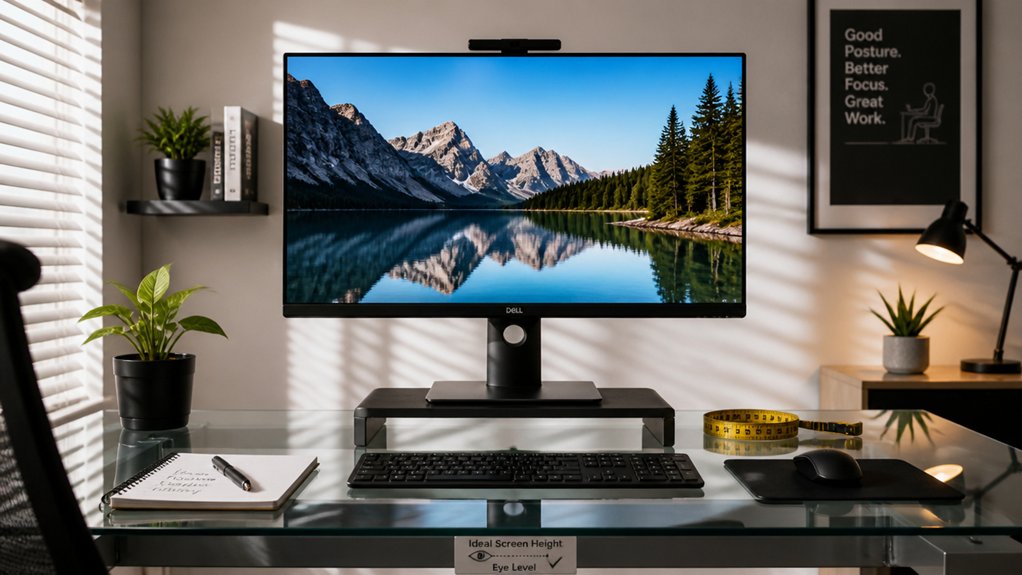
Making small adjustments to your monitor height can greatly improve comfort during work. Adjust the monitor height in small increments of 1–2 cm and test comfort during short work sessions of 3–5 minutes. A solid build quality ensures stability and reduces wobble, helping you maintain a neutral posture during these adjustments. Focus on achieving the ideal gaze angle by maintaining a neutral posture with relaxed shoulders and a slight downward gaze of 10–20°. Confirm the screen center is roughly 15–20° below your eye level, which helps minimize neck and shoulder strain over time. Keep your viewing distance appropriate for your monitor size—about 50–70 cm for 24–27” screens. Repeat this process after each adjustment, ensuring comfort and preventing muscle overload from static postures. These small steps help retune your setup for the best viewing experience during short work periods.
Frequently Asked Questions
How to Properly Set Monitor Height?
You should position your monitor so the top third is at eye level, maintain a neutral neck, and keep a comfortable distance. Adjust height gradually in small steps, testing during work to find your ideal, relaxed downward gaze.
How Far Should You Sit From Your Computer Screen 6 to 12 Inches, 12 to 18 Inches, 18 to 24 Inches, 24 to 30 Inches?
You should sit 20 to 30 inches from your screen, depending on its size, to avoid eye strain and discomfort. Sitting within this range guarantees a comfortable, ergonomic viewing distance, reducing eye and neck strain during extended use.
What Height Should a 27 Inch Monitor Be?
You should position your 27-inch monitor so the top edge is several centimeters below your eye level, with the center about 15–20 degrees below eye level, and maintain a comfortable arm’s length distance for ideal viewing comfort.
Is It Better for a Monitor to Be Higher or Lower?
It’s better for your monitor to be slightly lower than eye level, allowing a natural downward gaze of about 15–20°, reducing neck strain. Adjust the height by 1–2 cm during testing to find your most comfortable viewing angle.



