
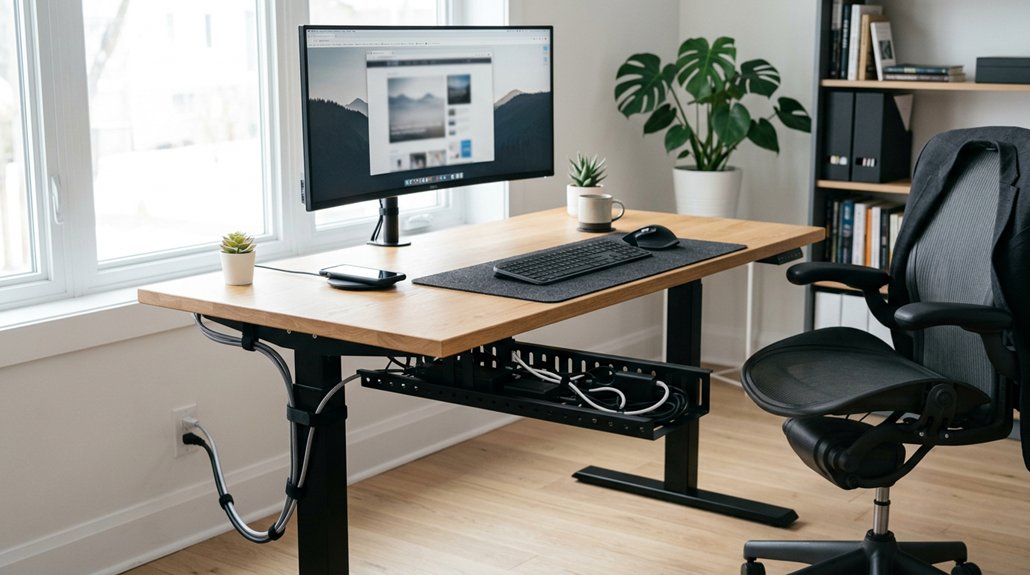
Proper cable management is key to improving your office ergonomics and safety. When cables are organized and secured, you reduce clutter, which helps you maintain better posture and avoid strain from reaching or twisting. It also prevents tripping hazards and disconnections that can disrupt your workflow. Keeping cables tidy supports easy movement and adjustments, leading to less fatigue and discomfort. Stay with us to discover simple ways to make your workspace safer and more comfortable.
Why Proper Cable Management Improves Workplace Safety and Comfort
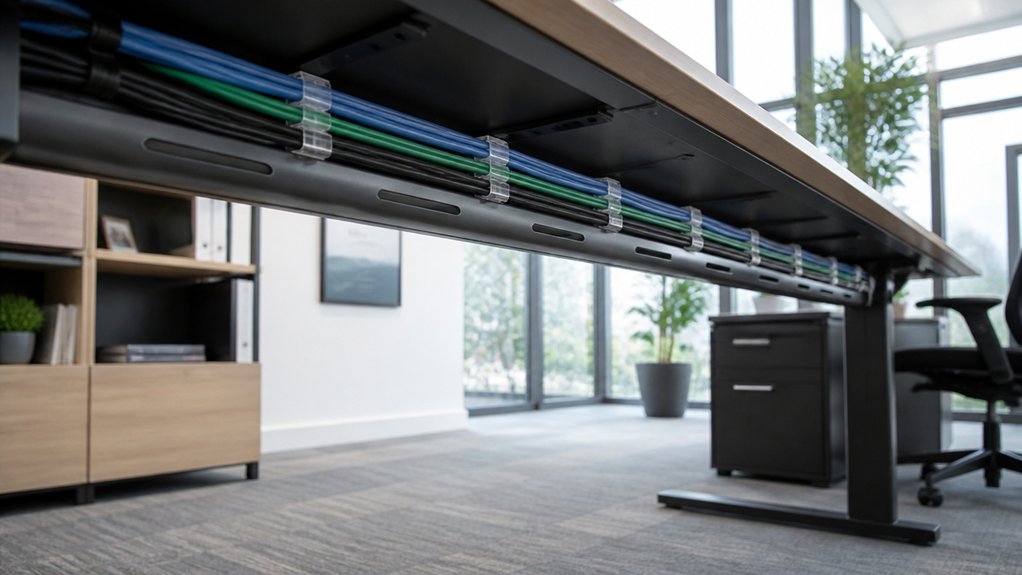
Proper cable management is essential for creating a safer and more comfortable workspace. Cable Management Matters because it prevents tripping hazards by securing and routing cables away from walkways, reducing workplace accidents.
Organized cables also prevent accidental disconnections and equipment damage, which means fewer interruptions and increased reliability. Additionally, tidy cables support ergonomic movement by minimizing clutter under and around your workstation, helping you avoid strain and awkward positions during tasks.
Flexible cable arrangements with enough slack accommodate adjustable furniture, like sit-stand desks, allowing smooth repositioning. Clear and tidy cables make cleaning and maintenance easier, helping you maintain a healthier environment free from dust and debris buildup. Proper use of fire-retardant and eco-friendly materials further enhances safety in the workspace.
How Clutter Affects Your Posture and Causes Discomfort
When cables and clutter pile up around your workspace, they can restrict your ability to position your desk and chair properly, forcing you into uncomfortable and sometimes harmful postures. Poor cable management leads to tangled cables and clutter that limit desk space, making it hard to find a comfortable, supportive position. Using adhesive cable clips and organizers can help secure cords neatly and prevent them from becoming a hindrance. You might find yourself reaching or twisting repeatedly to access devices, which causes musculoskeletal discomfort. Excessive clutter under and around your desk can also block floor space, disrupting proper foot placement and overall ergonomic alignment. This disorganization increases frustration and distraction, which can heighten muscle tension and lead to fatigue. Without proper cable management, your posture suffers, and your comfort diminishes, affecting your productivity and health over time.
Simple Techniques to Organize Cables and Reduce Strain
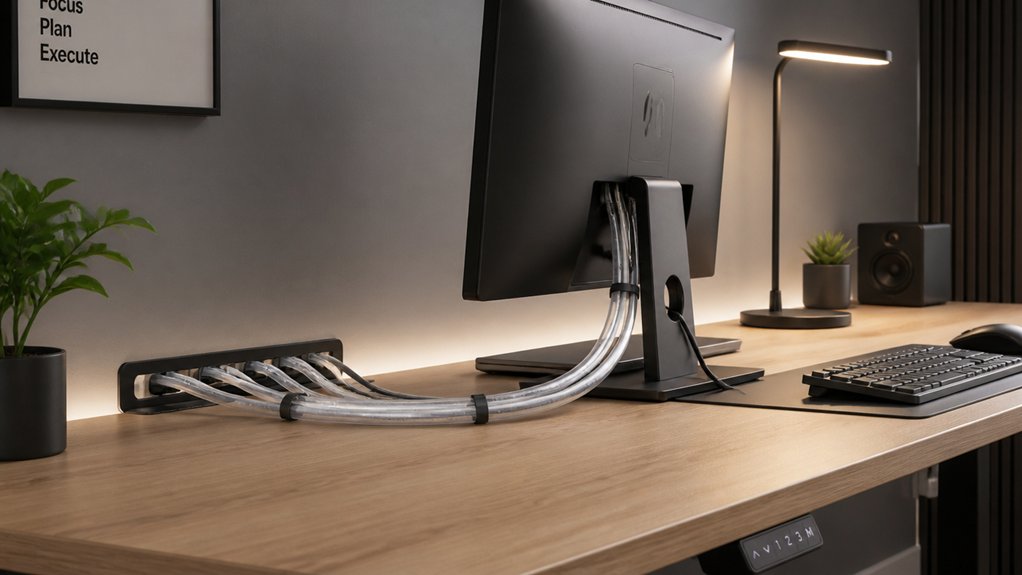
Using cable ties, desk grommets, and proper cable lengths can make a big difference in organizing your workspace. These simple techniques help prevent tangles, reduce strain, and keep your area neat. Incorporating cable management features like built-in clips or channels, as seen in many headset stands, can further enhance organization efforts. Implementing them keeps cables accessible and minimizes awkward movements during maintenance or device adjustments.
Use Cable Ties Wisely
Reusing cable ties and securing cables without over-tightening helps keep your workspace tidy and prevents damage to connectors. Proper cable management starts with bundling cables neatly and avoiding tension on ports. A well-organized setup also minimizes wire aging and reduces potential fire hazards.
To do this effectively:
- Use cable ties to bundle cables by function or destination, reducing tangling and streamlining maintenance.
- Leave enough slack in bundles secured with ties to allow movement of adjustable office equipment, like sit-stand desks.
- Position cable ties evenly along cables to distribute tension and prevent sharp bends that cause wear.
Implement Desk Grommets
Implementing desk grommets offers a straightforward way to organize cables and reduce physical strain during work. These cable management solutions create a neat, designated entry point for cables, preventing them from sprawling across your work surface and reducing visual clutter.
By channeling cables through desk grommets, you minimize tangling and interference, which lowers the risk of accidental disconnections and device damage. Proper use of grommets also helps keep cables out of reach, reducing the need for awkward stretching or reaching for plugged-in devices.
Additionally, routing cables through grommets supports the use of cable trays and other organizers, making your workspace safer and cleaner. Incorporating ergonomic-designed hubs with thoughtfully placed ports further enhances port placement, reducing the need to reach or stretch. Overall, desk grommets enhance ergonomics by simplifying cable management and reducing clutter, promoting a comfortable, focused environment.
Optimize Cable Lengths
Properly optimizing cable lengths is essential for a tidy and efficient workspace. It prevents unnecessary slack that can tangle or strain connectors.
To improve cable organization, focus on:
- Choosing cables that are just long enough, reducing physical tension on ports and extending device lifespan.
- Cutting or selecting cables to the minimum necessary length for your setup, ensuring reliable connections without excess slack.
- Using cable ties or clips to bundle and secure cables neatly, preventing pulling or accidental disconnections when adjusting your workstation.
- Selecting fire-resistant materials for cables and accessories helps ensure safety in case of overheating or electrical faults.
Additionally, leave small slack loops near movable equipment like sit-stand desks. This reduces strain while allowing smooth position changes.
Effective cable length management supports ergonomic desk layouts, prevents interference, and promotes safer, more comfortable workspaces.
Choosing Cable Management Solutions for Flexible, Adjustable Workstations
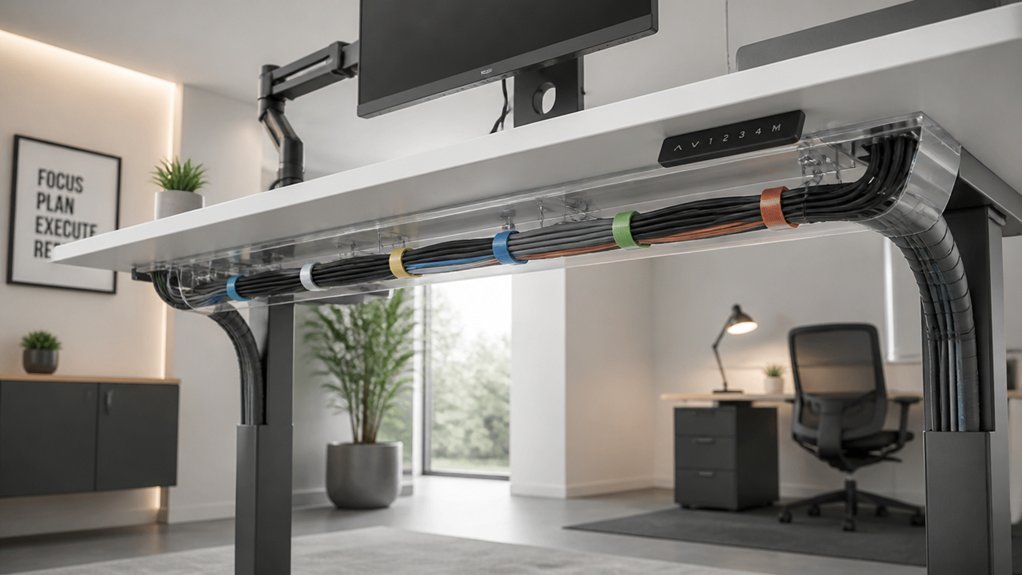
When selecting cable management solutions for adjustable workstations, it’s essential to choose options that support equipment movement without strain. A well-designed system should also support monitor sizes up to 32 inches and withstand frequent adjustments to prevent wear and tear on cables. You should look for systems that accommodate variable cable lengths and prevent tangling as desks change height or position. Proper choices guarantee your cables stay organized and accessible, no matter how often your setup shifts.
Supporting Equipment Movement
To guarantee your flexible workstation remains functional and comfortable, choosing the right cable management solutions is essential. Effective cable management supports smooth equipment movement, preventing tangling or disconnection during adjustments.
Focus on:
- Incorporating vertical cable managers combined with cable trays or chains to allow easy repositioning of monitors and desks while maintaining basic functionality.
- Leaving enough slack in cables within under-desk trays or sleeves, enabling frequent height changes without strain or disconnections.
- Using durable cable ties and clips to secure cables, providing flexibility while minimizing wear and accidental unplugging.
These strategies confirm your cables move comfortably with your equipment, reducing disruptions and supporting ergonomic efficiency. Proper planning guarantees a tidy, adaptable workspace that responds seamlessly to your needs.
Ensuring Adjustable Cable Length
Choosing cable management solutions that provide sufficient slack and flexibility is essential for adjustable workstations. These systems help maintain an organized workspace while accommodating frequent position changes.
When you select cable trays, loops, or cable chains with extra length stored in troughs, it guarantees that cables can extend and retract smoothly as you adjust your desk or monitor. Properly sized cable management tools prevent tension and pulling, which can damage connectors or cause unintentional disconnections. Additionally, ensuring compatibility with arm reach, such as the extended length of arms like the MOUNTUP 27” Elite Mount or Long Arm Monitor Mount, helps maintain ergonomic positioning and prevents strain on cables.
Leaving enough cable length for movable devices like monitors, phones, and docking stations supports ergonomic workspace customization without workflow interruptions. Flexible routing options combined with secure fasteners, such as clips or Velcro ties, help keep cables organized yet easy to adjust, ensuring your workspace remains functional and clutter-free even during dynamic movements.
Maintaining a Tidy Cable System to Prevent Fatigue and Repetitive Strain
Maintaining a tidy cable system is essential for promoting ergonomic comfort and preventing fatigue. Proper management keeps cables organized, reducing desk clutter and allowing you to position equipment ergonomically.
A tidy cable system enhances comfort, reduces clutter, and supports ergonomic positioning for a healthier workspace.
Tangled wires can cause awkward reaching and twisting, increasing strain on your muscles. To achieve this, focus on three key steps:
- Secure and route cables neatly to avoid accidental tugging or movement.
- Use cable organizers to prevent tangling and obstructions.
- Guarantee enough slack for sit-stand adjustments, avoiding resistance and sudden pulls.
Benefits of Integrated Cable Management for Better Workspace Use
Integrated cable management transforms your workspace by freeing up desk space and reducing visual clutter, which helps you work more efficiently and comfortably. It makes it easier to access and adjust your equipment without obstruction, improving ergonomic positioning. The importance of cable becomes clear when organized cables prevent tangling and trip hazards, creating a safer environment. Plus, flexible routing supports frequent adjustments for sit-stand desks, maintaining ideal posture. This system also simplifies cleaning and maintenance, promoting a healthier workspace.
| Benefit | Description |
|---|---|
| Space Optimization | Frees desk area, reducing clutter |
| Accessibility | Makes it easier to reach and adjust equipment |
| Safety | Minimizes trip hazards and physical strain |
| Flexibility | Supports dynamic movements and ergonomic positioning |
Regular Checks to Keep Your Cables Safe, Organized, and Ergonomic
Regularly inspecting your cables is essential to keep your workspace safe, organized, and ergonomic. Performing these regular checks every 6 to 18 months helps guarantee ties remain secure, labels stay legible, and routing follows safety standards.
Regular cable inspections every 6 to 18 months ensure safety, organization, and optimal workspace ergonomics.
To keep cables in top condition, focus on these key actions:
- Review your cable setup to prevent tangling and damage.
- Replace loose or stretched cables immediately to avoid disconnections.
- Adjust slack to support your sit-stand desk and ergonomic monitor positioning.
Frequent checks help catch issues early, reducing workspace interruptions and encouraging safe movement. By maintaining a tidy, well-organized environment through scheduled reviews, you streamline troubleshooting and preserve effective cable lengths.
These simple steps guarantee your workspace remains ergonomic, safe, and efficient.
Frequently Asked Questions
Why Is Cable Management so Important?
Proper cable management is essential because it keeps your workspace organized and safe, reduces tripping hazards, prevents device damage, and makes it easier for you to move, adjust, and maintain your ergonomic setup effectively and comfortably.
What Are the Benefits of Cable Management?
Proper cable management helps you stay organized, reduces distractions, and prevents accidents. It makes your workspace safer, eases device access, and improves workflow, so you can focus better and work more efficiently without unnecessary interruptions.
What Is the Best Way to Do Cable Management Under Desk?
You should start by unplugging devices, clearing old cables, then installing cable trays and securing cables with ties or clips. Leave slack, label, and store excess wiring to keep everything organized, accessible, and safe under your desk.
Why Is Structured Cabling and Cable Management Important?
Structured cabling and cable management matter because they keep your workspace tidy, prevent accidents, and guarantee devices stay connected. You’ll find it easier to access, maintain, and stay focused, boosting your productivity and safety at work.



