

To find the perfect keyboard distance, position your keyboard about 4–6 inches from the desk edge, keeping it close enough to prevent reaching forward. Make certain your elbows stay at about a 90-degree angle, with forearms parallel to the floor. Keep the keyboard within easy reach so you don’t strain your shoulders or wrists. Proper placement also supports better posture and reduces discomfort. If you want to learn more about maintaining ideal keyboard positioning, keep going.
Why Proper Keyboard Positioning Matters for Comfort and Health
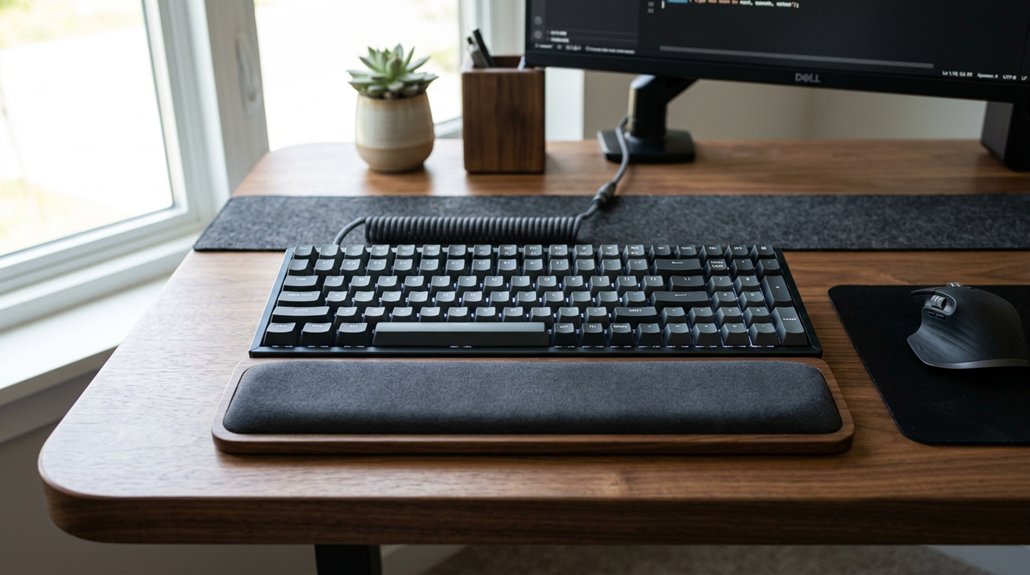
Proper keyboard positioning is essential for both comfort and health, as it directly influences your posture and reduces strain.
When you set up your keyboard correctly, you maintain a 90-degree elbow angle, which helps reduce tension in your shoulder blades and prevents forward head posture. Keeping the keyboard within a comfortable reach avoids excessive leaning, promoting a straight sitting posture with relaxed shoulders and arms at your sides.
Proper keyboard placement also supports a neutral wrist position, preventing strain and promoting natural hand movement. This setup minimizes the risk of repetitive strain injuries like carpal tunnel syndrome and back strain by allowing your forearms to rest naturally on the desk.
How to Find the Right Elbow Angle for Ergonomic Typing
Finding the right elbow angle for ergonomic typing starts with adjusting your chair and keyboard height so that your elbows naturally bend at about 90 degrees. This position helps keep your forearms parallel to the floor and reduces shoulder strain. Position the keyboard so you can type without reaching forward, keeping your wrists in a neutral position. Maintaining this alignment prevents tension and promotes a natural hand movement. Ensuring proper tilt and positioning of your keyboard can further enhance comfort during extended typing sessions.
How to Adjust Desk Depth and Keyboard Placement for Better Posture
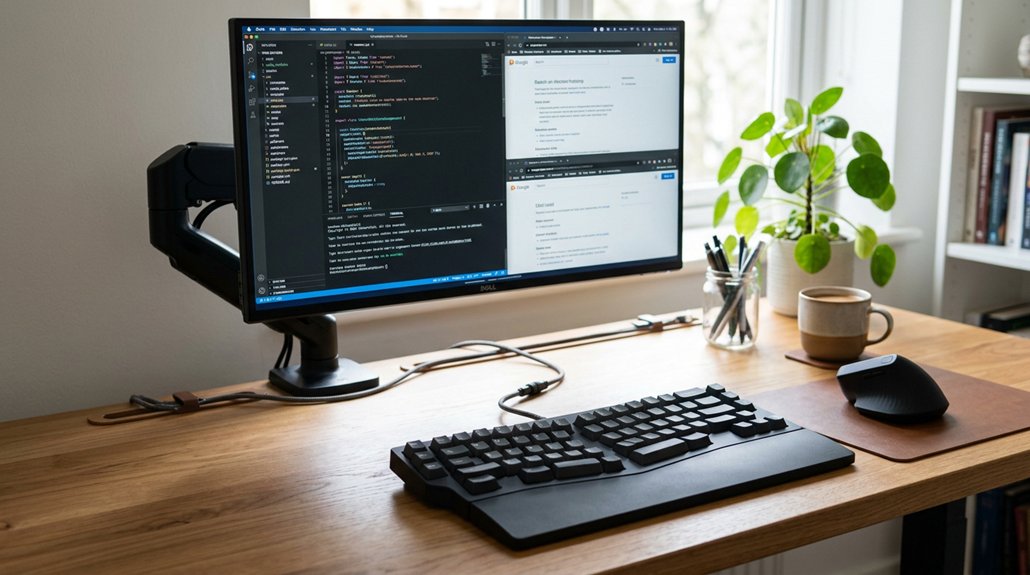
Adjusting your desk depth is essential for maintaining good posture while typing. With deep desks, you have ample space behind ergonomic keyboards, allowing your forearms to rest comfortably, which helps reduce wrist strain and prevents hunching.
A deeper desk supports a sitting posture where your upper body stays aligned, minimizing back and shoulder stress. Make sure your keyboard is placed far enough back so your elbows bend near 90 degrees, and your wrists are in a neutral position. This setup keeps your chair height appropriate, promoting relaxed shoulders and proper arm positioning.
Shallow desks, on the other hand, may force the keyboard too close to the edge, increasing discomfort. Proper desk depth and keyboard placement make a noticeable difference in your overall comfort and postural health during extended typing sessions. Being mindful of adjustable height features can further enhance ergonomic alignment and support healthier posture over time.
How to Set Your Keyboard Height and Chair Position Correctly
Have you set your chair height correctly to support comfortable and healthy typing? Adjust your Office Chair so your feet rest flat on the floor, keeping thighs parallel to the ground for peak comfort and good posture. Bring the keyboard to a height where your elbows form about a 90-degree angle, with forearms parallel to the desk surface. Guarantee the keyboard is positioned at your eye level or slightly below, so you can keep your wrists straight and relaxed without bending up or down. Synchronize your chair, desk, and keyboard height to promote neutral forearm and wrist alignment, reducing strain. Paying attention to adjustable lumbar support mechanisms can further enhance your sitting posture and reduce lower back fatigue over extended periods.
Tips for Safe and Healthy Keyboard and Mouse Use During Extended Work
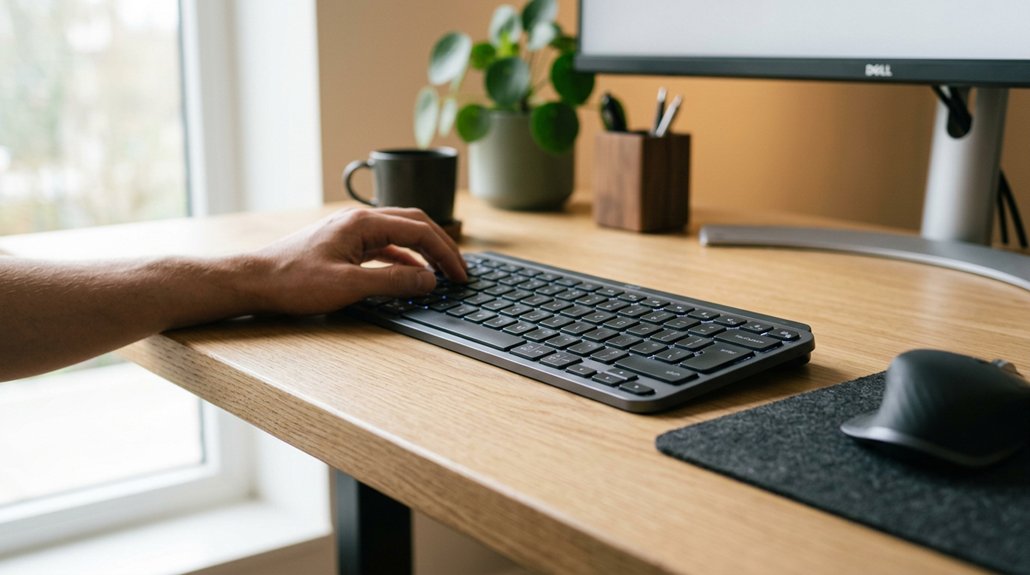
To keep your hands and wrists healthy during long hours at the keyboard and mouse, it’s essential to practice proper ergonomics. Position your profile keyboard with a slight negative tilt to reduce wrist bending and promote natural hand movement. Keep the keyboard 4–6 inches away from the desk edge, adjusting for your arm length to balance accessibility and comfort.
Place the mouse close to the keyboard to avoid wide arm spans that cause shoulder strain. Use armrests or wrist supports, especially when using angled keyboard setups, to support your health and minimize strain.
Additionally, guarantee your chair height allows your feet to rest flat and your wrists to stay straight. Proper mouse placement and keyboard positioning help prevent discomfort and sustain productivity during extended work sessions. Incorporating ergonomic wrist rests can further improve comfort and reduce the risk of repetitive strain injuries during prolonged typing.
Frequently Asked Questions
How Far Should Your Keyboard Be Positioned?
You should position your keyboard about 4 to 6 inches from the desk edge, keeping elbows at a 90-degree angle, shoulders relaxed, and ensuring all keys are easily accessible without leaning forward or stretching.
Do 96% Keyboards Save Desk Space?
Yes, 96% keyboards save desk space because they’re more compact than full-sized ones while still including essential keys. You can position your mouse closer, reducing shoulder strain and maximizing your limited desk area efficiently.
What Are the 7 Proper Keyboarding Techniques?
You should keep your elbows bent at about 90 degrees, position your keyboard 4-6 inches from the desk edge, keep your wrists neutral, shoulders relaxed, and guarantee your forearms are supported, maintaining good posture while typing.
Why Do Pro Gamers Tilt Their Keyboards?
Pro gamers tilt their keyboards to create more room for mouse movement, access key binds quickly, and improve shoulder positioning. This setup enhances gameplay efficiency and comfort, though it may require adjustment and support to prevent wrist strain.
In Summary
By following these tips, you’ll improve your keyboard positioning, reducing discomfort and preventing strain. Adjust your desk, chair, and keyboard to find the most comfortable setup for your body. Maintain good posture and take regular breaks to stay healthy during long work hours. Making these small changes can boost your comfort and productivity, ensuring you stay pain-free and focused throughout your workday. Your health is worth the effort—start optimizing your workspace today!




Leave a Reply