

For healthy posture, setting your keyboard tilt between -5° and -12° helps keep your wrists in a neutral position, reducing strain and preventing discomfort during long typing or gaming sessions. This negative tilt supports proper wrist alignment, decreases tendon and nerve pressure, and encourages better blood flow. Using an adjustable keyboard stand can help you find the right angle for your body. Keep exploring to discover more tips for maintaining ergonomic comfort.
Why Your Wrist and Arm Position Matters for Keyboard Comfort
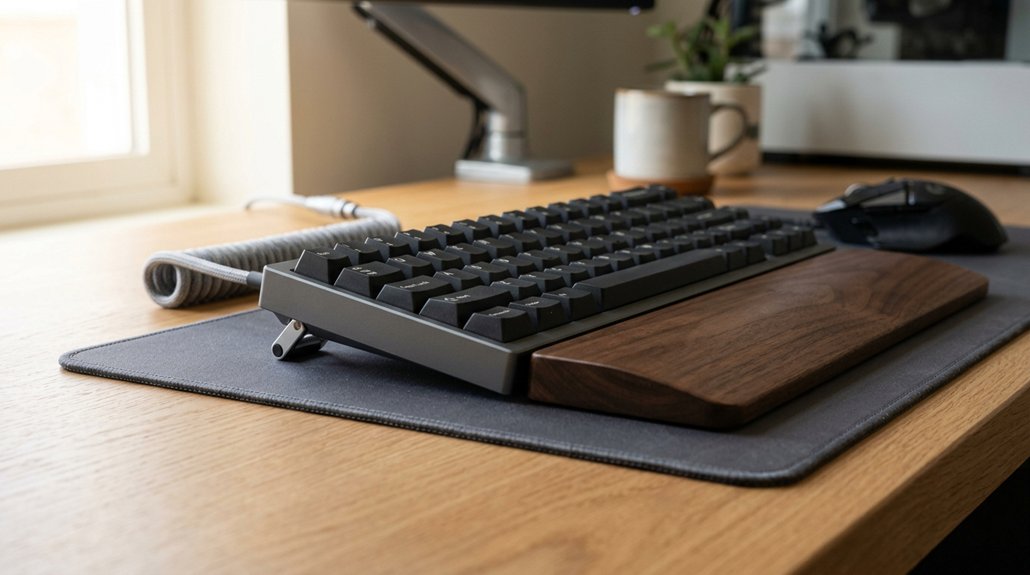
Your wrist and arm position play a crucial role in maintaining keyboard comfort and preventing strain. Using an ergonomic keyboard with a negative tilt angle (-5° to -12°) helps keep your wrist in a neutral position. This reduces wrist extension and minimizes strain during typing.
When your wrists stay flat and straight, you avoid excessive dorsiflexion, which can cause discomfort and joint issues. Proper alignment involves keeping your forearms parallel to the floor, which decreases pressure on tendons and nerves, lowering the risk of conditions like carpal tunnel syndrome. Tilt mechanisms that lock into position and support multiple tilt angles further enhance this ergonomic benefit.
Make sure your keyboard height and distance support this alignment, ideally matching your resting elbow height and preventing overreaching. Floating your hands above the keyboard and avoiding wrist rests during typing also promote healthy wrist motion.
How Negative Keyboard Tilt Supports Neutral Wrist Posture
Negative keyboard tilt plays an essential role in supporting a neutral wrist posture by positioning the keyboard so its top edge is lower than the bottom, which encourages your wrists to stay straight and aligned with your forearms. This angle of your keyboard reduces wrist extension, helping prevent wrist pain and minimizing the risk of Carpal Tunnel syndrome.
Negative keyboard tilt promotes a neutral wrist position, reducing strain, preventing pain, and lowering Carpal Tunnel risk.
A collapsible design on some stands allows for quick adjustments, ensuring optimal ergonomic positioning during use.
When you set a negative tilt, especially on an adjustable keyboard tray at elbow height, your wrists naturally stay flat and relaxed.
- Keep your wrists in a neutral position, avoiding dorsiflexion that causes strain.
- Decrease tension on tendons, reducing pressure on the median nerve.
- Improve blood circulation during long typing or gaming sessions, easing discomfort.
Finding the Right Keyboard Slope for Your Setup
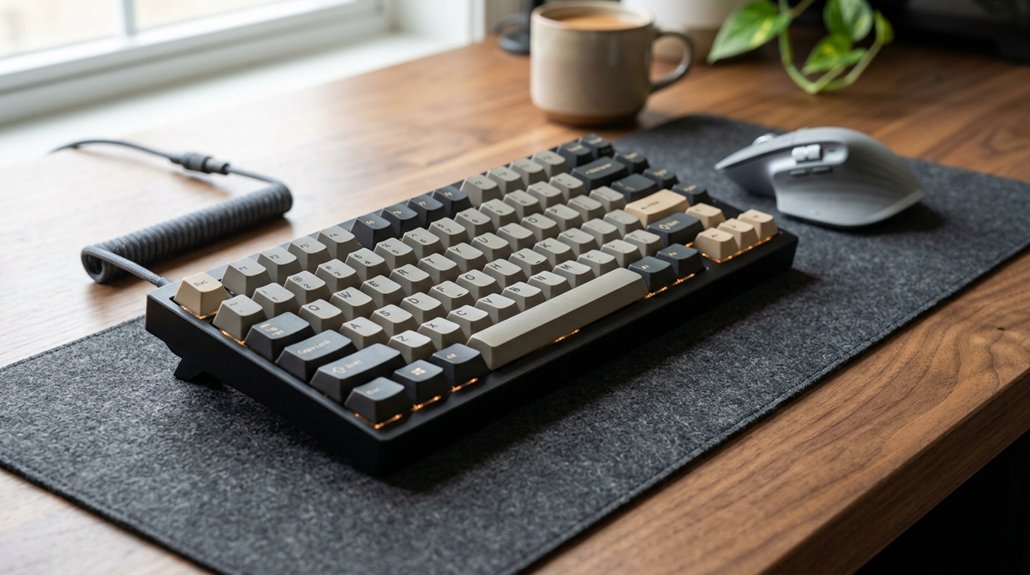
Finding the right keyboard slope begins with understanding the balance between tilt angle and keyboard height. To adjust effectively, start by setting a modest negative tilt, around -5°, which helps maintain a neutral wrist position. This slight angle reduces wrist extension and tissue pressure. Incorporating ergonomic features like contoured or tilted rests can further promote proper wrist alignment. Position your keyboard so that it’s close to elbow level, keeping your forearms parallel to the floor. For better ergonomics, consider raising your chair if necessary to align your keyboard height. If you use a split keyboard, adjust the tilt to support a natural arm position without overextending or causing discomfort. Gradually fine-tune the angle over days, ensuring you can maintain a comfortable posture without strain.
Common Mistakes When Adjusting Your Keyboard’s Tilt
When adjusting the keyboard tilt, it’s easy to fall into common pitfalls that can undermine your ergonomic setup. Many people forget to keep their wrists in a neutral position or adjust your keyboard with too steep a slope, causing wrist strain.
Avoid using excessive negative tilt angles beyond -12°, which can create awkward arm and shoulder postures. Also, failing to align the keyboard distance when adjusting tilt forces your body into compensatory movements.
To prevent these mistakes, always angle gradually, giving your body time to adapt, and make certain your workstation that supports proper wrist positioning. Remember, using a flat or slightly tilted keyboard helps keep your hands relaxed.
Additionally, many ergonomic design features, such as adjustable tilt legs found on models like the Logitech Ergo K860, are essential in customizing your setup for comfort and health.
Keep your wrists aligned and avoid abrupt adjustments that can cause discomfort or injury.
Simple Tips to Keep Your Keyboard Angle Ergonomic During the Day
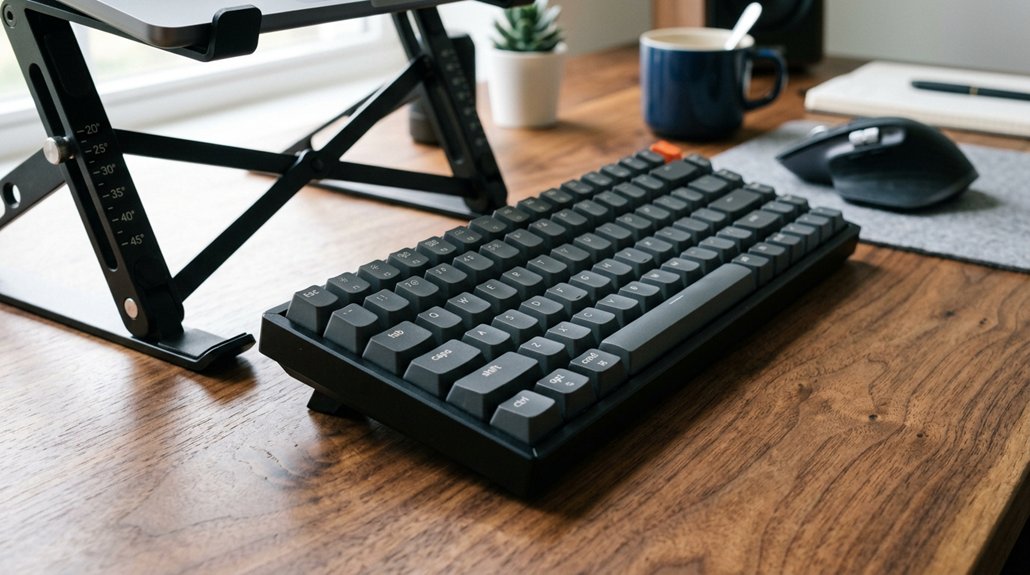
Maintaining an ergonomic keyboard angle throughout the day requires small, deliberate adjustments to stay comfortable. To keep a neutral wrist position, aim for a modest negative tilt between -5° and -12°. Make sure your keyboard tray height matches your elbow level—usually 5-12 cm below the desk. Use an articulating tray to easily fine-tune tilt and height as needed. Take regular breaks to prevent strain and gradually increase your negative tilt for better wrist adaptation. Remember, avoid steeper angles beyond -15°, which can cause discomfort. Keep reaching the keys with a relaxed posture to minimize tension. Adjust your setup carefully and consistently for sustained comfort. Being mindful of mounting compatibility ensures your tray stays secure and properly positioned for optimal ergonomics.
Frequently Asked Questions
What Is the Best Keyboard Position for Posture?
You should position your keyboard with a slight negative tilt, around -5° to -12°, keeping wrists straight and raised, aligning elbows with the keyboard height, and ensuring keyboard halves are split and angled to support natural shoulder and wrist posture.
Is Positive Tilt Better Than Negative Tilt Keyboard?
Positive tilt isn’t better; negative tilt promotes a neutral wrist posture, reducing strain and injury risk. While some find positive tilt comfortable initially, ergonomics favor negative tilt between -5° and -12° for healthier typing.
What Is the Optimal Keyboard Tilt?
You should set your keyboard tilt to a negative angle, ideally between -5° and -12°, as it promotes a neutral wrist posture, reduces strain, and prevents discomfort during long typing sessions. Adjust gradually for comfort and stability.
Is Tilting Your Keyboard More Ergonomic?
Yes, tilting your keyboard negatively around -5° to -12° is more ergonomic because it promotes a neutral wrist position, reduces tendon and nerve strain, and supports proper forearm alignment, especially when combined with an adjustable tray.
In Summary
Choosing the right keyboard tilt angle is essential for maintaining a healthy posture. By understanding the benefits of negative tilt, finding a comfortable slope, and avoiding common mistakes, you can prevent strain and discomfort. Keep your wrists neutral and your arms relaxed to support long-term comfort. Regularly adjusting your keyboard setup and incorporating simple ergonomic tips will make a noticeable difference. Prioritize your posture, and you’ll enjoy a healthier, more comfortable typing experience every day.




Leave a Reply