

Flicker-free lighting reduces eye strain at home by providing steady, smooth light that prevents rapid pupil fluctuations. It minimizes headaches, blurred vision, and fatigue caused by traditional flickering LEDs, especially during long screen times. Look for certified flicker-free lights with adjustable brightness and color temperature to create a comfortable environment. Proper setup, combined with flicker-free monitors, can greatly improve your visual comfort and protect your eyes over time. Keep exploring to discover how to optimize your lighting for lasting eye health.
Why Traditional LED Flicker Can Harm Your Eyes
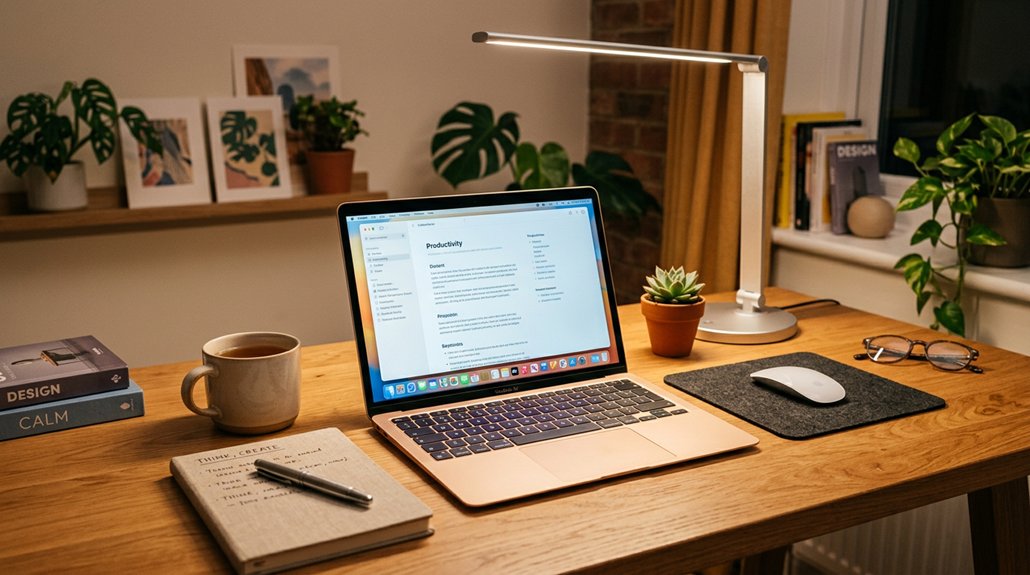
Traditional LED lights powered by alternating current (AC) often flicker due to rapid voltage fluctuations, even if you don’t notice it. This flickering lights can cause your pupils to rapidly change size, leading to eye strain and fatigue.
A flicker-free LED design ensures consistent illumination, minimizing visual disruptions and reducing strain on your eyes.
Poor LED drivers and outdated dimmer switches make flicker worse, increasing headaches, eye irritation, and blurred vision. The flicker isn’t just a minor annoyance — it can temporarily worsen your short-sightedness and may contribute to long-term retinal damage.
The stroboscopic and flicker effect from these lights disrupt your nervous system, causing visual discomfort and mental fatigue. Choosing flicker-free LEDs can help you avoid these health issues, providing stable, gentle lighting that reduces eye strain and protects your vision over time.
What Is Flicker-Free Lighting and How It Protects Your Eyes
Ever wondered how flicker-free lighting protects your eyes? It uses flicker-free technology to provide a continuous light that stays steady, eliminating rapid on-off cycles caused by voltage fluctuations.
Traditional LED lights flicker subtly due to alternating current, which can lead to headaches, eye fatigue, and visual discomfort over time. Flicker-free LED lights convert AC power into stable DC, smoothing out light output to promote visual comfort.
This not only reduces eye strain by minimizing quick pupil changes but also prevents symptoms like dryness and blurred vision. Certified flicker-free LEDs undergo strict testing to guarantee minimal light fluctuations across brightness levels. Additionally, high-quality LED systems utilize multi-layer diffusion panels to further soften and evenly distribute the light, enhancing eye comfort.
Top Features to Look for in Flicker-Free LED Lights
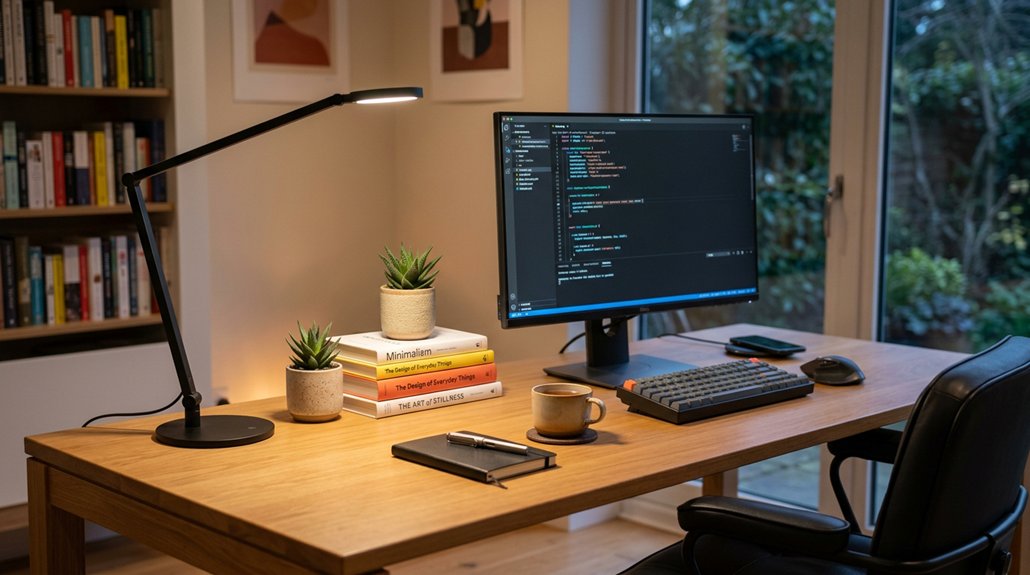
When choosing flicker-free LED lights, it’s essential to look for certification from reputable organizations to guarantee reliable flicker reduction. Features like adjustable brightness and color temperature help customize your lighting for different needs, while compatibility with your existing switches prevents unwanted flicker. A focus on high CRI levels (Color Rendering Index) ensures vivid and true-to-life colors, enhancing visual comfort and reducing eye strain. Focusing on these key aspects will help you select the most comfortable and effective lighting options.
Certification and Compliance Standards
Choosing flicker-free LED lights that are certified by reputable organizations guarantees you’ll get stable, high-quality illumination. Certification confirms the product meets industry standards for minimal flicker levels, providing consistent light output that reduces eye strain.
To identify reliable options, look for certifications that verify compliance with flicker-free standards through rigorous testing. Key features include advanced power regulation and DC modulation technology, which eliminate rapid flickering.
Additionally, certified LEDs often have high CRI and low blue light hazard ratings, promoting visual comfort and eye safety.
- Be confident in products with recognized flicker-free labels
- Look for certification indicating compliance with safety and health guidelines
- Confirm LEDs are tested for minimal flicker and high-quality illumination
- Ensuring the use of fire-resistant materials can also enhance safety and longevity of lighting fixtures.
Adjustable Brightness and Color
Flicker-free LED lights with adjustable brightness and color offer you greater control over your lighting environment, enabling you to create the perfect ambiance for any activity. With adjustable brightness, you can set the ideal illumination level to reduce eye strain, whether you’re reading, working, or relaxing.
The adjustable color temperature, ranging from warm (2700K) to cool white (5000K), helps you tailor light to match the time of day and support your natural circadian rhythms. Look for flicker-free LEDs that incorporate smooth dimming technology, preventing flicker-induced discomfort.
These customizable settings minimize glare and reflections on screens while ensuring consistent light output without micro-fluctuations. Overall, adjustable brightness and color temperature enhance eye comfort and promote a healthier, more relaxed lighting experience. Flicker-free LEDs are especially beneficial in reducing visual fatigue during long periods of use.
Compatibility With Existing Systems
Guaranteeing your flicker-free LED lights work seamlessly with your current setup requires attention to compatibility features. First, verify that the lights are compatible with existing dimmer switches; outdated or non-LED compatible dimmers can cause flickering. Second, check for certification from reputable organizations to guarantee the LED’s flicker-free performance and reduced flicker levels. Finally, confirm that the flicker-free LED fits your socket types and fixtures, preventing installation issues and guaranteeing peak function. Additionally, look for LEDs supporting smooth dimming and smart home integration for customizable, flicker-free lighting. To avoid surprises, consult lighting professionals or product reviews regarding compatibility with your wiring and control systems. Guaranteeing these features will help you enjoy consistent, eye-friendly lighting in your home, and understanding flicker mitigation techniques can further enhance your lighting experience.
How Proper Lighting Setup Can Reduce Eye Strain During Screen Time
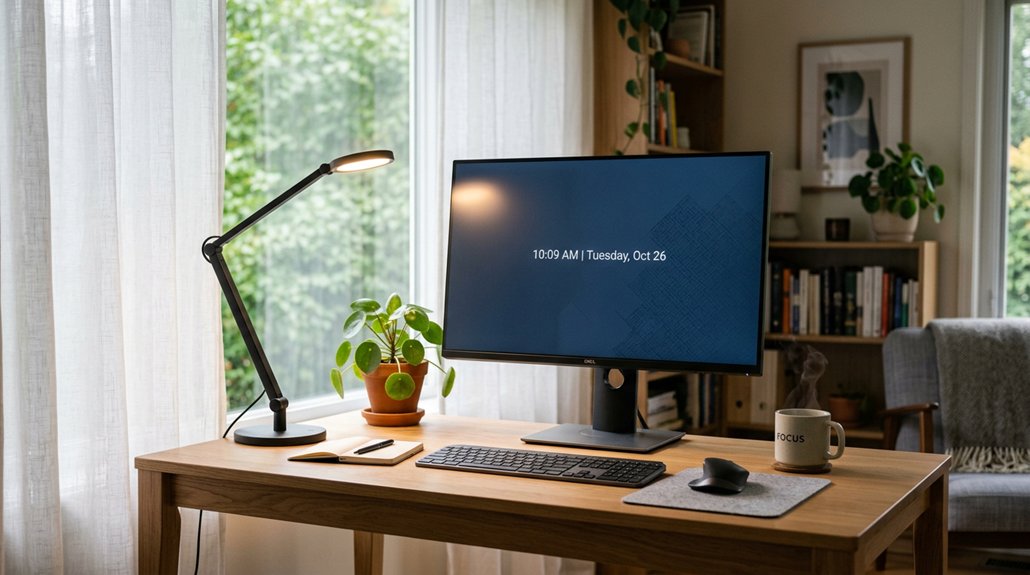
Proper lighting setup can make a significant difference in reducing eye strain during screen time. Using flicker-free LED lighting guarantees a steady, continuous light that minimizes pupil fatigue caused by flickering common with traditional LEDs.
Proper lighting also involves selecting a color temperature between 3500K and 5000K, which reduces visual discomfort and works with screen light to prevent fatigue. Layering ambient room lighting with task lights and adjustable dimming controls prevents harsh glare and dark shadows, easing eye effort when switching focus.
Positioning screens away from direct bright light or reflections, and using anti-glare diffusers alongside flicker-free bulbs, further minimizes visual distractions. Incorporating warm light settings in the evening helps maintain natural circadian rhythms and reduces headaches linked to blue light exposure during prolonged screen use.
Choosing the Right Brightness and Color Temperature for Comfort
Choosing the right brightness and color temperature is key to creating a comfortable lighting environment that minimizes eye strain. When selecting lighting, aim for a brightness level between 300 and 500 lux to prevent glare and fatigue. For ideal comfort, pick a color temperature between 2700K and 3500K for relaxing spaces, which reduces blue light exposure in the evening. During the day, use cooler temperatures like 4000K to 5000K to mimic natural daylight, boosting alertness. Adjustable lighting with flicker-free LEDs offers flexibility to fine-tune brightness and hue as needed. Look for lights with high CRI 90+ for true color rendering, preventing visual discomfort and supporting eye health. Additionally, choosing flicker-free lighting can significantly decrease strain caused by flickering sources. Properly balancing brightness and color temperature keeps your eyes comfortable and reduces fatigue throughout the day.
Easy Home Lighting Tips for Less Eye Fatigue

Creating a comfortable home lighting setup doesn’t have to be complicated. Start with flicker-free LED bulbs, certified by reputable organizations, to guarantee steady, continuous light that reduces eye strain.
Choose LEDs with adjustable color temperature, around 2700K to 3500K, to lower blue light exposure during evening hours and support your natural sleep cycle. Replace old dimmer switches with LED-compatible models to prevent flickering and boost visual comfort.
Position lighting to avoid direct glare on screens, and use diffusers or indirect lighting to create soft, balanced illumination that minimizes eye fatigue. Incorporate layered lighting—ambient, task, and accent sources—to evenly illuminate your space and reduce harsh shadows. Considering the use of flicker-free lighting compatible with quality standards, such as those recognized by organizations like UL or Energy Star, can further enhance visual comfort.
These simple tips can help you enjoy less eye strain and a more comfortable home environment.
Benefits of Using Flicker-Free Monitors and Lights Together
Using flicker-free monitors and lighting together creates a stable visual environment that can greatly lower eye strain and fatigue during extended screen time. When both your monitor and LED lighting eliminate flicker, your pupils don’t fluctuate, reducing discomfort and visual fatigue. A calibration tool supporting flicker-free operation and ambient light adjustment further enhances eye comfort by maintaining consistent brightness and color temperature. This setup helps maintain natural circadian rhythms and lessens the risk of sleep disturbances and retinal damage. Plus, flicker-free technology stabilizes visual perception, minimizing nervous system stress. When combined, flicker-free lighting and monitors:
- Reduce headaches and symptoms of digital eye strain
- Promote better color accuracy and true rendering
- Enhance productivity by decreasing visual distractions
Together, they provide a healthier, more comfortable workspace, supporting your eyes during long hours at home or work.
Tips for Picking the Best Flicker-Free Lighting Products for Your Home Office
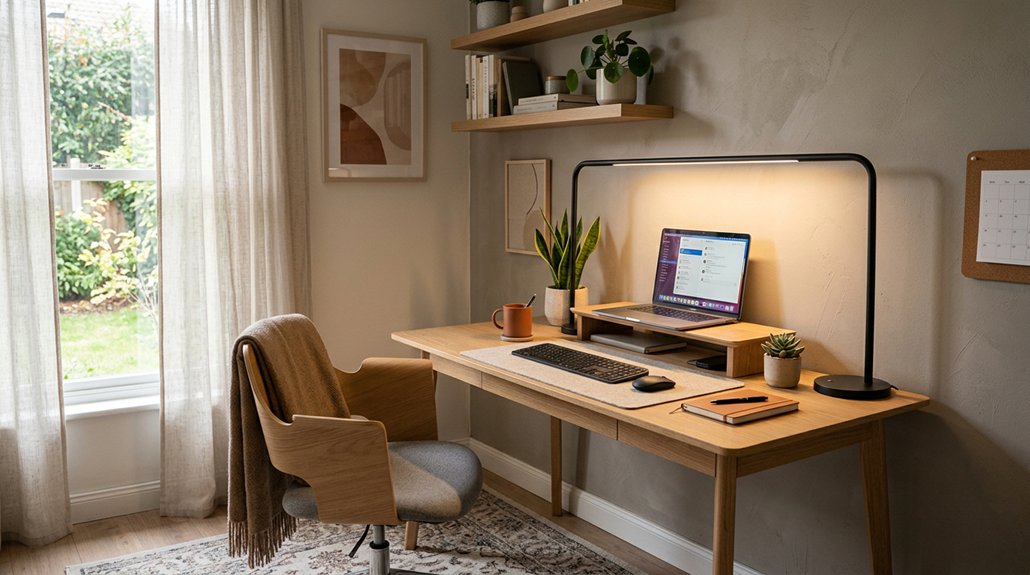
When choosing flicker-free lighting for your home office, start by checking for certification from reputable organizations to guarantee reliable, steady light output. Focus on adjustable brightness and color options to customize your workspace for comfort, and make sure the bulbs are compatible with your existing dimmers and smart systems. Prioritize products with advanced drivers that prevent flicker caused by electrical issues, so you can work without distraction or eye strain. Additionally, consider lighting products that feature professional-grade noise masking, which can help create a more focused and distraction-free environment.
Certification and Quality Standards
To guarantee you select genuinely flicker-free lighting for your home office, start by checking for flicker-free certification from reputable organizations. This certification confirms the product meets strict industry standards and guarantees reduced flicker levels, helping to minimize eye strain. Certified flicker-free LED bulbs assure stable, continuous light output, decreasing harmful rapid on-off cycling linked to headaches and fatigue.
You should also consider the manufacturer’s reputation and read customer reviews, which provide insight into true flicker-free performance. Focus on products with qualities like adjustable brightness to tailor lighting to your needs. Additionally, verify compatibility with your existing dimmers and fittings to prevent flicker caused by outdated electrical components.
These steps confirm you’re choosing reliable, high-quality lighting for a more comfortable work environment.
Adjustable Brightness and Color
Choosing flicker-free lighting with adjustable brightness and color makes it easier to customize your home office environment for maximum comfort and productivity. Look for flicker-free LED bulbs with adjustable brightness levels and color temperatures between 3500K and 5000K to fine-tune your lighting according to your tasks and reduce glare on screens.
High CRI (90+) flicker-free LEDs deliver accurate color rendering, helping you see details clearly and reducing visual fatigue. Compatibility with LED-compatible dimmers guarantees smooth brightness adjustments without flickering.
Modern lighting solutions featuring smart controls or tunable white technology allow you to change light intensity and color temperature seamlessly, supporting natural circadian rhythms and minimizing eye strain. Selecting these adjustable features helps create a more ergonomic and eye-friendly workspace.
Compatibility With Existing Setup
Guaranteeing flicker-free lighting works seamlessly with your existing setup requires verifying compatibility with your current fixtures and dimmer switches. Not all flicker-free LED bulbs are compatible with older dimmers, which can cause flickering and frustration.
To avoid flickering, check that the bulbs you choose are compatible with your existing home lighting and dimmer switches. Look for products certified by reputable organizations to guarantee they meet industry standards. Additionally, consider the brightness and color temperature options to match your workspace needs.
For a smoother experience, pick flicker-free LEDs with adjustable settings or smart controls that integrate with your smart home system. Before purchasing, review product feedback to confirm flicker-free performance and compatibility.
- Compatible with existing fittings and dimmers
- Certified for reliable flicker reduction
- Adjustable brightness and smart controls
Maintaining Your Lighting Setup for Long-Term Eye Health
Maintaining your lighting setup over the long term is essential for protecting your eye health and ensuring consistent comfort. To prevent flicker that can cause eye strain, regularly replace old dimmer switches with LED-compatible models.
Use certified flicker-free LED bulbs with high CRI (90+) and adjustable color temperature to keep your lighting stable and comfortable. Periodically conduct flicker tests by lowering brightness and checking with your smartphone camera, ensuring your lighting remains flicker-free over time.
It’s also important to maintain proper layering of ambient, task, and accent lighting to reduce glare and avoid eye fatigue during prolonged activities. Finally, schedule routine inspections for wear or damage in LED fixtures and drivers, ensuring sustained flicker-free performance that protects your long-term eye health.
Frequently Asked Questions
What Is the Best Lighting to Reduce Eye Strain?
The best lighting to reduce eye strain uses flicker-free LEDs with 3500K–5000K color temperature, high CRI 90+, adjustable brightness, and diffused sources. This combination stabilizes your vision, prevents glare, and supports your natural rhythms.
How to Immediately Reduce Eye Strain?
To immediately reduce eye strain, take a 20-second break to look at something 20 feet away, blink frequently, adjust your screen brightness, guarantee proper lighting with flicker-free LEDs, and reduce glare by repositioning your lights or screen.
What Is the 20 Second Rule for Eye Strain?
The 20 second rule advises you to look at something 20 feet away for at least 20 seconds every 20 minutes. This relaxation technique helps prevent eye fatigue by easing muscle strain caused by continuous focusing on screens.
Does LED Flicker Affect the Eyes?
Yes, LED flicker affects your eyes by causing strain, dryness, headaches, and temporary vision issues. Even imperceptible flicker from poor drivers or PWM can lead to discomfort over time, but flicker-free LEDs help prevent these problems effectively.
In Summary
Switching to flicker-free lighting can make a big difference in reducing eye strain and improving comfort at home. By choosing the right lights and perfecting your setup, you protect your eyes during screen time and create a healthier environment. Regularly maintaining your lighting setup guarantees long-term eye health. Take the time to upgrade and adjust your lighting; your eyes will thank you for the clearer, more comfortable experience every day.



