
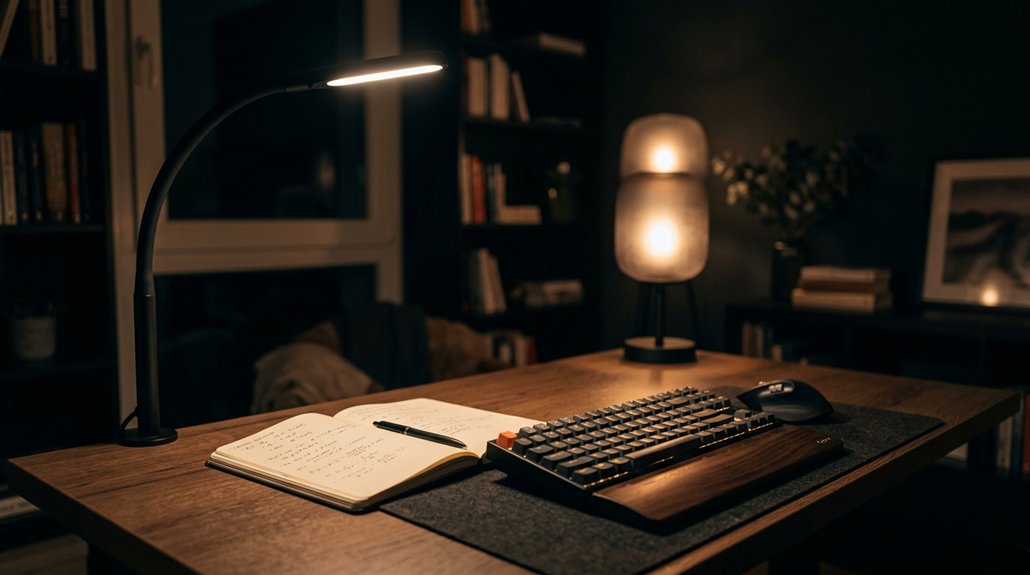
To reduce eye strain with accent lighting, position soft, warm lights away from your monitors to prevent glare and reflections. Choose dimmable, flicker-free LED fixtures with diffusers, and aim them toward walls or artwork to create a gentle, balanced glow. Adjust brightness to about 10–20% of your main light, and set color temperatures between 2700K–3000K for relaxation. Keep exploring for more tips on creating a comfortable, eye-friendly workspace.
How Accent Lighting Can Help Reduce Eye Strain in Your Home Office
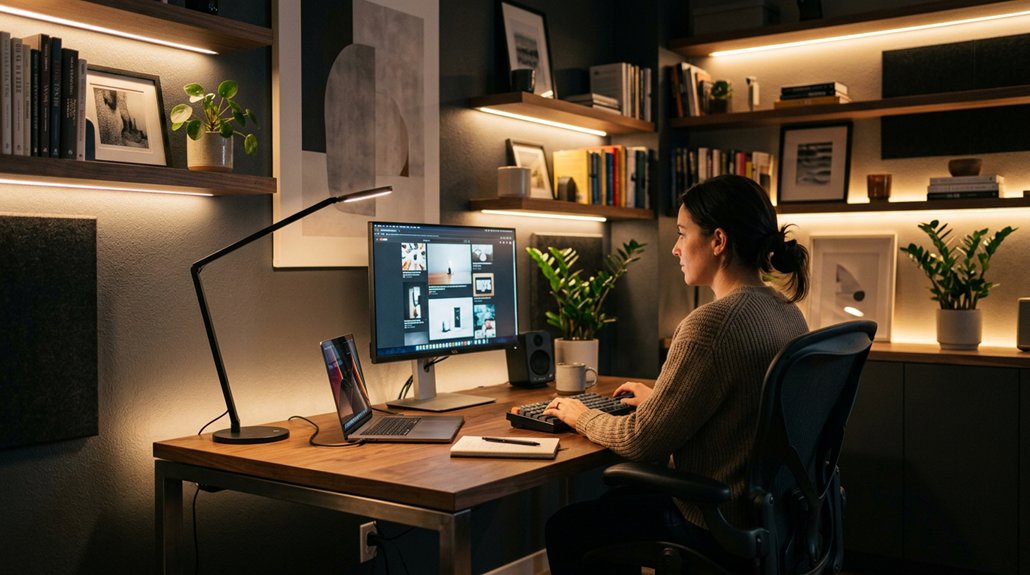
To reduce eye strain in your home office, adding accent lighting can make a significant difference. Accent lighting provides soft, indirect illumination that helps balance the brightness from your monitors, reducing harsh contrasts that cause eye fatigue.
By placing accent lights behind or around screens, you minimize screen glare and reflections, easing visual discomfort during long hours of work. Incorporating warm-tone accent lighting creates a calming environment, promoting visual comfort while balancing cooler task lights and screen brightness.
Strategically positioned accent lights also encourage regular eye breaks, following the 20-20-20 rule. Additionally, accent lighting highlighting art or decor offers gentle visual stimulation, which further reduces prolonged eye strain and enhances overall home office lighting. Using bias lighting kits with adjustable brightness and color temperature ensures optimal compatibility and comfort for your specific setup.
How to Choose the Right Type of Accent Lighting for Comfort
Choosing the right accent lighting starts with understanding the environment and your visual needs. For comfort and reduced eye strain, select accent lighting with soft, warm color temperatures around 2700K–3000K to create a relaxing atmosphere. Dimmable LED fixtures with flicker-free technology allow you to customize brightness and minimize harsh contrasts and glare. Use indirect or diffused light sources, like wall sconces or LED strips, to evenly illuminate spaces and prevent sharp shadows that cause discomfort. Position accent lights away from direct line of sight and monitors, reducing reflections and screen glare. Adjustable or layered accent lighting supports ambient and task lighting, offering visual breaks and helping you follow the 20-20-20 eye rest rule. Incorporating high CRI lighting ensures accurate color rendering and reduces visual fatigue, contributing to overall eye comfort. This approach guarantees ideal visual comfort and minimizes eye strain.
How to Position Accent Lights to Minimize Glare and Shadows
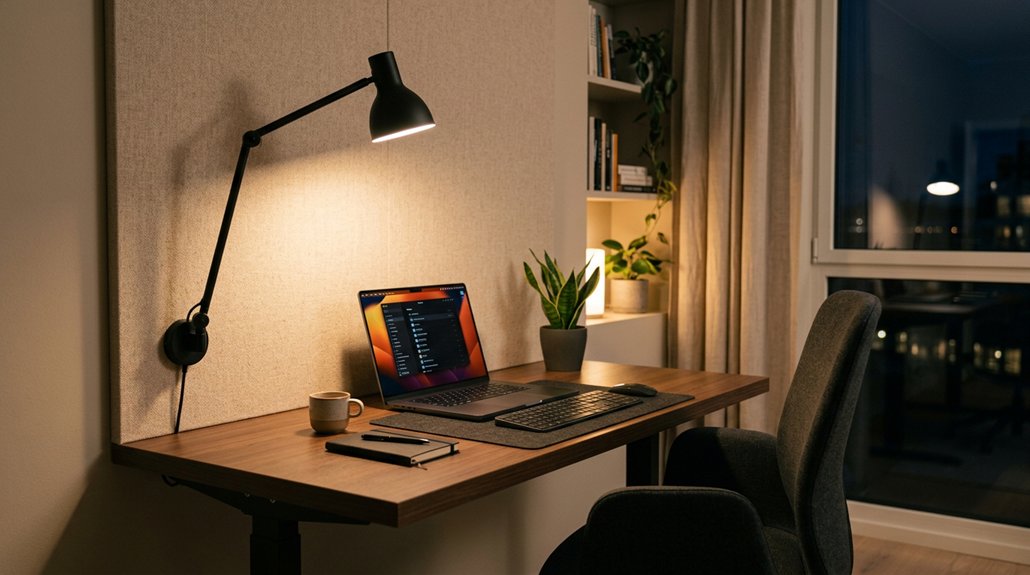
Positioning your accent lights correctly is essential to reduce glare and shadows that can cause eye strain. To achieve this:
- Place accent lighting off to the side or behind your main work area. This helps prevent direct glare on your computer screen and reflective surfaces, minimizing reflections.
- Aim lights at walls or artwork rather than directly at your eyes or desk, creating a soft, diffused glow that softens shadows without harsh contrasts.
- Keep accent fixtures at a 90-degree angle to monitors and keyboards, avoiding placement directly behind you, which can increase backlighting and contrast, leading to eye discomfort.
Using dimmable, warm color temperatures (2700K–3000K) enhances comfort by providing soothing brightness that reduces eye strain while creating a gentle, inviting ambiance. Proper placement and flicker-free illumination minimize visual discomfort and support sustained eye comfort.
How to Adjust Brightness and Color Temperature for Eye Comfort
Adjusting the brightness and color temperature of your accent lighting is essential for maintaining visual comfort and reducing eye strain. Keep the brightness at about 10–20% of your main ambient or task light to create a soft glow that minimizes harsh contrasts and glare.
In the evening, switch to warm light (2700K–3000K) to promote relaxation and lower blue light exposure, which can interfere with sleep. During the day, opt for neutral to cool temperatures (3500K–4500K) to stay alert without causing discomfort.
Use dimmable accent lights to tailor brightness and color temperature based on your activity and time of day. Position lights to softly illuminate walls or objects, avoiding direct glare and supporting an evenly lit, comfortable workspace. Incorporating flicker-free lighting with high CRI values can further enhance visual comfort and support healthy vision during long work sessions.
How to Add Decorative Accent Lighting Without Sacrificing Ergonomics
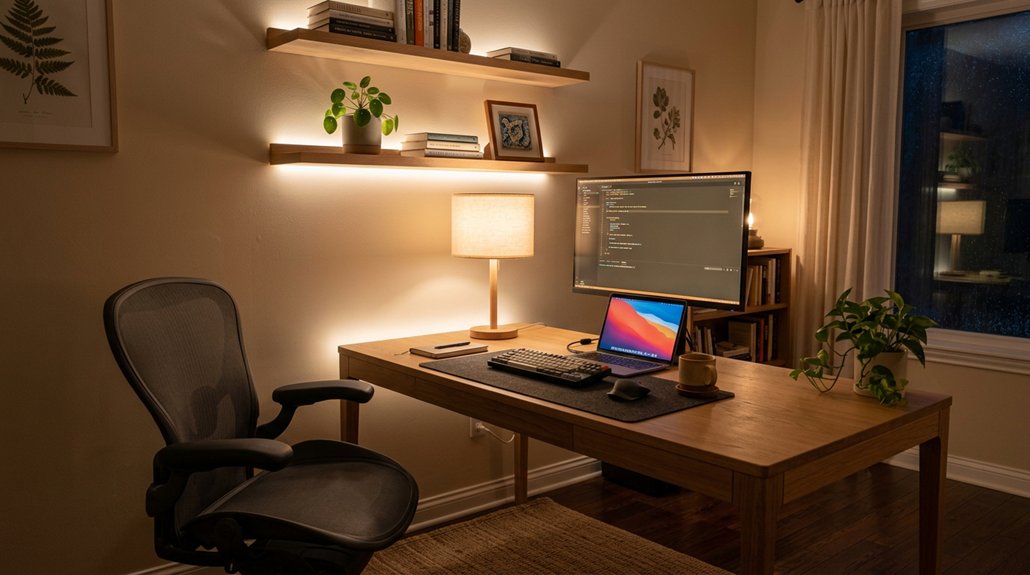
Adding decorative accent lighting enhances your space’s ambiance without compromising ergonomic comfort, but it’s important to do so thoughtfully.
To achieve this, consider:
- Using low-intensity, warm-toned (2700K–3000K) accent lighting like LED strips or wall sconces with diffusers, reducing glare and visual contrast that cause eye strain.
- Positioning accent lights away from direct line of sight and at 90-degree angles to screens prevents reflections and screen glare.
- Choosing flicker-free LEDs with dimmable controls allows you to customize brightness, supporting layered lighting with ambient and task layers for balanced, ergonomic illumination. This approach maintains a cozy atmosphere while minimizing eye fatigue and promoting visual comfort.
- Incorporating acoustic panels can further improve visual comfort by reducing echo and background noise that contribute to visual fatigue.
Frequently Asked Questions
What Is the Best Lighting to Reduce Eye Strain?
The best lighting to reduce eye strain combines ambient, task, and accent lighting with warm to neutral tones. Use flicker-free LED bulbs, position accent lights softly behind your screen, and adjust brightness to match your environment for comfort.
How to Immediately Reduce Eye Strain?
You can immediately reduce eye strain by dimming your screen, adjusting contrast, and turning on soft, warm accent lighting nearby. Take short breaks, blink often, and focus on distant objects to ease eye tiredness quickly.
What Is the 3 Lighting Rule?
The 3 Lighting Rule involves layering ambient, task, and accent lighting to create balanced illumination. You improve comfort by reducing glare, shadows, and harsh contrasts, which helps minimize eye strain during prolonged screen time and promotes well-being.
What Color LED Light Helps With Eye Strain?
Choosing warm LED lights in the 2700K to 3000K range helps reduce your eye strain by creating a calming atmosphere, lowering blue light exposure, and softening contrast. Use adjustable warm tones, especially in the evening, for maximum relief.
In Summary
By incorporating the right accent lighting, you can create a more comfortable and visually appealing home office. Focus on choosing the correct fixtures, positioning them carefully, and adjusting brightness and color temperature to reduce eye strain. Thoughtful lighting not only enhances your workspace but also promotes better eye health. Remember, small changes in your lighting setup can make a big difference in how your eyes feel after a long day.



