
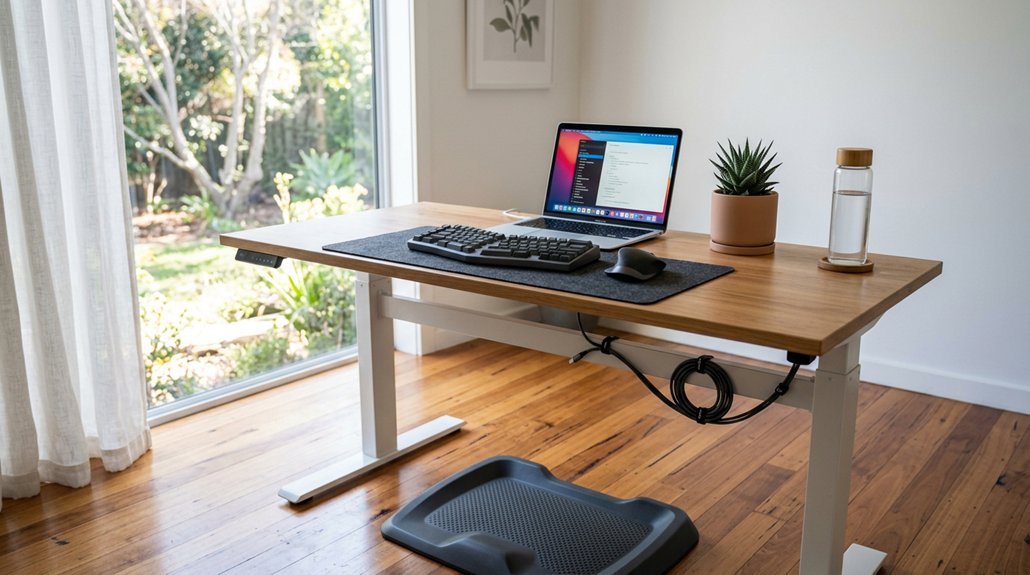
To relieve back pain at your standing desk, adjust it so your elbows are at a 90° angle and your monitor is at eye level, 20-30 inches away. Switch between sitting, standing, and walking every 30 minutes to avoid strain. Support your feet with an anti-fatigue mat and proper footwear. Take short movement breaks to stretch and activate muscles. Keeping these tips in mind helps prevent discomfort—discover more strategies that can make a difference.
How Standing Desks Help Reduce Back Strain
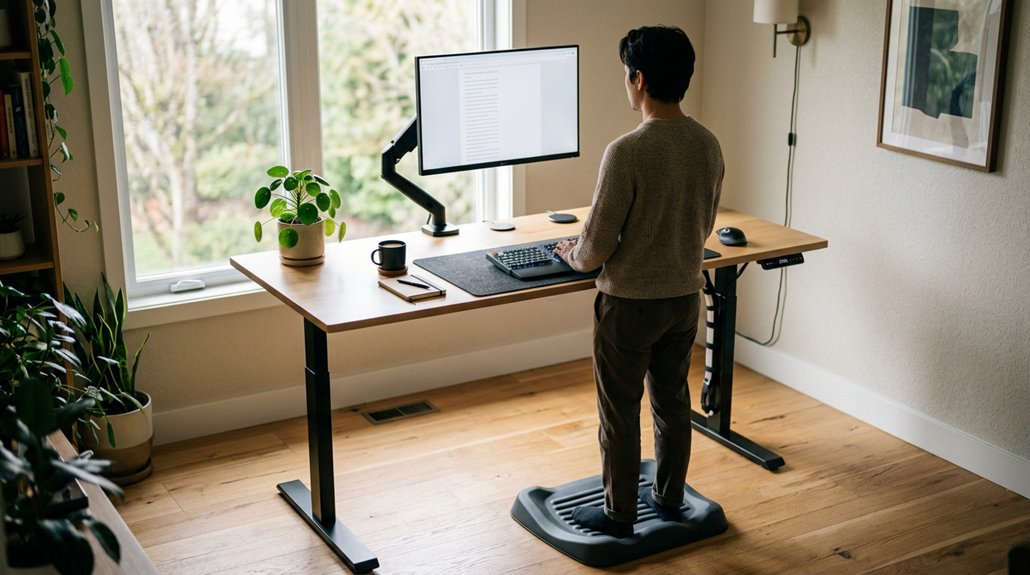
Standing desks help reduce back strain by actively shifting your body weight and engaging your core, glutes, and leg muscles, which support proper spinal alignment.
Standing desks have become popular because they can reduce the risk of issues caused by prolonged sitting. By alternating between sitting and standing, you decrease static spinal load and promote better posture, reducing strain on your lower back.
Alternating sitting and standing reduces spinal load and promotes better posture, easing lower back strain.
Using a standing desk encourages postural variety, improving blood flow and relieving musculoskeletal strain linked to sitting too long. When you engage your core muscles, you prevent overloading smaller lower back muscles and promote spinal alignment.
To get the most benefits, gradually increase standing intervals, starting with 10-15 minutes per hour, allowing your body to adapt and helping you maintain better back health over time. Incorporating ergonomic features like adjustable height and supportive surfaces can further optimize your standing desk setup for back comfort.
Adjust Your Standing Desk for Proper Posture
To improve your posture, start by adjusting your desk height so your elbows form a 90-degree angle and your forearms are parallel to the floor. Make sure your monitor is at eye level and about 20-30 inches away to keep your neck in a neutral position. Also, align your arms and wrists properly to reduce strain and support comfortable, sustained standing. Using an adjustable #desks or converters can help achieve the ideal ergonomic setup.
Desk Height Alignment
Adjusting your standing desk to the right height is essential for maintaining a comfortable and healthy posture throughout your workday. Make certain your desk height supports proper posture by setting it so your elbows are bent at approximately 90 degrees with your shoulders relaxed. This position helps prevent unnecessary strain on your neck, shoulders, and back. Incorporate height range flexibility to ensure your desk accommodates both tall and short users comfortably. Keep the monitor top at or slightly below eye level, about 20-30 inches away, to maintain a neutral spine and avoid neck tension. Your forearms should be parallel to the ground, with wrists straight when typing, reducing wrist and shoulder stress. If you have a height-adjustable desk with memory presets, use them to quickly switch between sitting and standing without losing ergonomic alignment. Proper desk height alignment promotes comfort and minimizes back pain during long work hours.
Monitor Positioning Properly
| Aspect | Tips |
|---|---|
| Monitor height | Top of the screen at or below eye level |
| Distance | 20-30 inches away |
| Positioning | Directly in front, aligned with your body |
| Adjustment | Use height-adjustable risers to meet ergonomic needs |
Arm and Wrist Support
Once your monitor is in the proper position, focusing on your arm and wrist support helps maintain overall ergonomic alignment. Adjust your standing desk height so your elbows form a 90-degree angle, with your forearms parallel to the ground. Position your keyboard and mouse at a height that keeps your wrists straight and relaxed, preventing repetitive strain injuries. Use wrist rests or ergonomic accessories to support neutral wrist alignment while typing or scrolling. Incorporate memory foam wrist supports to provide steady cushioning and reduce pressure during long typing sessions. Keep your elbows close to your body and your shoulders relaxed to reduce neck and upper back tension. Guarantee the desk surface is at an appropriate height, allowing easy reach to input devices without overextending your arms. Proper arm and wrist support promotes comfort and helps prevent discomfort during long work periods.
Increase Your Standing Time Gradually to Avoid Discomfort
To prevent discomfort as you increase your standing time, it’s important to do so gradually. Start by standing for 10-15 minutes per hour during week one, then slowly increase to 20-30 minutes over the following weeks. Take breaks often; avoid prolonged static standing by alternating between sitting and standing with a 2:1 or 1:1 ratio. Use techniques like weight shifting and foot elevation to improve comfort and circulation. Wearing supportive shoes and standing on an anti-fatigue mat help reduce leg pain and back discomfort. Remember to listen to your body and take walk breaks or sit if fatigue or back pain relief becomes necessary. Incorporating ergonomic features, such as proper posture and supportive footwear, can further enhance comfort during your standing sessions. Here’s a suggested plan:
| Week | Standing Time | Break Suggestions | Notes |
|---|---|---|---|
| 1 | 10-15 mins/hr | Take regular breaks | Use supportive shoes |
| 2 | 20 mins/hr | Shift weight back and forth | Incorporate foot elevation |
| 3+ | 20-30 mins/hr | Listen to your body | Use anti-fatigue mat |
Support Your Back and Feet With Ergonomic Accessories
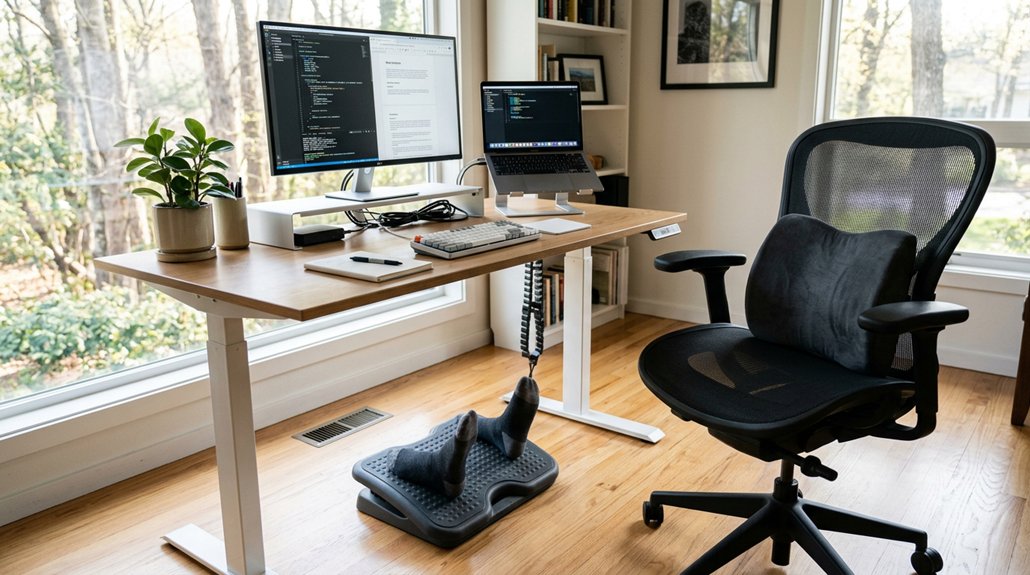
Using supportive shoes with good arch support can reduce foot fatigue and lower back strain.
Anti-fatigue mats under your feet help cushion pressure and improve blood flow while standing.
A height-adjustable footrest also encourages proper posture and reduces leg stiffness during long periods of standing or sitting.
Supportive Footwear Choices
Choosing supportive footwear is essential for maintaining comfort and posture while working at a standing desk. Supportive footwear with cushioned soles and proper arch support reduces foot pain, leg fatigue, and lower back strain during prolonged standing.
Ergonomic shoes designed for standing work help maintain natural foot alignment, which supports better posture and spinal health. Avoid wearing high heels or unsupportive flat shoes, as they increase pressure on your lower back and legs. Instead, opt for shoes that distribute weight evenly and are properly fitted.
Pairing supportive footwear with an anti-fatigue mat can further lessen leg fatigue and discomfort. Proper foot positioning and mat compatibility are vital for comprehensive ergonomic support. Prioritizing the right footwear guarantees you stay comfortable, promotes good circulation, and helps protect your back during long work periods.
Use Anti-Fatigue Mats
Supporting your feet with anti-fatigue mats can greatly improve comfort during prolonged standing at your desk. These mats reduce foot and leg discomfort by cushioning the impact of standing on hard surfaces, helping to alleviate lower back strain.
Anti-fatigue mats encourage subtle micro-movements in your leg muscles, which promotes better blood flow and reduces muscle fatigue during standing periods. By using these mats, you can achieve a more comfortable standing position, making it easier to sustain longer durations at your standing desk.
Incorporating anti-fatigue mats also lowers the risk of varicose veins and swelling associated with extended standing. Pairing them with supportive shoes further optimizes comfort and posture, helping you enjoy the benefits of a more ergonomic, pain-free work routine. Materials like polyurethane foam are often used for their cushioning and durability in these mats.
Balance Sitting, Standing, and Walking Throughout the Day
Balancing sitting, standing, and walking throughout the day is key to preventing back pain and reducing muscle strain. You should alternate between sitting and standing for 30 minutes at a time to reduce spinal load and prevent musculoskeletal strain.
Incorporate walking breaks every 30-60 minutes to boost blood flow, ease muscle fatigue, and support spinal health. Use anti-fatigue mats and supportive footwear during standing periods to minimize leg and foot discomfort.
Maintain a sitting-to-standing ratio between 2:1 and 1:1, ensuring you don’t stay in either position too long. You can also enhance comfort and safety by choosing mats with ergonomic support zones, designed to target high-stress areas and promote better posture. Start by gradually increasing your standing duration, beginning with 10-15 minutes per hour in the first week, then build up to 20-30 minutes per hour by the fourth week. This approach helps you stay comfortable and healthy.
Listen to Your Body: Signs of Fatigue and How to Adjust
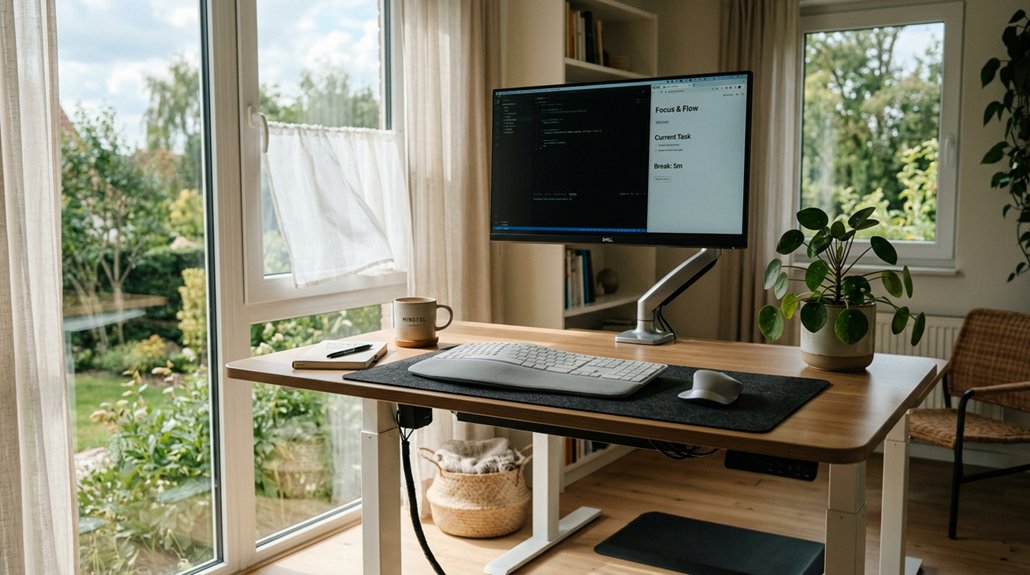
Listening to your body is essential when using a standing desk, as it signals when it’s time to adjust your posture or take a break. If you notice signs of fatigue like muscle fatigue, back pain, or foot discomfort, it’s a cue to reduce standing time or switch to sitting.
Listen to your body—it signals when to adjust posture or take a break at your standing desk.
Standing all day can strain your lower back and cause discomfort, so pay attention to these signals. Use supportive shoes and an anti-fatigue mat to lessen lower limb fatigue. Also, reassess your desk height and posture if you experience persistent lower back or neck pain.
Keep an eye out for:
- Muscle fatigue and pain in the lower back
- Leg swelling or foot pain
- Signs of fatigue that imply the need for a break
Tuning in to these signs helps you prevent discomfort and maintain proper posture.
Take Regular Movement and Stretch Breaks to Improve Back Health
Taking regular movement and stretch breaks every 30 to 60 minutes is essential for maintaining back health during extended periods of standing or sitting. If you take short breaks every hour, it boosts blood flow and helps reduce muscle fatigue caused by static posture.
During these movement breaks, do simple stretching exercises to loosen tight muscles, which relieves tension in your lower back and improves overall spinal flexibility. Even brief walking, such as moving around your workspace, activates core and glute muscles that support your spine and reduce lumbar disc pressure.
Alternating between sitting, standing, and breaks prevents prolonged static loading of muscles and tendons. Using timers or reminders encourages micro-movements, effectively improving blood circulation and helping to lower the risk of chronic back discomfort.
Frequently Asked Questions
Is a Standing Desk Good for Lower Back Pain?
Yes, a standing desk can help relieve your lower back pain by reducing lumbar disc pressure, activating supporting muscles, and improving posture. Just make sure to use proper ergonomics, switch between sitting and standing, and avoid prolonged standing.
What Is the 20/8-2 Rule for Standing Desks?
The 20/8-2 rule guides you to stand for 20 minutes, sit for 8, and move for 2 minutes every half-hour. This helps prevent fatigue, improve circulation, and reduce strain while using a standing desk.
What Are the Big 3 Exercises for Back Pain?
The Big 3 exercises for back pain are the McGill curl-up, side plank, and bird-dog. You focus on strengthening your core muscles, improve stability, and balance, which helps reduce spinal strain and enhances your overall back health.
Can High Cortisol Cause Back Pain?
Yes, high cortisol can cause back pain by increasing muscle tension, promoting inflammation, impairing tissue repair, and disrupting sleep, which all contribute to poorer back health. Managing stress and improving sleep can help reduce cortisol-related discomfort.
In Summary
By following these standing desk tips, you can greatly reduce back pain and improve your overall comfort. Remember to adjust your workspace for proper posture, gradually increase standing time, and incorporate movement and breaks throughout the day. Pay attention to your body’s signals and use ergonomic accessories to support your back and feet. With these simple habits, you’ll create a healthier, more comfortable work routine and enjoy the benefits of standing while you’re at it.



