
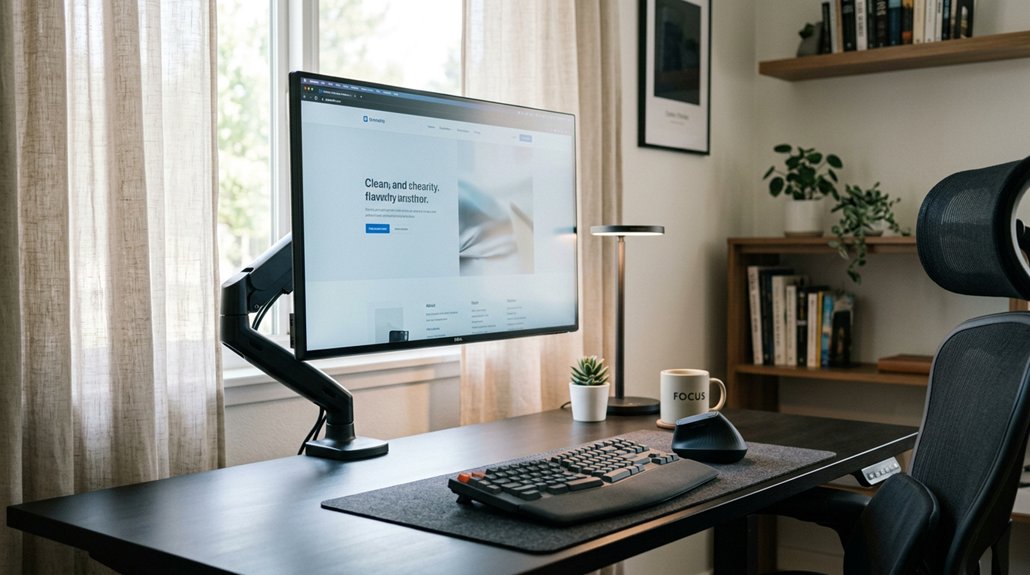
To optimize your screen distance for eye health, sit about 20-26 inches away from your monitor, keeping the top slightly below eye level with a 15° tilt. Use adjustable stands or risers to find the right height and angle. Avoid holding smartphones closer than 12 inches for long periods. Enable device alerts to prevent getting too close. Using proper lighting and blue light filters can also reduce strain. Keep these tips in mind for better comfort and ongoing eye protection.
Why Maintaining Proper Screen Distance Protects Your Eyes
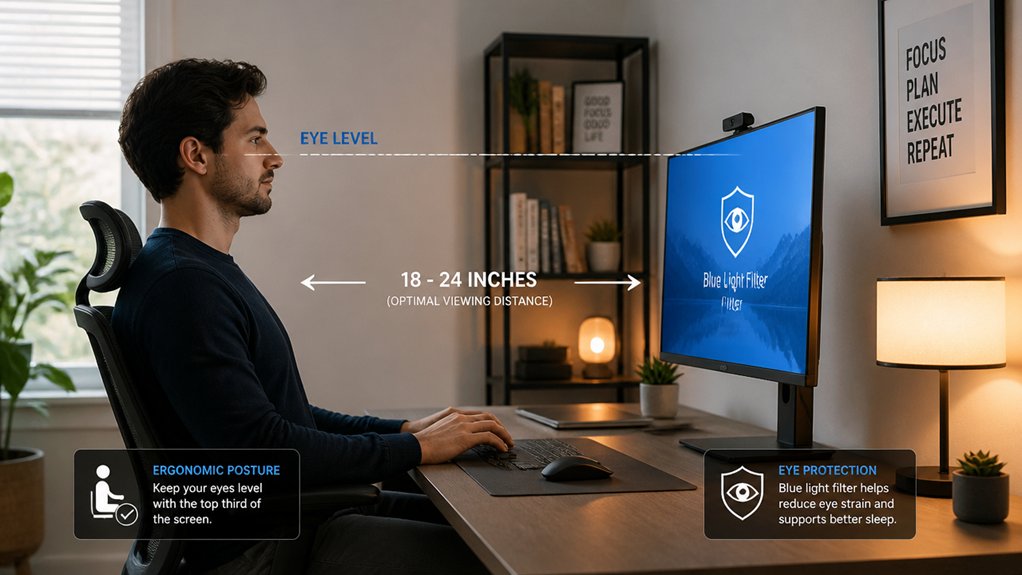
Maintaining the right distance between your eyes and your screen is essential for protecting your vision. When you keep a proper screen distance—about 20-26 inches—you’ll reduce eye strain and minimize digital eye strain caused by prolonged screen use.
Sitting roughly 25 inches away with your display slightly below eye level helps promote a natural downward gaze, easing eye muscles and lowering eye fatigue. Holding screens too close, like less than 12 inches, heightens stress on your eyes, often triggering alerts and dryness.
Proper screen distance decreases the need for constant refocusing, which can cause blurred vision, headaches, and discomfort. Additionally, maintaining an optimal distance can help preserve your visual clarity over time, preventing long-term issues associated with excessive screen use and maintaining overall eye comfort.
How to Find the Right Distance for Your Screen Setup
How can you determine the ideal distance for your screen setup? Start by positioning the screen about 25 inches—roughly an arm’s length—from your eyes. This intermediate viewing distance helps reduce eye strain and maintains comfort during use. Additionally, monitor calibration tools with ambient-light sensors can help optimize your display settings for eye comfort. Make certain the screen is slightly below eye level and tilted around 15 degrees to promote a natural downward gaze. Adjust your screen brightness to match ambient lighting, which minimizes digital eye strain. If you wear computer glasses, aim for an intermediate distance of 20 to 26 inches to optimize focus and minimize strain. Avoid holding devices like smartphones closer than 12 inches for extended periods. Regularly adjusting your screen distance and posture can greatly decrease symptoms like dryness, tearing, and blurred vision, promoting healthier eyes during digital work.
Tips for Positioning Your Monitor to Reduce Eye Strain
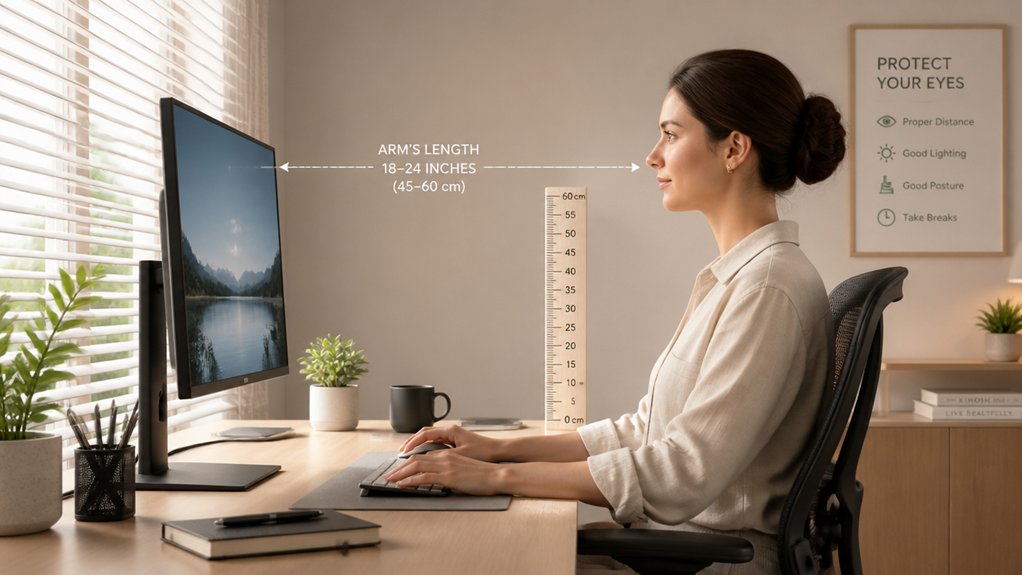
Proper monitor positioning plays a key role in reducing eye strain during long hours at the computer. To protect your eyes, visualize these steps:
- Place the screen 20 to 26 inches from your eyes, maintaining an ideal viewing distance.
- Keep the top of your monitor slightly below eye level, so your gaze naturally drops at a 15° angle.
- Tilt the monitor back about 10–20° to align with your line of sight and avoid glare.
- Use proper lighting, positioning the monitor perpendicular to bright windows, or add a matte screen filter to reduce reflections. Adjust the screen’s contrast and brightness to match ambient light, improving eye health.
- Consider blue light filters, which can further minimize eye strain by reducing exposure to potentially harmful short-wavelength light during prolonged use.
Follow these tips to help reduce eye strain and maintain comfort during prolonged monitor use.
Adjusting Screen Height and Angle for Comfort
Adjusting your screen height and angle is essential for comfort and reducing strain during extended computer use. Position your screen slightly below eye level with a 15° downward tilt, creating a 30° viewing angle that minimizes eye and neck strain. Keep the screen about 25 inches away to optimize focus and lessen squinting. Tilt the screen to reduce glare and reflections, which can cause eye discomfort. Regularly assess and modify your screen angle and height to maintain ergonomic alignment as lighting or seating changes. Remember to adjust screen brightness to match ambient light, so your eye stays relaxed and moist. Proper positioning supports your eye health, prevents eye strain, and encourages natural blinking. Using a monitor riser can help achieve the ideal eye-level positioning, promoting better posture and long-term comfort.
Tools and Reminders to Keep Your Screen at the Correct Distance
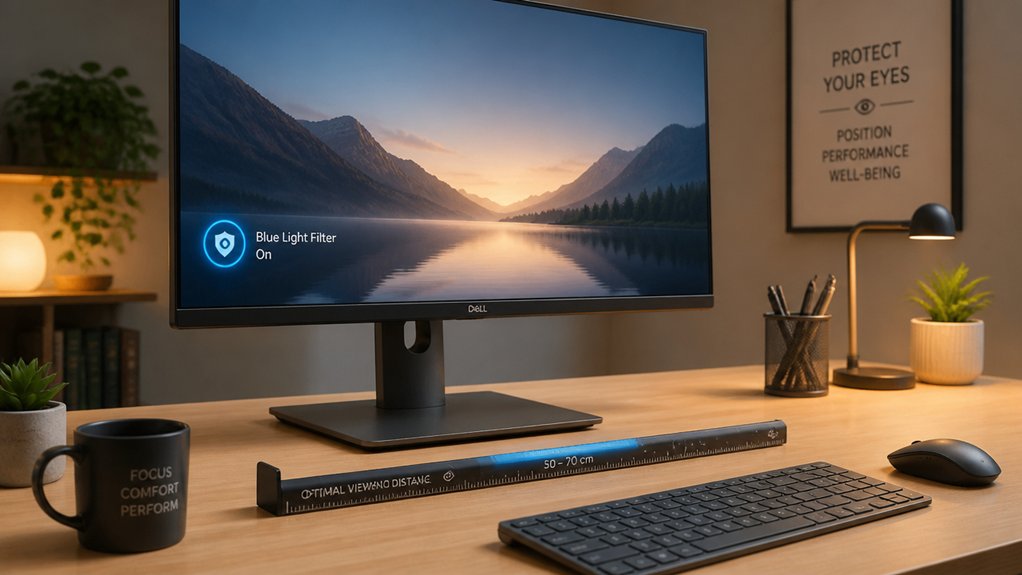
Using tools and reminders to maintain the correct screen distance can greatly improve your eye health during extended device use. Many devices offer alerts that prompt you when the screen gets too close, preventing eye strain.
For example:
- The Screen Distance feature on your iPhone activates alerts if held closer than 12 inches for too long.
- Alerts display prompts, covering your screen until you reposition your device at a safe distance.
- Parents can toggle these alerts for child accounts through Screen Time settings, ensuring kids maintain proper visual cues.
- Combining reminders with ergonomic workspace setup—about 25 inches away, slightly below eye level—helps reduce eye strain and optimize eye comfort during long Screen Time sessions.
- Additionally, choosing natural task lighting like adjustable desk lamps can reduce glare and contrast issues, further supporting eye health.
Frequently Asked Questions
What Is the 10 10 10 Rule for Screens?
The 10 10 10 Rule prompts you to take a 10-second break every 10 minutes, focusing on something at least 10 feet away. It helps reduce eye strain, improve blinking, and relax your eye muscles during screen time.
What Is the 30 30 30 Rule for Eyesight?
The 30 30 30 rule advises you to keep your screen about 30 inches away, look at something 30 feet distant every 30 minutes, and take regular breaks to reduce eye strain and maintain eye health actively.
How Far Should a 27 Inch Monitor Be From Your Eyes?
You should position your 27-inch monitor about 20 to 26 inches from your eyes, ideally around 25 inches. This distance minimizes eye strain, encourages natural focusing, and reduces dryness to keep your eyes comfortable and healthy.
How to Improve Distance Eye Vision?
You can improve your distance eye vision by practicing the 20-20-20 rule, regularly spending time outdoors, using proper glasses, and maintaining a comfortable screen distance of 20-26 inches below eye level to relax your eye muscles.



