
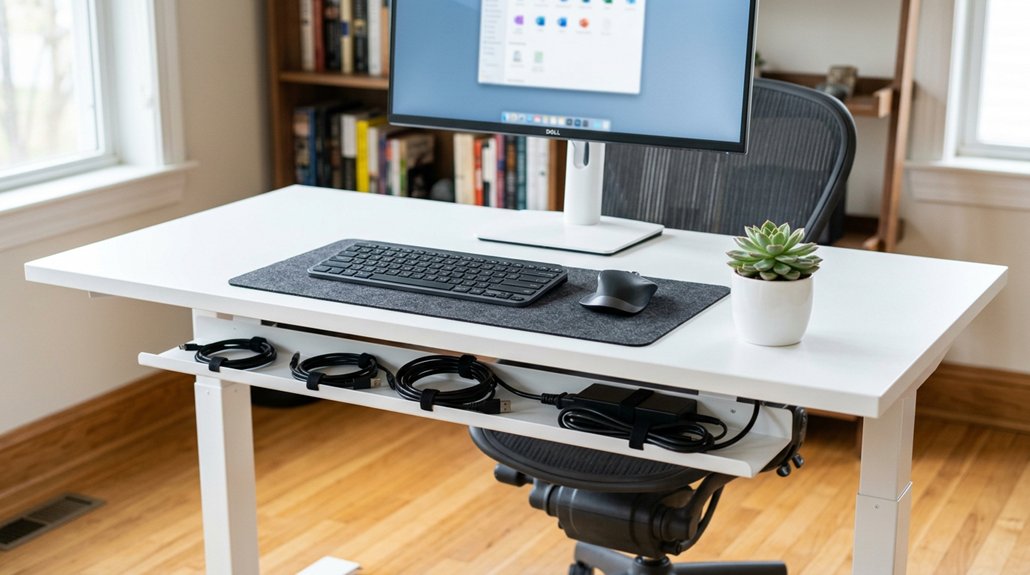
To organize cables and reduce desk clutter, start by unplugging all devices and tracing each cable to its source, then label both ends for easy identification. Use cable ties, clips, and sleeves to bundle and route cords neatly, securing them with adhesive clips or under-desk trays. Regularly check and untangle your cables, adjust slack, and keep everything tidy. If you want to streamline your setup further, there are simple tips that can make a big difference.
Allocate Your Cables and Identify Clutter Hotspots
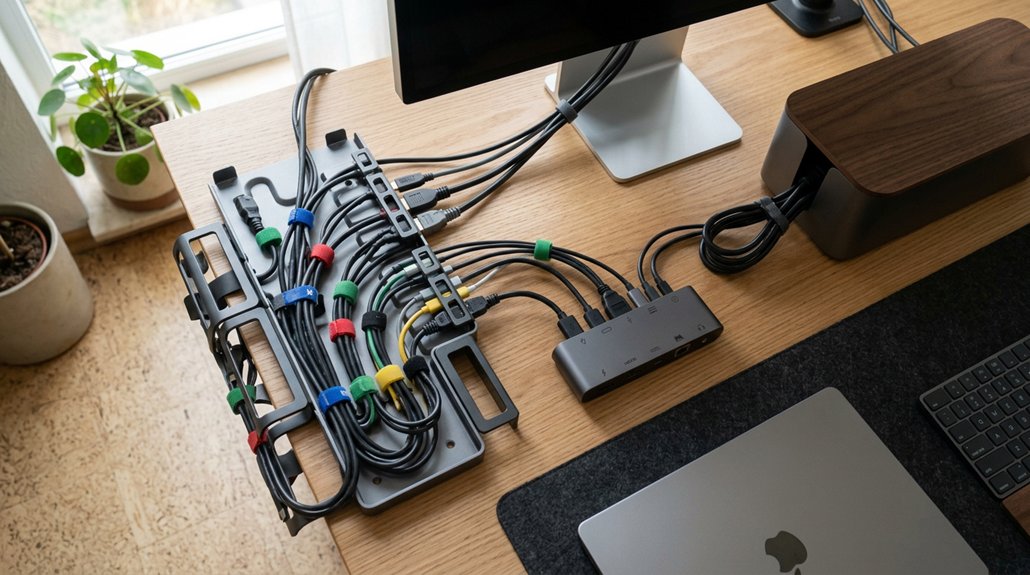
Before organizing, unplug all devices and carefully trace each cable to its source and endpoint. This helps you accurately allocate cables and prevents confusion. Use cable labels or color-coded Velcro ties at both ends to identify each cable quickly, making future adjustments easier. A durable cable management kit with self-adhesive components can also facilitate quick and clean setup. Group cables by function or device type—charging cords, data, or power—so they’re easier to manage. Look for clutter hotspots, such as areas where multiple cables converge near power strips or routers, and note where cables are running chaotically or tangled. Regular slack adjustments—tightening or loosening cable ties—prevent tangles and improve flow. For under-desk cable management, consider cable trays or clips to keep cables organized and prevent them from overlapping or cluttering your workspace.
Select the Best Cable Management Tools for Your Workspace
Choosing the right cable management tools can make a significant difference in maintaining an organized workspace. Velcro straps, like VELCRO® Brand ONE-WRAP® Ties, are perfect for keeping wires bundled and easily adjustable, especially for setups that change frequently. Using fire-resistant materials in sleeves and covers helps enhance safety by reducing the risk of electrical fires and heat damage. Cable management trays and under-desk baskets securely hold power strips and excess cords, reducing clutter and enhancing safety. Adhesive clips and cord holders guide cables along precise paths, preventing tangles near standing desks or tight spaces. Cable sleeves and organizer strips bundle multiple cables into a clean, streamlined channel, shielding wires from wear. Mounting your power with specialized power strips simplifies access and keeps wires off the floor.
Secure and Route Your Cables Effectively
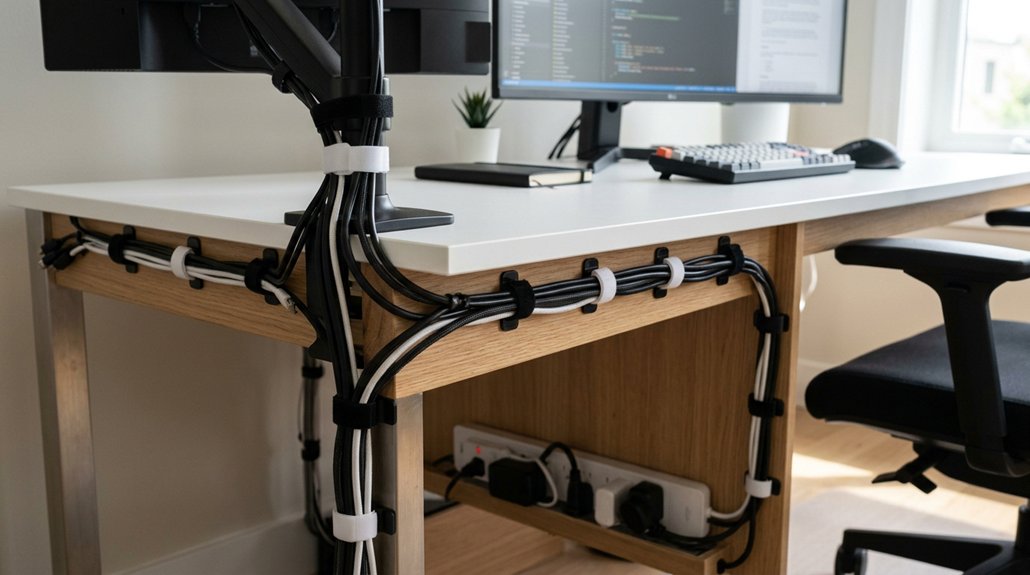
Securing and routing your cables properly is key to maintaining a tidy workspace and preventing accidents. Good cable management involves using under-desk cable trays and adhesive cable clips to route cables neatly along the desk’s underside and legs, reducing tangling and trip hazards. Incorporating clips with strong adhesive and residue-free removal ensures that your cables stay organized without damaging surfaces. Maintain appropriate cable slack and bundle excess with Velcro ties or zip ties, allowing flexibility for adjustable desks and moving devices. Mount power strips under the desk or on the wall with screws or Velcro backing to keep plugs accessible and eliminate visible clutter. Employ adhesive cord clips at intervals to guide cables along defined pathways, securing them to desk edges. Finally, label both ends of each cable for easy identification during future adjustments or troubleshooting, keeping your workspace organized and efficient.
Label Your Cables to Make Maintenance Easy
Labeling your cables is a simple yet effective step that makes maintenance and troubleshooting much easier. By labeling each end, you can quickly identify connected devices and simplify unplugging. A well-organized setup using port placement can further streamline access and reduce clutter. Use cable labels, adhesive cable tags, or reusable wrap labels to guarantee durability and legibility over time. Color-coded VELCRO® ties help separate cables by function or device type, reducing errors—especially in shared workspaces. Proper labeling saves maintenance time by eliminating the need to trace cords behind or under the desk. Clear labels make it easier to manage multiple cables at a glance, decreasing confusion and downtime.
Keep Your Desk Tidy With Regular Cable Checks
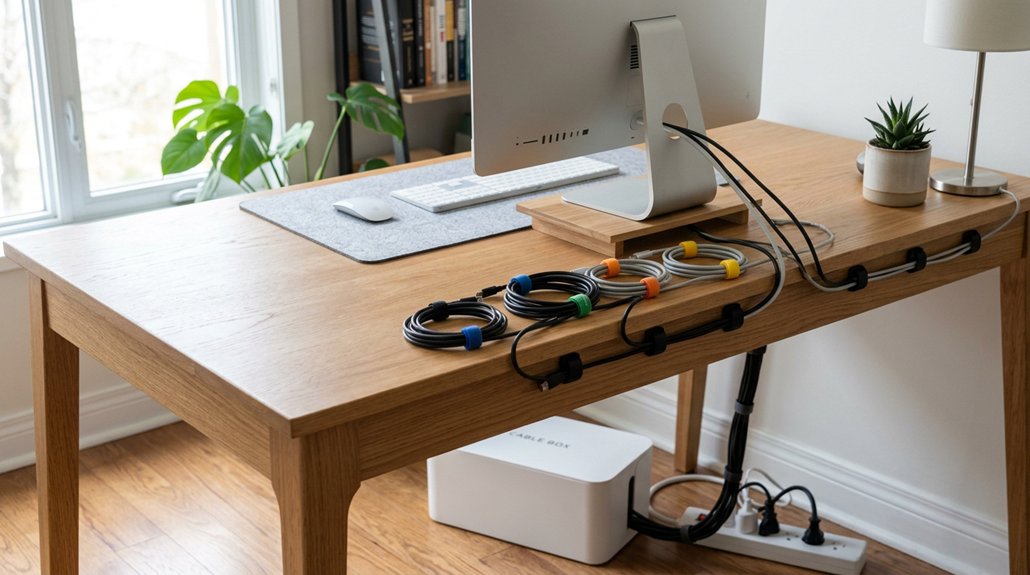
Regular cable checks are essential for maintaining a tidy and safe workspace. By regularly unplugging and inspecting damaged cables, you can identify hazards early and prevent equipment issues.
Regularly inspecting and unplugging damaged cables helps prevent hazards and equipment problems.
Untangling and bundling cables with reusable Velcro ties reduces clutter and extends cable life by avoiding stress and bends.
Conduct routine cable labeling checks to enable quick identification, saving you time and frustration during device swaps or troubleshooting.
Periodic reassessment of cable routes and clip placements guarantees peak cable slack, preventing accidental disconnections, especially with adjustable desks.
Incorporating quick visual inspections helps detect dust buildup, connector wear, and other signs of deterioration.
Being aware of clamp compatibility and desk thickness specifications ensures your cables and mounts stay securely in place, maintaining an organized workspace.
These simple steps keep your workspace organized, safe, and efficient, ultimately reducing clutter and supporting long-term device performance.
Frequently Asked Questions
What Is the Best Way to Organize Cables Under My Desk?
You should use under-desk cable trays, adhesive clips, and Velcro straps to bundle and secure cables, keeping them organized and tangle-free. Label and color-code cables, maintain slack, and route power strips to create a safe, clutter-free workspace.
How Can I Effectively Organize Charging Cables on My Desk?
You can organize your charging cables by using Velcro straps to bundle excess, adhesive clips to route them securely, labels for quick identification, a central charging station to reduce clutter, and storing infrequently used cables neatly in drawers.
How to Sort Out Cables in a Small Office Space?
You should plan cable routes along desk edges or beneath, use adhesive clips or trays, bundle cables with Velcro straps, mount power strips overhead, and employ color-coded ties to keep your small office space organized and clutter-free effortlessly.
How to Organize Cable Clutter?
You should unplug, untangle, and inspect your cables first. Then, secure them with clips, bundle excess length with straps, label each end, and mount power strips underneath to keep your desk tidy and accessible.



