
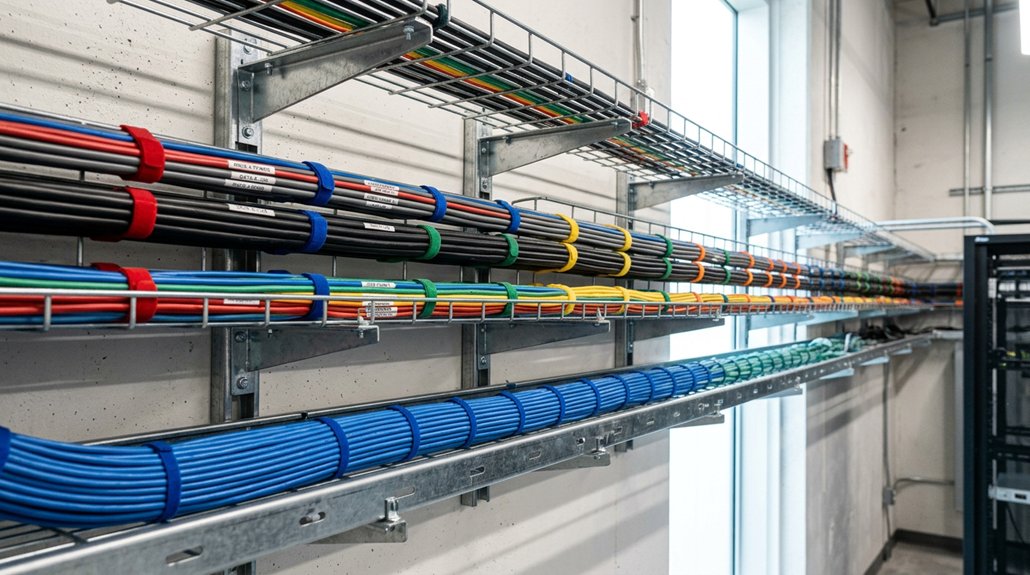
The best cable tray organization ideas start with evaluating your workspace and cable needs, ensuring the tray fits your desk size and cable capacity. Choose durable materials like metal or plastic, matching colors to your decor for a clean look. Plan routes for easy access and heat ventilation, using modular or adjustable trays that secure cables without strain. Combine trays with cable sleeves or clips for extra tidiness. Keep cables maintained regularly—learn more tips to make your setup even smarter.
Assess Your Workspace and Cable Needs
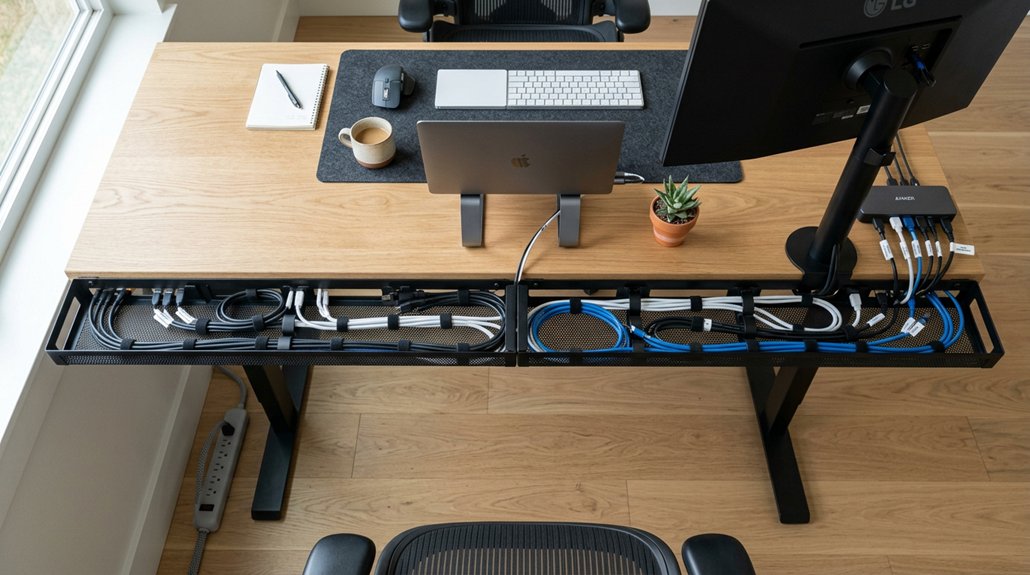
How do you determine the best cable tray organization for your workspace? Start by evaluating your workspace dimensions and the types of cables and power strips you need to manage. Some cable trays mightn’t fit large power bricks or excessive cables, so measure carefully. Considering cable capacity and the materials of the management solutions can help ensure durability and safety.
Consider your desk type—if you have a standing desk, options like the CCCEI under desk tray with swing-open designs make access easier. Think about your cable routing and access needs; using cable sleeves, vertical cable management, or magnetic clips can keep cables hidden yet accessible.
Also, assess the aesthetic aspect: white PVC trays and cable sleeves suit lighter desks, while black trays match darker setups. Finally, look at your mounting options, ensuring secure attachment and easy repositioning where needed.
Pick the Best Cable Tray Style for Your Desk
Choosing the right cable tray style depends on your desk setup and aesthetic preferences. Consider tray materials, like plastic for affordability and easy installation or metal for durability, to find what best suits your workspace. Additionally, look for designs that offer installation flexibility, such as swing-open features for easy access and maintenance.
Tray Material Choices
Selecting the right cable tray material depends on your desk setup and organization needs. Cable trays come in various tray material choices, with PVC plastic and CCCEI being popular options.
PVC plastic trays, usually sold in sets of two 17-inch pieces, are affordable (~$25) and feature open slots for heat dissipation. They work well for holding power strips but can be difficult to reposition once adhered.
CCCEI trays, designed with a swing-open feature, are ideal for standing desks with moving surfaces, as they hold smaller power strips and cables securely and are best screwed under the desk for stability.
Both materials are lightweight and easy to install, making them effective cable management solutions. Consider your setup aesthetics—white PVC for lighter desks or black CCCEI for darker environments.
Material durability and ease of installation should also influence your choice, ensuring long-term reliable organization.
Installation Flexibility
When it comes to installation flexibility, the design of your cable tray plays a crucial role in ease of access and adjustments. An under desk tray with a swing-open design, like the CCCEI model, allows you to quickly reposition and access power strips without hassle. This enhances cable management and makes layout testing easier before final installation. Proper clamp compatibility with your desk thickness and structure ensures stability and prevents wobbling or slipping during adjustments.
On the other hand, PVC plastic trays with open slots provide heat dissipation but are difficult to move once adhered, so careful placement is essential. Consider your desk setup and the size of your power bricks and cables—some trays may not fit larger adapters. Choosing a tray that offers superior accessibility and easy installation guarantees you can adapt your cable management system with minimal effort.
Choose Materials and Colors to Match Your Decor

Choosing materials and colors for your cable management products can enhance your workspace’s look, whether you prefer a seamless, discreet appearance or want to make a statement. Matching your tray or clips to your desk’s finish helps create a cohesive style, while bold colors can add a touch of personality. Consider the overall decor and your desired visual impact to select options that complement or contrast effectively. Using thermal design in your cable trays can also prevent overheating, ensuring safety and durability.
Coordinating With Desktop Finish
To create a seamless and professional look, coordinating your cable management accessories with your desktop finish is essential. Choose cable trays and cable organizers that match or complement your desk color to enhance desk organization and achieve a clean look. Using high-quality materials like waterproof plastic or durable metal ensures your cable trays maintain their appearance over time and resist wear and tear. White cable management products, like PVC plastic under desk trays and Velcro sleeves, work well on light-colored desktops, blending cables discreetly. If you have a darker surface, consider accessories in black or dark blue, such as cable clips or trays, to add contrast or a stylish accent. Matching the color of your cable trays and clips with your desktop finish reduces visual clutter and creates a cohesive workspace. Proper coordination guarantees a polished, functional environment that aligns with your overall decor and style.
Picking Discreet or Bold Colors
Deciding between discreet or bold colors for your cable management accessories depends on your overall decor and the visual impact you want to create.
If you prefer a clean, understated look, choose a white cable tray like PVC under-desk trays or Sinjimoru clips to guarantee discreet cable organization on white desks. For a more seamless, bold appearance, opt for a black cable tray such as the CCCEI under desk tray, which blends with darker furniture.
Avoid using mismatched colors like blue, which can clash with your decor, especially with cable holders and other accessories. To keep visual clutter low, match your color scheme with accessories like white Velcro sleeves or cable holders.
Consider the visibility of your cables and select trays with open slots or solid panels to match your style.
Design a Cable Route for Easy Access and Heat Ventilation
Designing a cable route that allows easy access and proper heat ventilation starts with planning an efficient layout beneath your desk. Use under-desk cable trays with open slots, like PVC plastic models, to enhance heat dissipation from power strips and adapters. Consider selecting trays with Cable-management holes, which can further improve airflow and organization. Position cable trays along easy-access paths, ensuring they can swing open for quick cable management and power strip access. Test tray size and layout beforehand, especially if you use bulky power bricks, to maximize organized cable routing while maintaining airflow and preventing heat buildup. Secure trays firmly, preferably screwed into the desk, to keep cables stable and allow front or back tray access. Complement with vertical cable management sleeves or clips to keep cables tidy, prevent tangling, and preserve ventilation.
Install Your Cable Tray Safely and Check Fit First
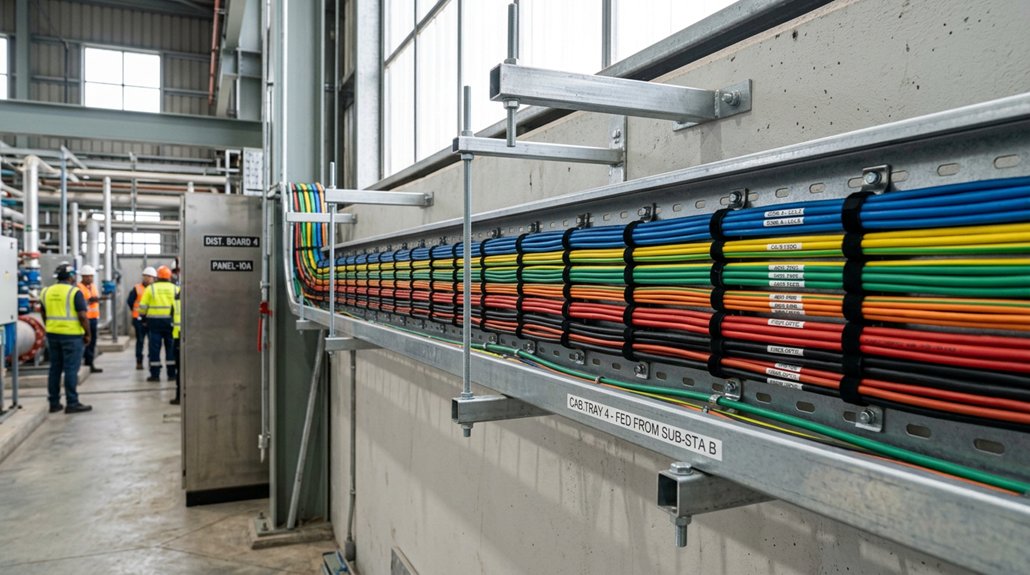
Before securing your cable tray, it’s important to verify that everything will fit properly. Temporarily place power strips and large power bricks inside the cable tray to check if they fit comfortably, ensuring the tray’s dimensions are suitable for your needs.
Secure the cable tray firmly under the desk surface by screwing it in, preventing movement and maintaining organization. Choose a tray with open slots or ventilation to help dissipate heat, especially when holding charging bricks or power strips.
If using adhesive-backed trays, be precise, as some can be difficult to reposition once stuck—that’s why initial placement matters. Also, confirm the tray’s compatibility with your desk type, like standing desks with moving surfaces, so cables stay secure without strain or dislodging during motion.
Additionally, considering the weight capacity of your cable tray ensures it can handle all devices and accessories without sagging or breaking over time.
Use Modular or Adjustable Trays to Save Space
Using modular or adjustable trays can greatly maximize your workspace by allowing you to customize the setup to fit your desk’s size and cable needs. Modular trays like the CCCEI Under Desk Tray with a swing-open design enable flexible cable management and efficient cable routing, making it easy to adapt to various setups.
Adjustable trays accommodate different cable and power strip sizes, ensuring your power strip stays secure and accessible. Many feature screw-mount options for a stable, secure installation, preventing movement in tight spaces. Open-slot PVC trays provide heat dissipation and streamline cable flow. According to Material, steel or alloy steel trays support heavier loads essential for larger gadgets and equipment.
Pairing these trays with Velcro Cable Sleeves helps organize cables vertically, keeping your desk tidy and clutter-free. This combination optimizes desk organization while maintaining easy access and enhanced flexibility.
Combine Cable Management Tools for a Tidy Desk
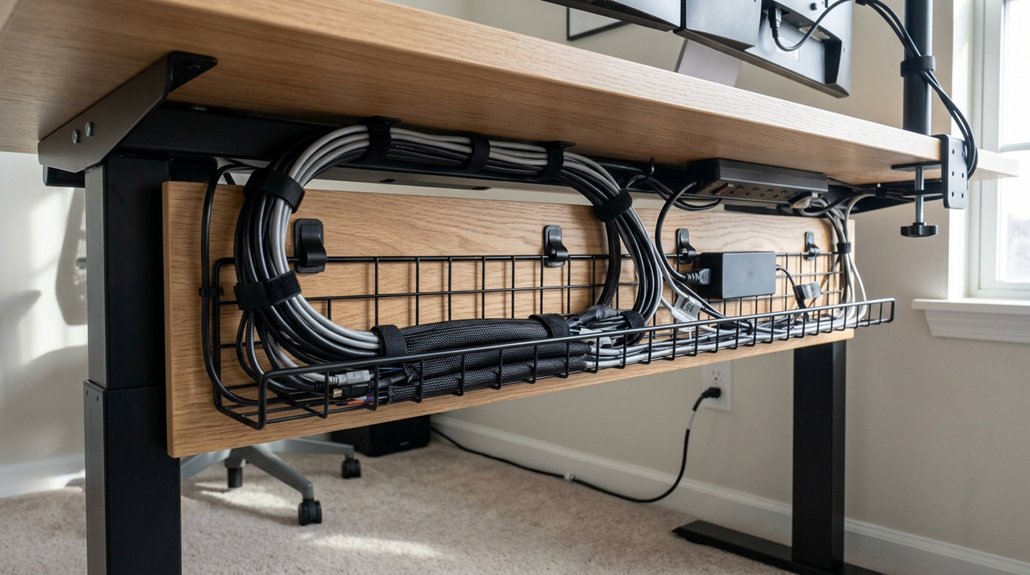
Combining different cable management tools creates a coordinated system that keeps your desk tidy and easily accessible. Use an under-desk cable tray like the CCCEI swing-open model to hold power strips securely, while Velcro cable sleeves bundle cables vertically. Magnetic cable clips such as Sinjimoru give quick access to frequently used cords. Pair PVC plastic trays with adhesive cable clips or cable ties to prevent dislodging and clutter. Incorporate cable sleeves with trays for hiding bundles, creating a sleek look. Mixing these tools enhances your cable management game and flexibility. Utilizing cable tray organization features can optimize space and improve safety on your workspace.
Maintain Your Cables Regularly for a Neat Setup
Maintaining your cables regularly guarantees your desk stays organized and free of clutter. By routinely removing unused or damaged cables from your cable tray, you prevent cable clutter and keep cables organized and clean.
Regular inspections help you identify faulty cords, allowing you to replace them with proper types and minimize disruptions. Using reusable ties or sleeves inside the tray makes it easy to keep cords organized and prevents tangling during maintenance.
Also, check cable tray attachments and adhesive points to confirm trays stay securely mounted, keeping cables neat and accessible. Consistent cable management routines guarantee your workspace remains tidy, safe, and efficient.
- Remove unused and damaged cables regularly
- Use reusable ties to keep cables organized
- Inspect tray attachments for secure mounting
Frequently Asked Questions
What Is the Best Way to Organize Cables?
You should use under desk trays to contain power strips and cables, combine them with cable sleeves for neat bundling, secure cables with clips to prevent slippage, and guarantee everything fits and is mounted securely for a tidy, accessible workspace.
How Do You Choose the Right Cable Organizer?
You choose the right cable organizer by considering your desk type, cable size, and aesthetic preferences, ensuring compatibility with surfaces and accessibility needs. Test fit and installation options to find a secure, functional, and stylish solution that suits your workspace.
What Is the Best Cord Organizer?
The best cord organizer for you depends on your needs; the CCCEI Under Desk Tray offers easy access for small cables and power strips, while Velcro sleeves and magnetic clips provide flexible, affordable options for bundling and quick cable management.
What Are Some Creative Cable Management Ideas?
You can create a tidy workspace by combining under-desk trays with swing-open designs for easy access, using Velcro sleeves to bundle cables vertically, magnetic clips for frequently used cords, and open-slot trays for heat dissipation.



