
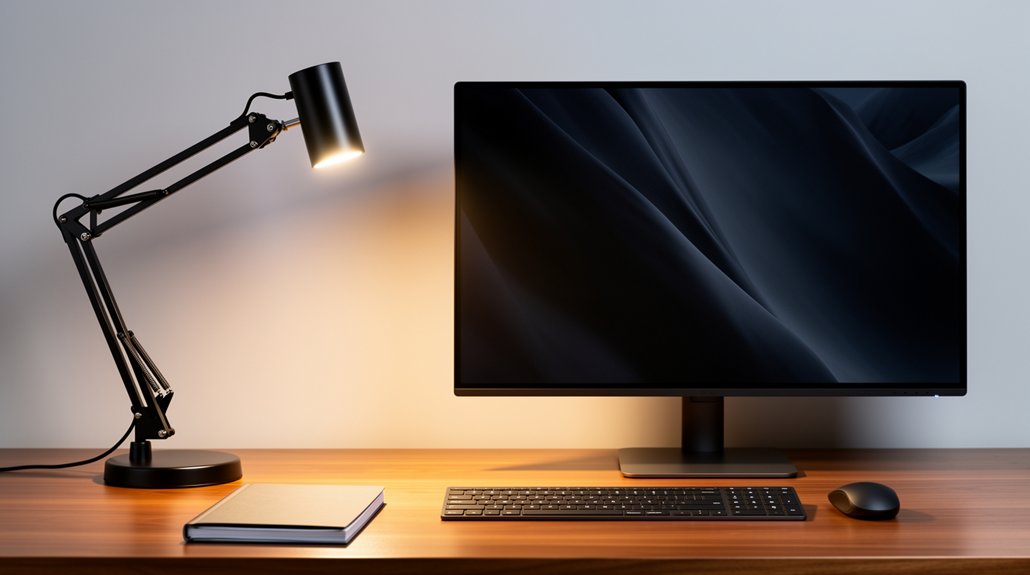
Place your lamp about 45° off the desk, on the side opposite your dominant hand, and keep it 20–30 inches from the screen. Use a 30‑60° beam with a diffuser or frosted shade, aiming the light downward at a 30‑45° angle to avoid glare and shadows. Choose a 3500‑4000K color temperature and around 400 lumens, dimming or brightening as natural light changes. Opt for a clip‑on or light‑bar to keep the workspace tidy. Adjust height and tilt so the light hits the work surface, not your eyes, and you’ll discover more tricks ahead.
Place Lamp at a 45° Angle Beside the Desk, Not on the Screen
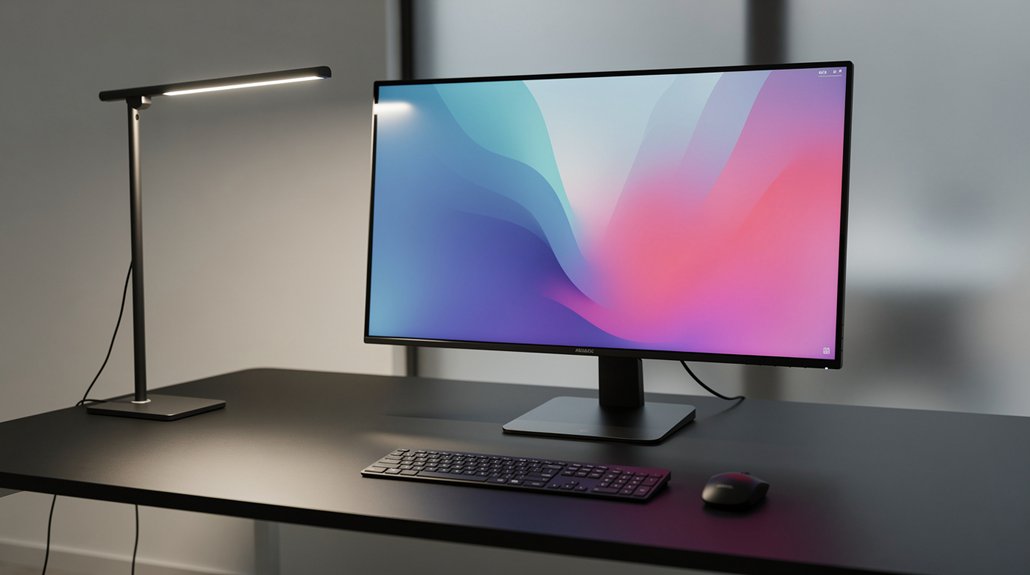
Ever wondered why your screen still glares despite a lamp on the desk? You can fix that by positioning your desk lamp about 20 inches to the side and tilting it at a 45-degree angle. This side lighting skims the work surface, keeping the beam off the monitor and cutting down screen glare. Choose a lamp with a diffuse shade so the light spreads evenly and doesn’t create hot spots. Aim the light downward across the desk, not upward toward the screen, and keep it just outside your direct line of sight. By doing this, you illuminate the keyboard and paperwork without beaming light into your eyes, and you eliminate the annoying reflections that make your display hard to read.
Put the Lamp on the Opposite Side of Your Dominant Hand to Cut Out Shadows
You’ll notice fewer shadows when you move the lamp to the side opposite your dominant hand, letting your hand stay out of the light’s path. A side‑angle placement directs light across the desk, cutting glare on the screen while keeping the work surface well lit. Using an adjustable lamp with a diffuser lets you fine‑tune the angle for even illumination.
Hand Placement Reduces Shadows
When you place the lamp on the opposite side of your dominant hand, the light crosses your workspace and eliminates the shadows your hand would otherwise cast while you type or write. This desk lamp placement creates cross‑illumination that softens hand shadows and boosts glare reduction.
Angle the beam downward 30–45 degrees so the light reaches the desk from above or behind your line of sight, avoiding direct glare in your eyes. Use a diffusion shade or frosted cover to spread the glow evenly, preventing harsh edges.
For right‑handed users, set the lamp on the left; left‑handed users, put it on the right. The angled lighting keeps the work surface uniformly lit, letting you type comfortably without distracting shadows.
Side‑Angle Light Minimizes Glare
Curious how a simple side‑angle tweak can slash screen glare? By moving your desk lamp to the side opposite your dominant hand, you create a side angle light that cuts shadows and eases glare. Position the lamp just outside your direct line of sight, aiming the beam downward at 30‑45 degrees. This desk lamp positioning keeps the screen clear while delivering focused task lighting. An adjustable lamp head lets you fine‑tune the angle, ensuring glare reduction and shadow prevention without sacrificing illumination.
- Place lamp on the non‑dominant side of the desk.
- Aim light from above or behind your sight line.
- Tilt beam 30‑45° downward toward the work surface.
- Keep lamp just off‑screen to avoid spillover.
- Use an adjustable lamp head for precise task lighting.
Use a 30‑60° Beam Angle With a Diffuser or Shade to Soften Light

Ever wondered why a lamp tilted just right can melt screen glare? You’ll find a 30‑60° beam angle perfect for desk lamp tasks. Pair it with a diffuser or shade, and the light scatters, delivering even illumination while keeping screen glare at bay. Position the lamp just outside your line of sight and aim downward; the off‑axis beam cuts reflections on the monitor. Choose a model with adjustability so you can fine‑tune the angle as you switch between reading, typing, and viewing. The combination of a focused beam, diffuser, and adjustability maximizes glare reduction without sacrificing task lighting.
| Feature | Benefit | Example |
|---|---|---|
| Beam angle | Controls spread | 30‑60° for focused light |
| Diffuser | Softens harsh spots | Frosted shade |
| Adjustability | Keeps angle optimal | Flexible head joint |
| Positioning | Reduces reflections | Outside direct sight line |
| Balance | Merges task & ambient | Diffuser + off‑axis beam |
Choose Desk Lamp Color Temperature (3500‑4000K) and Brightness (~400 lumens) for Screen Work
Pick a lamp that sits in the 3500‑4000 K range so the light feels warm enough to cut blue‑light glare while still keeping you alert. Aim for about 400 lumens to give clear task lighting without washing out the screen, and use a dimmer to tweak the output as the room’s ambient light shifts. A diffuser or frosted cover will soften the glow, further reducing reflections on your monitor.
Ideal Color Temperature
What color temperature should you pick for a desk lamp that won’t fry your eyes? Aim for a warm‑to‑neutral range, 3500K‑4000K. This hue eases strain, keeps colors true, and pairs nicely with a diffuser for even illumination. Position the lamp 20 inches away, side or behind the monitor, at a 45‑degree angle to cut monitor glare. Keep it on the side opposite your dominant hand and slightly above eye level for optimal side lighting.
- Choose a desk lamp with 3500K‑4000K color temperature
- Use a diffuser or frosted bulb to soften light
- Place it 20 inches from the screen, angled 45°
- Position on the side opposite your dominant hand
- Aim for glare reduction without creating monitor glare
Optimal Brightness Level
Wondering how bright your desk lamp should be for screen work? Aim for roughly 400 lumens of brightness to give solid task lighting without creating glare. Choose a lamp that offers dimmable, diffuser LEDs so you can fine‑tune the output and keep harsh hotspots at bay.
Set the lamp about 20‑45 inches from the monitor and tilt it 45 degrees to the side or just behind your line of sight. This lamp positioning shines light onto your workspace while avoiding direct reflections on the screen, supporting effective desk lighting and glare reduction.
Adjusting for Ambient Light
How do you keep your screen comfortable as daylight shifts? You’ll want a desk lamp that adapts to changing ambient light without adding glare. Choose a 3500‑4000K color temperature for a neutral‑warm glow and set brightness around 400 lumens. Position the lamp at a 45‑degree angle, roughly 20 inches to the side or behind the monitor, so light falls on the desk, not the screen. Use a frosted shade to diffuse light and reduce reflections. Adjust the head and dimmer as daylight fades or intensifies, keeping visual strain low and the workspace evenly lit.
- Set color temperature to 3500‑4000K
- Aim for ~400 lumens brightness
- Place lamp 45° from your line of sight
- Keep it 20 inches off‑center or behind the monitor
- Use a diffuser to soften glare and maintain even illumination
Select Clip‑On or Light‑Bar Desk Lamps to Keep the Workspace Clutter‑Free
A clip‑on lamp or a light‑bar keeps your desk clear by attaching to the edge of a monitor, shelf, or rail instead of taking up surface space. Because a clip‑on lamp clamps in just 1–2 inches, you can mount it on a monitor stand and still have room for papers and a keyboard.
A light‑bar, usually 15–20 inches long and 5–10 watts, spans the top of the screen, delivering even illumination that cuts down monitor glare without adding clutter.
Both options create a clutter‑free workspace while acting as a desk lamp that targets the source of screen glare.
Choose the style that fits your desk layout, and you’ll maintain a tidy setup and reduce eye strain.
Set Lamp Height and Tilt to Illuminate the Work Surface, Not Directly Into Your Eyes
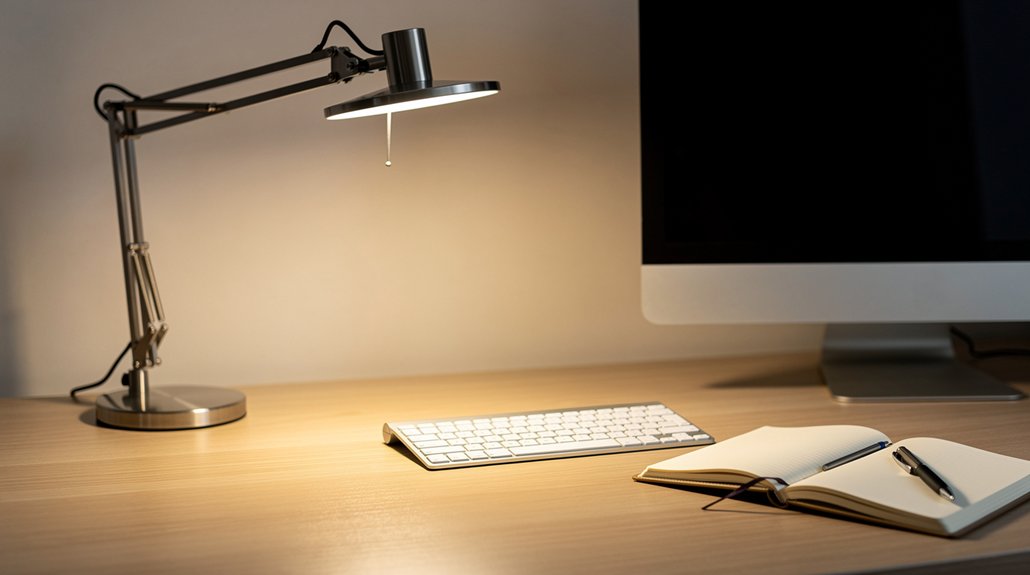
Ever notice how a lamp positioned too low or angled upward floods your eyes with glare? You can fix that by setting the desk lamp’s height and tilt for glare work surface, not your eyes. Aim the lamp about 30‑45° down from your line of sight; this lamp tilt cuts monitor reflections and boosts glare reduction. Keep the lamp 20‑30 inches from the screen and on the side opposite your dominant hand placement to avoid shadows. Use a diffusing shade to soften the beam and eliminate hotspots.
- Raise the lamp so light spreads across the desk.
- Tilt the head 30‑45° toward the work area.
- Position it opposite your dominant hand.
- Keep it 20‑30 inches from the monitor.
- Add a diffuse shade for even illumination.
Integrate Natural Light With Your Desk Lamp for Balanced, Glare‑Free Illumination
Ever notice how a window’s glare can ruin your focus? Let daylight fill the room and use your desk lamp to support it, not compete. When natural light wanes, boost the lamp’s brightness to keep illumination even. Position the lamp slightly to the side of your main work area and angle it 30–45 degrees away from your line of sight; this angle cuts screen glare from both sunlight and reflections. Place the lamp on the opposite side of your dominant hand and aim the beam downward onto the desk, minimizing reflections on the screen. Avoid aligning the lamp directly with a window; instead, orient the window to the side for ambient light without glare. When sunlight is strong, dim or turn off the desk lamp, or switch to a warmer 2700K–3000K setting for gentle glare reduction.
Frequently Asked Questions
How to Best Position a Desk Lamp?
Place the lamp about 20 inches to your monitor’s side, angled 45 degrees, with the beam aimed downward onto the desk. Keep it behind your sight line, on the opposite side of your dominant hand, using warm, diffused light.
How to Position Monitor Light Bar?
Mount the light bar 20‑25 inches above the desk, 15‑20 inches from the screen, angled 30‑45° downward. Use a 5‑10 W, 3500 K, dimmable, diffuse fixture to avoid glare.
How to Reduce Glare From a Lamp?
You reduce lamp glare by angling the lamp 30‑45° downward, placing it to your side and behind your sight line, using a diffuser or frosted shade, and choosing warm, dimmable LEDs.
How to Make a Desk Lamp Less Bright?
You dim the lamp by turning the brightness knob or using a dimmer switch, swap to a lower‑wattage bulb, and select a warm‑white LED. Also, add a shade or diffuser to soften the light.
In Summary
By positioning your lamp at a 45° angle, keeping it opposite your dominant hand, and using a diffuser with a 30‑60° beam, you’ll cut glare and shadows. Choose a 3500‑4000K, ~400 lumens lamp, opt for clip‑on or light‑bar models, and adjust height and tilt to light the desk, not your eyes. Finally, blend in natural light for a balanced, glare‑free workspace.



