
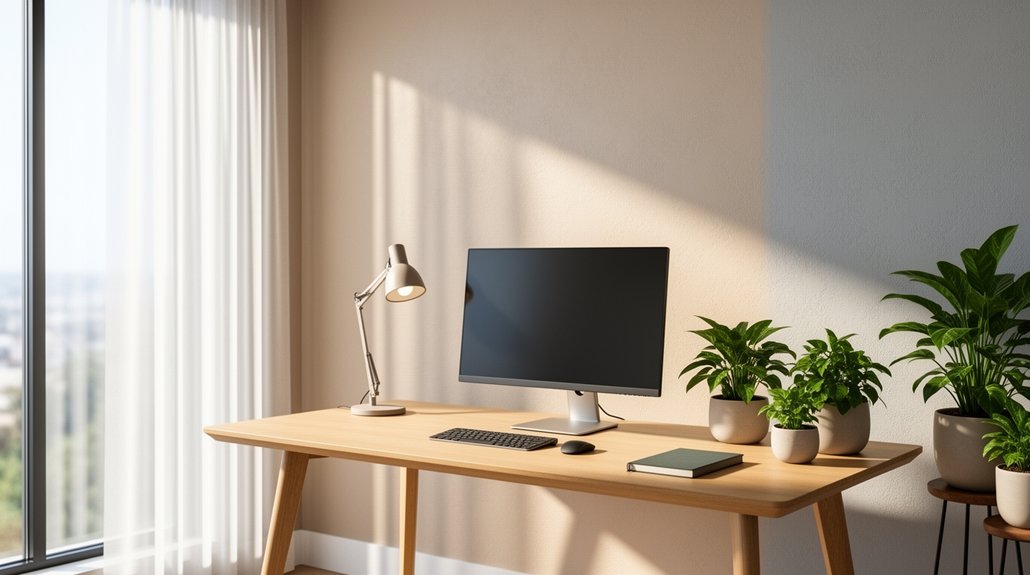
Place your desk at a right angle to the window and install orientation‑matched blinds—vertical shades for east or west windows, horizontal blinds for north or south. Choose motorized or tilting options so you can redirect sunlight without losing the view, and add a layer of sheer panels or zebra shades for extra diffusion. Fit the treatments tightly to seal gaps, and complement them with a task lamp and soft ambient lighting. Keep the monitor positioned under indirect overhead light for the best contrast, and you’ll discover even more tricks ahead.
Reduce Screen Glare: Why It Hurts Productivity & Eye Health

Ever notice how bright windows wash out your monitor, making text look faint and forcing you to squint? That glare reduction problem isn’t just annoying—it hurts productivity and eye health. When sunlight hits the screen, you get screen reflections that lower contrast, causing eye strain and even headaches. You can fight this by using window treatments like solar or roller shades that filter and diffuse light, preserving natural light control without sacrificing monitor readability. Position your desk at a right angle to the window and adjust blinds to redirect light away from the screen. Pair this with balanced home office lighting—task lamps and soft ambient light—to keep your eyes comfortable and your work efficient.
Select Window Treatments Based on Orientation
You’ll want to match your blinds to the window’s direction, using vertical shades for east‑ or west‑facing panes and horizontal ones for north‑ or south‑facing windows. Custom‑fit treatments seal gaps better than generic options, cutting stray light that can hit your monitor.
For south‑facing windows, consider top‑down/bottom‑up shades or adjustable shutters to block direct rays while still letting in ambient light.
Facing Window Strategies
What orientation your office window faces determines the most effective glare‑control solution. For east‑facing and west‑facing windows, vertical blinds work best; their rotating vanes block low‑angle sun while letting enough light in to stay productive. Horizontal blinds suit north‑ or south‑facing openings, letting you tilt slats upward to redirect glare away from the screen. When you need precise control, interior shutters with adjustable louvers let you block direct rays or open fully for a clear view. Combine these window treatments with zebra shades or top‑down/bottom‑up shades for extra flexibility.
| Orientation | Recommended Treatment |
|---|---|
| East‑facing | Vertical blinds |
| West‑facing | Vertical blinds |
| North‑facing | Horizontal blinds |
| South‑facing | Horizontal blinds |
| Edge lighting | Interior shutters |
South‑Facing Light Management
How can you keep a south‑facing office bright without blinding your screen? Choose window treatments that tame glare while preserving the view. Light‑filtering roller shades let soft daylight in, and solar shades cut harsh sun without darkening the room. Day & night cellular shades add insulation and adjustable light control, perfect for shifting sun angles. Pair these with indirect ambient lighting to keep video calls balanced.
- A sleek roller shade in a light‑gray fabric diffuses the midday blaze, leaving your monitor glare.
- Solar shades with a mirrored finish reflect excess south‑facing glare while you still see outside.
- Day & night cellular shades slide between a sheer and a blackout panel, letting you dial brightness up or down.
- Adjustable shutters with white polywood louvers tilt the sun away from your screen, maintaining a clear view.
Adjustable Blinds or Shades for Precise Glare Control
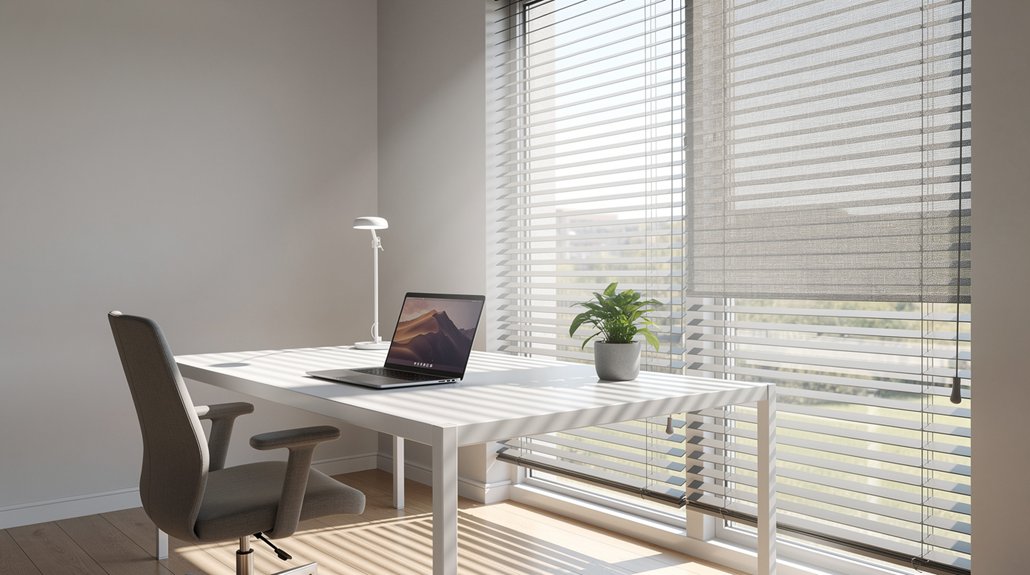
You can fine‑tune glare by tilting adjustable blinds to redirect sunlight while keeping your view clear. Shades add a soft diffusion layer that balances brightness without sacrificing natural light. Together they give you precise control over both direct glare and overall illumination.
Blinds Precision
Ever wondered how a simple tilt of a blind can keep your screen glare‑free while still letting the outside world in? You can dial in glare reduction with blinds precision, turning ordinary window treatments into exact light control tools. Adjustable blinds let you fine‑tune slat angles, while custom‑fit blinds seal gaps that let stray rays slip through. When the sun shifts, motorized options respond instantly, preserving video call comfort without you leaving your desk.
- Horizontal slats angled upward, redirecting direct sunlight away from the monitor.
- Vertical vanes rotated to block harsh glare yet maintain a clear view.
- Custom‑fit frames hugging the window edge, eliminating light leaks.
- Automated tilt schedules syncing with sunrise and sunset for consistent light control.
Shades Light Diffusion
Wondering which window treatment gives you both glare protection and a bright workspace? Zebra shades excel at light diffusion, letting you toggle between solid and sheer fabric for precise glare reduction in your home office. When the solid stripes line up, they block direct sun; when the sheer stripes appear, they soften light without dimming the room. Motorized shades add convenience, letting you adjust from a phone as the sun moves. This dynamic control keeps screens clear, preserves outside views, and maintains an airy feel—something flat curtains can’t match.
| Feature | Benefit |
|---|---|
| Zebra shades | Adjustable stripe pattern |
| Motorized shades | Remote, app‑based tweaks |
| Sheer fabric | Soft, diffused illumination |
Layered Drapery & Shutters to Cut Glare & Boost Privacy (and Easy Maintenance)
How do you keep sunlight from blinding your screen while still enjoying a view? In your home office, layered drapery and shutters give you precise light control and privacy without sacrificing style. Sheer panels let daylight filter in, while heavier fabrics block harsh glare, creating a calm backdrop for video calls.
Adjustable louvers on shutters tilt to redirect sun, and faux‑wood options stay maintenance‑friendly, resisting warping and fading. Pair these with top‑down shades for added privacy and easy cleaning. The result is a glare‑reduction system that’s both functional and elegant.
- Sheer‑plus‑heavy drapery diffusing light while preserving the view
- Shutters with tiltable louvers for exact glare blocking
- Zebra shades alternating solid and sheer stripes for quick light tweaks
- Top‑down/bottom‑up shades offering privacy and easy maintenance
Monitor Placement & Lighting to Reduce Glare

Can you keep your screen glare‑free while still enjoying natural light? Position your monitor at a right angle to the window and keep it at least three feet away to cut direct sunlight. Tilt or swivel the screen so overhead lighting doesn’t bounce into your eyes, and avoid placing the workstation directly under bright fixtures. Use indirect overhead lighting or an awning above the monitor to block high‑angle sun while preserving ambient brightness. Adjust window coverings—vertical blinds for east/west windows, horizontal blinds for north/south—to control the sun’s path throughout the day. Add a gooseneck task lamp with an adjustable beam trained away from the screen for balanced lighting. These simple monitor placement and lighting tweaks deliver effective office glare reduction in any home office.
Custom‑Fit Window Treatments for Energy Savings & Style
Looking to cut glare while boosting energy efficiency? Custom‑fit window treatments give your home office the precise glare reduction and energy savings you need. By measuring each pane, a professional tailors blinds, roller shades, or cellular shades to line the frame exactly, eliminating light leaks and preserving privacy. The right window coverings also keep heat out in summer and retain warmth in winter, cutting utility bills without sacrificing style. Choose neutral wood tones, sleek aluminum, or soft fabric finishes to complement your décor while maintaining optimal performance.
- Vertical blinds that follow the sun’s path, dimming harsh rays.
- Roller shades that glide smoothly, sealing the window edge for total privacy.
- Cellular shades with honey‑comb cells that trap air, boosting insulation.
- Shutters that add architectural character and block glare from any angle.
Frequently Asked Questions
How to Reduce Glare in Home Office?
You can cut glare by positioning your desk three feet from the window, using vertical blinds for east/west light, tilting interior shutters, and installing roller or zebra shades to filter harsh sunlight while keeping visibility.
Do Anti-Glare Screen Protectors Actually Work?
Yes, they work—anti‑glare protectors scatter incoming light, cutting reflections by roughly 20‑35 %, so you’ll see clearer screens in bright rooms, though you might notice slight color shift or touch sensitivity reduction.
What Window Treatment for Home Office?
You should install solar‑fabric roller shades or zebra blinds; they filter harsh light, let you keep a view, and let you adjust brightness instantly, cutting desk glare while preserving natural illumination.
How Do I Reduce Glare Naturally?
You can cut glare naturally by positioning your desk at a right angle to the window, using vertical or horizontal blinds depending on orientation, and adjusting them throughout the day to keep sunlight balanced.
In Summary
By choosing the right window treatments, positioning your monitor, and using adjustable blinds or shades, you’ll slash glare, protect your eyes, and boost productivity. Layered drapery or shutters add privacy and style while cutting down on heat loss. Custom‑fit solutions keep energy bills low and your home office looking sharp. Implement these steps, and you’ll work in a comfortable, glare‑free environment that supports both focus and eye health.



