
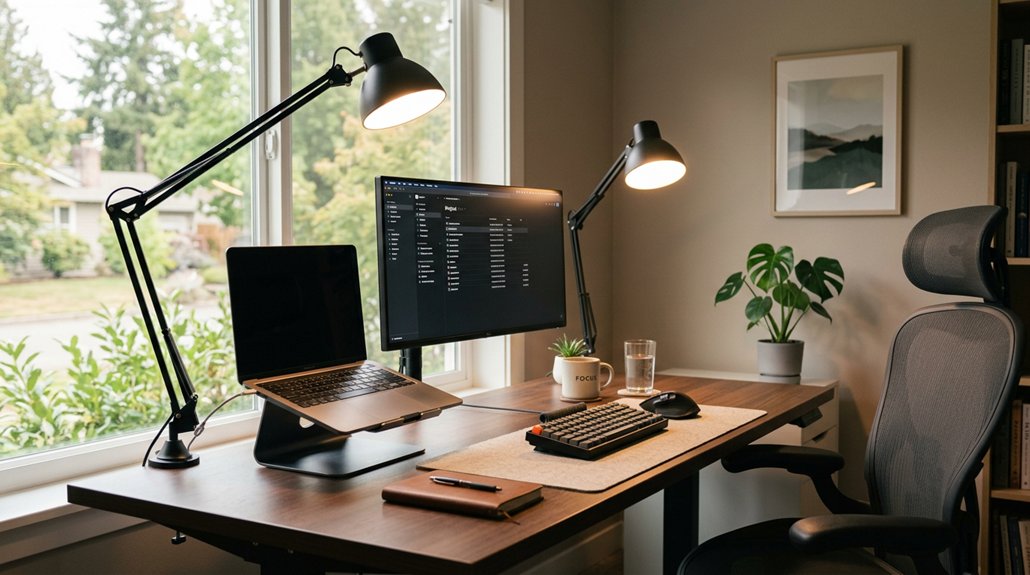
Ergonomic lighting reduces workplace headaches by minimizing eye strain caused by glare, shadows, and flickering lights. When you position lights properly and choose flicker-free, adjustable options, you create a comfortable visual environment that lessens muscle fatigue around your forehead and temples. Controlling brightness and color temperature also helps prevent overexertion of your eyes. If you want to understand simple adjustments that can make your workspace more headache-friendly, keep exploring how proper lighting can help you feel better.
Why Poor Lighting Causes Headaches
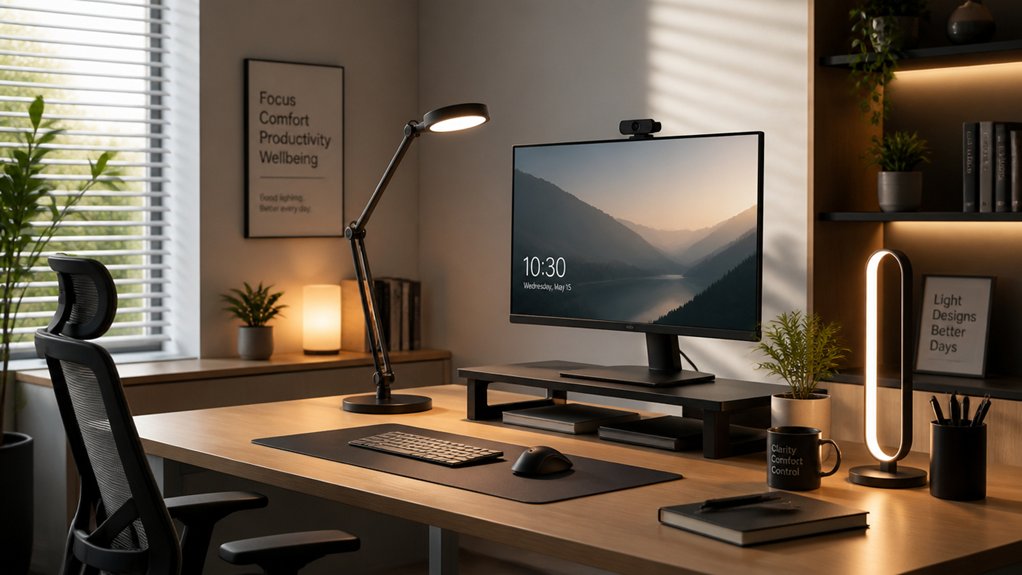
Poor lighting can directly lead to headaches because it forces your eyes to work harder than necessary. When lighting conditions are inadequate, your eyes strain from trying to focus or compensate for dim or inconsistent illumination. A flicker-free LED light produces steady illumination that reduces visual discomfort and minimizes eye fatigue. Glare from poorly positioned light sources creates visual discomfort, making your eyes stumble and increasing the risk of headaches. Flickering or unstable light levels contribute to visual fatigue, forcing your eyes to constantly adapt. If lighting is too bright or too dim, it disrupts your natural circadian rhythms and adds physical and mental fatigue, which can trigger headaches. Additionally, poor lighting often causes you to adopt awkward postures as you adjust to see better, leading to musculoskeletal tension that also contributes to headache development.
How Eye Strain Leads to Chronic Headaches
Eye strain from inadequate or harsh lighting forces your eyes to work harder than they should, leading to muscle fatigue and tension around your forehead and temples. A well-designed lamp with full-spectrum LEDs provides more natural and balanced light, reducing the need for excessive eye adjustment.
Poor lighting strains your eyes, causing muscle fatigue and tension around your forehead and temples.
This ongoing strain triggers chronic headaches by overburdening your ocular and neural systems. Ergonomic lighting options can reduce eye strain by providing balanced illumination that minimizes flickering and glare, which are common culprits of visual disturbance.
Consider these points:
- Proper lighting levels lessen the effort needed to see clearly.
- Eliminating flickering prevents visual disturbances that cause headaches.
- Adequate positioning reduces glare and reflection, easing eye fatigue.
- Consistent, well-designed lighting supports ocular comfort and neurological health.
Simple Ways Ergonomic Lighting Can Ease Headaches
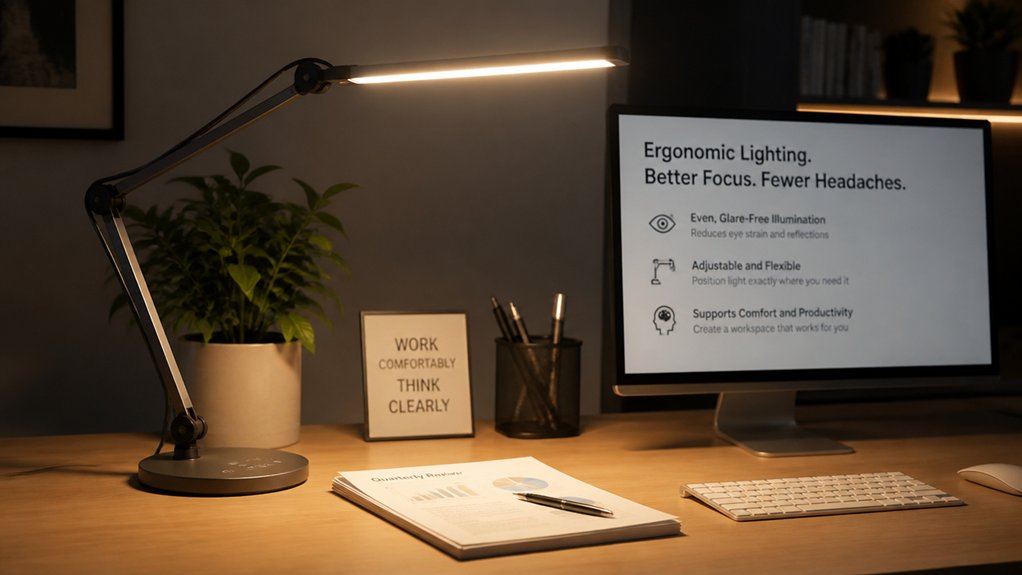
You can reduce headaches by paying attention to light placement, ensuring it’s not causing glare or shadows. Adjusting brightness levels to suit your needs helps prevent eye strain and visual fatigue. When you control these factors, your workspace becomes more comfortable and less likely to trigger headaches. Utilizing bias lighting kits designed for ergonomic setups can further enhance visual comfort and reduce eye strain.
Proper Light Placement
Proper light placement is essential for minimizing headaches in the workplace. It helps reduce glare, eye strain, and visual discomfort that trigger headaches.
To achieve efficient ergonomic solutions, consider these tips:
- Position light sources perpendicular to work surfaces and screens to minimize glare and harsh shadows.
- Use diffusers and indirect fixtures to eliminate flicker and diffuse light evenly.
- Incorporate adjustable task lighting, allowing you to control brightness and angle, reducing squinting.
- Place lights to avoid uneven illumination and high contrast, which can cause visual fatigue.
- Selecting the right flicker-free LEDs ensures stable, gentle illumination that lessens eye strain and supports overall eye comfort.
Proper light placement prevents reflections on monitors using asymmetrical optics, lowering eye stress and distraction. These ergonomic solutions guarantee a comfortable environment, reducing headache frequency during detailed tasks.
Adjustable Brightness Settings
Adjustable brightness settings in ergonomic lighting let you customize the light intensity to match your needs. With ergonomic lighting solutions, you can easily dial down brightness to reduce glare and minimize visual discomfort.
By adjusting the light intensity, you lower eye strain and prevent the excessive contrast that often causes headaches. These customizable light levels help guarantee ideal illumination for different tasks, reducing squinting and muscle tension in your head and neck.
Studies show that proper brightness adjustments stabilize your visual environment, decreasing headache incidence and preventing eye muscle overexertion during long screen hours. Additionally, adjustable brightness supports your circadian rhythm by avoiding harsh blue light exposure, helping you stay comfortable, alert, and headache-free throughout the workday. Considering blue light filtering overlays and screen protectors can further enhance visual comfort.
Features to Look for in Headache-Friendly Home Lighting
What features make home lighting more comfortable and less likely to trigger headaches? First, look for lighting with adjustable brightness levels so you can customize illumination to suit your tasks.
Second, choose fixtures with flicker-free technology to prevent eye strain caused by fluctuations. Third, select lighting with a color temperature between 3000–4000 Kelvin, offering a balanced warm-cool glow that reduces discomfort from harsh tones.
Fourth, opt for diffused or indirect lighting fixtures to eliminate glare and shadows that can cause visual fatigue. Additionally, incorporating task lighting with adjustable positioning guarantees focused illumination where needed, helping you maintain proper posture and avoid squinting.
These features create a headache-friendly environment — comfortable, adaptable, and easy on your eyes. Ensuring your lighting materials are fire-resistant and non-toxic further contributes to a safe workspace while reducing potential hazards.
How Glare and Shadows Can Trigger Headaches
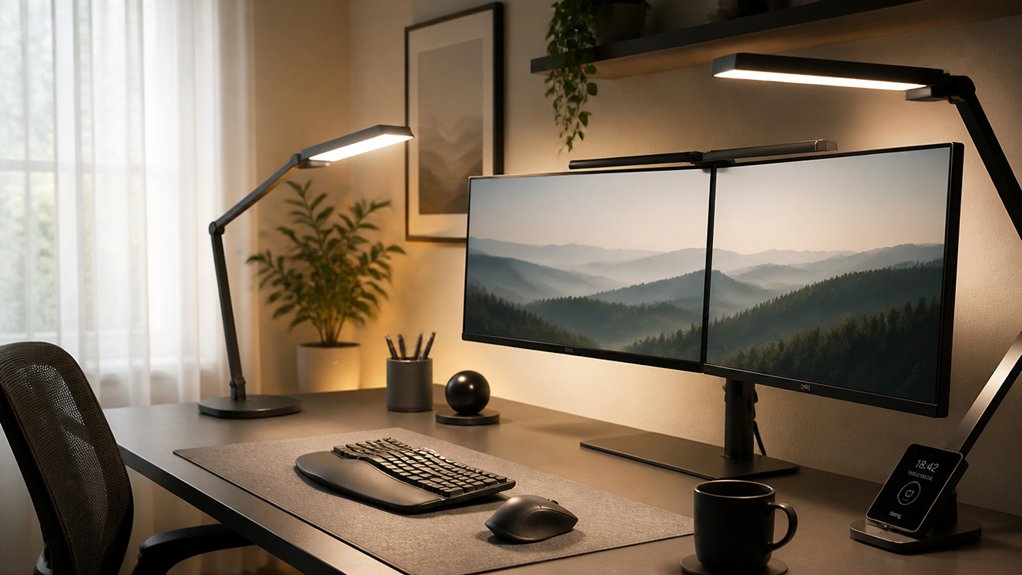
Glare and shadows are common lighting issues that can substantially contribute to headaches, especially when they’re poorly managed. Glare from direct or reflected light causes eye strain by forcing your pupils to constantly adjust and squint, which can lead to tension headaches.
Shadows create uneven lighting conditions that make your eyes work harder to focus, increasing visual fatigue and the risk of headaches. Improperly positioned light sources or fixtures produce harsh contrasts between bright and dark areas, often triggering migraines or headaches.
Flickering or fluctuating glare disrupts your visual comfort and neurological stability, intensifying discomfort. To prevent this, use shielded or diffused lighting, and position lights perpendicular to work surfaces—reducing glare and shadows can greatly lower headache occurrences in the workplace. Paying attention to blue light filtering features in your lighting setup can also help reduce eye strain associated with prolonged screen exposure.
Adjust Your Lighting: Brightness and Color for Long-Term Relief
Properly managing your office lighting can greatly reduce eye strain and prevent headaches over time. Adjusting brightness levels within recommended ranges—300-500 lux for general tasks and 500-750 lux for detailed work—helps minimize eye discomfort. A balanced combination of brightness and blue-light filtration from screen protectors further enhances eye comfort. Choosing the right color temperatures between 3000-4000 Kelvin creates a balanced atmosphere, reducing long-term headache risks. Using adjustable lighting, like dimmable fixtures, allows you to customize illumination and avoid glare. Additionally, switching to flicker-free lighting and avoiding harsh blue lights can decrease migraine triggers associated with unstable lighting. Regularly evaluating feedback from yourself or colleagues on eye strain guarantees continuous adjustment for maximum relief. Implementing these strategies promotes a healthier, more comfortable workspace and supports long-term wellbeing.
Task and Ambient Lighting Tips to Prevent Headaches
Optimizing both task and ambient lighting creates a more comfortable workspace and greatly lowers the risk of headaches.
Proper lighting involves using task lighting with adjustable brightness and positioning to minimize eye strain. Aim to position lights perpendicular to your work surface and screens to reduce glare and reflections that can cause headaches.
Use adjustable task lighting positioned perpendicular to reduce glare and eye strain.
Balanced ambient lighting guarantees consistent illumination, preventing harsh contrasts that lead to visual fatigue. Use light sources with color temperatures between 3000-4000 Kelvin to avoid harsh blue light, which can trigger headaches.
Incorporate flicker-free lighting solutions and diffusers to eliminate subtle light fluctuations and brightness spikes, further lowering headache risk. By focusing on proper lighting techniques, you can markedly decrease eye strain and create a healthier, more comfortable workspace.
Common Home Office Lighting Mistakes That Worsen Head Pain
Many common home office lighting mistakes can greatly worsen head pain, especially when lighting setups aren’t thoughtfully designed. Poor ergonomic choices often lead to increased eye strain and headaches.
To avoid these issues, steer clear of:
- Using overly bright or harsh lighting with high blue light content, which triggers eye fatigue and headaches.
- Placing task lighting poorly, causing glare or reflections that require squinting and contribute to tension headaches.
- Relying on inadequate ambient lighting, creating shadows and contrast that force your eyes to work harder.
- Using flickering or inconsistent light sources like old fluorescent bulbs, which cause visual fatigue and worsen headache symptoms.
Choosing proper, adjustable ergonomic lighting can greatly reduce eye strain and head pain during your workday.
Practical Steps to Improve Your Lighting and Reduce Headaches
Start by evaluating your current lighting to see if it meets recommended lux levels for your tasks.
Use adjustable fixtures to control glare and shadows, and position lights to avoid direct reflections on screens.
Don’t forget to make the most of natural light while minimizing glare for a comfortable workspace.
Assess Current Lighting Conditions
To effectively reduce headaches caused by poor lighting, begin by evaluating your current lighting setup. Measure illuminance levels to confirm they meet recommended ranges—300-500 lux for general tasks and up to 750 lux for detailed work, which helps prevent eye strain.
Conduct a survey with your team to identify symptoms like squinting or headaches linked to your workspace’s lighting. Check light fixtures for glare, flicker, or malfunctioning ballasts that could cause visual fatigue.
Observe workstation layouts and reposition light sources so they don’t shine directly into screens, reducing shadows and glare. Additionally, assess natural light patterns throughout the day. Use blinds or supplemental lighting to maintain consistent illumination, guaranteeing your work environment minimizes visual stress and discomfort.
Incorporate Adjustable Fixtures
Incorporating adjustable lighting fixtures gives you direct control over your workspace illumination, which can greatly reduce eye strain and headaches. Using adjustable lighting fixtures allows you to customize light intensity and direction, helping to reduce glare and visual discomfort.
Task lights with dimming capabilities enable you to fine-tune brightness levels, preventing overexposure to harsh light that can trigger migraines. Proper positioning of adjustable fixtures minimizes screen reflections and shadows, supporting better ergonomic posture and lessening visual fatigue.
Additionally, fixtures with color temperature adjustment (2700K–6500K) help balance warm and cool light, easing cognitive stress that contributes to headaches. Overall, integrating these flexible lighting solutions creates a more comfortable environment and reduces factors that lead to workplace headaches.
Optimize Natural Light Use
Maximizing natural light exposure is one of the most effective ways to reduce eye strain and headaches in your workspace. Properly harnessing natural light provides full-spectrum illumination, helping prevent headaches caused by artificial lighting.
To optimize, consider these steps:
- Keep windows clean for unobstructed natural light flow.
- Use adjustable window blinds or curtains to control glare and brightness levels.
- Position your workstation to benefit from daylight coming from the side, reducing glare and reflections.
- Combine natural light with diffuse artificial lighting to maintain consistent illumination, avoiding sharp contrasts that cause headaches.
Regularly evaluating and adjusting window coverings based on weather and time of day guarantees peak natural light use, minimizes flicker, and cuts down on harsh light fluctuations that contribute to visual fatigue.
Frequently Asked Questions
What Is the 20 20 20 Rule in Workplace Ergonomics?
The 20 20 20 rule in workplace ergonomics advises you to take a 20-second break every 20 minutes, looking at something 20 feet away. It helps reduce eye strain and prevent headaches caused by prolonged screen focus.
Why Is Lighting Important in Ergonomics?
Lighting is essential in ergonomics because it minimizes eye strain and glare, preventing headaches. It supports proper posture, enhances focus, and boosts comfort, allowing you to work efficiently without fatigue or physical discomfort.
What Is the Best Office Lighting for Migraines?
The best office lighting for migraines uses adjustable, flicker-free, glare-free, and indirect lighting with a color temperature between 3000-4000K, combined with natural or full-spectrum bulbs, to minimize eye strain and prevent headache triggers.
How Can Headaches Be Caused by Poor Ergonomics?
You cause headaches with poor ergonomics by overworking your eyes through inadequate lighting, glare, and flicker. Difficult postures and lack of adjustability strain your muscles and eyes, leading to tension and discomfort. Proper setup prevents these issues.



