
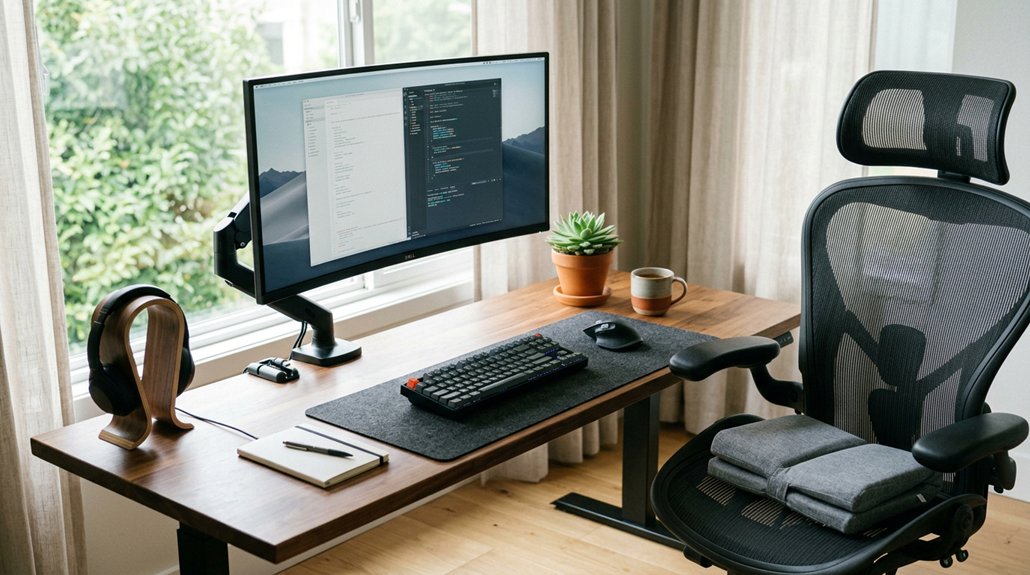
To reduce neck pain at your desk, prioritize ergonomic setup by adjusting your chair, monitor, and keyboard to promote proper posture. Take frequent breaks to stretch and move around, preventing muscle fatigue from prolonged sitting. Use supportive accessories like cushions and proper footwear, and consider alternating between sitting and standing with a height-adjustable desk. Ensuring your sleep posture is aligned also helps with neck relief. Keep these tips in mind to stay comfortable and protected—more details are just a step away.
Recognize the Signs and Causes of Neck Pain
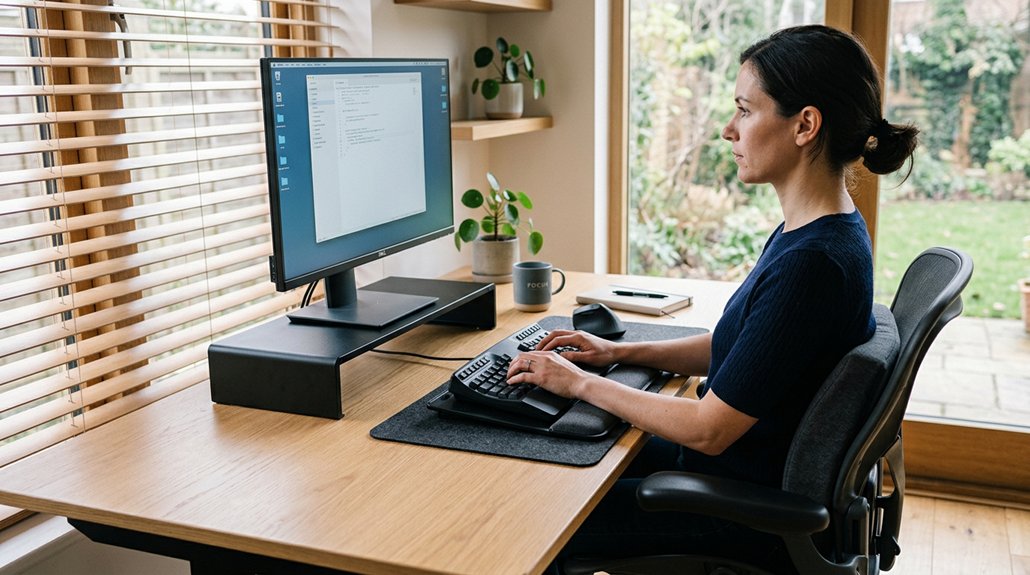
Neck pain can often be linked to poor posture and the way you hold your head, especially during long hours at a desk or while using devices. When you look down or lean forward, your neck muscles work harder to support your head, increasing muscle load and leading to soreness. A 45° tilt can make your neck muscles support about 50 pounds, causing fatigue and discomfort. Tech neck, characterized by headaches, stiffness, and muscle spasms, is common from prolonged sitting and poor posture. Every inch your head moves forward adds roughly 10 pounds of pressure, accelerating wear on spinal discs. Proper lumbar support can help maintain natural spine alignment and reduce strain on your neck and back. Severe neck pain might cause pinched nerves, resulting in numbness or weakness. Recognizing these signs helps you identify when to make adjustments and seek proper care.
Set up Your Workspace With Ergonomic Principles
To reduce neck strain, make sure your workspace is ergonomically arranged, starting with your chair and monitors. Adjust your chair to support your lower back and set your monitor at eye level, so you stay neutral and avoid tilting your neck. Keep your keyboard and mouse positioned to keep your elbows at a comfortable 90-degree angle and wrists straight for proper alignment. Incorporate a monitor riser to ensure your screen remains at eye-level alignment for optimal ergonomic support.
Adjustable Chair Features
Setting up your workspace with an ergonomic chair can greatly reduce neck pain by promoting proper posture. Choose an ergonomic chair with adjustable lumbar support to keep your lower back’s natural curve, lowering neck strain.
Make sure the chair height allows your feet to rest flat on the floor and your knees to stay at about a 90-degree angle. Use adjustable armrests to support your elbows comfortably, which reduces shoulder and neck tension.
A reclining feature set between 25° and 30° helps relax neck muscles and decreases spinal load. Additionally, select a chair with firm yet comfortable cushioning to prevent slouching or excessive pressure, ensuring sustained support during your workday.
Pay attention to the headrest features, as adjustable headrests can further support your neck and help maintain a healthy, aligned posture. Properly adjusted features are key to minimizing neck pain at your desk.
Monitor and Keyboard Position
Guaranteeing your monitor and keyboard are positioned correctly can greatly reduce neck strain. Keep your monitor at or slightly below eye level to maintain a neutral neck posture and avoid strain. Position the monitor about an arm’s length away to prevent leaning forward and reduce eye and neck pressure. Adjust your keyboard height so your forearms are parallel to the floor, with elbows at about a 90-degree angle. Use a keyboard stand or tray that promotes neutral wrist alignment, and consider a wrist rest for extra support. Organize your workspace so the keyboard and mouse are directly in front of you, preventing twisting of your neck or shoulders. Proper setup guarantees better posture and alignment, reducing discomfort and promoting long-term comfort. Incorporating ergonomic features like adjustable tilt and split layouts further enhances wrist support, helping to maintain a relaxed and healthy posture throughout your workday.
Use Ergonomic Supports and Accessories for Comfort
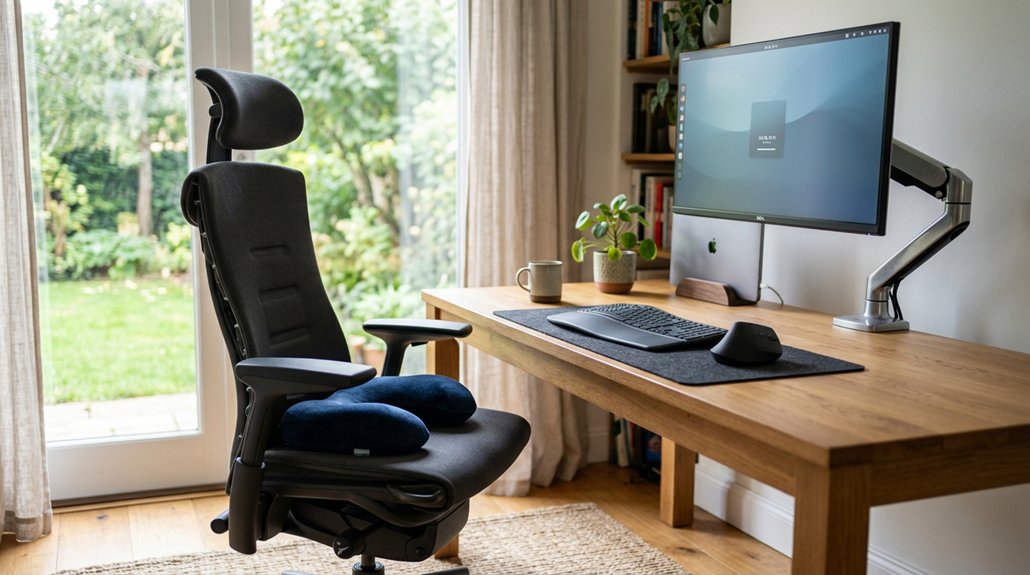
Using ergonomic supports and accessories can make a big difference in reducing neck discomfort. Guarantee your chair is adjustable with proper lumbar support and that your monitor is positioned at eye level. A support zone designed to align with your spine’s natural curvature can further enhance comfort and reduce strain. These simple tweaks keep your posture aligned and prevent unnecessary strain.
Choose Adjustable Ergonomic Chairs
Choosing an adjustable ergonomic chair can make a significant difference in reducing neck pain, especially when paired with the right supports and accessories. An ergonomic chair with adjustable lumbar support keeps your spine aligned, reducing neck strain.
Adjust the chair height so your feet are flat on the floor and your knees form a 90-degree angle, promoting good posture. Use adjustable armrests to support your elbows at a comfortable 90 degrees, easing shoulder tension. If your chair lacks enough support, add ergonomic accessories like lumbar pillows or footrests for added comfort and proper spine alignment. Incorporating chairs with multiple adjustable features allows for customized positioning tailored to your needs. Reclining the chair between 25°–30° while maintaining lumbar support helps lower neck muscle load. Prioritizing these features can prevent unnecessary strain and improve your overall comfort.
Proper Monitor Positioning
Proper monitor positioning is essential for reducing neck strain during long work sessions. You should position the top of your monitor at or slightly below eye level to maintain a neutral neck posture and prevent unnecessary strain.
Keep the monitor about an arm’s length away to reduce eye and neck fatigue while ensuring your head remains aligned. Use adjustable monitor stands or risers to customize the height and angle so your gaze naturally hits the top third of the screen.
Choosing a stand with good adjustment features, such as tilt, swivel, and height adjustment, can make it easier to find the optimal ergonomic position. Adding ergonomic accessories like anti-glare screens can also lessen eye strain, which contributes to neck tension. Remember to follow the 20-20-20 rule: look 20 feet away for 20 seconds every 20 minutes, giving your eye muscles a break and helping prevent forward head posture.
Take Regular Breaks and Move to Relieve Tension
Taking regular breaks from your desk is essential for relieving neck tension and preventing discomfort. Moving around helps improve circulation and reduce muscle strain caused by prolonged head-forward posture. Incorporating ergonomic work setup adjustments can also significantly reduce strain. When you take breaks, try to walk around or stretch to reset your neck and back position. Frequent movement prevents muscle fatigue and soreness linked to tech neck, which can cause pain in your neck or back.
Incorporate Standing Desk Options for Better Posture
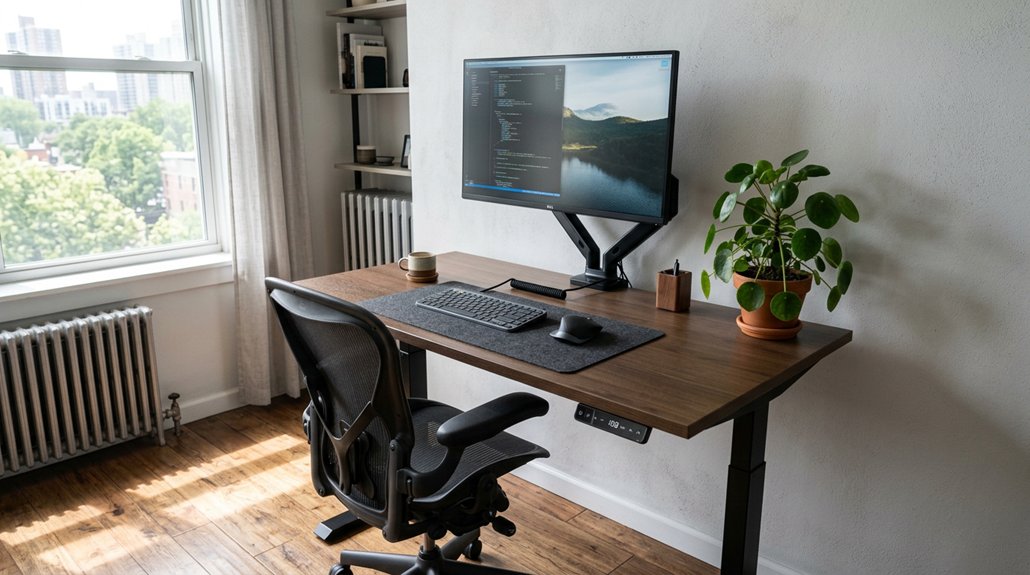
Incorporating a standing desk into your workspace can greatly improve your posture and reduce neck strain. Standing desks help you alternate between sitting and standing every 30 to 60 minutes, preventing prolonged neck muscle strain from static positions. Using a height-adjustable desk converter allows for easy transitions and customized ergonomics suited to your workspace. When choosing a standing desk, guarantee it fits your space and budget, and look for adjustable desks that allow you to keep your elbows at a 90-degree angle for peak ergonomics. Standing desk converters are a cost-effective way to shift without replacing your entire desk. Electric adjustable desks make it easy to change heights with minimal effort, promoting better spine health. Using anti-fatigue mats and proper footwear supports spinal alignment, making standing sessions more comfortable and reducing discomfort during extended periods.
Practice Good Sitting and Neck Alignment Techniques
Maintaining good sitting and neck alignment is essential to prevent neck pain and reduce muscle strain. To support your spine and keep your back muscles healthy, focus on proper positioning.
- Keep your head aligned with the center of your body, avoiding forward head posture that adds about 10 pounds of pressure per inch of tilt.
- Sit with your feet flat on the floor, knees at a 90-degree angle, and hips pushed back in the chair.
- Position your monitor at eye level or slightly below to keep your neck neutral and avoid downward tilt.
- Gently draw your shoulders away from your ears, engage your abdominal muscles, and sit upright.
- Use lumbar support to maintain your lower back’s natural curve and lessen neck and upper back strain.
- Incorporating ergonomic cushions, such as those with zoned support and adjustable straps, can significantly improve posture and reduce discomfort during long periods of sitting.
Enhance Sleep Quality to Reduce Neck Stiffness
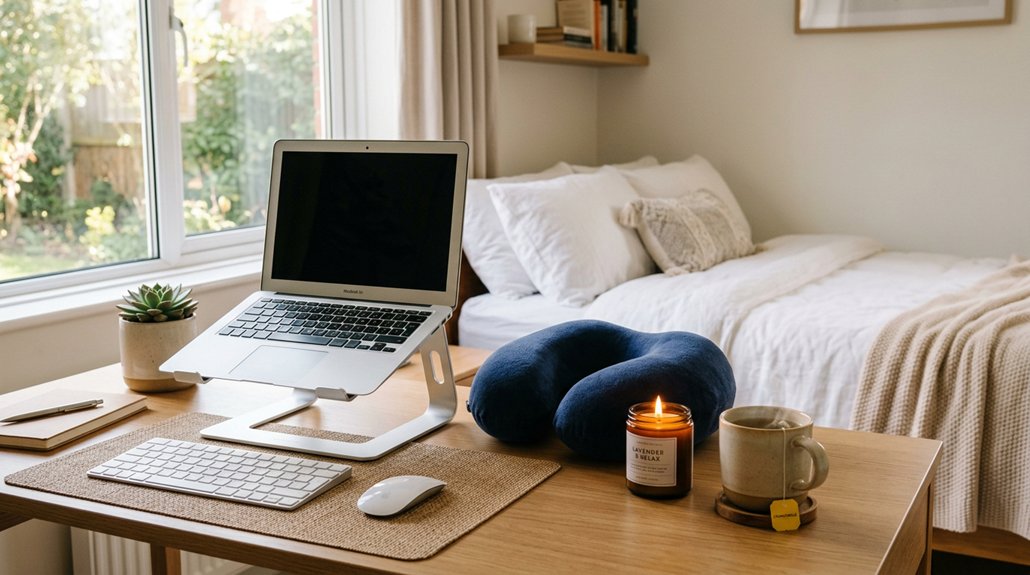
Good sleeping habits play a significant role in preventing neck stiffness and discomfort. Your sleep position influences back and neck pain, so aim to keep your back straight and your head aligned with your spine.
Sleeping on your side with a pillow between your knees or on your back with one under your knees helps maintain a neutral spine, reducing strain on your neck and shoulders. Choose a good pillow height that supports your neck properly—avoid pillows that are too high or flat, which cause misalignment and stiffness. Replacing your pillow every 1–2 years guarantees consistent support.
Poor sleep quality and inadequate pillow support can lead to pain in your neck, so prioritize good sleep posture to ease neck and shoulder discomfort and wake up feeling refreshed.
Frequently Asked Questions
How Do I Stop My Neck From Hurting When I Sit at My Desk?
To stop your neck from hurting, keep your head aligned over your shoulders, adjust your chair and monitor for comfort, take regular breaks to stretch and move, and do neck exercises to relieve stiffness and strengthen muscles.
What Are the 5 D’s for Neck Pain?
The 5 D’s for neck pain are Device positioning, Desk setup, Duration management, Discipline in posture, and Dynamic movement. You should position devices properly, set up your desk ergonomically, take frequent breaks, maintain good posture, and move regularly to reduce pain.
How to Get Rid of Desk Neck?
To get rid of desk neck, keep your monitor at eye level, take regular breaks, perform neck stretches, strengthen your neck muscles with gentle exercises, and adjust your chair for proper support. Consistency eases discomfort over time.
How Should I Set My Desk to Avoid Neck Pain?
You should position your monitor at or just below eye level, about an arm’s length away, and adjust your chair so your feet are flat, knees at 90 degrees, with ergonomic support, and keep your keyboard and mouse properly aligned.



