
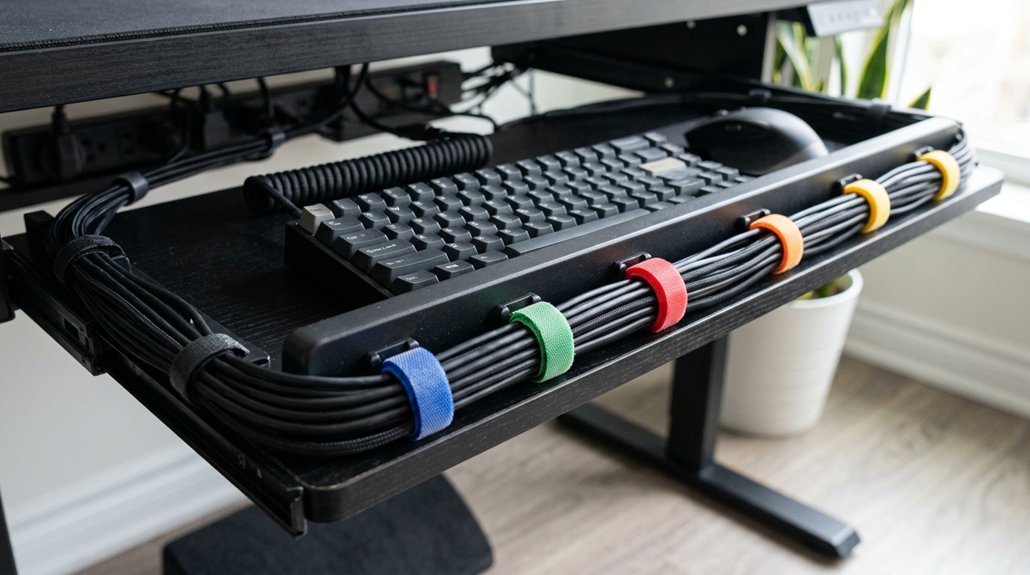
Start by clearing the area around your keyboard tray and unplugging all devices. Use Velcro strips and cable clips to bundle and route cables neatly, keeping them elevated and preventing tangles. Install cable grommets to hide wires through the tray surface and add under-desk trays to hold power strips and excess cable slack. These steps make your workspace look professional and organized—stick around to discover even more tips to perfect your setup.
Prepare Your Workspace and Gather Tools for Cable Management
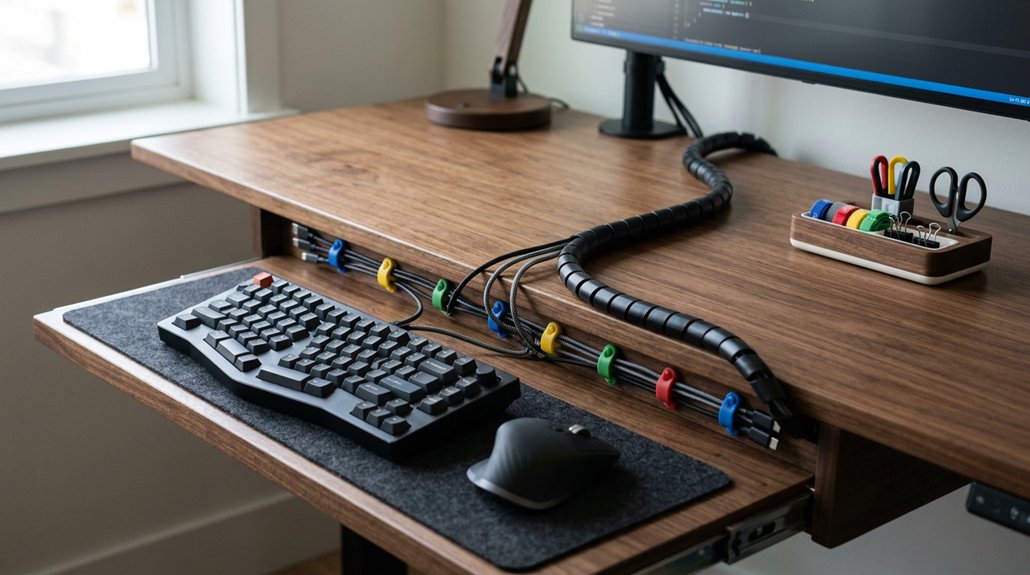
Before beginning cable management, clear your workspace around and beneath the keyboard tray to create ample room for organizing. Unplug all devices, including pedals and cables, for safety and easier untangling. A durable material like PET or neoprene ensures your cables stay protected and organized over time. Assess the number and types of cables like power, audio, and USB, so you can plan ideal routing and bundling strategies. Gather essential tools such as cable ties, Velcro straps, cable clips, and cable sleeves—these provide flexibility and durability. Use a cable organizer or cable channels to keep cables tidy, and consider cord clips or masking tape to secure excess length out of sight. Clear space and prepared tools make desk cable management efficient, reducing cable clutter and ensuring everything stays neat, accessible, and safe for regular use.
Secure and Tidy Cables With Velcro Strips and Cable Clips
Securing your cables with Velcro strips and cable clips guarantees a tidy and flexible setup. Use Velcro cable ties in various sizes and colors to bundle cables on your keyboard tray, enabling easy adjustments when needed. Additionally, attaching multi-slot clips along the underside and sides of the tray can help guide cables neatly and prevent tangling or dangling. Velcro ties allow you to secure cables quickly and remove or adjust them without hassle, making your cable organization adaptable. Group related cables with Velcro ties before fixing them with cable clips to create streamlined cable pathways. Position Velcro loops on keyboard stand columns or tray edges to keep cables off the floor, helping you maintain a clean workspace that looks professional and stays organized.
Install Cable Grommets and Under-Desk Trays to Hide Wires
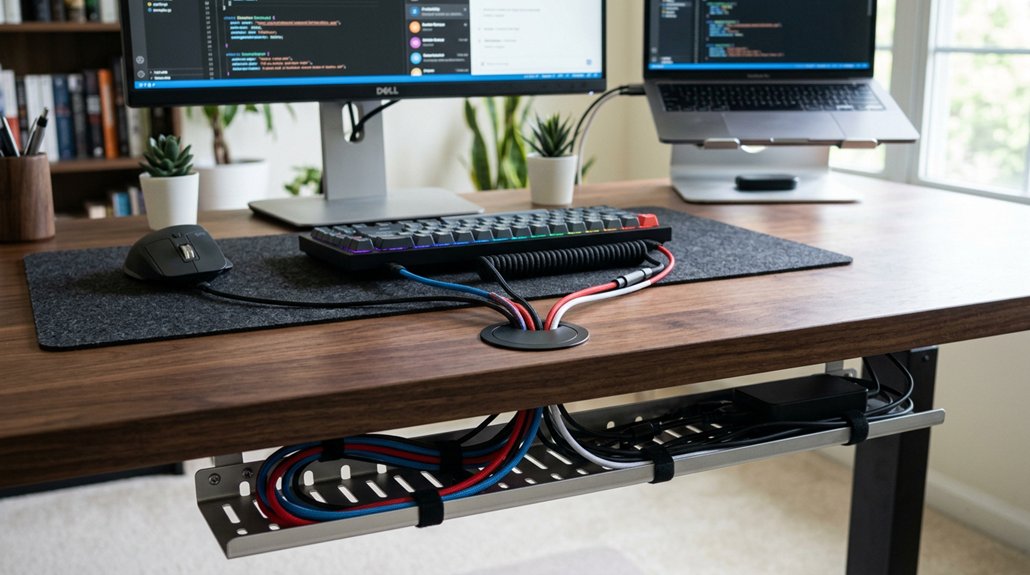
Installing cable grommets on your keyboard tray helps you pass wires through the surface neatly, hiding clutter beneath for a clean look. These cable grommets facilitate cable management by guiding cables away from view and preventing tangles. A USB hub models and specifications can further optimize your setup by providing multiple ports within easy reach, reducing the need for long, tangled cables. Pair them with under-desk trays, like the Desky Mini Cable & Power Tray, to securely hold power strips and cables out of sight, reducing clutter on your desk surface. Use adhesive cable clips along the underside of your keyboard tray to route and secure cables neatly, preventing accidental disconnections. Proper cable slack in the under-desk tray allows for keyboard tray movement without stressing wires. Combining cable grommets, trays, and clips enhances workspace safety and creates a tidy, efficient environment. This setup not only looks better but also streamlines access to your cables when needed.
Frequently Asked Questions
How to Arrange a Cable Tray?
You should choose a sturdy, ventilated tray, then group cables by function, bundle with Velcro straps or zip ties, and mount it securely beneath your desk. Regularly check and adjust for neatness and easy access.
How to Organize Cables in an Under Desk Tray?
You organize cables in an under-desk tray by bundling them with Velcro straps, leaving slack for movement, guiding cables with adhesive clips, and labeling each for easy identification, ensuring a tidy, accessible workspace.
How to Organize Cables Neatly?
You organize cables neatly by bundling them with Velcro ties, routing through adhesive clips, leaving slack for adjustments, and using cable sleeves. Label connections to easily identify devices, keeping your workspace tidy and accessible.
How to Keep Cables Tidy in a Drawer?
You keep cables tidy in a drawer by bundling and labeling them, storing in compartments, coiling loosely without tight bends, and securing with magnetic ties or clips to prevent movement and tangling during drawer use.



