
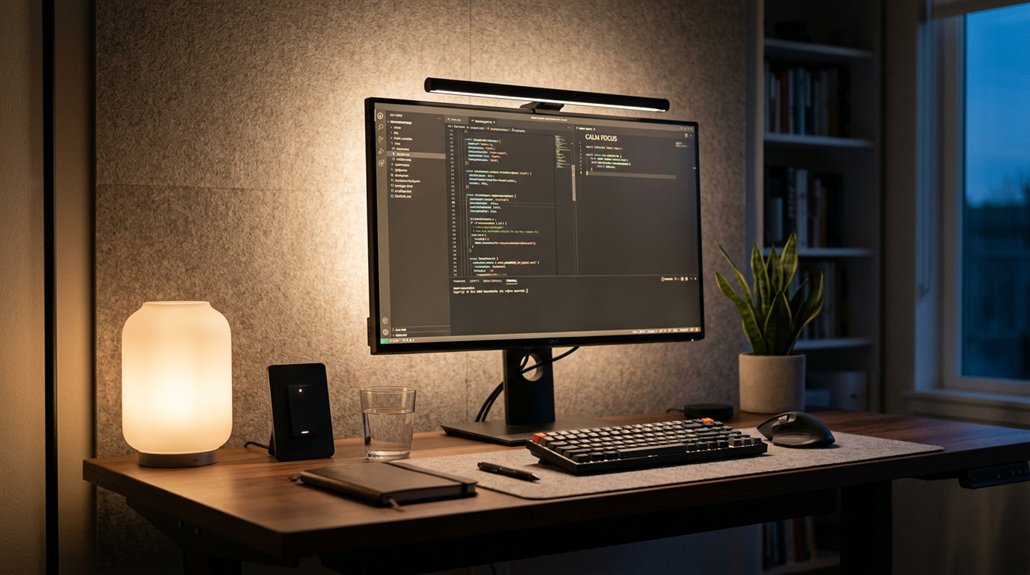
To choose the right light intensity for eye comfort, aim for a desk illumination between 500–750 lux, which supports detailed tasks without causing glare or eye strain. Use a lux meter to measure brightness and adjust your lighting accordingly. Opt for flicker-free LEDs with a color temperature of 4000K–5000K, and combine ambient, task, and indirect lighting for even illumination. Keep these tips in mind to prevent fatigue and discover more ways to protect your eyes.
Why Light Intensity Matters for Eye Comfort
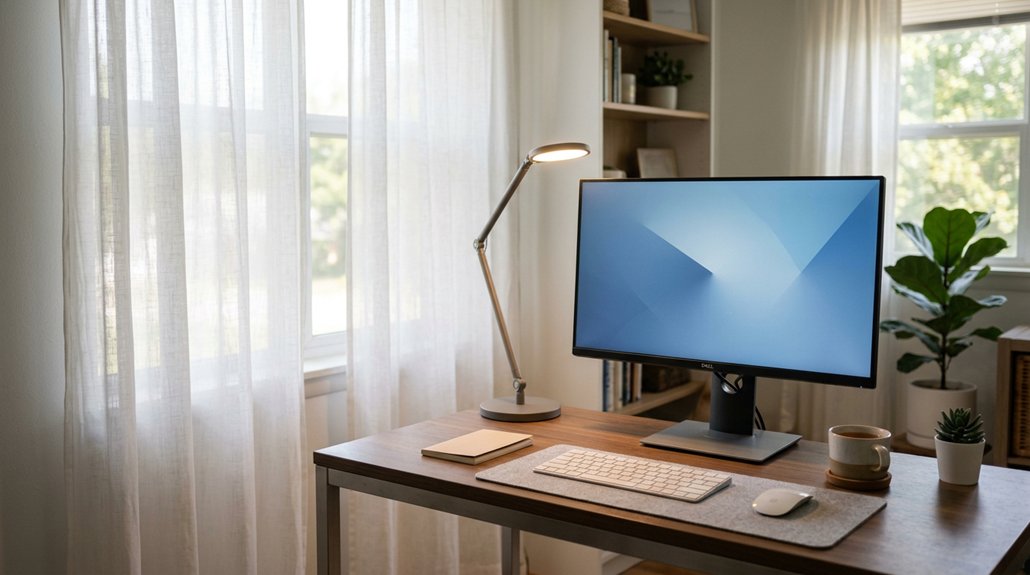
Proper light intensity is essential for preventing eye fatigue, especially during long periods of screen use. When your workspace has the right light intensity—usually between 500–750 lux for desk tasks—it helps your eyes stay comfortable and reduces strain. Additionally, utilizing full-spectrum LEDs with high CRI ratings (above 90) further enhances color accuracy and visual comfort. Too little or uneven lighting forces your eyes to work harder to focus, causing symptoms like headaches and blurred vision. Matching ambient light with your screen brightness minimizes the need for constant adjustments, enhancing comfort. Overly bright or harsh lighting creates glare and reflections on your screen, worsening eye discomfort. Maintaining a balanced, consistent light intensity supports your natural eye function and prevents digital eye strain.
Finding the Best Brightness Levels for Different Tasks
To prevent eye fatigue, it’s essential to match the brightness level to the task you’re doing. Adjusting lighting based on whether you’re reading, working on a computer, or doing detailed work can greatly reduce strain. Using adjustable lights helps you find the perfect level for comfort and focus. Incorporating flicker-free illumination and adjustable color temperature further enhances visual comfort by minimizing glare and blue-light exposure.
Task-Specific Brightness Needs
Choosing the right brightness level for different tasks is essential to minimize eye fatigue and boost productivity. Task lighting should have appropriate brightness levels—between 500 and 750 lux at your desk—to reduce digital eye strain during focused activities like reading or detailed work.
For tasks requiring high detail accuracy, using brighter light around 4000K to 5000K color temperature improves visibility and concentration. Be cautious of overly intense or direct lighting, as glare can increase eye fatigue and discomfort during long sessions.
Layered lighting, combining ambient and adjustable task lights, allows you to maintain consistent brightness tailored to your task, minimizing eye muscle fatigue. Matching ambient light brightness to your screen or work surface prevents constant eye adjustment, supporting better eye health during prolonged work.
Adjusting for Eye Comfort
Finding the right brightness level for your workspace can greatly enhance comfort and reduce eye fatigue during extended tasks. To achieve this, match your light levels closely to your screen brightness and ambient lighting. Using adjustable desk lamps with dimming controls lets you customize illumination for each task, ensuring focused light when needed while avoiding glare. Ideal task lighting is typically between 500 and 750 lux at your desk, striking a balance that minimizes eye strain without causing discomfort. Avoid overly bright or dim lighting, as bright light can create glare, and dim light makes focusing harder. Consistent, flicker-free LED lighting with stable brightness helps maintain visual comfort, preventing headaches and reducing eye fatigue during prolonged work sessions. Additionally, using bias lighting kits with adjustable brightness levels allows for detailed fine-tuning, further reducing eye strain during long viewing or working sessions.
How to Measure and Adjust Light at Your Desk
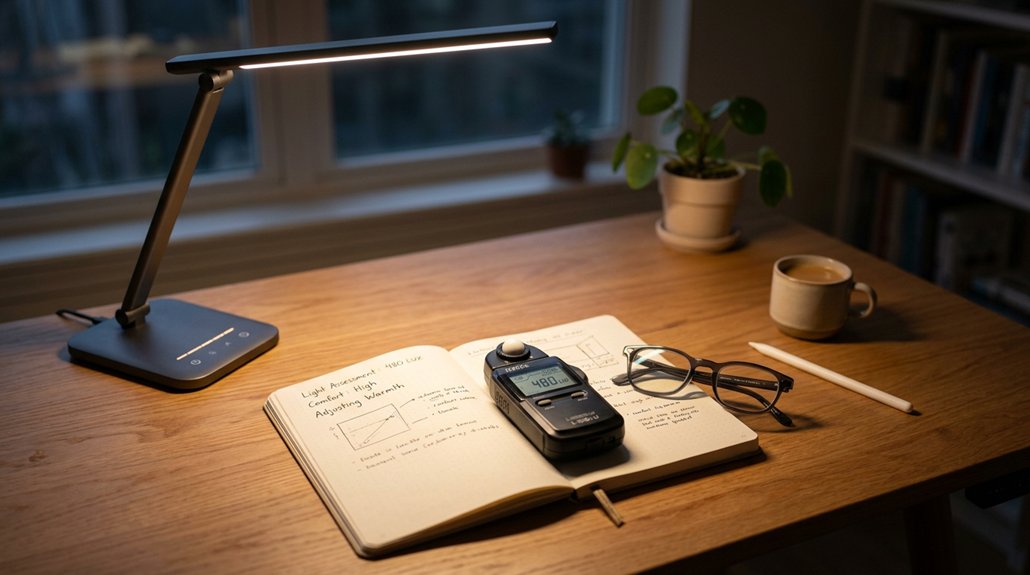
Monitoring and adjusting your desk lighting guarantees your eyes stay comfortable during tasks. To do this, measure the light at your workspace with a lux meter, aiming for 500–750 lux. This range provides enough brightness for detailed work without causing eye strain.
Adjust both ambient and task lighting to create balanced illumination that matches your monitor’s brightness, reducing glare and shadows. Position desk lamps slightly behind and above your screen to distribute light evenly, helping to minimize reflections and direct eye exposure.
Use dimmable LED lights with adjustable brightness or color temperature to fine-tune the light intensity based on time of day and task needs. Regularly reassess how your eyes feel; signs of dryness or headaches indicate you should tweak your lighting levels for ideal comfort. Incorporating monitor hoods or anti-glare accessories can further help glare reduction, enhancing overall visual comfort.
Choosing Lights That Keep Your Eyes From Fatiguing
Choosing the right lights can help keep your eyes comfortable and prevent fatigue. Focus on using bulbs with the ideal brightness levels and color temperatures that match your screen and activities. Using blue light filters on your monitors can further reduce eye strain during extended use. Adjustable, glare-free lighting makes it easier to stay comfortable during long periods of work or reading.
Optimal Brightness Levels
To prevent eye fatigue, it’s essential to select the right brightness level for your workspace lighting. Ideal brightness levels for task lighting typically range from 500 to 750 lux, helping to reduce eye strain during long periods of focus.
The key is to match your task lighting’s brightness closely with the ambient light to avoid constant adjustment and muscle strain. Overly bright or dim lights force your eyes to overcompensate, leading to headaches and fatigue. Incorporating ambient light adjustment features ensures your monitor adapts to varying lighting conditions, maintaining consistent eye comfort. Choose flicker-free LED lights with adjustable dimming controls to maintain consistent, glare-free illumination at comfortable levels. Layering different light sources—ambient, task, and accent lighting—further reduces shadows and keeps your eyes relaxed, ensuring illumination is adequate without overwhelming your visual system.
Appropriate Color Temperatures
Selecting the right color temperature is essential for preventing eye fatigue, especially during prolonged work or study sessions. Aim for lighting between 3500K and 5000K, which mimics natural sunlight and reduces eye strain. Warm light (2500K-3000K) creates a relaxing environment but may cause drowsiness during active tasks. Higher color temperatures (above 5000K) increase blue light exposure, boosting alertness but risking eye fatigue over time. Using LED lighting with adjustable color temperature lets you match your environment to your activity, minimizing muscle strain. Here’s a quick comparison:
| Color Temperature | Effect on Eyes |
|---|---|
| 2500K-3000K | Relaxing, reduces eye strain |
| 3500K-5000K | Neutral, supports focus |
| Above 5000K | More alertness, potential eye fatigue |
Choosing suitable LED lighting helps maintain comfort and focus. Additionally, considering lighting that minimizes blue light exposure can further protect your eyes during extended screen use.
Layered Lighting Tips to Reduce Eye Strain
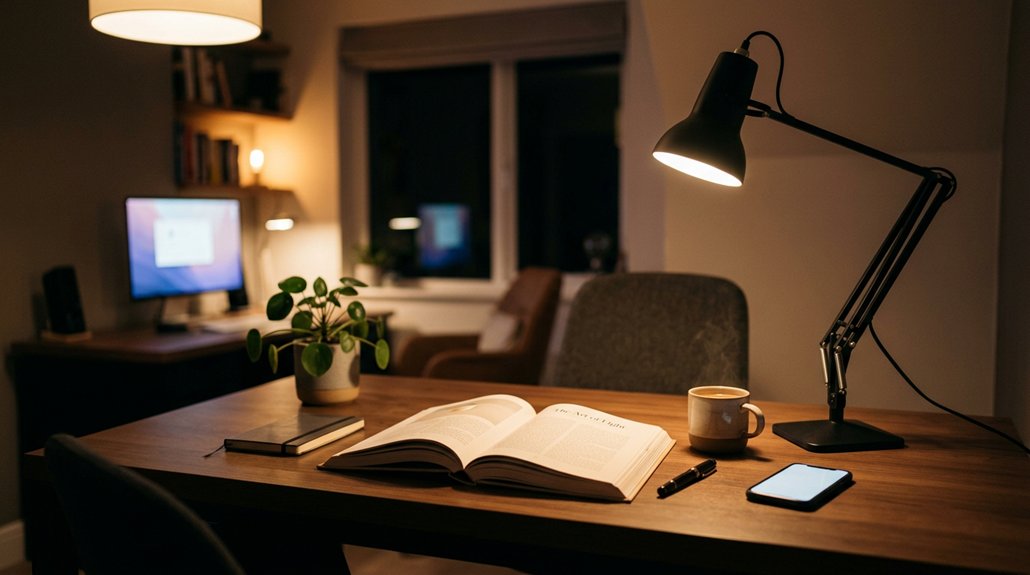
Layered lighting is essential for reducing eye strain by creating a balanced environment that minimizes harsh shadows and glare. By combining ambient, task, and accent lights, you can effectively reduce glare and prevent dark shadows that cause eye fatigue. Use task lighting with brightness levels between 500–750 lux at your desk to guarantee enough illumination for detailed tasks without overwhelming your eyes. Position desk lamps slightly behind and above screens to provide focused light, which helps reduce glare on monitors. Incorporate indirect lighting that bounces off ceilings or walls, diffusing brightness evenly and limiting harsh contrasts. Adjust ambient lighting levels to match your screen brightness, minimizing eye muscle fatigue from frequent light adaptation. Maintaining flicker-free illumination in your lighting setup prevents subtle flickering that can cause eye strain. This layered approach helps optimize comfort and reduces eye fatigue.
Balancing Natural and Artificial Light for Comfortable Eyes
Balancing natural and artificial light creates a comfortable workspace that minimizes eye strain by ensuring consistent illumination.
Use natural light wisely by positioning your desk near windows, allowing soft daylight to illuminate your space. Control its intensity with curtains or blinds to prevent harsh shadows and screen reflections.
Combine this with adjustable artificial lighting, such as LED lights with customizable brightness and color temperature, to match natural light variations throughout the day. Keep artificial light levels close to your screen’s brightness, around 500–750 lux, to reduce eye muscle fatigue and prevent glare. Incorporate blue-light filtering technology to further protect your eyes from high-energy visible light emitted by screens.
Common Mistakes That Make Eyes Tired: And How to Avoid Them
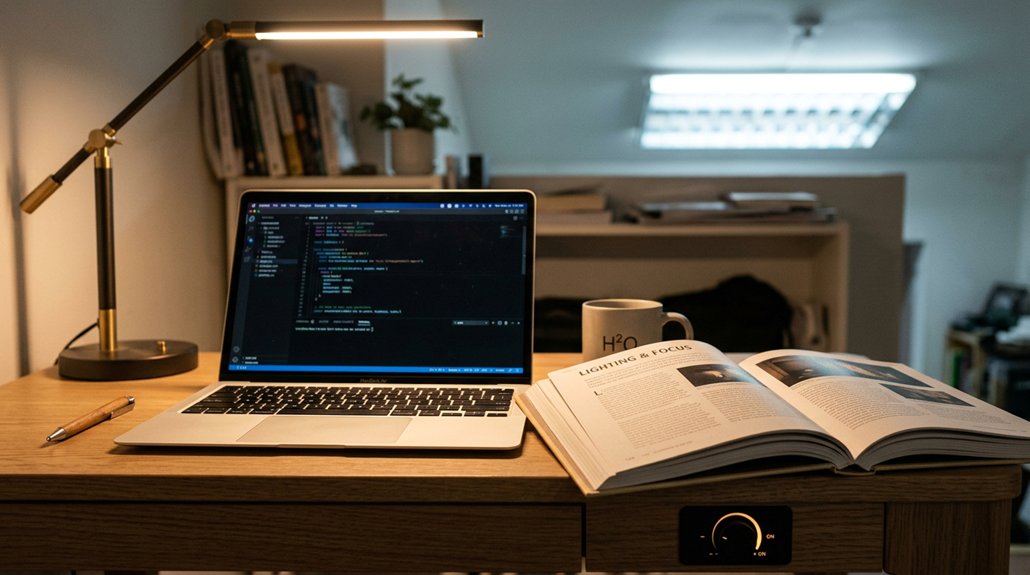
One common mistake that increases eye fatigue is using lighting that’s too dim or uneven, forcing your eyes to constantly adjust and leading to strain. Poor lighting setup can cause unnecessary eye strain, headaches, or blurred vision. Bright overhead lights placed directly above or behind screens create glare, reflecting off surfaces and tiring your eyes faster. Relying solely on harsh fluorescent or flickering LED bulbs leads to unconscious flicker perception, causing discomfort. Mismatched ambient and screen brightness overworks eye muscles. Avoid neglecting indirect, diffused lighting or adjustable task lamps for peak illumination. To illustrate, consider the table below, which highlights common lighting mistakes and their effects:
| Mistake | Effect | Solution |
|---|---|---|
| Using dim or uneven lighting | Eye strain, fatigue | Use balanced, diffused light |
| Overhead glare from bright lights | Glare, reflections | Position lights indirectly |
| Flickering bulbs | Headaches, discomfort | Switch to flicker-free LEDs |
| mismatched ambient and screen brightness | Dryness, blurred vision | Adjust lighting to match screen brightness |
| Ignoring adjustable task lamps | Overworking eyes | Use task lamps with adjustable brightness |
Additionally, incorporating appropriate lighting configurations helps create a comfortable and effective environment for viewing screens and reducing fatigue.
Frequently Asked Questions
What Is the 30 30 30 Rule for Eyes?
You follow the 30 30 30 rule by taking eye breaks every 30 minutes, looking at something 30 feet away for 30 seconds. It helps relax your eye muscles and reduces strain from prolonged close-up focus.
Is 60HZ or 120HZ Better for Your Eyes?
You should choose 120Hz over 60Hz because it reduces flicker, minimizes eye strain, and offers smoother motion, helping you focus better and stay comfortable during prolonged screen use, ultimately protecting your eyes from fatigue and discomfort.
Is 4000K Light Good for Eyes?
Yes, 4000K light is good for your eyes because it provides a balanced, neutral white that reduces strain, enhances focus, and minimizes glare, making it comfortable for prolonged work or study sessions without causing unnecessary eye fatigue.
What Kind of Lighting Is Recommended to Decrease Eye Strain and Fatigue?
You should use balanced, flicker-free LED lighting with adjustable color temperatures between 3500K and 5000K. Position ambient and task lights to evenly illuminate your space, reduce glare, and match screen brightness, helping to minimize eye strain and fatigue.
In Summary
Choosing the right light intensity is key to avoiding eye fatigue. By adjusting brightness levels based on your tasks and using layered lighting, you can create a comfortable environment that reduces strain. Remember to balance natural and artificial light, and steer clear of common mistakes like mismatched lighting or harsh glares. With these tips, you’ll keep your eyes comfortable and energized, making your workspace happier and healthier. Prioritize good lighting habits for better eye health every day.



