
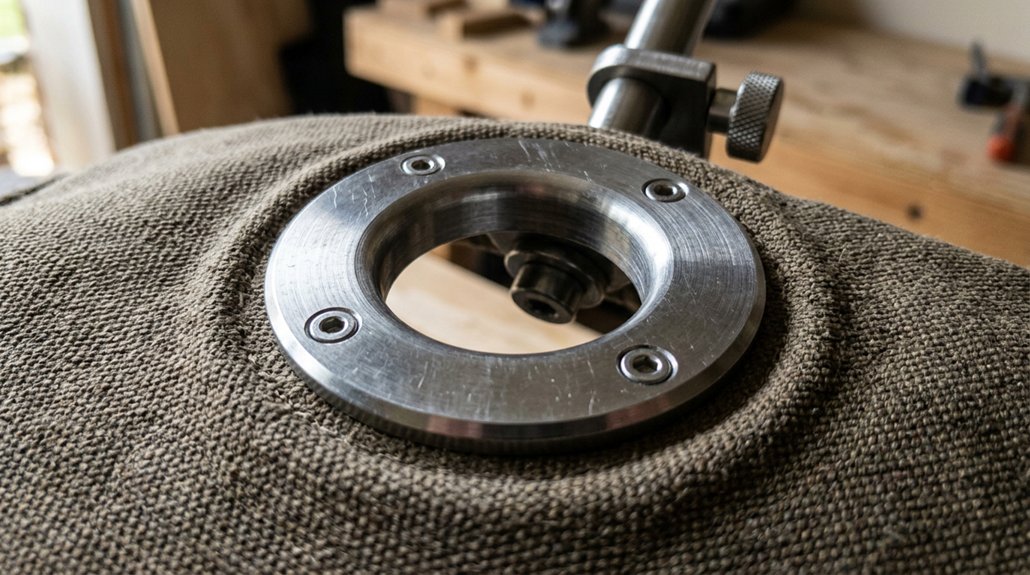
A grommet mount is a secure way to attach a monitor arm directly to your desk by drilling a hole, usually 10-12 mm in diameter, near the edge. It involves inserting a bolt through the hole and tightening it underneath with a nut, often using reinforcement plates for stability. This setup offers a clean look and keeps cables tidy. Want to discover how to install, maintain, or choose the right mount? Keep exploring to learn more.
What Is a Grommet Mount and How Does It Work?
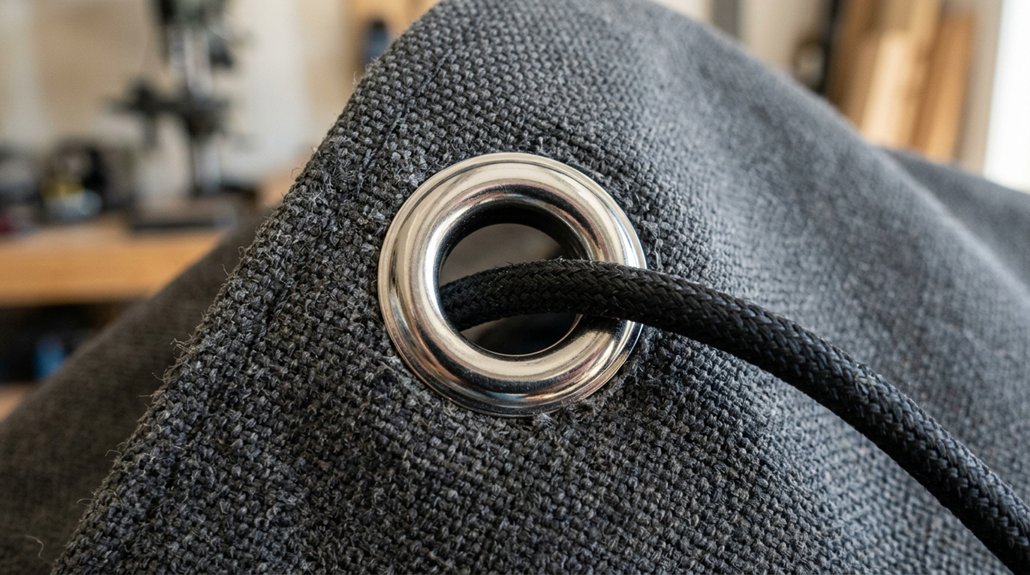
Have you ever wondered how a monitor arm stays securely attached to your desk without visible clamps? That’s where a grommet mount comes in. It secures the monitor arm by passing a bolt through a grommet hole—usually a 2-3 inch diameter opening with a protective ring made of metal, plastic, or rubber. During mounting, you insert the bolt through the hole in your desk and tighten a nut underneath. Often, a reinforcement plate is used to prevent damage, especially on thinner desks. This method offers a stable, centered anchor point and creates a clean appearance with minimal hardware showing. Unlike clamp mounts, a grommet mount lets you position your monitor arm away from the desk edge, providing flexibility and a sleek setup. Additionally, grommet mounts are especially suitable for heavier or ultrawide monitors, which require extra stability for extended use.
Should You Use a Grommet Mount? Benefits and Considerations
Using a grommet mount can give your desk a cleaner look by hiding hardware and providing a sleek, minimal appearance. However, the installation process involves drilling or existing holes, which may require reinforcement on thinner desks. Consider your desk’s design and stability needs to decide if a grommet mount’s benefits outweigh the installation effort. Incorporating adhesive cable clips can also help organize cables without permanent modifications.
Aesthetic Appeal
A grommet mount can greatly enhance your desk’s appearance by providing a sleek, integrated look that minimizes visible hardware. Grommet mounts offer a clean solution by anchoring your monitor arm through a hole in the desk, keeping the surface uncluttered.
They allow you to position your monitor away from the desk edge, giving you flexible and precise placement that improves workspace aesthetics. Unlike clamp mounts, grommet mounts eliminate the need for bulky edge clamps and visible screws, creating a more polished, professional look.
Additionally, they support cable management by consolidating cords through the grommet hole, reducing clutter and enhancing visual appeal. This setup offers a streamlined, neat appearance that makes your workspace look tidy and thoughtfully arranged.
Using a grommet mount is especially beneficial for desks with thinner or sloped surfaces, where traditional clamps might not secure as effectively or could cause damage.
Installation Process
Deciding whether to use a grommet mount for your monitor arm depends on your desk setup and installation preferences.
To install a grommet mount, you’ll need a pre-drilled hole in your desk, typically 10-12 mm in diameter. The process involves threading the mount’s bolt through the hole from above and tightening it from underneath, securing the arm firmly in place.
For added stability, especially on particleboard or MDF desks, a backing plate is recommended to prevent damage and guarantee even force distribution. This mounting option provides a sleek look with minimal hardware visible and allows flexible monitor placement away from the edges.
Keep in mind, once installed, a grommet mount fixes the monitor’s position, unlike more adaptable mounting options like clamps.
Desk Compatibility
Is your desk suitable for a grommet mount? If it has pre-drilled holes—approximately 10-12 mm in diameter—located 60-80 mm from the edge, you’re likely a good candidate.
Grommet mounts work best on sturdy desk surfaces, like solid wood, MDF, or particleboard with reinforcement plates, which prevent damage. If your desk is made of tempered glass or stone, a grommet mount isn’t ideal, as drilling could cause cracks or damage.
These mounts provide a clean, stable anchoring point for monitor arms and help organize cables through the desk surface. For other desk types, clamp or alternative mounts might be more suitable. Additionally, ensuring that your desk’s mounting capacity and stability can support the weight of the mount and monitors will maximize the grommet’s benefits.
Ensuring compatibility saves you installation hassle and maximizes the grommet’s benefits.
Is Your Desk Compatible With a Grommet Mount? Key Factors
Ever wonder if your desk can support a grommet mount? Compatibility depends on several factors. Your desk should have a pre-drilled hole or be drillable with a 10-12 mm diameter hole, usually 60-80 mm from the desk edge. The material needs to be sturdy enough to handle the grommet mounting bolts; reinforcement plates help with particleboard or MDF. Desk thickness is ideal between 25-30 mm for stability, while thinner desktops may need extra support. Confirm there’s enough clearance beneath the desk for hardware like bolts and nuts, avoiding obstructions. Additionally, considering the ergonomic benefits of properly mounted hubs can significantly reduce cable clutter and improve workspace organization.
How to Install a Grommet Mount for Your Monitor Arm
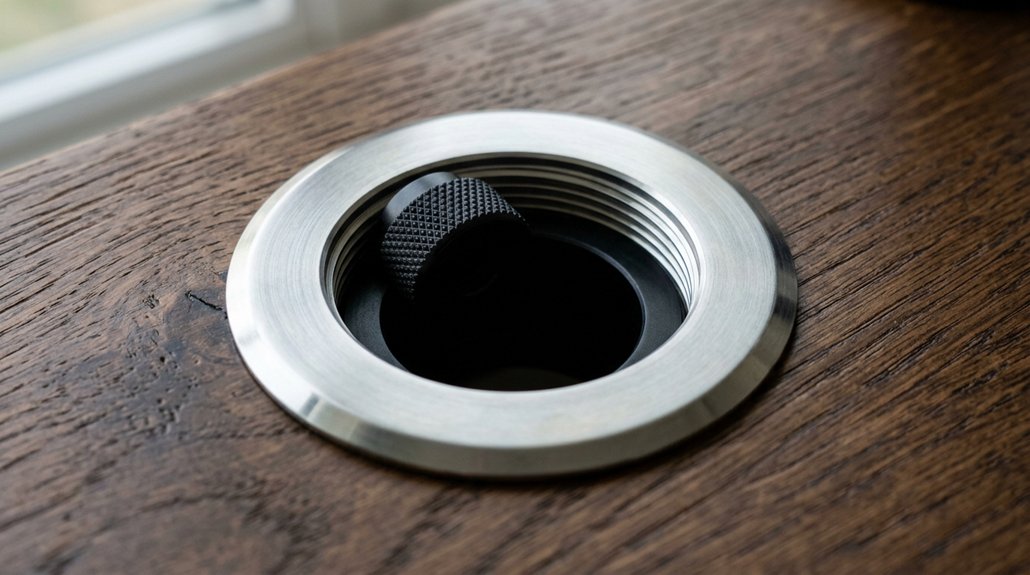
To install a grommet mount, start by preparing your desk surface—make sure there’s a 2-3 inch hole or drill one 60-80 mm from the edge.
Next, position the mount’s bolt through the grommet hole and secure it underneath with a nut, adding a reinforcement plate if needed.
Finally, attach the monitor arm and tighten the bolt carefully to keep everything stable. Be sure to check the mounting options suitable for your desk material and thickness to ensure a secure fit.
Preparing Desk Surface
Before installing a grommet mount, you need to prepare your desk surface properly. Check if your desk has a pre-drilled hole, about 10-12 mm in diameter, or plan to drill one 60-80 mm from the desk edge, avoiding fragile materials like tempered glass. Use a reinforcement plate underneath, especially if working with particleboard or MDF, to add extra support and prevent damage when securing the mount. Ensure your mounting surface is steady and wobble-free before attaching the grommet clamp, as a stable surface is crucial for mount stability and safe operation. Align the monitor arm base with the grommet hole and bolt it tightly from beneath using washers and nuts. Make sure the hardware sits flush and stable, but avoid overtightening. Also, confirm there’s enough clearance under the desk for mounting hardware and tools. Correct preparation helps keep your desk surface intact and simplifies installation.
Drilling Grommet Hole
When drilling a grommet hole for your monitor arm, precision is key to guaranteeing a secure fit and a clean look. You should drill a 10-12 mm diameter hole through the desk surface, typically 60-80 mm from the desk edge. Confirm the desk material supports drilling—avoid tempered glass or stone—and consider installing a steel reinforcement plate under particleboard or MDF to prevent damage. Use a grommet ring if not pre-installed to edge the hole, then tighten the mount’s bolt with a nut beneath the desk for stability. Proper alignment of the grommet hole helps position your monitor arm centered and away from the desk edge for peak ergonomics and aesthetics. Follow manufacturer instructions closely for a secure, wobble-free install. Additionally, ensuring a sturdy surface material will support the weight and stability of your mounted monitor.
Securing Monitor Arm
Securing your monitor arm to the grommet mount is a straightforward process that guarantees stability and safe positioning. First, confirm the grommet mount bolt passes through the desk edge, which should be drilled to match the grommet size.
Check your desk thickness—if it’s particleboard or MDF, use a reinforcement plate underneath to prevent damage. Use an Allen key or wrench to tighten the bolt firmly, securing the mount underneath the desk. Be careful not to over-tighten, as this could damage the surface or reduce the mount’s stability.
Once attached, connect your monitor arm to the grommet base, aligning it with the VESA mount on your monitor for a secure fit. This method guarantees your monitor stays firmly in place and offers ergonomic comfort.
Troubleshooting Common Grommet Mount Problems

Grommet mount problems often arise from issues like improperly sized or misaligned drill holes, which can compromise stability and cause wobbling.
Make sure the holes for grommet mounts are 10-12 mm in diameter and drilled 60-80 mm from the desk edge. Use pre-drilled holes or carefully measure before drilling, especially for monitor mounts.
Weak or hollow-core desks under 20 mm thick often lack the necessary support, leading to instability. Reinforcing the area with a steel plate can prevent damage and improve stability.
Avoid over-tightening the grommet bolt, as this can crack or deform your desk surface. For added security, consider using clamps alongside grommet mounts, especially on thin or less sturdy desks, to prevent wobbling and maintain a stable mount.
How to Ensure Your Grommet Mount Is Safe and Stable
Guaranteeing your grommet mount is safe and stable starts with matching the grommet hole to the manufacturer’s specifications, usually 10-12 mm, ensuring a secure fit.
Verify that your desk thickness is at least 25-30 mm to support the mount properly and reduce wobbling. For particleboard or MDF desks, add a steel reinforcement plate to distribute the load and avoid damage.
Position the grommet hole at least 60-80 mm from the desk edge to preserve stability.
During installation, tighten the bolt firmly but avoid overtightening to prevent tabletop damage.
- Confirm the grommet hole size matches specs for a secure fit
- Use a steel reinforcement plate for added support
- Proper bolt tightening is key to stability
Is It Time to Switch to a Clamp Mount? Recognizing When
Ever wonder if it’s time to switch from a grommet mount to a clamp mount? If your desk setups require quick, tool-free installation, a clamp mount might be the better option.
It allows you to move your monitor easily along the edge of your desk without drilling holes, which is ideal if you rent or prefer a flexible setup. Clamp mounts work best when your desk has a flat, unobstructed edge that’s at least 25-35 mm thick, providing stable support without damage. They’re especially helpful if your workspace has glass or stone surfaces where drilling is risky.
Consider the advantages and disadvantages of each. If repositioning your monitor is a priority, a clamp mount offers better adjustability and convenience than fixed grommet mounts.
Tips for Maintaining and Repositioning Your Grommet Mount at Home
Thinking about repositioning your grommet mount at home? Start by carefully loosening the bolts and nuts underneath the desk to prevent damaging the desk surface or grommet hole.
When reinstalling, consider using a reinforcement plate if your desk is made of particleboard or MDF to enhance stability and avoid cracking. Always avoid overtightening the bolts, as this can deform the desk material and hinder smooth monitor arm movement.
Maintain the mount by regularly cleaning the grommet hole and surrounding area to remove dust and debris.
When planning the new placement, keep the grommet hole at least 60-80 mm from the desk edge for ergonomic benefits and better monitor positioning. Proper care guarantees your grommet mount stays secure and functional.
Frequently Asked Questions
What Does “Grommet Mount” Mean?
A grommet mount means you secure your monitor arm through a pre-drilled hole in your desk using a bolt and nut, providing a clean look, flexible positioning, and a stable, discreet connection without clamping to the desk edge.
What Does Grommet Installation Mean?
Grommet installation means securing your monitor arm through a pre-drilled or new hole in your desk. You insert a grommet for protection, tighten a bolt underneath, creating a stable, clean mount that improves ergonomics and cable management.
How to Install a Grommet Monitor Arm?
You drill or guarantee a pre-existing hole, insert the grommet mount through it, secure underneath with a bolt and nut, attach the monitor arm following instructions, and organize your cables for a tidy workspace.
What Is the Difference Between Clamp Mounting and Grommet Mounting?
You’ll find clamp mounting attaches your monitor arm directly to the desk edge without drilling, making it easy to reposition, while grommet mounting secures it through a drilled hole for a stable, integrated, and cleaner look.



