
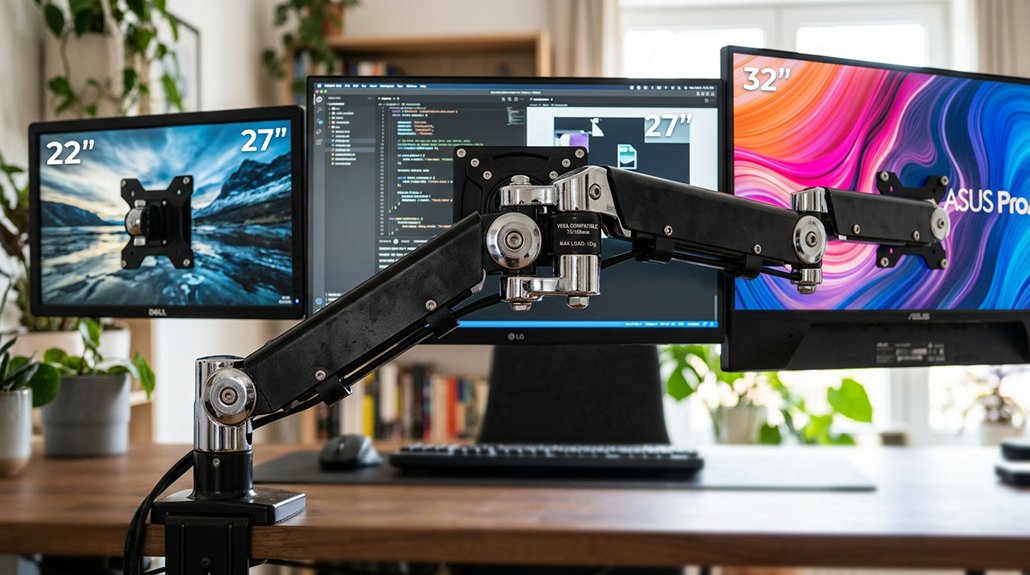
A VESA mount arm that fits multiple sizes typically features adjustable compatibility for various VESA patterns like 75×75 mm and 100×100 mm, and can sometimes support larger sizes like 200×200 mm with adapter plates. Look for versatile mounts designed with adjustable arms, multiple VESA plate options, and flexible positioning. Ensuring the mount supports your monitor’s weight and size is essential. Keep exploring to discover how to choose the right mount for your setup.
VESA Compatibility Explained: What You Need to Know
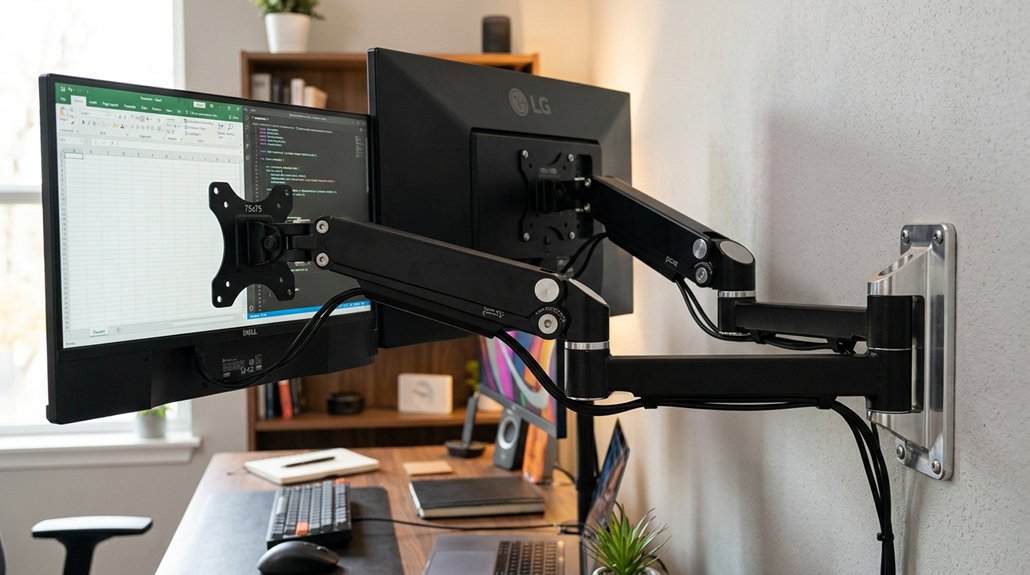
Ever wondered how to guarantee your monitor fits properly on a mount arm? It all comes down to VESA — the standard with VESA mounting holes that guarantee compatibility across monitor arms use.
Most monitors between 13 and 32 inches feature common VESA patterns like 75×75 mm or 100×100 mm, making them suitable for many monitor mounts. When selecting a VESA mount, check the weight capacity to match your monitor’s weight.
Adjustable monitor arms, like the Ergotron LX Pro, support multiple sizes by accommodating different VESA patterns with a reliable adapter plate. For larger screens, a VESA adapter can expand compatibility to bigger hole patterns, like 200×100 mm or 200×200 mm. Additionally, VESA mounting standards ensure a secure and stable fit across various monitor sizes and weights. Always confirm the mount supports the widest VESA pattern and weight among your monitors for peak stability.
How to Find Your Monitor’s VESA Pattern and Size
Start by checking your monitor’s manufacturer specifications or user manual to find the VESA pattern details. A second option is to look for VESA compatibility information on the back of your monitor, which may be printed or labeled. If those aren’t available, measure the distance between the mounting holes on the back of your monitor. Use a ruler or tape measure to determine the horizontal and vertical spacing, which will tell you your VESA size.
Checking Manufacturer Specifications
To determine your monitor’s VESA pattern and size, the easiest way is to check the manufacturer’s specifications or user manual. This info lists the exact VESA pattern, often in millimeters like 75×75 mm or 100×100 mm, indicating standard VESA compatibility. Keep in mind, larger monitors may use larger patterns such as 200×100 mm or 200×200 mm, requiring specific monitor mounts or custom adapters. If the VESA holes aren’t visible, check for removable plastic covers. For non-VESA displays, universal VESA adapter kits can provide secure mount compatibility. Always verify monitor size and weight to guarantee the mount or adapter supports your setup. Remember, accurate specifications are key to choosing compatible monitor mounts that fit multiple sizes. Additionally, understanding mounting standards allows for better selection of stands that support multiple monitor sizes with versatile compatibility.
Measuring VESA Pattern
Measuring your monitor’s VESA pattern involves identifying the distance between the mounting holes on the back of the screen. You do this by measuring the horizontal and vertical distance in millimeters between the centers of the four screw holes arranged in the monitor VESA pattern.
Common sizes include 75 x 75 mm and 100 x 100 mm, with larger patterns like 200 x 200 mm for bigger monitors. The VESA standard is usually specified in the manual or product specs online.
If the mounting holes are hidden under a removable cover, gently remove it to measure accurately. Some monitors lack standard VESA holes and need a compatible adapter kit. Make sure the size and monitors weight fit the VESA mount to avoid compatibility issues.
Additionally, choosing a sturdy monitor arm support, especially for larger and heavier monitors, will help ensure stability and long-term durability.
What Features Make a VESA Mount Suitable for Multiple Screen Sizes
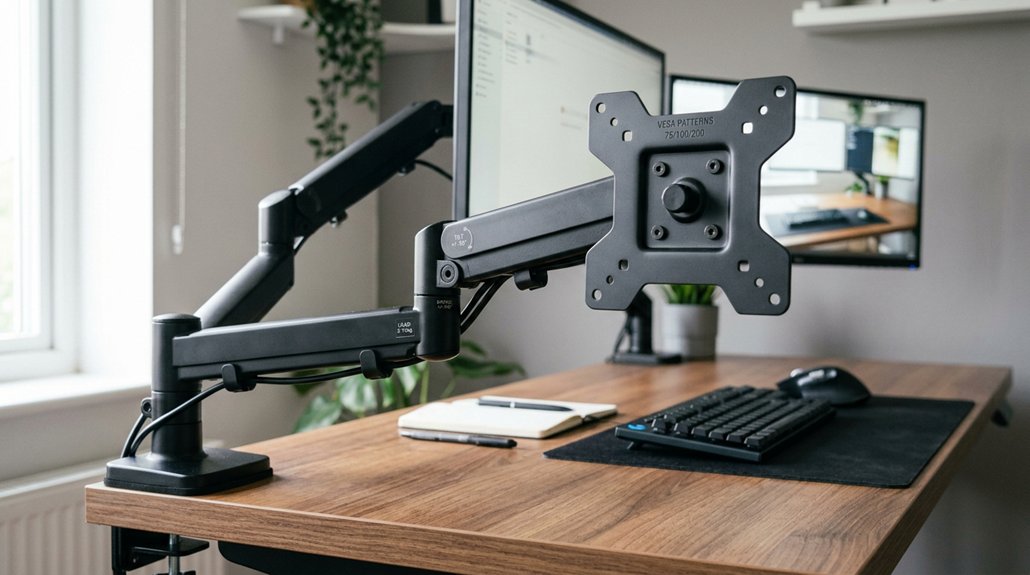
A VESA mount suitable for multiple screen sizes primarily features a range of standardized hole patterns, such as 75x75mm and 100x100mm, with optional adapter plates for larger setups like 200x100mm or 200x200mm. To guarantee compatibility with various monitor sizes and weights, look for these key features: 1. Adjustable arms offering smooth height, tilt, swivel, and rotation to fit different display sizes and viewing angles. 2. Adequate weight capacity, typically exceeding the heaviest monitor by 20%, to accommodate large and heavy screens. 3. Compatibility with mounting standards like desk clamps and grommet mounts for versatile desk setups. 4. Cable management systems integrated into the mount to keep cables organized and clutter-free. 5. Supporting a range of VESA patterns ensures greater monitor compatibility and flexibility across multiple monitor sizes. These features maximize VESA support and range of motion, guaranteeing flexibility across multiple monitor sizes.
Does Your Mount Support Your Monitor’s Weight? Evaluating Capacity and Stability
Make sure your monitor arm can handle your screen’s weight comfortably, ideally supporting at least 20% more than your monitor weighs. If you have a large or heavy monitor, opt for a model with reinforced joints and higher weight limits to prevent sagging or instability. Balancing load capacity and stability is essential to keep your monitor secure and properly supported. Additionally, choose a riser with a sufficient weight capacity limit, especially if you plan to use larger or heavier displays.
Load Capacity Compatibility
Making certain your VESA mount arm can support your monitor’s weight is crucial for stability and safe usage. You need to match the mount’s load capacity with your monitors’ weights to prevent sagging or wobbling.
Here are key points to take into account:
- For typical monitors, choose an arm like the Ergotron LX Pro, supporting 4 to 22 lbs.
- Heavy monitors, such as ultrawide or larger screens (32”+), require load capacities of 30 lbs or more.
- Always select a mount rated at least 20% higher than your monitor’s weight for safety.
- In a dual or multi-monitor setup, make certain each mount arm can handle its specific monitor’s load independently. Proper load capacity compatibility keeps your monitors stable and safe.
- When selecting a VESA mount, consider Power Delivery capacity if your monitor setup incorporates powered devices to ensure compatibility and safe operation.
Stability and Balance
Choosing a VESA mount arm that matches your monitor’s weight is key to maintaining stability and balance. When mounting a monitor wall mount or monitor desk mount, make sure the arm’s weight capacity exceeds your monitor’s size and weight by at least 20%.
For larger or ultrawide monitors, heavier monitors, or models with extended arm extension, opt for heavy-duty models rated up to 44 lbs to prevent sagging or instability. Stability also depends on VESA pattern compatibility, with common patterns like 75×75 mm and 100×100 mm supporting monitors up to approximately 30 lbs.
Additionally, considering the monitor hood compatibility is essential for controlling glare and ensuring optimal viewing comfort in your workspace. When mounting multiple monitors, verify each arm supports its individual monitor’s weight to sustain overall balance and create an ergonomic setup for prolonged use.
Tips for Installing Multiple Monitors on One VESA Mount
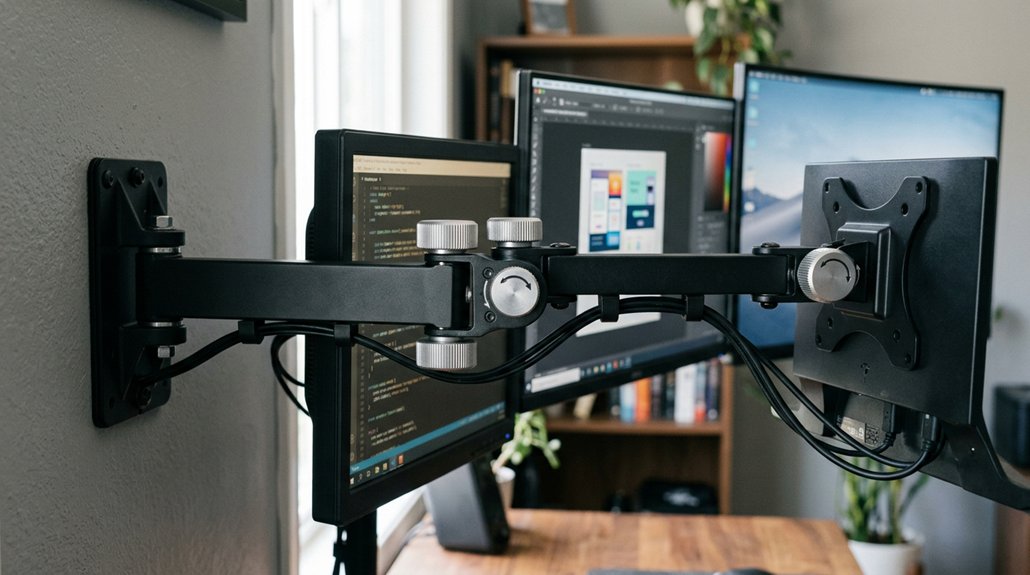
To install multiple monitors on a single VESA mount effectively, start by verifying that the mount supports the combined weight and size of your screens.
Here are some tips to guarantee a smooth setup:
- Check that each monitor’s VESA pattern (75×75 mm or 100×100 mm) is compatible, and use adapter plates if needed.
- Choose a multi-monitor arm or dual independent arms with sufficient weight capacities around 19-20 lbs per arm, suitable for your screens.
- Guarantee each arm offers independent height adjustment, tilt, swivel, and rotation for flexible positioning.
- Confirm your desk thickness fits clamp mounting or grommet options, and utilize cable management features to keep cords organized, reducing strain during adjustments.
Troubleshooting Common VESA Mount Issues and Mistakes to Avoid
When setting up your VESA mount, mistakes can lead to unstable or unsafe configurations. You need to verify the VESA pattern on your screens matches the mount’s specifications to guarantee compatibility. Check that the mount supports the weight of all monitors, typically up to 30 lbs for MIS-D standards. Limited height or extension ranges can prevent ergonomic setups, especially for larger or multiple screens. Be aware of recessed or deeply set holes—these may require adapter plates to secure your monitor properly. Always confirm the size and standard of the VESA pattern before mounting. Using the right adapter can guarantee a stable, ergonomic setup for monitors of various sizes. Avoid these common issues for a safe, reliable display configuration.
“`markdown
| Issue | Cause | Solution |
|---|---|---|
| Incompatible VESA pattern | Mismatched standards or sizes | Use appropriate adapter plates |
| Overloading mount’s weight capacity | Monitor exceeds supported weight | Select mount with higher weight support |
| Poor ergonomics with limited extension | Insufficient height or range | Choose mount with adjustable arm |
“`
Frequently Asked Questions
Can All Monitors Fit on the Same Arm Mount?
Not all monitors fit on the same arm mount. You need to check each monitor’s size, weight, and VESA pattern, then choose an adjustable, heavy-duty mount that supports multiple VESA standards and weight capacities for diverse monitor compatibility.
Are All VESA Mounts the Same Size?
No, not all VESA mounts are the same size. You need to match your monitor’s VESA pattern—like 75x75mm or 100x100mm—to the mount’s supported sizes. Adjustable or universal mounts help fit various sizes effectively.
What Does VESA 100X100 Mean?
VESA 100×100 means the monitor or TV has four mounting holes forming a square, spaced 100 millimeters apart horizontally and vertically. You can easily find compatible mounts to securely hold your display using this standard pattern.
Are LG Monitors Vesa Compatible?
Yes, most LG monitors are VESA compatible, typically supporting 75x75mm or 100x100mm patterns. Check your monitor’s specifications or back panel to confirm, and use an appropriate VESA arm or wall mount for easy setup.



