
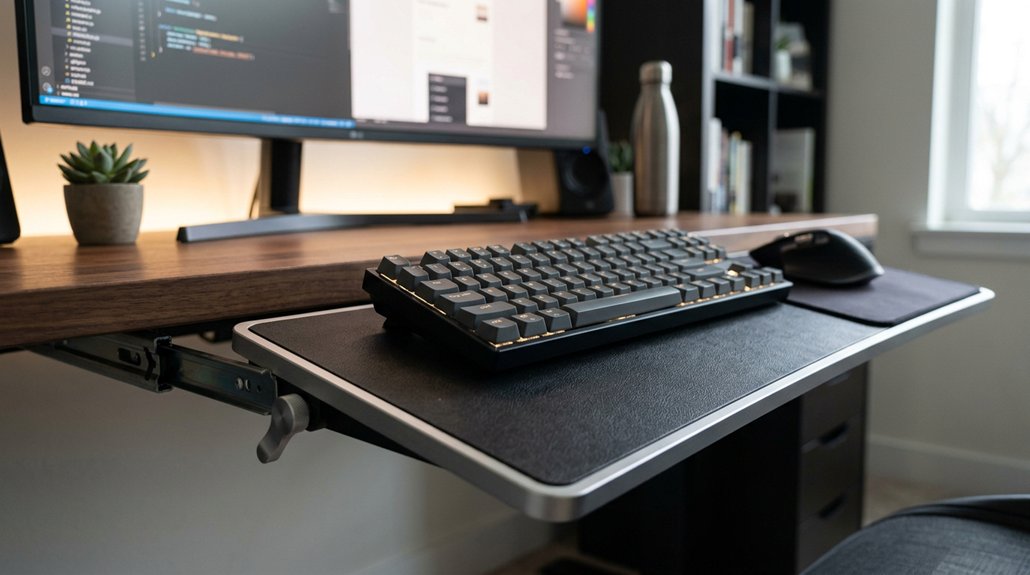
Using a negative tilt keyboard tray helps keep your wrists in a natural, neutral position, reducing strain and discomfort during long typing sessions. It minimizes wrist flexion and extension, lowering your risk of injuries like carpal tunnel syndrome. Additionally, it promotes better forearm relaxation and improves overall posture by aligning your keyboard at an ideal angle. If you want to discover more about maximizing comfort and health benefits, keep exploring how proper setup can make a difference.
What Is Negative Tilt and How Does It Work?
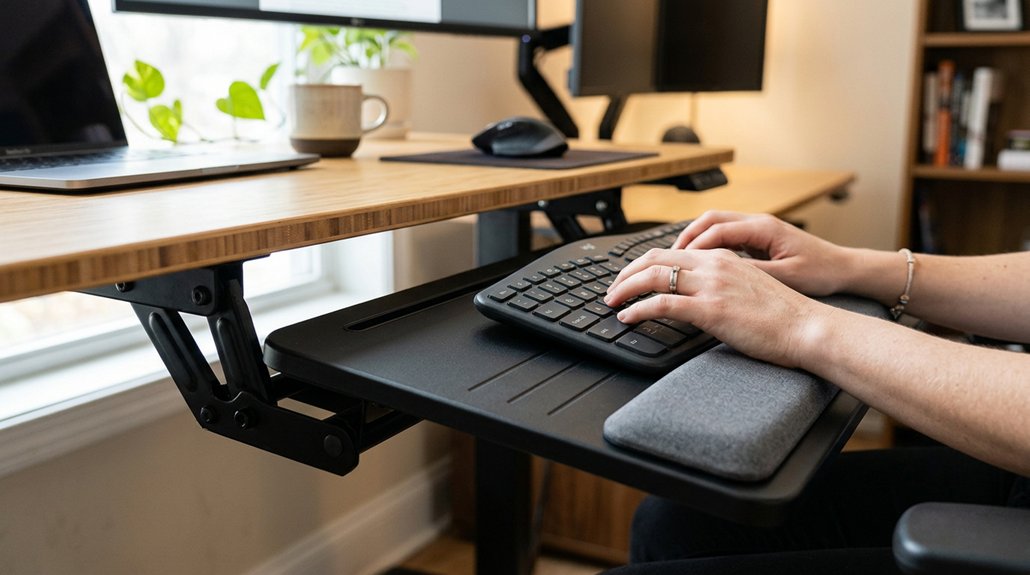
Ever wondered what negative tilt really is and how it benefits your typing posture? Negative tilt refers to raising the front edge of your ergonomic keyboard tray higher than the back, creating a gentle slope. This adjusts the keyboard angle to help you maintain a neutral wrist position, reducing wrist strain.
Proper mounting system compatibility is essential to achieving the desired tilt angle without compromising stability. For standing desk users, a negative tilt of 15° to 30° aligns your wrists ergonomically, preventing upward bending. Achieving the right keyboard tray height is key—either lowering fixed trays or using adjustable, standing desk-compatible trays.
Steeper negative tilt angles, such as -20° to -40°, help eliminate palm pressure on the desk surface. Proper negative tilt adjustment guarantees your keyboard position supports comfort, reduces discomfort, and promotes healthier, more natural typing.
Why Negative Tilt Keeps Your Wrists and Forearms Comfortable
Negative tilt keeps your wrists and forearms comfortable by ensuring your wrists stay in a neutral position rather than bending upward or downward. When your keyboard tray is tilted negatively, it helps maintain the proper wrist angle, preventing wrist flexion that causes strain. A smooth tilt mechanism should allow easy adjustments and stable lock-in positions, enhancing ergonomic benefits.
This ergonomic setup reduces tension on tendons and nerves, lowering the risk of repetitive strain injuries like carpal tunnel syndrome.
- Keeps your wrist in a natural, neutral position
- Lessens wrist flexion and extension strain
- Eases tension on forearm muscles
- Eliminates palm pressure for comfort
- Supports better overall ergonomic alignment
Using a negative tilt allows your forearm muscles to relax and minimizes harmful wrist angles, promoting comfort during long typing sessions and protecting your wrists from pain and injury.
How to Properly Set Up Your Keyboard Tray for Optimal Negative Tilt
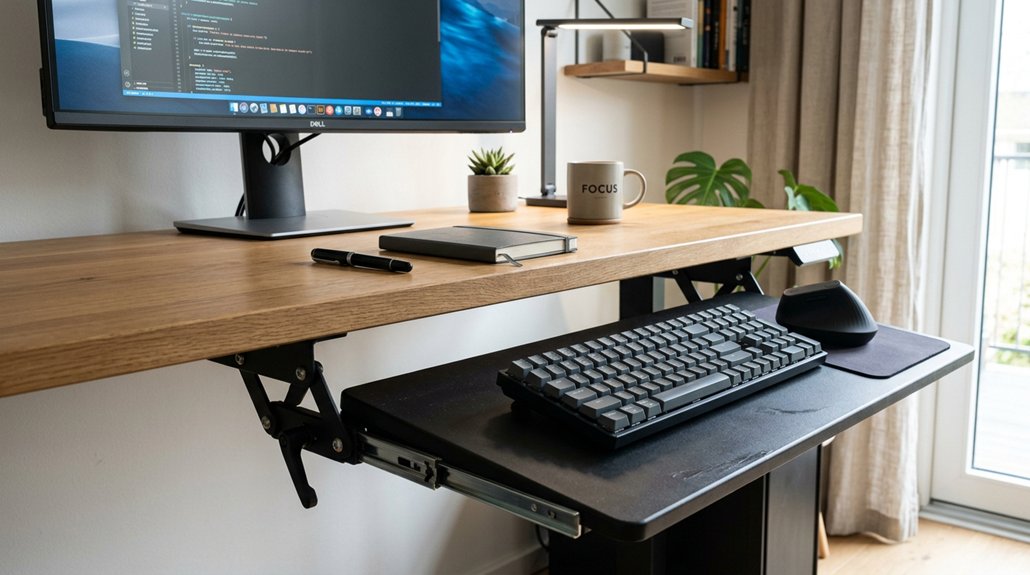
To set up your keyboard tray for ideal negative tilt, start by adjusting its height so your elbows form about a 90-degree angle. This guarantees your keyboard is positioned below desktop level, promoting proper keyboard placement and an ergonomic setup.
Adjust tray height so elbows are at a 90° angle for optimal ergonomic keyboard positioning.
Adjust the tray tilt to a negative angle, between roughly -15° to -30°, with more steeply negative for standing users. This raises the keyboard front edge to keep wrists neutral and relaxed, reducing wrist strain.
Make sure the platform is stable and large enough for your keyboard and mouse without compromising height or tilt adjustments. Avoid positive tilt settings that elevate the back edge, as they increase wrist extension and strain.
Fine-tune the tray tilt while typing to maintain wrist positioning aligned with your forearms, helping to prevent repetitive strain injuries.
Frequently Asked Questions
Is Putting Keyboard Tray on Negative Tilt Ergonomic?
Yes, putting your keyboard tray on a negative tilt is ergonomic because it promotes a neutral wrist posture, reduces strain, and lowers the risk of repetitive injuries, especially when your tray is adjustable and set within the recommended tilt range.
What Does a Negative Tilt Help Improve?
A negative tilt helps improve your wrist posture by keeping it neutral, reducing strain, and lowering injury risks. It also promotes relaxed hands, enhances typing comfort, and encourages proper shoulder alignment, making your workspace ergonomically healthier and more comfortable.
Is Positive Tilt Better Than Negative Tilt Keyboard?
Positive tilt isn’t better than negative tilt for typing, as it causes wrist strain and risks overuse injuries. You should prefer negative tilt, which aligns your wrists with your forearms, promoting comfort and preventing pain during extended keyboard use.
What Are the Benefits of Using a Keyboard Tray?
Using a keyboard tray improves your ergonomics by reducing strain, maintaining neutral wrist posture, lowering shoulder-hiking, and increasing comfort. It allows better hand positioning, enhances typing speed and accuracy, and helps prevent repetitive strain injuries during extended use.



