
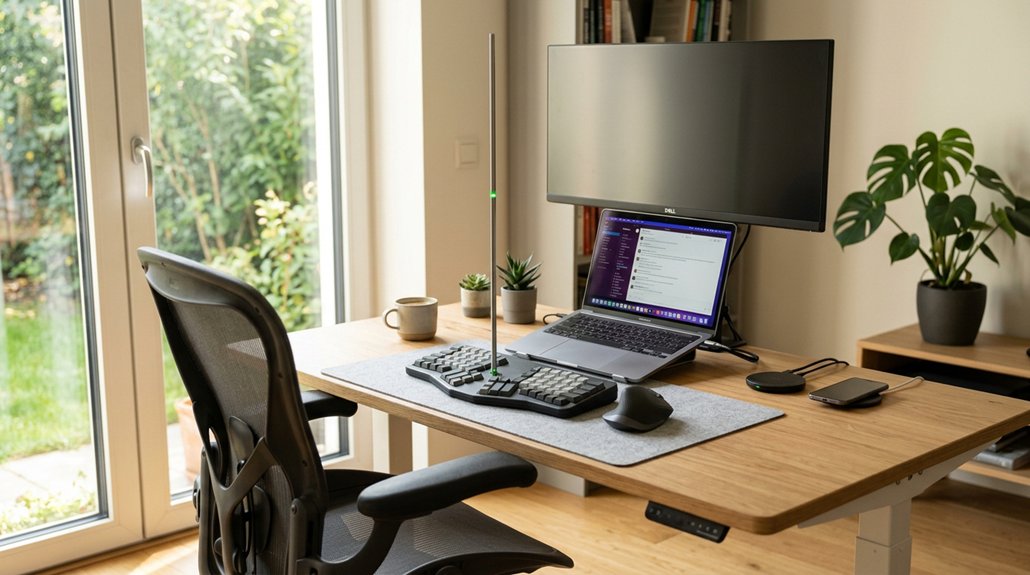
To maintain perfect shoulder alignment at your desk, keep your elbows bent at 90° and close to your body while your forearms stay parallel to the floor. Adjust your desk height and monitor so your shoulders stay relaxed and your neck remains neutral. Avoid hunching or reaching; use ergonomic supports and take frequent micro-breaks to stretch. Learning more will help you stay comfortable and prevent long-term strain during work.
Why Maintaining Proper Shoulder Alignment Matters at Standing Desks
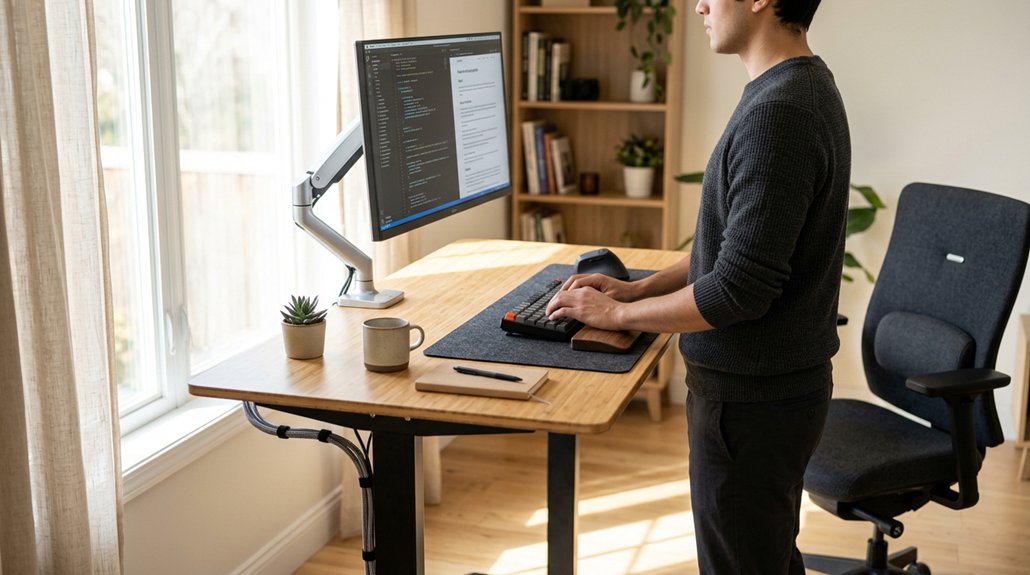
Maintaining proper shoulder alignment at standing desks is essential for preventing discomfort and injury. When your shoulders stay relaxed, with elbows close to your body and at about a 90-degree angle, you reduce shoulder strain and support a neutral posture. A well-designed workspace that includes adjustable armrests can help achieve this ergonomic adjustability and promote optimal positioning.
Adjust your standing desk so the armrests are set at or slightly below elbow height, helping you avoid elevated shoulders and unnecessary tension. Good shoulder alignment also helps keep your spinal curves in their natural position and reduces forward head posture, which can cause musculoskeletal disorders.
Alternating sitting and standing while maintaining proper shoulder positioning prevents chronic upper back and shoulder pain caused by static postures. Prioritizing alignment helps safeguard your musculoskeletal health and creates a more ergonomic workspace.
How to Adjust Your Standing Desk Setup for Shoulder Comfort
To set up your standing desk for shoulder comfort, start by adjusting its height so your elbows bend 90 degrees and your forearms stay parallel to the floor. This guarantees a comfortable standing desk height, reducing shoulder strain.
Adjust your desk height so elbows are at 90° and forearms are parallel to the floor for shoulder comfort.
Keep your shoulders relaxed, not elevated or hunched, by maintaining a neutral shoulder position. Position your keyboard and mouse close to your body at desk level to avoid reaching, which can cause unnecessary tension.
Use adjustable monitor arms to keep the top of your screen at or slightly below eye level, preventing forward head posture and shoulder tension.
Remember to take micro-breaks every 20–30 minutes, incorporating shoulder stretches to relieve muscle tension. Proper adjustments promote ergonomic comfort and help maintain shoulder health during prolonged standing.
Additionally, choosing a monitor stand or arm with adjustable tilt and swivel features can help you customize your viewing angles and reduce shoulder strain further.
Common Posture Mistakes When Using a Standing Desk: and How to Fix Them
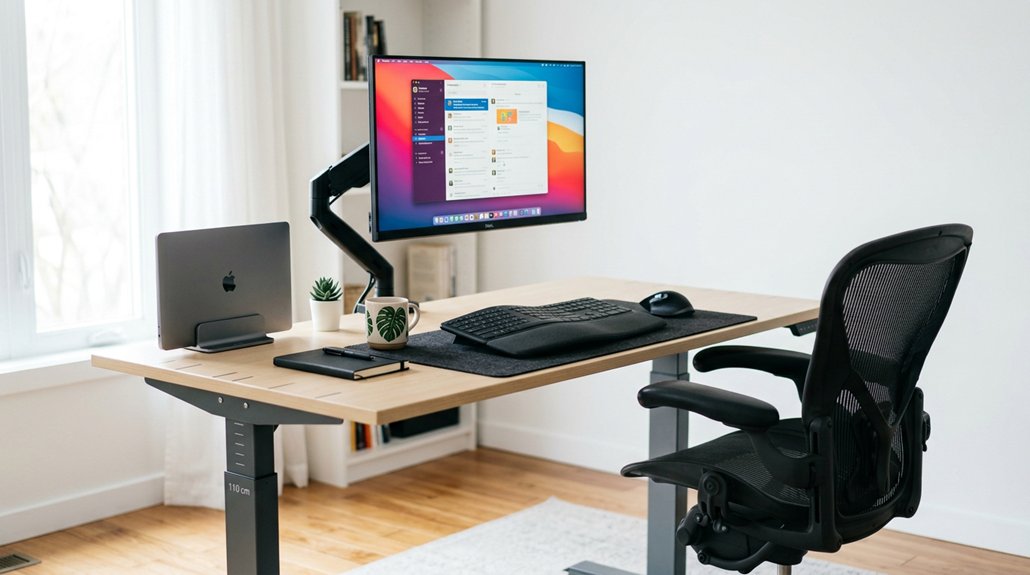
Many people unknowingly develop poor posture habits when using a standing desk, leading to discomfort and shoulder strain. Common mistakes include shoulder hunching forward and raising shoulders, which increase muscle tension. To fix this, keep your shoulders relaxed and adjust armrests or desk height to maintain elbows at 90°. Position the keyboard and mouse close and at elbow height to prevent reaching and keep upper arms near your torso. Poor monitor height can cause forward head posture and rounded shoulders; confirm your screen is at eye level. Additionally, avoid switching between sitting and standing without rechecking shoulder alignment. Regularly evaluate your posture to maintain neutral alignment and shoulder relaxation. Implementing ergonomic lumbar support mechanisms can also help maintain proper spinal curvature and reduce overall strain.
Easy Shoulder Exercises to Keep You Comfortable and Prevent Strain
Regularly incorporating simple shoulder exercises into your routine can greatly reduce discomfort and prevent strain. Chin tucks (10 reps with 5-second holds) strengthen neck muscles and promote proper shoulder alignment, reducing shoulder hunching.
Regular shoulder exercises alleviate discomfort and prevent strain by improving alignment and strengthening neck muscles.
The chest doorway stretch, held for 30 seconds per side, helps open tight chest muscles that contribute to shoulder strain.
To relax shoulders during work, set your armrests to desk height, keeping elbows at 90 degrees to minimize tension. Avoid reaching without purpose by keeping frequently used items within 8–12 inches to prevent rounded shoulders and excessive load.
Remember to take micro-breaks every 20–30 minutes, stretching arms, fingers, and shoulders to prevent the cumulative strain that leads to fatigue and discomfort. Incorporating ergonomic support such as adjustable headrests can also help maintain proper neck and shoulder alignment during long sitting periods.
Tips to Maintain Good Shoulder Support Throughout Your Workday

Maintaining good shoulder support throughout your workday requires conscious effort to keep your posture aligned and relaxed. Make sure your shoulders stay relaxed and avoid hunching or raising them, which can increase shoulder tension and contribute to discomfort. A proper ergonomic setup can significantly reducing strain on your shoulders. Adjust your armrests support so your elbows are close and bent at about 90 degrees, helping reduce muscle fatigue and prevent repetitive strain injuries. Sit fully back in your chair with lumbar support to promote a natural spine curve, which stabilizes shoulder position and avoids forward head posture. Keep your keyboard and mouse close enough to prevent reaching that can strain your shoulders. Remember to take micro-breaks every 20–30 minutes to stretch and reset your shoulder alignment, decreasing long-term muscle fatigue and tension.
Frequently Asked Questions
What Is the 90 90 90 Rule for Ergonomics?
You maintain the 90-90-90 rule by keeping your hips, knees, and elbows at about 90-degree angles, with feet flat, shoulders relaxed, and forearms parallel to the desk. This promotes neutral posture and minimizes strain.
What Is the 20/8-2 Rule for Standing Desks?
The 20/8-2 rule for standing desks suggests you stand for 20 minutes, sit for 8 minutes, and move for 2 minutes every half hour. This helps improve circulation, reduce fatigue, and support good posture.
What Is the Best Desk Position for Shoulder Pain?
To alleviate shoulder pain, position your keyboard and mouse at elbow height, keep your elbows close, relax your shoulders, sit fully back with lumbar support, and take regular breaks to stretch and change posture for muscle relief.
What Is the 20/8-2 Rule?
The 20/8-2 rule recommends working for 20 minutes, then standing or moving lightly for 8 minutes, followed by 2 minutes of stretching or micro-breaks. It helps you reduce shoulder strain and promote better posture during desk work.
In Summary
Maintaining proper shoulder alignment at your standing desk is key to avoiding discomfort and strain. By adjusting your setup, correcting common posture mistakes, and incorporating simple shoulder exercises, you can stay comfortable and productive all day. Focus on keeping your shoulders relaxed and supported, and don’t forget to take regular breaks. With these tips, you’ll promote better posture, reduce pain, and create a healthier workspace that supports your well-being.



