
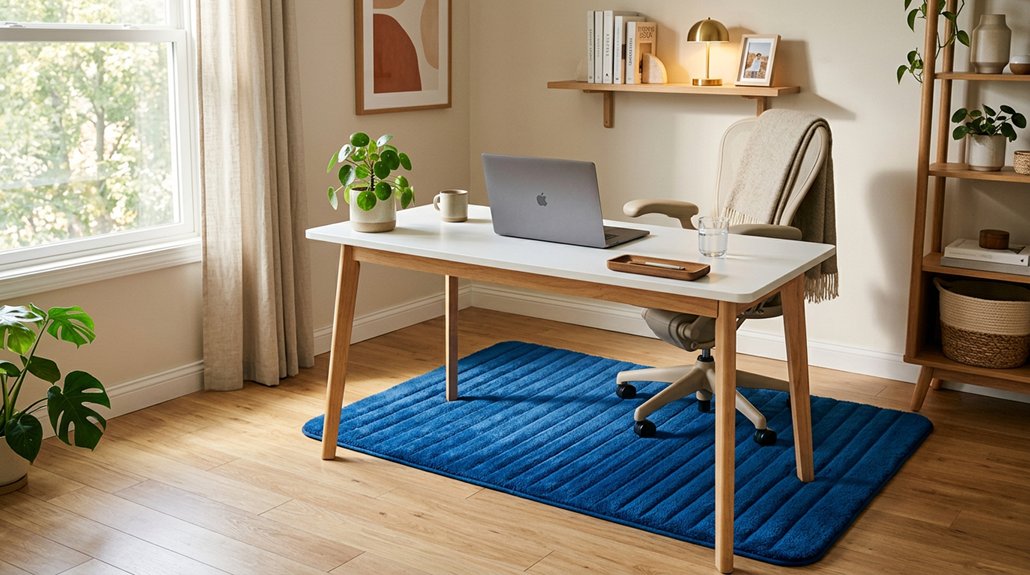
To get the most comfort and safety from your anti-fatigue mat, measure your space carefully, aiming for a size around 20×30 inches that fits well under your desk. Choose a thick mat—about 15-20mm—made from resilient materials like polyurethane foam or gel for support. Position it directly in front of your standing surface, guarantee it’s clean, slip-resistant, and beveled for safety. Wear supportive shoes and shift positions regularly. Keep learning more tips to optimize your setup effectively.
How Do I Measure My Space for the Perfect Anti-Fatigue Mat?
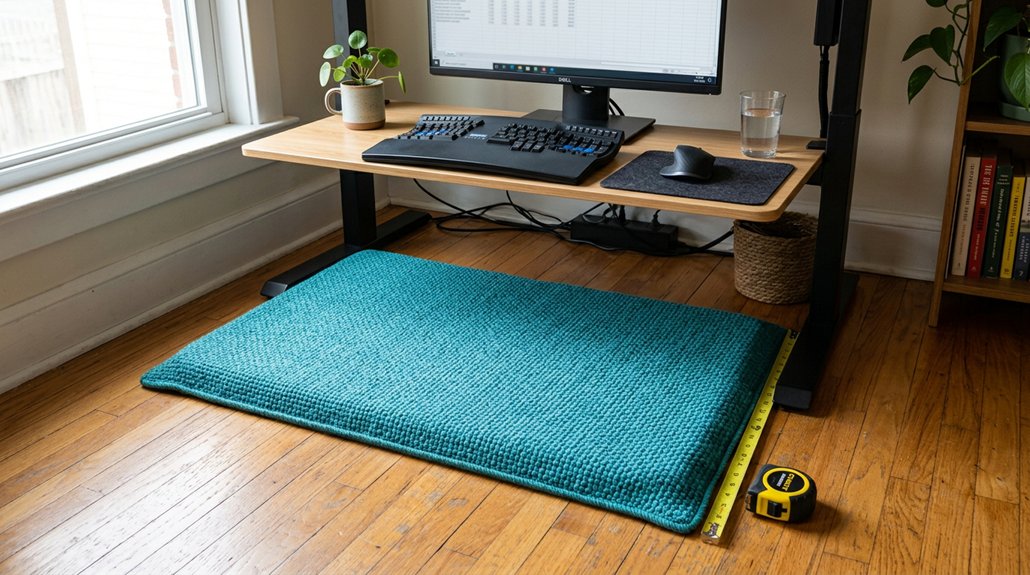
Wondering how to guarantee your anti-fatigue mat fits perfectly? Start by measuring the area where you stand most often—like in front of your desk or work surface. Use a tape measure to get precise dimensions, and mark these on the floor if needed.
For mats, size matters; aim for around 20×30 inches or larger, depending on your space. Make sure the mat’s thickness, usually between 15mm and 20mm, fits comfortably under your desk edges without obstructing chair wheels or furniture.
Be sure to include beveled edges in your measurements to prevent tripping and allow smooth movement of chairs or carts. Considering non-slip bottom materials and surface textures can also enhance safety and comfort, helping your mat stay securely in place during use. These steps help you find the right mats that offer enough standing comfort while fitting seamlessly into your home office.
What Are the Best Materials for Comfort and Durability?
Choosing the right material for your anti-fatigue mat can greatly enhance both comfort and durability. High-density polyurethane foam (PU) is top choice because it provides excellent cushioning and lasting resilience, supporting your feet during long work hours.
For added safety, look for mats with an anti-slip backing, often made from styrene-butadiene rubber (SBR), which keeps the mat stable on hard floors while resisting wear. Gel-infused mats are ideal if you want superior pressure relief and foot comfort.
Additionally, mats with beveled edges made from polyurethane foam prevent tripping hazards and make chair movement smoother. Cork mats are an eco-friendly option, offering moderate cushioning and lasting durability, suitable for those seeking natural materials with dependable performance.
Incorporating high-density foam ensures consistent support over time, preventing premature compression and deformation.
How Thick Should My Anti-Fatigue Mat Be for Support and Movement?
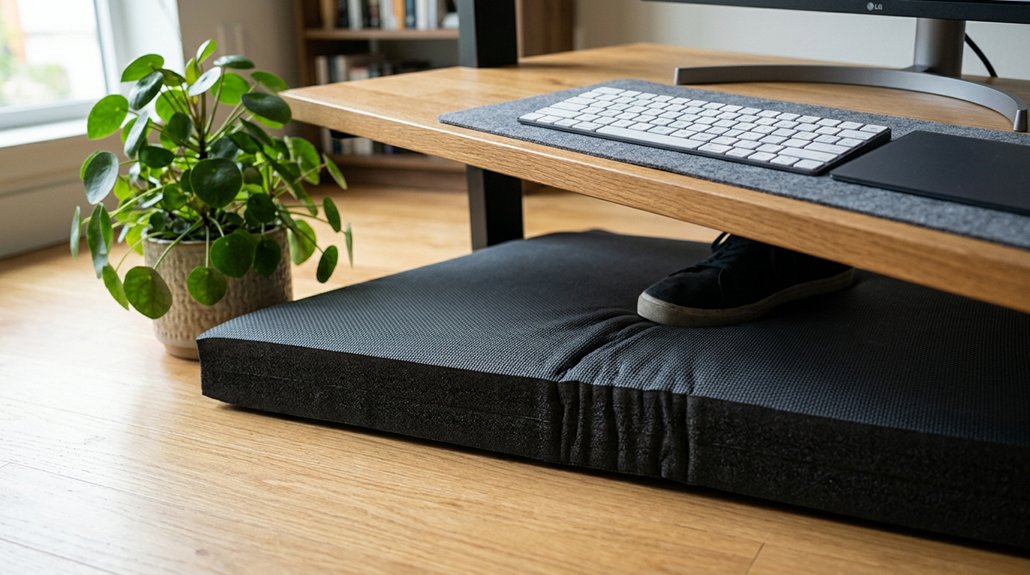
Choosing the right thickness for your anti-fatigue mat is key to balancing support and movement. Generally, 15mm to 20mm provides ideal cushioning without sacrificing stability, helping you stay comfortable during long periods of standing. Additionally, consider the material composition—such as polyurethane foam or gel-filled layers—which can influence both comfort and durability. Anything thicker might be too soft, while thinner mats could leave you lacking enough comfort.
Optimal Thickness for Comfort
Finding the right thickness for your anti-fatigue mat is essential to balance comfort and stability. The best thickness for an anti-fatigue mat typically ranges from 15mm to 20mm, offering the right combination of cushioning and support. Mats around 19mm (about 0.75 inches) are ideal for effective weight distribution and enhanced joint comfort during prolonged standing.
Thicker mats provide better shock absorption and muscle relief but should still allow for natural micro-movements, promoting circulation. If the mat is too thin, you won’t get enough cushioning, leading to discomfort, while overly thick mats may compromise stability. Choosing a mat within this ideal thickness range guarantees your home office remains comfortable, durable, and safe for extended periods of standing. Proper material match and thickness combined help prevent issues like slipping, ensuring safer use during long work sessions.
Balancing Support and Flexibility
Selecting the right thickness for your anti-fatigue mat helps you achieve a balance between support and flexibility. Ideally, choose standing desk mats that are between 15mm and 20mm thick to provide sufficient cushioning without compromising stability.
Thicker mats, around 20mm, offer better support and pressure distribution, helping to decrease joint fatigue during long stretches of standing. Mats thinner than 15mm tend to lack the cushioning needed to relieve muscle discomfort effectively.
It’s important to find a middle ground, ensuring your anti-fatigue mats are soft enough to encourage subtle leg movements but firm enough for standing and sitting shifts. Beveled edges on mats within this thickness range improve ease of chair movement and reduce tripping risks, enhancing overall workplace flexibility. Incorporating padding thickness considerations can further optimize your ergonomic setup for comfort and safety.
What Features Make an Anti-Fatigue Mat Safe and Non-Slip?
What features guarantee an anti-fatigue mat remains safe and non-slip during everyday use? Look for mats with textured, ribbed, or patterned surfaces, which enhance anti-slip properties and reduce slips or falls. Beveled edges help prevent tripping hazards and allow smooth chair movement. A durable rubber or SBR backing provides a secure floor grip, even during prolonged standing or movement. Non-slip mats often combine materials like polyurethane foam with anti-slip substrates, maintaining stability on various flooring types such as hardwood or tile. Here’s a quick overview:
| Feature | Purpose | Benefit |
|---|---|---|
| Textured surfaces | Provide strong anti-slip properties | Prevent slips and falls |
| Beveled edges | Minimize tripping hazards | Safer transitions |
| Rubber backing | Provides secure floor grip | Stability during use |
Additionally, choosing mats that use non-heat sensitive materials helps prevent discomfort and maintains safety during extended standing.
Where Is the Best Place to Position My Mat for Maximum Fatigue Relief?
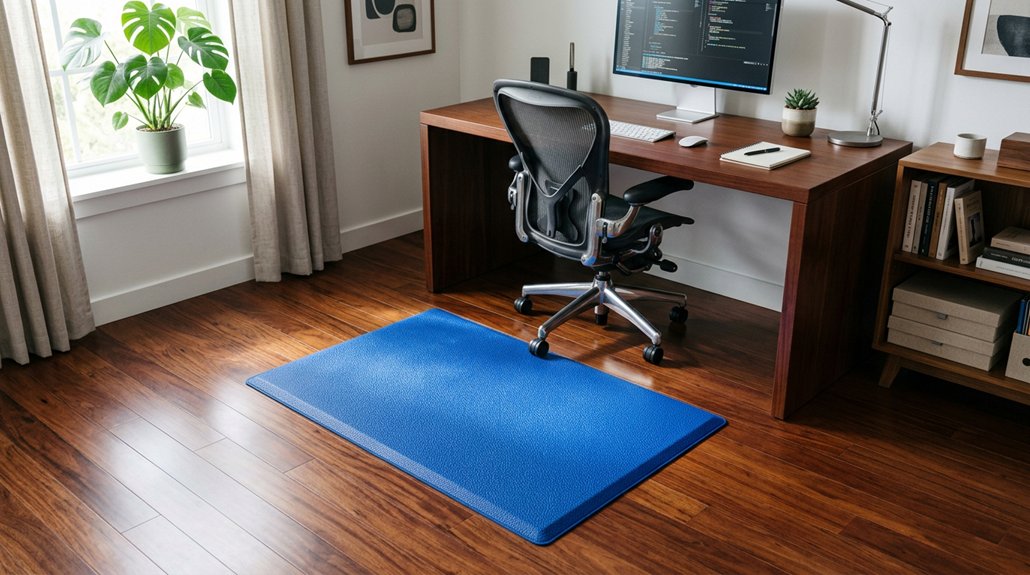
Where should you position your anti-fatigue mat to maximize relief? You should position your anti-fatigue mat directly in front of your standing desk to guarantee your feet and legs get consistent support and cushioning. Make sure it’s placed so your feet can comfortably move within its beveled edges, helping naturally shift weight and improve circulation. The mat should cover the entire standing area you use, ideally around 20×30 inches or larger, to prevent fatigue caused by standing on hard floors. Keep it in a space free from chair wheels or heavy foot traffic to protect its anti-slip safety. Align the mat to encourage a balanced stance with feet shoulder-width apart, which helps distribute pressure evenly, reducing fatigue during long periods of standing and improving overall comfort. Additionally, choosing a supportive material with massage features can further enhance circulation and reduce discomfort over extended periods.
How Can I Incorporate Active Standing Movements With My Mat?
To make the most of your anti-fatigue mat, try incorporating gentle leg swings and heel-to-toe shifts to keep your muscles active. Regular micro-movements like ankle rotations or weight shifts can help reduce fatigue and boost circulation. Incorporate adjustable footrest positions to support different standing and sitting postures, further enhancing comfort throughout your workday. Pair these movements with standing intervals and stretching to improve overall ergonomic posture.
Incorporate Gentle Leg Swings
Incorporating gentle leg swings into your standing routine is an effective way to activate circulation and reduce muscle fatigue. While standing on your anti-fatigue mats, shift your weight side to side or front to back in subtle, controlled movements. These leg swings help stimulate blood flow, preventing stiffness and discomfort during long periods of standing.
Use the textured surface or massage ball features of your mat for added sensory feedback, encouraging more natural micro-movements in your legs and feet. Aim to practice these swings every 30-60 minutes for a few minutes each time, optimizing circulation and reducing joint pressure.
Combining leg swings with your mat’s cushioning can also improve posture and overall comfort, making your home office more ergonomic and supportive.
Practice Heel-to-Toe Shifts
Practicing heel-to-toe shifts is a simple yet effective way to stay active while standing on your anti-fatigue mat. Imagine gently rocking your weight from your heels to the balls of your feet, engaging your calf muscles.
To do this:
- Start with your feet shoulder-width apart.
- Slowly shift your weight to your heels, feeling a stretch.
- Shift forward onto the balls of your feet.
- Repeat the movement smoothly, maintaining balance.
These heel-to-toe shifts boost blood circulation and reduce muscle fatigue by encouraging continuous micro-movements. Using a textured or massage ball surface enhances circulation and alleviates foot numbness.
Practice these shifts every 15-30 minutes to support comfort and prevent overuse muscle fatigue at your home office.
Use Micro-Movements Regularly
Integrating micro-movements into your standing routine on an anti-fatigue mat can greatly enhance circulation and reduce muscle fatigue. Subtle shifts in weight and gentle foot rocking activate muscles and improve blood flow, making standing on a hard surface less exhausting.
Practice toe raises and heel lifts every 10–15 minutes to keep muscles engaged and support joint health. Using balance-focused mats with massage ball textures naturally promotes standing micro-movements, reducing foot numbness and discomfort.
Set reminders to shift your stance or include light leg stretches, helping you maintain movement and avoid static postures. Combining these micro-movements with pacing or calf contractions maximizes the ergonomic benefits of your anti-fatigue mats, effectively reducing fatigue caused by standing for extended periods.
How Do I Clean and Maintain My Anti-Fatigue Mat?
Wondering how to keep your anti-fatigue mat in top shape? Regular cleaning and maintenance are key.
To do this effectively:
- Use a damp cloth and mild detergent to clean the surface, removing dirt and avoiding damage to the material.
- Steer clear of harsh chemicals, abrasive cleaners, or solvents—they can break down the polyurethane foam or rubber layers.
- Allow the mat to air dry completely, guaranteeing proper ventilation to prevent mold and keep anti-slip properties intact.
- For textured or massage ball mats, gently scrub between grooves or balls with a soft brush to prevent debris buildup.
Following these steps will help maintain your anti-fatigue mats, prevent damage, and ensure their cushioning and safety last longer.
What Size Anti-Fatigue Mat Should I Buy for My Home Office?
To choose the right size anti-fatigue mat for your home office, start by measuring your standing space to guarantee it covers your primary working area comfortably.
Make sure it allows enough room for natural movement and weight shifting without forcing you off the mat. Also, consider your desk and chair setup to pick a size that fits well without obstructing movement or workspace.
Suitable Desk Dimensions
Choosing the right size anti-fatigue mat for your home office depends on your desk dimensions and how much space you need for comfortable movement.
When selecting your standing mats, consider these factors:
- The mat should fit comfortably under your desk, with enough room for natural foot movement.
- Aim for a mat size like 20×30 inches or 20×39 inches to avoid overwhelming your space.
- Guarantee the mat extends several inches beyond your feet to allow for stance shifting.
- Look for beveled edges between 15mm to 20mm thick to prevent tripping hazards and enable smooth chair movement.
Matching the mat size with your desk footprint guarantees peak comfort and safety.
A well-chosen anti-fatigue mat enhances your work environment, especially with features like beveled edges for enhanced safety.
Comfortable Standing Area
Selecting an appropriately sized anti-fatigue mat guarantees you have enough space to stand comfortably and move naturally during your workday.
For a home office, choose an anti-fatigue mat at least 20×30 inches to secure a comfortable standing area. Larger mats, around 20×39 inches, provide extra room for shifts in stance and chair movement without stepping off the mat. The mats provide better comfort and allow you to adjust your position easily.
Aim for a thickness between 15mm and 20mm to balance cushioning and support for prolonged standing. Beveled edges are essential, preventing tripping hazards and enabling smooth movement of your office chair within the standing area. Prioritize these features to create a safe and comfortable workspace.
Chair and Movement Space
How do you determine the right size anti-fatigue mat for your home office to guarantee ample space for both standing and chair movement?
First, consider your desk and chair footprint, making certain the mat covers the primary standing zone and allows for easy chair mobility.
Visualize:
- A generous base area to support your standing position comfortably.
- Smooth beveled edges to prevent tripping and facilitate chair wheels.
- Adequate width—around 20 inches—to support natural shifts.
- Proper thickness (15-20mm) to balance cushioning and stability.
Choose ergonomic mats like foam or gel core options that enable chair movement without restricting range.
The right mat size optimizes comfort, supports natural posture shifts, and guarantees your chair moves freely.
How Can I Pair Ergonomic Shoes With My Standing Mat?
Have you ever wondered how to maximize comfort and safety when pairing ergonomic shoes with your standing mat?
Start by choosing ergonomic shoes that feature a supportive arch and cushioning to match the shock absorption and pressure relief provided by your anti-fatigue mat. Look for shoes made with breathable, flexible materials to keep your feet comfortable during long standing sessions. Make certain they’ve a non-slip sole to work with your mat’s anti-slip properties, boosting safety.
Choose ergonomic shoes with arch support, cushioning, breathable materials, and non-slip soles for optimal comfort and safety with your standing mat.
A slight heel lift or rocker sole can promote natural foot movement and micro-movements, enhancing fatigue reduction.
Remember to replace worn-out shoes regularly, as proper cushioning and support are essential for getting the most from your anti-fatigue mat and maintaining comfort all day.
What Common Mistakes Should I Avoid When Using an Anti-Fatigue Mat?
Are you aware of the common mistakes that can diminish the benefits of your anti-fatigue mat? These errors can increase your risk of discomfort or injury.
First, avoid thin or hard mats that don’t cushion your muscles properly, reducing blood circulation and increasing fatigue. Second, don’t place your mat on uneven or slippery hard floors, as this raises the risk of slipping or tripping. Third, ignore the recommended size; a small mat limits your natural movement, decreasing blood flow. Finally, avoid improper footwear like hard-soled shoes, which neutralize the cushioning and muscle stimulation the mat offers.
Keeping the mat clean is also essential; dirt can reduce its anti-slip features and durability. Correct usage maximizes comfort, safety, and effectiveness.
Frequently Asked Questions
What Are the Disadvantages of Anti Fatigue Mats?
Anti-fatigue mats can wear out under heavy use or overload, limit coverage with small sizes, and stain easily requiring cleaning. Some may cause discomfort if textured or poorly suited. High-quality mats also cost more upfront.
Are Anti-Fatigue Mats Worth It for a Standing Desk?
Yes, anti-fatigue mats are worth it because they reduce fatigue, improve posture, and promote better circulation. You’ll find increased comfort, safety, and support with durable, non-slip mats that make standing longer easier and more enjoyable.
Where to Place an Anti-Fatigue Mat?
You should place an anti-fatigue mat directly in front of your standing desk or work area, covering enough space for both feet, on flat, clean surfaces to maximize safety, support, and comfort during prolonged standing.
Do Anti-Fatigue Mats Actually Work?
Yes, anti-fatigue mats work. They reduce muscle fatigue, joint pain, and discomfort by encouraging subtle movements and cushioning your feet. Many users report feeling more comfortable, energized, and experiencing less soreness during long periods of standing.



