
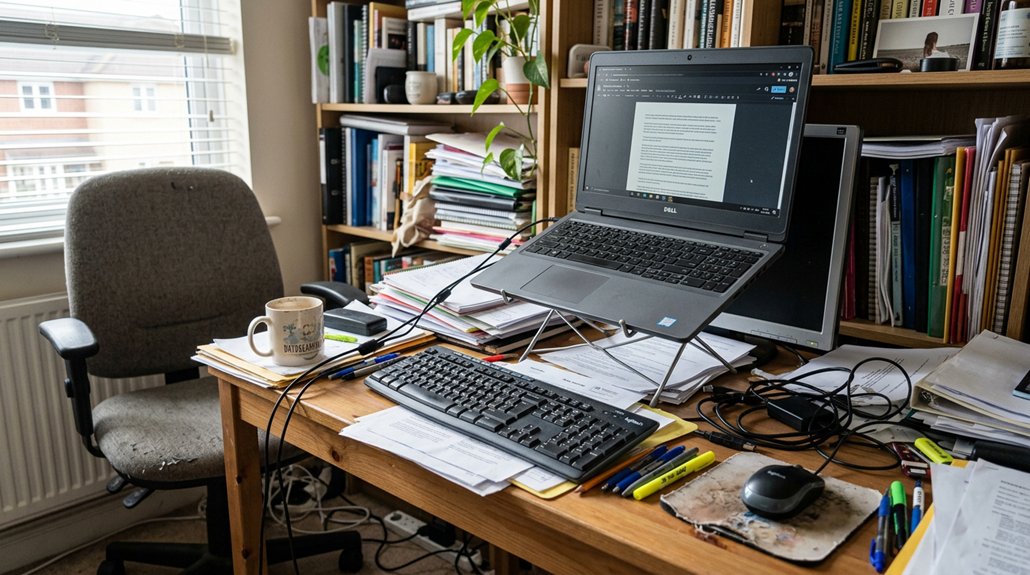
Neck strain at your desk happens when poor posture causes your neck muscles to overwork and puts pressure on your cervical spine. Tilting your head forward or looking down for long periods increases muscle tension and compresses your spine, leading to discomfort. Slouching or leaning forward forces your neck out of alignment. If you want to learn simple ways to improve your posture and reduce neck pain, keep exploring effective strategies that can make a difference.
Understanding How Poor Posture Causes Neck Pain
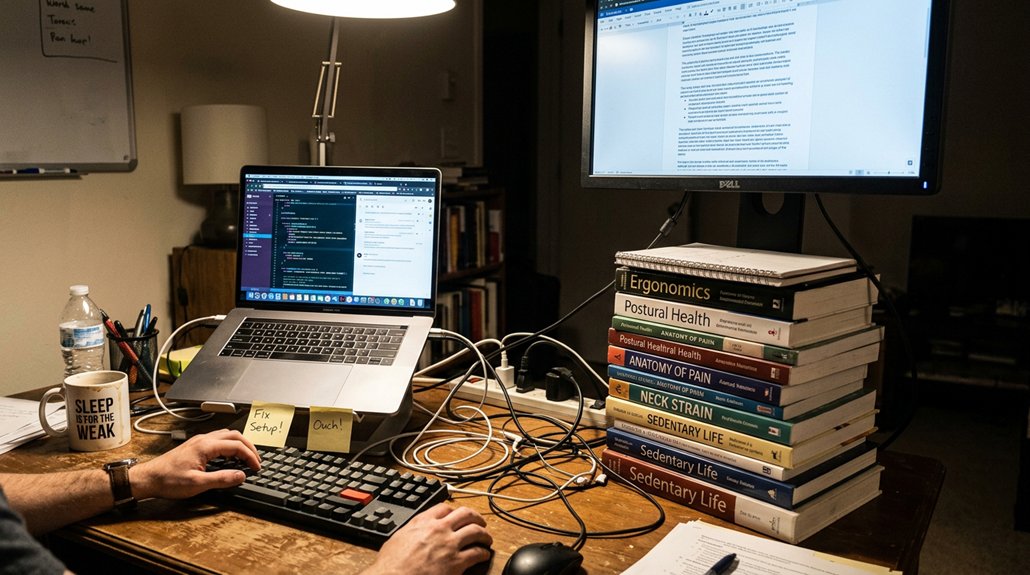
Poor posture greatly contributes to neck pain because it forces your muscles to work harder than they should. When you lean forward or look down at devices, your muscles contract constantly to hold your head up, increasing strain on your neck.
Tilting your head at a 45° angle can make your muscles support roughly 50 pounds, causing soreness and fatigue. Forward head posture adds about 10 pounds of extra pressure on your cervical spine for every inch your head moves forward.
Sitting in static positions without breaks leads to muscle tightness, spasms, and restricted movement. Repetitive downward gazing accelerates wear and tear on cervical discs, joints, and ligaments, which contributes to chronic neck pain and reduced mobility. Incorporating ergonomic support tools can help alleviate some of this strain by promoting proper posture.
Poor posture directly overloads your cervical spine, causing discomfort and long-term issues.
Check and Fix Your Desk and Chair Setup for Better Alignment
Guaranteeing your desk and chair are set up correctly can make a significant difference in reducing neck pain caused by sitting at a desk with poor posture.
Start by adjusting your chair height so your feet rest flat on the floor, with your thighs parallel, promoting proper spinal alignment. Choose a chair with adjustable lumbar support and set it at a reclining angle of 25°–30° to lessen muscle load on your neck and back.
Position your computer monitor so the top of the screen is at eye level, preventing you from tilting your head downward. Use adjustable armrests to keep your elbows at about 90°, which helps maintain good posture and eases neck and shoulder tension.
Ensuring your workspace includes a lumbar support pillow can further improve spinal alignment during extended sitting. Proper setup guarantees comfort and minimizes neck strain during long sitting periods.
Using Ergonomic Tools and Accessories to Prevent Neck Strain
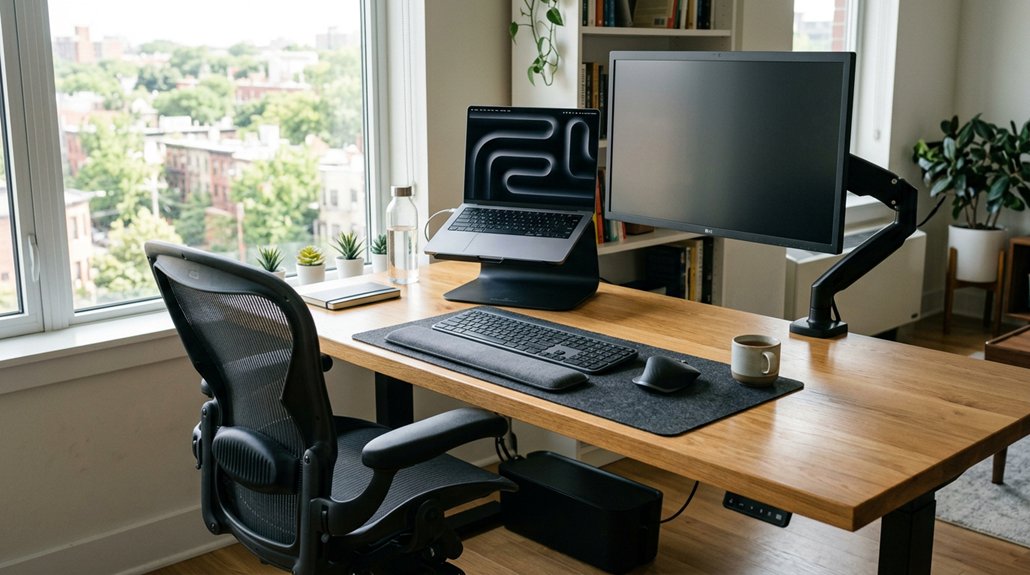
Using ergonomic tools and accessories can greatly reduce neck strain by supporting your natural posture and positioning your workspace effectively. An ergonomic chair with adjustable lumbar support and armrests helps you maintain proper alignment, preventing muscle fatigue.
Using ergonomic tools supports natural posture and reduces neck strain during long desk sessions.
Position your monitor at eye level to avoid tilting your head downward, which decreases cervical spine load. Utilizing a monitor stand or laptop riser helps keep your screen at the right height, promoting neutral head alignment.
A reclined chair angled between 25°–30° with lumbar support shifts weight off your neck and reduces spinal pressure. External keyboards and hands-free devices like speakerphones or earbuds keep your neck relaxed during calls.
These adjustments foster better posture and lessen muscle tension, continuously preventing neck strain during long desk sessions. Incorporating ergonomic support features such as adjustable document holders designed for neck strain prevention can further enhance your workspace ergonomics.
Posture Correction Techniques to Reduce Neck Stress
To reduce neck stress, focus on keeping your head directly over your shoulders and your ears aligned with your hips. Engage your core muscles to support proper spinal alignment, and adjust your screen height so it’s at eye level. Additionally, consider incorporating an ergonomic headrest attachment to maintain correct neck posture during long sitting sessions. These simple posture corrections can make a big difference in easing neck strain throughout the day.
Maintain Proper Head Alignment
Maintaining proper head alignment is essential for reducing neck stress, especially when you’re working or looking at screens for extended periods. To do this, keep your head directly over your shoulders, so your ears are aligned with your neck. This position reduces strain on your neck muscles caused by forward head posture. Aiming for a correct spinal alignment can further support your overall posture and decrease discomfort. Position your monitor at eye level so you hold your head upright without tilting downward. Regularly maintaining this neutral head position supports spinal alignment and minimizes neck muscle strain.
Engage Core Muscles
Engaging your core muscles is an essential step in correcting posture and reducing neck stress. When your core, including deep abdominal and glute muscles, activate properly, they help stabilize your spine, promoting better posture alignment.
Strong core muscles support your cervical spine, preventing forward head posture that increases neck muscle load by up to 50 pounds when tilted downward at 45°. This activation encourages lifting your chest and drawing shoulders away from your ears, aligning your head directly over your shoulders.
Incorporating core engagement into your sitting and standing positions prevents slouching, a leading cause of neck muscle fatigue and disc wear. Regularly focusing on core strength or exercises can counteract the negative effects of prolonged desk work on your neck and overall spinal health.
Adjust Screen Height
Adjusting your screen height is a crucial step in reducing neck stress, especially during long periods of computer use. Position your monitor so the top third of the screen is at eye level, helping keep your neck in a neutral posture. This prevents the need to look down or upward, which can strain neck muscles and cause soreness.
Using books or an adjustable monitor stand to raise your screen prevents forward head posture and decreases pressure on cervical discs. When your screen is at eye level, your ears stay aligned over your shoulders, minimizing tension in your neck and upper back.
Elevating laptops and phones also prevents looking down for prolonged periods. Properly adjusting your screen height is an effective way to prevent neck strain and promote better ergonomic habits at your desk. Many compatible adjustable monitor stands in 2026 feature ergonomic height settings to assist with this adjustment.
Simple Desk Exercises and Stretches for Neck Relief
Incorporating simple desk exercises can quickly ease neck tension and improve comfort. Try turning your head side to side with a neck rotation stretch, or squeeze your shoulder blades together to relieve tension. Using ergonomic arm supports can also help maintain proper arm positioning, reducing overall strain on your neck and shoulders. Adding chin tucks can also strengthen neck muscles and help manage strain throughout your workday.
Neck Rotation Stretch
Neck rotation stretches are simple, effective movements you can do at your desk to relieve muscle tension caused by prolonged sitting and screen time. These stretches help ease pain in your neck and improve your neck and shoulders’ flexibility.
To do a neck rotation stretch, slowly turn your head to the left, hold briefly, then gently rotate to the right. Performing these stretches every 15–30 minutes during breaks helps boost circulation, prevent stiffness, and reduce spasms associated with tech neck.
Slow, controlled movements relax tense neck muscles and prevent fatigue caused by looking down at screens or documents. Incorporating ergonomic adjustments into your workspace can further support neck health and lessen strain. Combine neck rotation with other range-of-motion exercises to support overall cervical spine health and lessen the chances of headaches and shoulder blade discomfort linked to prolonged desk work.
Shoulder Blade Squeeze
Squeezing your shoulder blades together is a simple yet effective exercise you can do at your desk to relieve neck tension. It targets the muscles between your shoulder blades, helping reduce neck strain and pain caused by a desk job.
Squeeze your shoulder blades for 5-10 seconds, then relax, repeating 10-15 times. This action improves posture by counteracting forward head posture, which often adds strain to your cervical spine muscles. Incorporating ergonomic pen grips that promote proper hand and wrist positioning can also help lessen overall muscular tension during extended computer work.
Doing shoulder blade squeezes every 30 minutes promotes better circulation and diminishes muscle tightness. When combined with gentle neck stretches, this exercise can greatly lessen stiffness and discomfort.
Incorporating this simple movement into your routine helps alleviate pain, supports proper scapular positioning, and prevents neck strain associated with prolonged sitting at your desk.
Chin Tuck Exercise
The chin tuck exercise is an effective, simple movement you can do at your desk to improve neck posture and relieve tension. It gently retracts your head, aligning ears over shoulders to counteract forward head posture, which strains neck muscles. Regularly performing chin tucks boosts cervical spine alignment and strengthens deep neck flexor muscles, supporting overall neck health. Doing this every 15–30 minutes can decrease muscle tightness and reduce neck pain caused by tech neck. To practice, sit upright, gently pull your chin straight back without tilting your head, hold for 5–10 seconds, then release. Incorporating this easily into your routine to keep neck muscles engaged and improve posture is crucial for long-term relief. Studies show that ergonomic design and supportive accessories like cushions can further enhance comfort and posture during extended periods of sitting.
| Step | Action | Effect |
|---|---|---|
| 1 | Sit upright | Promotes good neck posture |
| 2 | Gently pull chin back | Engages neck muscles |
| 3 | Hold 5–10 seconds | Supports cervical spine |
| 4 | Release | Relieves tension |
| 5 | Repeat 10 times | Builds neck strength |
Why Regular Breaks Are Key to Avoid Neck Pain
Taking regular breaks is essential because staying in the same position for too long puts continuous strain on your neck muscles and reduces circulation, which can lead to soreness and fatigue. By take breaks every 15–30 minutes to stand, stretch, and move around, you help reset your posture and improve blood flow.
Moving around, even briefly, combats the effects of tech neck and prevents muscle stiffness. Simple activities like walking to the kitchen or doing neck range of motion exercises alleviate tightness and reduce spasms.
Regular movement breaks also stop muscle load from building up, which can cause headaches, shoulder pain, and stiffness. Setting reminders to pause work encourages these habits, greatly lowering your risk of developing neck strain and long-term discomfort from prolonged desk work.
Mindful Posture Habits to Keep Your Neck Healthy
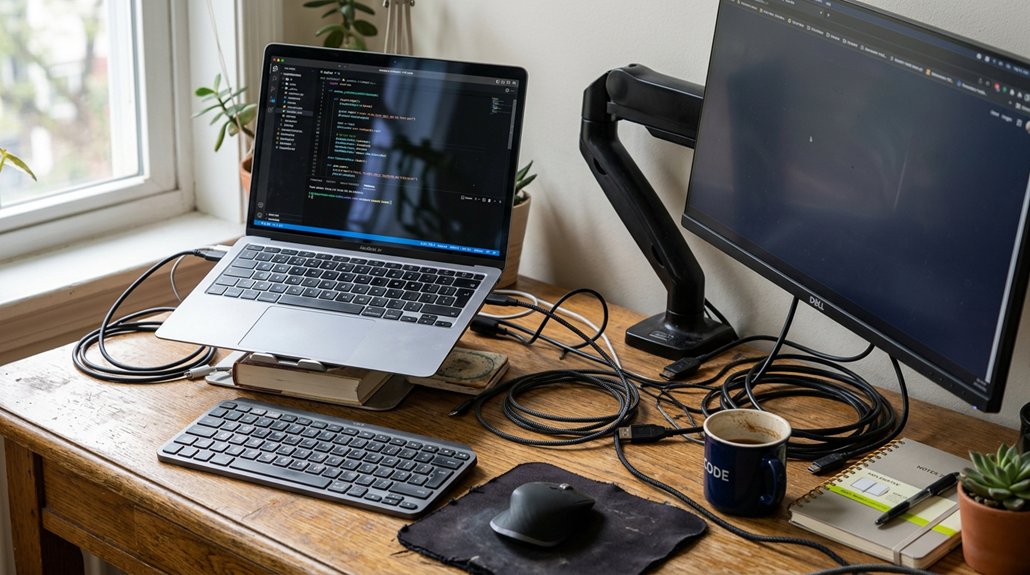
To keep your neck healthy, focus on maintaining proper alignment by keeping your ears over your shoulders and shoulders over your hips. Regularly checking your posture and taking breaks helps reduce muscle strain and fatigue.
Maintain Proper Alignment
Maintaining proper alignment is essential for keeping your neck healthy, especially if you spend long hours at a desk or on your devices. When you keep your back and neck in alignment, you reduce strain and prevent discomfort.
To maintain proper alignment, keep your ears directly over your shoulders and your shoulders over your hips. Draw your shoulders down and away from your ears, engaging your abdominal muscles gently to support your spine. Lifting your chest and aligning your head with your body’s center helps maintain a neutral spine and minimizes excessive neck muscle contraction.
Consistently practicing these mindful posture habits prevents the cumulative wear and tear on discs, joints, and ligaments that often lead to tech neck. Proper alignment is key to long-term neck health.
Practice Regular Posture Breaks
Practicing regular posture breaks is essential for keeping your neck healthy, especially during long periods of desk work or screen time. Every 15–30 minutes, take a moment to turn your head gently in different directions, which helps maintain neck range of motion and reduces spasms.
Throughout the day, avoid staying static for too long—stand up and walk around to counteract the load on neck muscles caused by forward head tilt. Moving periodically improves circulation and prevents stiffness.
Setting timers or alarms can remind you to take these breaks consistently, ensuring you don’t forget. These mindful posture habits not only ease muscle fatigue but also promote better posture, decreasing the risk of soreness and discomfort associated with prolonged sitting.
Potential Signs You Need Professional Help for Neck Pain
Recognizing when neck pain requires professional attention is essential, especially if the discomfort persists or worsens despite home remedies. If you experience persistent or worsening neck pain, it’s time to see a healthcare provider. Symptoms like numbness, tingling, or weakness in your arms suggest nerve pinching requiring medical evaluation. Sudden onset of neck pain after trauma, such as a fall or crash, demands immediate emergency care. Restricted range of motion, muscle spasms, or severe headaches also indicate the need for specialized help.
| Symptom | Action |
|---|---|
| Persistent or worsening pain | Seek professional evaluation immediately. |
| Numbness, tingling, weakness | Consult a healthcare provider promptly. |
| Sudden neck pain after injury | Visit emergency services. |
| Restricted motion, severe headaches | Get assessed by a specialist. |
| Pain extending beyond neck | Urgent medical attention needed. |
How to Integrate Neck-Friendly Habits Into Your Daily Routine
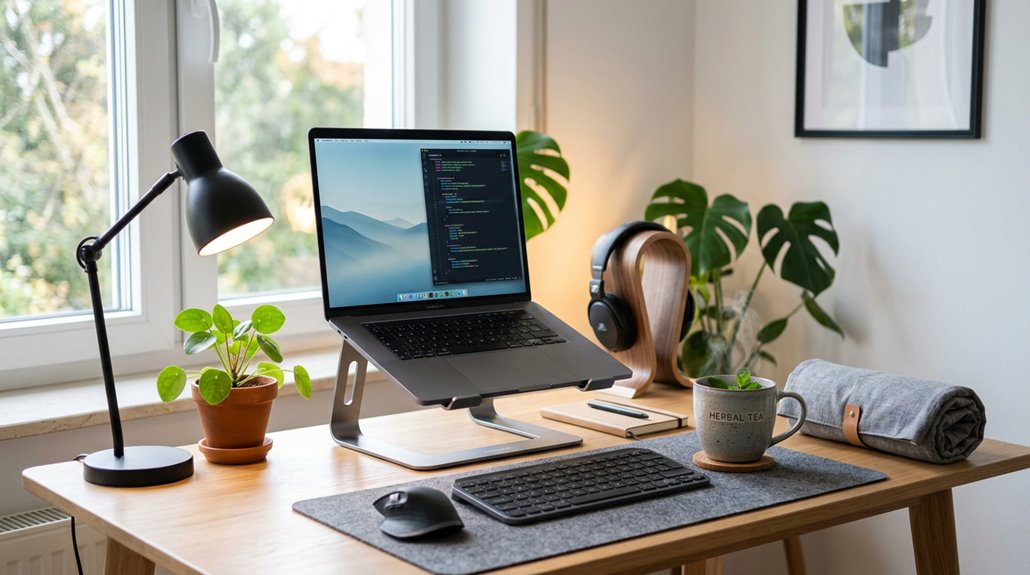
Integrating neck-friendly habits into your daily routine can greatly reduce strain and prevent pain from developing or worsening. Every hour, take a movement break to stand, stretch, and perform neck range of motion exercises. This helps relieve muscle fatigue and improves circulation.
Adjust your workstation so your monitor is at eye level and use a reclining chair with lumbar support set at a 25°–30° angle to minimize neck and back strain. When using mobile devices, hold your head at eye height or prop them up on a pillow that supports your neck to avoid sustained downward tilt.
Set alarms or timers to remind yourself to change posture regularly, preventing prolonged static neck positions. Incorporate gentle neck strengthening exercises to build resilience and reduce future discomfort.
Tips for Maintaining Good Posture While Working Remotely
Maintaining good posture while working remotely starts with setting up your workspace properly. Keep your computer monitor at eye level, with the top third of the screen aligned with your eyes, to reduce strain on your neck and prevent pain.
Use an ergonomic chair with adjustable lumbar support and armrests, so your elbows stay at a 90-degree angle, supporting your back. Sit with your feet flat on the floor or on a footrest, and make certain your knees are slightly lower than your hips for proper spinal alignment.
Avoid leaning forward or slouching; keep your ears over your shoulders and shoulders over your hips. Taking movement breaks every 15–30 minutes, including neck stretches, helps prevent muscle fatigue and stiffness, reducing the risk of neck pain, which is more common when posture is poor.
Frequently Asked Questions
How to Fix Neck Strain at Desk?
To fix neck strain at your desk, you should adjust your chair and monitor for proper support, take frequent breaks, stretch regularly, and strengthen your neck muscles through targeted exercises. These steps help reduce tension and prevent future issues.
Why Does My Neck Hurt When I Work at My Desk?
Your neck hurts because you’re likely holding your head forward and looking down at your screen, causing muscle strain. Poor ergonomics, static posture, and lack of breaks worsen the discomfort, leading to soreness, stiffness, and headaches.
What Is Desk Neck Syndrome?
Desk Neck Syndrome, or “tech neck,” happens when you keep your head forward and down at your desk, putting extra strain on neck muscles and your cervical spine, leading to pain, stiffness, headaches, and muscle fatigue over time.
How to Get Rid of Office Neck?
You can get rid of office neck pain by taking frequent breaks, using a supportive recliner, practicing neck exercises, applying gentle resistance, and staying active with regular aerobic workouts. These steps ease tension and strengthen neck muscles effectively.




Leave a Reply