
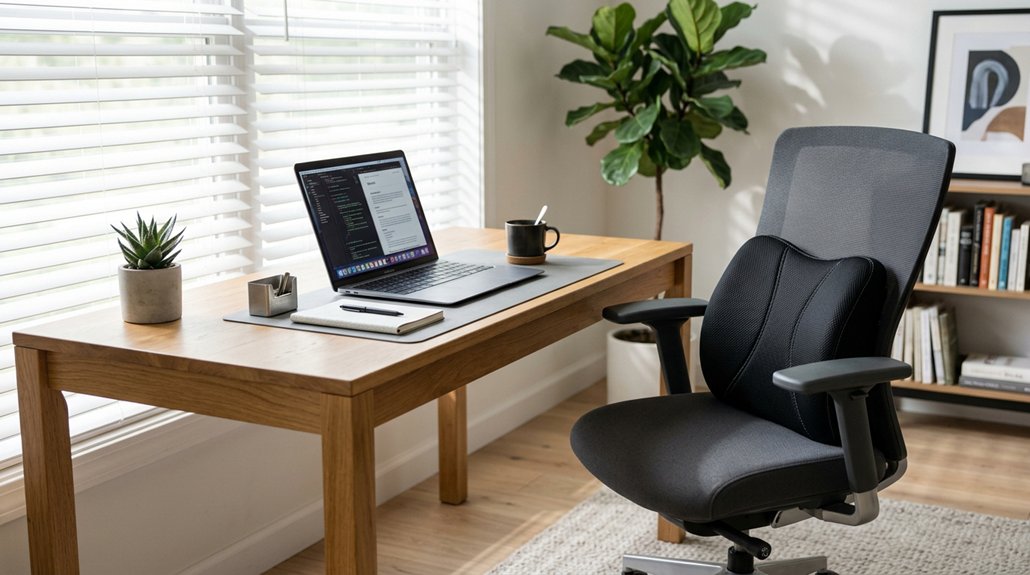
To use posture pillows at your desk, choose one that supports your neck’s natural curve, like a U-shape or contour design. Position it behind your neck so it cradles your cervical spine, ensuring your head, neck, and shoulders stay aligned. Adjust the pillow throughout the day for comfort, and combine it with ergonomic chair settings. For more tips on optimizing your workspace and maintaining good posture, keep exploring!
Why Good Posture Matters When Sitting at Your Desk
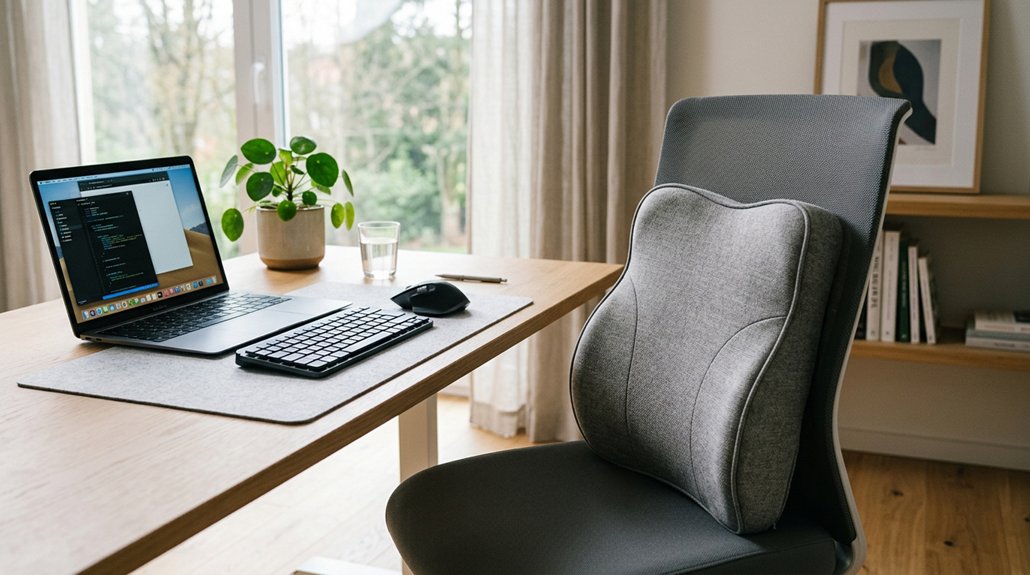
Maintaining good posture at your desk is essential because it supports proper spinal alignment and reduces the risk of neck and back pain caused by prolonged sitting. Your sitting position affects how well your spine is supported and aligned. When you sit with good posture, your neck and back stay in proper alignment, preventing strain and discomfort. Using a lumbar support pillow can enhance spinal alignment and provide targeted comfort where needed. Lumbar support helps maintain the natural curve of your lower back, reducing fatigue. Poor posture not only causes pain but can lead to long-term musculoskeletal issues and increased healthcare costs.
Regularly resetting your posture and making ergonomic adjustments can prevent stiffness and discomfort. By focusing on your posture, you’ll improve comfort, reduce fatigue, and minimize the risk of daily health problems related to prolonged sitting at your desk.
How Posture Correction Pillows Support Your Spine
Posture correction pillows play a key role in supporting your spine’s natural curves, especially during long hours at your desk. They provide essential support to your neck by maintaining proper alignment of your head, neck, and spine, which helps prevent discomfort and fatigue. A well-designed pillow also utilizes high-density memory foam, ensuring consistent support and durability over time. By supporting spinal alignment, these pillows help reduce strain on your neck and shoulders, easing tension caused by poor posture. They encourage you to maintain proper sitting positions, stopping your head from jutting forward and causing misalignment. This support also helps prevent the development of neck stiffness and low back pain that can arise late in the day. Using a posture pillow promotes muscle relaxation, reduces postural fatigue, and helps you stay comfortable and productive throughout your workday.
Choosing the Right Posture Pillow for Your Office Setup
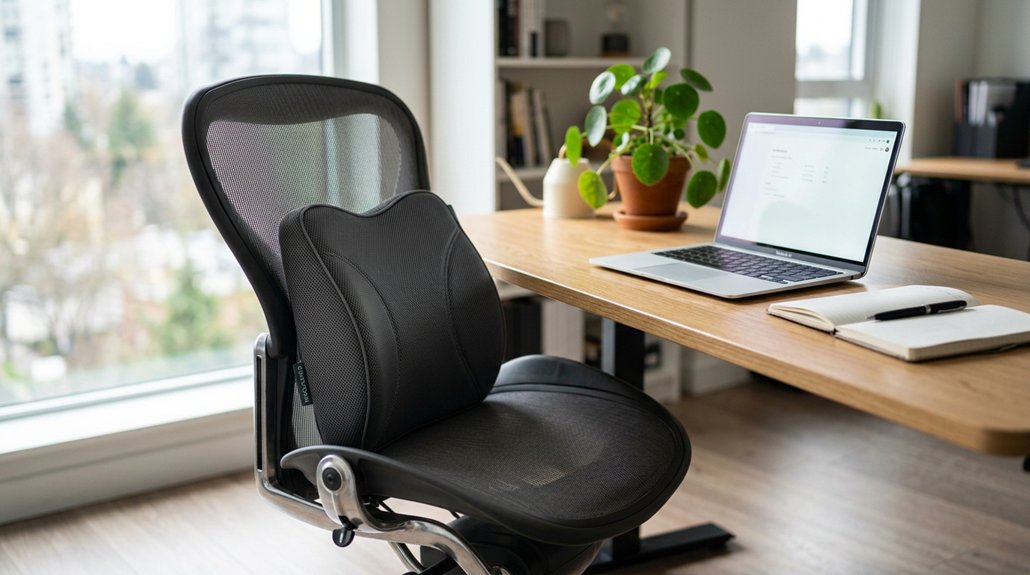
How do you choose the ideal posture pillow for your office setup? Focus on one made from memory foam or orthopedic foam that supports your neck’s natural curve, ensuring proper neck alignment during long sitting hours. Look for an ergonomic contour or U-shape design that fits comfortably around your neck, preventing stiffness. Consider the pillow’s height and firmness to match your sitting posture and chair, avoiding awkward neck positions. Portable, breathable, and multi-use pillows offer flexibility for daily adjustments. For better clarity, compare features:
| Material | Shape | Features |
|---|---|---|
| Memory foam | U-shape | Supports neck and promotes spinal alignment |
| Orthopedic foam | Ergonomic contour | Customizable firmness and support |
| Memory foam | Contoured | Breathable covers for hygiene |
| Memory/orothopedic | Multi-use | Portable and adjustable for comfort |
Choosing the right pillow improves neck alignment and sitting posture effortlessly. Additionally, micro-adjustability plays a crucial role in pressure point relief and maintaining steady blood flow during extended use.
How to Properly Place Your Posture Pillow for Comfort
Once you’ve selected the right posture pillow, positioning it correctly is key to maximizing comfort and support. You want the pillow to support your cervical spine’s natural curve by placing it behind your neck while sitting fully back in your chair.
Position your pillow behind your neck to support your cervical curve and stay comfortable throughout the day.
Guarantee the contoured part cradles your neck, keeping your head aligned vertically with your shoulders to maintain a neutral spine. Avoid placing the pillow too high or low—fit it snugly between your neck and chair to prevent hunching your shoulders forward.
Adjust the pillow’s position throughout the day as needed to stay comfortable and avoid stiffness. Remember, combining your posture pillow with proper lumbar support and a suitable chair setup will promote ergonomic alignment and reduce neck strain.
- Place the pillow behind your neck for peak cervical support
- Keep the pillow snug between your neck and chair, not too high or low
- Adjust the placement during the day to maintain comfort
- Using a memory foam pillow can help maintain its shape and provide lasting support throughout your sitting sessions
Adjusting Your Chair and Workspace for Better Posture
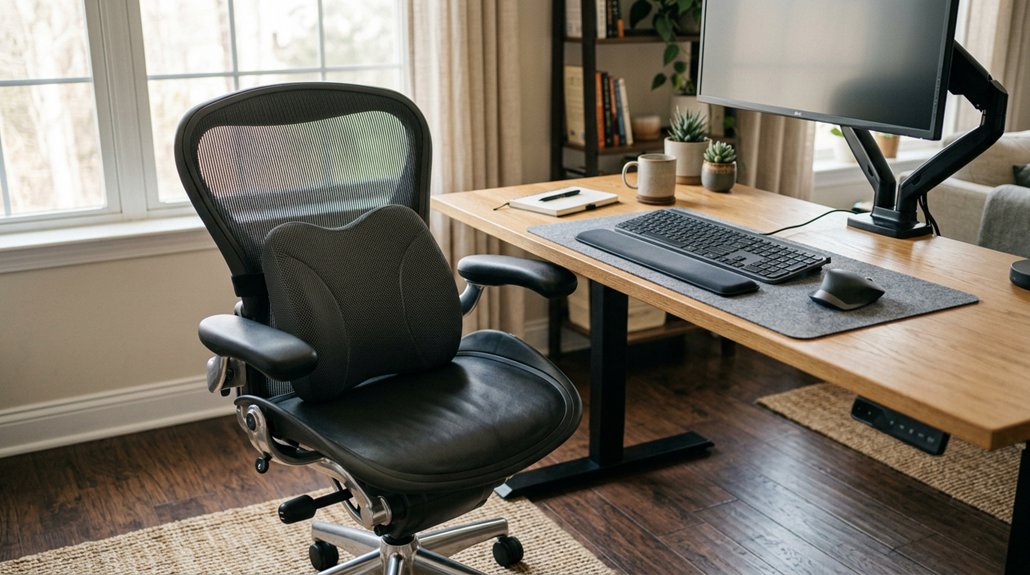
To improve your posture, start by adjusting your chair so your feet are flat on the floor and your knees align with or slightly below your hips.
Make sure the backrest fully supports your upper and lower back, and set armrests to keep your shoulders relaxed.
Additionally, position your monitor at eye level to avoid neck strain and promote proper alignment.
For optimal comfort, consider using a lumbar support feature to maintain natural spine curvature and reduce lower back strain.
Proper Chair Adjustment Techniques
Adjusting your chair properly is essential for maintaining good posture during long hours at your desk. Start by adjusting your chair height so your feet are flat on the floor with knees at or slightly below hip level, ensuring proper pelvic alignment and reducing lower back strain.
Make sure your chair offers firm lumbar support that follows your lower back’s natural curve. If needed, add a lumbar pillow or rolled towel for extra support. Position the backrest to support your entire back, avoiding excessive arching. Adjust seat depth so there’s no pressure behind your knees.
Set armrests at a height where your shoulders stay relaxed and arms are supported without lifting or hunching. Use adjustable features to customize height, tilt, and support for maximum comfort and posture. Additionally, consider utilizing ergonomic headrests or pillows, which can further help maintain proper neck alignment during extended sitting sessions.
Optimizing Monitor Placement
Guaranteeing your monitor is correctly positioned is essential for maintaining good posture and reducing strain. Position the monitor so the top of the screen is at or just below eye level, about an arm’s length away. This helps prevent forward head posture and minimizes neck strain.
Use monitor stands or adjustable arms to achieve the right height and angle, avoiding the need to crane your neck or look down. When using dual monitors, place the main screen directly ahead and angle secondary screens slightly to keep your head aligned naturally. Height-adjustable options allow for precise customization to support ergonomic viewing angles.
Avoid placing monitors too low or too far away, as this encourages posture problems like craning your neck and shoulder tension. If stands aren’t available, elevate screens with books to guarantee consistent eye-level placement and support proper desk posture.
How to Develop Posture Awareness During Your Workday
Developing posture awareness during your workday hinges on consistent self-monitoring and strategic cues. Use posture pillows as tactile reminders to maintain proper alignment and support your neutral spine. Incorporating a pressure-relief cushion can further enhance comfort and encourage better posture habits throughout the day. Regularly check your posture by performing the wall test—making sure your head, shoulders, and hips stay stacked while supported by the pillow. Incorporate microbreaks every 30 minutes to reset your posture, reducing muscle fatigue by up to 32%. Gently engage your core muscles when seated with a pillow to enhance spinal support and endurance against static positions. Track your comfort levels and adjust pillow placement as needed to prevent strain and cultivate better ergonomic habits.
Simple Ways to Add Movement and Breaks to Your Routine
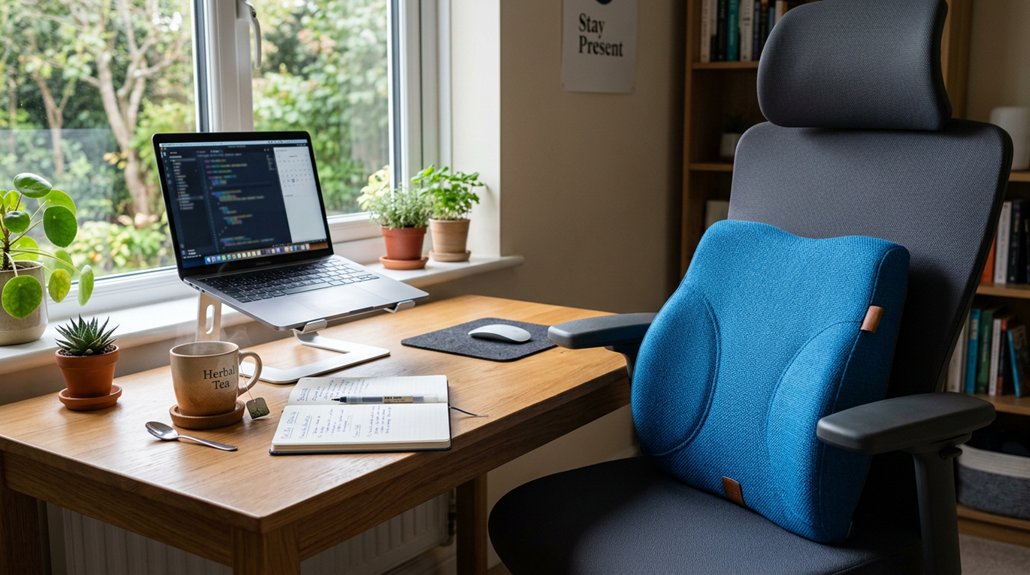
Incorporating regular movement and breaks into your work routine can greatly reduce discomfort and boost your focus. Take advantage of posture pillows help you maintain proper alignment, but don’t forget to take breaks too. Simple stretches like neck rolls, shoulder rolls, and spinal twists support your neck and support your back, whether sitting or standing. Switching between sitting and standing helps prevent muscle fatigue and keeps blood flowing. Use timed reminders, like apps or the Pomodoro technique, to prompt micro-movements. Regular posture resets, including shoulder rolls and chin tucks performed 2-4 times daily, reduce strain and improve comfort. Incorporating some adjustability features from modern posture correctors can further enhance your tailored support and comfort throughout the day.
Enhance Your Support With Ergonomic Accessories
Adding ergonomic accessories like posture pillows can greatly enhance your workspace support. Using lumbar pillows helps maintain your natural lumbar curve, reducing back pain and preventing slouching.
Neck pillows cradle your neck gently, supporting relaxed shoulders and lowering stiffness during long desk hours. Memory foam or contour orthopedic pillows evenly distribute pressure, adding comfort and promoting proper ergonomic posture.
To maximize benefits, combine these with adjustable chairs, footrests, and regular breaks. Selecting the right pressure-relief cushion can further improve comfort and spinal alignment during extended desk work.
Troubleshooting Common Discomforts When Using Posture Pillows
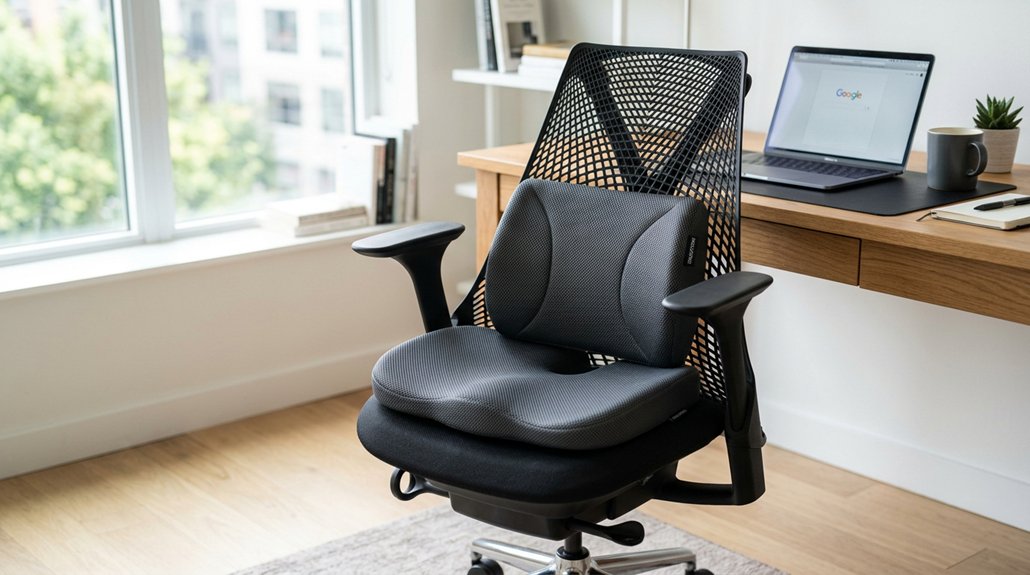
If you start experiencing increased neck or shoulder discomfort while using a posture pillow, it’s important to reassess its placement and firmness. The pillow should support your natural cervical curve without forcing awkward angles. Check if it’s positioned too high or too low; proper alignment with your neck’s natural shape is key.
Remember, prolonged use can lead to discomfort—start with a couple of hours daily and take regular breaks to let your muscles adjust. If discomfort persists despite adjusting, consider seeking advice from a physical therapist or performing ergonomic adjustments to your chair and monitor height.
Combining these changes with correct posture pillow placement can reduce neck pain and stiffness, helping you work more comfortably and safely.
Create a Daily Posture Routine for Lasting Comfort
To guarantee lasting comfort, set a daily posture routine that includes regular movement breaks every 30 minutes to stretch and relieve tension.
Make sure to adjust your chair and monitor ergonomically and position your posture pillow correctly to keep your neck supported and aligned. Use supportive aids and listen to your body, adjusting the routine as needed to prevent discomfort.
Incorporate Regular Movement Breaks
Incorporating regular movement breaks into your work routine is essential for maintaining comfort and preventing stiffness when using a posture pillow at your desk. These micro-movements help support your back, improve circulation, and help maintain proper spinal alignment. Taking a break every 30 minutes can reduce discomfort by 32% and keep your muscles relaxed.
During these breaks, try stretching your neck, twisting your spine, or rolling your shoulders to help alleviate muscle tension and maximize the posture pillow’s benefits. Use timers or posture reminder apps to prompt these micro-movements, keeping you engaged and attentive to your posture.
Practice Proper Ergonomic Adjustments
Establishing a consistent ergonomic routine guarantees lasting comfort and helps prevent discomfort during long periods of desk work. Start by adjusting your chair to provide firm lumbar support, keeping your feet flat on the floor and your knees at or slightly below hip level. This helps align your pelvis and maintain a neutral spinal curve.
Position your monitor at eye level and about an arm’s length away to reduce neck strain. Use a posture pillow to support the natural cervical curve, especially during extended sitting, but start gradually—wear it for just one to a few hours daily.
Remember to keep your neck aligned with your spine and incorporate regular breaks to stretch your neck, shoulders, and back. Combining these adjustments will create a comfortable, ergonomic workspace.
Use Supportive Posture Aids
Using supportive posture aids can greatly enhance your comfort during long hours at your desk, but it’s important to introduce them gradually. Start by using one or two posture pillows, such as lumbar support or neck support, for a few hours to gauge how your body responds.
Properly positioned lumbar support helps maintain your spinal curvature, reducing neck stiffness and back discomfort. Make certain pillows provide firm, comfortable support without forcing awkward postures.
Regular ergonomic assessment can help you adjust their placement for peak alignment between your head, shoulders, and lower back. Incorporate these tips into your daily routine alongside regular breaks.
Remember, if you experience pain, stop using the aids and consult a professional for customized posture solutions.
- Use lumbar or neck support pillows for natural spinal curvature
- Position pillows to support proper head, shoulder, and back alignment
- Adjust placement based on ergonomic assessment and comfort
Tips to Maintain Good Posture Throughout the Day
To maintain good posture throughout the day, focus on supporting your neck with a posture pillow that aligns your head with your spine. Use the pillow gradually, starting with an hour or two daily, and guarantee you’re comfortable to prevent muscle fatigue.
Position the pillow correctly to keep your head neck aligned and avoid elevated shoulders or a forward head posture, which can disrupt spinal balance. Combine pillow use with ergonomic adjustments like lumbar support and making sure your monitor is at eye level.
Take regular breaks every 30 minutes to stretch your neck and shoulders, reducing discomfort by up to 32%. Consistently practicing these habits will help maintain proper spinal alignment and prevent strain during long hours at your desk.
Frequently Asked Questions
Do Posture Pillows Actually Work on Improving Posture?
Yes, posture pillows can improve your posture when used correctly. They support your neck and promote spinal alignment, which reduces strain, prevents slouching, and encourages healthier habits during long desk hours.
What Is the Best Pillow for Ehlers Danlos Syndrome?
The best pillow for Ehlers Danlos Syndrome provides firm, contouring support to keep your neck aligned and reduce joint strain. Look for adjustable, ergonomic memory foam pillows, and consult a specialist to guarantee safe, personalized comfort for your hypermobility needs.
How to Fix Bad Posture When Sitting at a Desk?
You fix bad posture at your desk by sitting upright, using a posture pillow for support, adjusting your chair for proper lumbar support, keeping feet flat, relaxing shoulders, and taking regular breaks to stretch and reset your alignment.
What Is the Best Pillow for Cervical Myelopathy?
The best pillow for cervical myelopathy is an ergonomic cervical pillow, preferably memory foam or contoured orthopedic, providing firm, even support to maintain natural neck curves, reduce compression, and promote proper alignment, especially when combined with professional guidance.



