
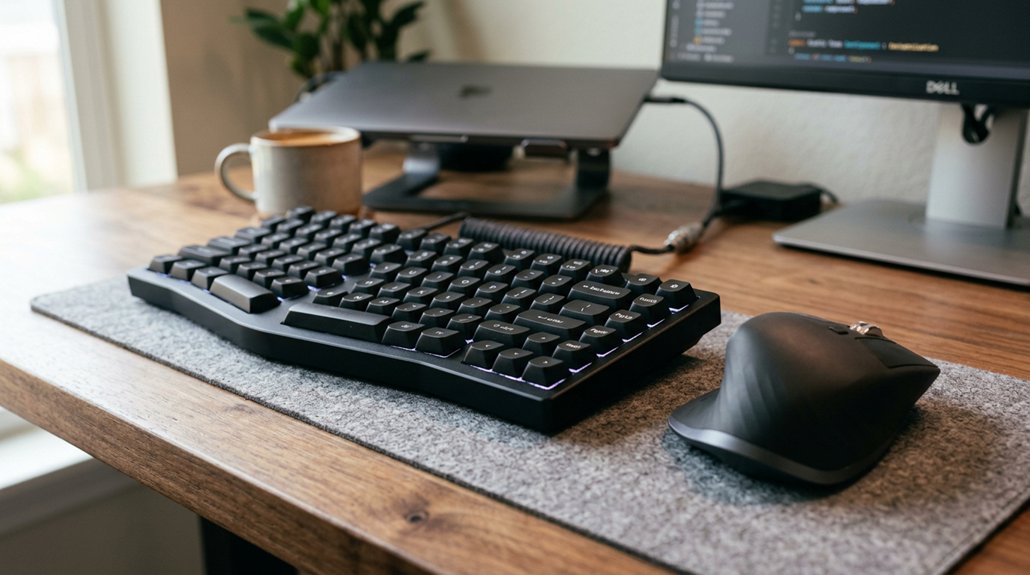
Proper keyboard and mouse placement helps you stay comfortable and avoid strain during long computer sessions. When you position your keyboard 4–6 inches from the desk edge and keep your mouse close, you reduce reaching and prevent shoulder, neck, and wrist pain. Maintaining neutral wrist and elbow positions minimizes fatigue and lowers injury risk. If you want to discover practical tips for setting up your workspace and maintaining good habits, keep exploring this topic further.
Why Proper Keyboard and Mouse Placement Matters for Comfort
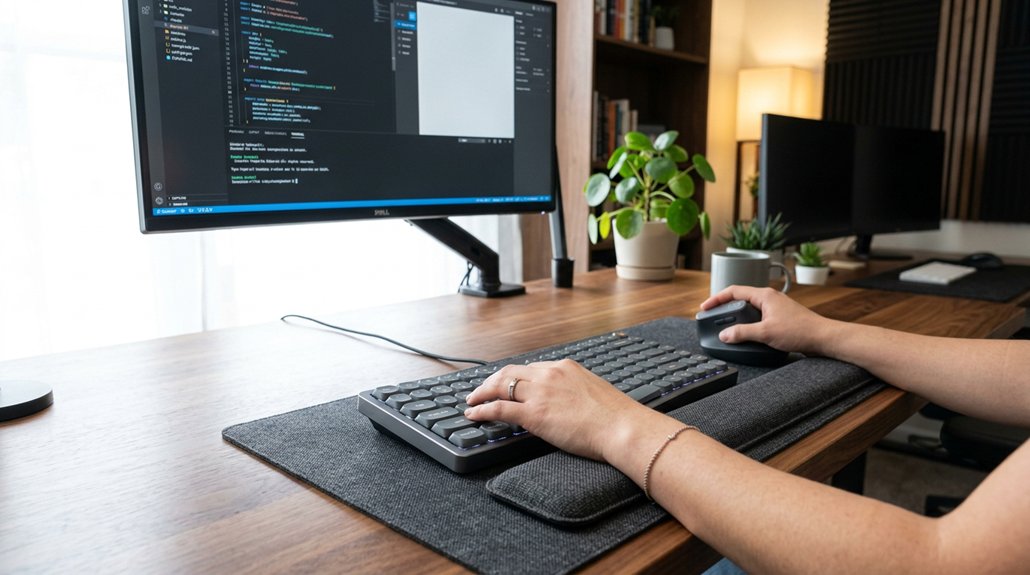
Proper keyboard and mouse placement is essential for ensuring comfort during extended computer use. When you position your keyboard and mouse correctly, you help maintain proper ergonomic posture, reducing strain on your shoulders and neck.
Placing the keyboard 4–6 inches from the desk edge allows you to find a neutral position that keeps your elbows at about 90 degrees, preventing shoulder blade tension. Positioning the mouse close to your keyboard minimizes reaching, which reduces fatigue and potential repetitive stress injuries.
Keeping your wrists in a neutral position through proper height and alignment helps prevent carpal tunnel syndrome. This ergonomic placement supports relaxed shoulders and a healthy posture, increasing comfort and decreasing the risk of discomfort or injury during long hours at your desk. Additionally, using split ergonomic keyboards with cushioned wrist rests can further enhance wrist support and promote more natural wrist angles.
How to Position Your Keyboard for Ergonomic Comfort
Have you positioned your keyboard correctly to support ergonomic comfort? Your keyboard setup plays a crucial role in maintaining good posture.
Set your keyboard height so your wrists stay in a neutral position, avoiding bending up or down. Your elbows should be bent at about 90 degrees with forearms parallel to the floor to reduce shoulder strain.
Use an adjustable keyboard tray or a deep desk to provide proper forearm support, preventing cramped hands. Keep your keyboard 4 to 6 inches from the desk edge, ensuring all keys are within easy reach without leaning forward.
Align your keyboard with your primary monitor to avoid twisting your neck or shoulders. A well-thought-out keyboard position encourages smooth arm movement and supports lumbar comfort, preventing long-term strain and discomfort. Split layout keyboards with ergonomic features help reduce wrist bending and pressure, promoting healthier typing habits.
Where to Place Your Mouse for Minimal Strain

Where should you place your mouse to reduce strain and prevent discomfort? Keep your mouse close to the keyboard, ideally directly beside it, to minimize reaching and prevent shoulder and forearm strain. If space is limited, use a compact keyboard or mouse platform to position the mouse closer to the midline. The mouse should be aligned with your shoulder front or slightly off-center, supporting natural posture and reducing shoulder twisting. Avoid placing the mouse too far forward or away from the keyboard to prevent aches and repetitive strain injuries. Alternating between different mouse styles like vertical mice or trackballs can also distribute muscular load. Proper placement guarantees your wrist stays neutral, and your forearm remains comfortable during extended use. Additionally, using ergonomic mouse options can significantly enhance comfort and reduce long-term strain.
Adjust Your Workspace to Support Natural Movements
Are you making sure your workspace supports natural movements? Proper positioning involves adjusting your chair height so your elbows are bent at 90 degrees, which reduces shoulder and neck strain.
Place your keyboard about 4–6 inches from the desk edge to allow your forearms to be parallel to the floor and your wrists in a neutral position. Use an adjustable keyboard tray or mouse platform to bring input devices closer if space is tight. Position your mouse immediately next to your keyboard to avoid reaching sideways.
Keep your keyboard centered with your primary monitor to prevent twisting your shoulders or neck. Ensuring your desk height aligns with your chair and your inputs are at comfortable, natural angles helps you maintain good ergonomic habits and reduces long-term strain. Considering the mounting system compatibility, ensure your workspace setup allows for optimal adjustment options.
Tips to Maintain Ergonomic Habits During Long Sessions
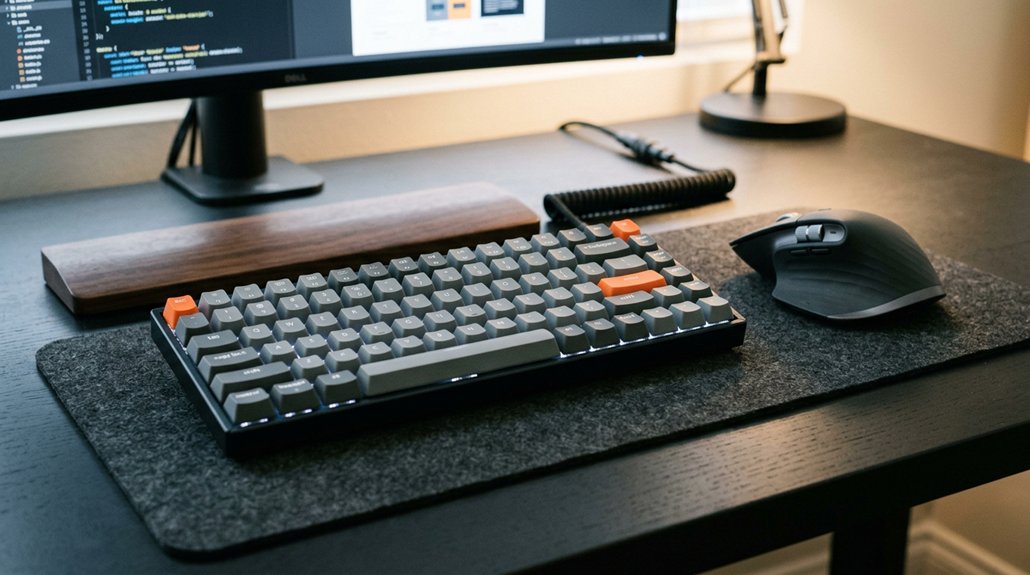
Maintaining ergonomic habits during long sessions requires conscious effort to support your body’s natural alignment. Use adjustable keyboard trays to find ideal height and tilt, keeping your wrists flat and parallel to the floor, which reduces pressure on the carpal tunnel. Incorporating ergonomic-certified keyboards like the Logitech Ergo K860 or the Arteck split keyboard can further promote proper wrist positioning and comfort. Position your mouse directly next to your keyboard or on a dedicated platform to avoid reaching forward or sideways, minimizing neck strain. Sit properly with your shoulders down, feet flat on the floor, and forearms supported by the desk. Keep elbows bent at about 90 degrees and stay relaxed to prevent tension buildup. Remember to take breaks every 30 minutes to stretch your arms, shoulders, and wrists. Using a good keyboard and maintaining these habits helps reduce discomfort during prolonged work or play sessions.
Frequently Asked Questions
Does Keyboard Placement Matter?
Yes, keyboard placement matters because it keeps your elbows at 90 degrees, reduces shoulder tension, and promotes a neutral wrist position. Proper placement also prevents reaching or stretching, helping you stay comfortable and maintain good posture while working.
Where Should Your Mouse and Keyboard Be Placed?
You should place your keyboard about 4-6 inches from the desk edge with your elbows at 90 degrees and wrists neutral. Keep your mouse close, within easy reach, to prevent strain and maintain comfortable, ergonomic posture.
Will an Ergonomic Keyboard Help With Arthritis?
Yes, an ergonomic keyboard can help with arthritis by promoting a natural wrist position, reducing joint strain, and preventing pain. It supports proper hand alignment, minimizes movement, and encourages better posture for easier, less painful typing.
Is It Better to Have the Keyboard Flat or Raised?
You should keep your keyboard flat or with a slight negative tilt. This position maintains a neutral wrist angle, reduces strain, and helps prevent injuries like carpal tunnel syndrome or repetitive strain. Adjust the tray for comfort.



