
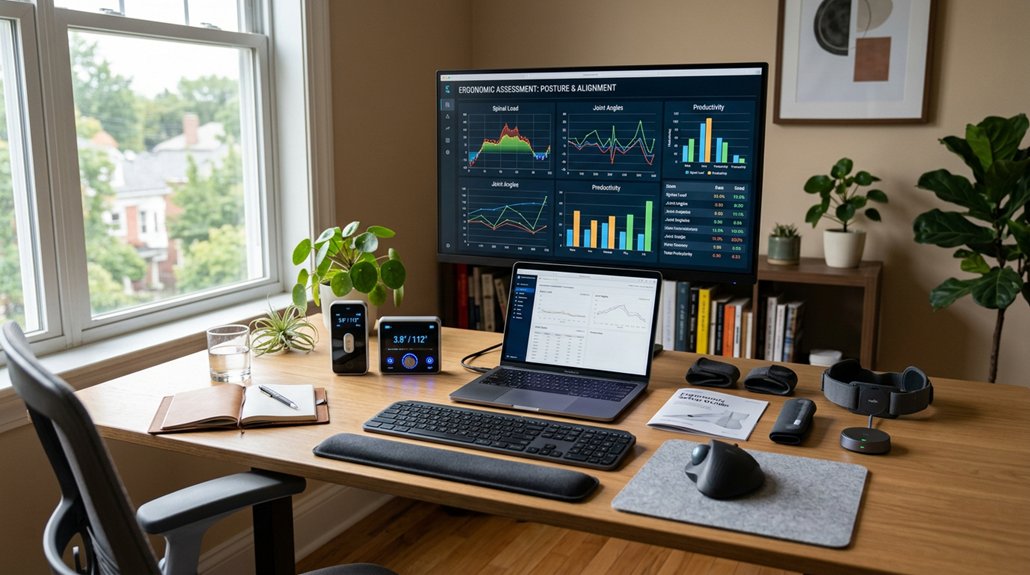
If your home workstation isn’t set up properly, you risk discomfort and injury like muscle fatigue, back pain, and neck tension. Ergonomic assessment software helps you identify and fix issues before they become serious, offering personalized tips and ongoing tracking. It guarantees your workspace supports good posture and compliance, especially in hybrid environments. Keep your workspace safe and comfortable by using this technology—you’ll discover simple ways to improve your setup and stay protected.
Why Poor Home Workstations Lead to Discomfort and Injury

Poorly set up home workstations often cause discomfort and injury because they lack proper ergonomic support. An ergonomic assessment helps identify issues like improper chair height, monitor placement, and inadequate desk setup that cause physical strain.
Poor workstation setup leads to discomfort and injury without proper ergonomic assessment.
Without this assessment, you might develop muscle fatigue, back pain, and neck tension from slouching or poor posture. Using just a laptop without peripherals or an unsuitable chair worsens these problems, leading to musculoskeletal disorders over time.
When your workspace isn’t adjusted to your body’s needs, you’re more likely to experience eye strain and shoulder tension. Adjustable lumbar support plays a crucial role in maintaining natural spine alignment and reducing strain during long stretches of work. Regular ergonomic assessments guarantee proper support and alignment, reducing these risks and preventing long-term injuries.
Without one, unnoticed issues can turn minor discomforts into serious health problems.
How Ergonomic Assessments Protect Your Health at Home
Ergonomic assessments play a crucial role in safeguarding your health at home by identifying and correcting workstation risks before they lead to injuries. By evaluating your setup, you can reduce the chances of musculoskeletal disorders like back pain, neck strain, and carpal tunnel syndrome. Incorporating supportive lumbar cushions into your workspace can further enhance spinal alignment and comfort. Proper ergonomic assessments recommend adjustable chairs, monitor placement at eye level, and suitable desk height, helping you maintain comfortable posture. Using assessment software guides you through personalized adjustments, offering logic-based recommendations for equipment and body mechanics that support long-term health. Regular evaluations encourage you to take breaks and shift postures, reducing muscle fatigue and eye strain. Ultimately, ergonomic assessments create a safer, healthier home workspace, promoting well-being, productivity, and compliance with safety standards.
Key Features to Look for in Ergonomic Assessment Software
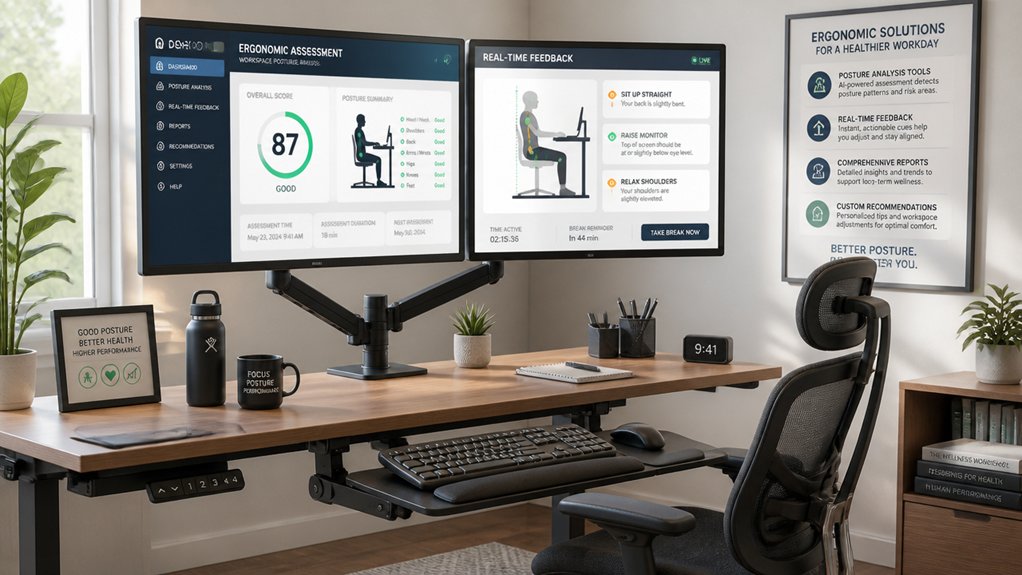
When choosing ergonomic assessment software, look for customizable assessment templates that adapt to your unique workstation setup.
Make sure it offers robust data reporting and analytics to track progress and identify trends over time. These features help you get targeted recommendations and guarantee ongoing ergonomic improvements.
Customizable Assessment Templates
Customizable assessment templates are essential tools that let you tailor ergonomic evaluations to your specific needs, ensuring the recommendations are relevant and effective. With configurable templates, you can adapt assessments for different office locations, equipment vendors, and individual workforce needs. This flexibility supports hybrid work models, addressing both office and home setups within one framework. Plus, tailored templates allow for the inclusion of job-specific risk factors like pregnancy or manual handling, increasing assessment accuracy. You can also incorporate company policies and equipment lists to streamline the process and maintain consistency. This personalization fosters better engagement and compliance. Additionally, considering features like support for ergonomic design can enhance the precision and usefulness of your assessments.
Data Reporting and Analytics
Have you considered how powerful data reporting and analytics can be in optimizing your ergonomic programs? Effective assessment software offers centralized oversight of workstation risk trends, helping you monitor employee wellbeing.
Look for tools that provide:
- Location-specific ergonomic trend visualizations to identify high-risk areas
- Summarized assessment outcomes highlighting recurring issues across groups
- Employer dashboards with sortable and graphical data for proactive risk calculation
- Monthly trend reports to track the effectiveness of ergonomic initiatives
- Integration with posture correction devices and feedback systems to enhance ongoing assessments and support preventive measures.
These features enable you to make data-driven decisions, prioritize ergonomic interventions, and guarantee consistent assessment quality.
How Online Self-Assessments Help Improve Your Posture
Online self-assessment tools help you identify and fix ergonomic issues quickly, guiding you through proper workstation setup. They offer personalized tips to improve your posture, reducing strain and discomfort. Regularly using these assessments keeps you aware of biofeedback techniques and ideal body mechanics, so you stay comfortable and productive.
Proper Ergonomic Setup
When you use self-assessment tools, they provide clear, logic-based guidance to help you adjust your workstation for better posture. This is the essence of a proper ergonomic setup achieved through an effective workstation assessment.
The tools highlight essential adjustments, such as:
- Setting your chair height to keep your feet flat and knees at a 90-degree angle
- Positioning your monitor at eye level to prevent neck strain
- Placing your keyboard and mouse within easy reach to avoid shoulder tension
- Ensuring your back is supported and aligned to reduce spinal stress
Following these recommendations helps optimize your posture, preventing discomfort and musculoskeletal injuries. An accurate workstation assessment makes it easier to identify and correct ergonomic issues early, promoting healthier work habits at home.
Personalized Posture Tips
Personalized posture tips from self-assessment tools are invaluable because they offer tailored guidance to correct your work habits and workstation setup. These tools analyze your posture and provide specific recommendations to improve ergonomic alignment, helping prevent musculoskeletal issues. They guide you through ergonomic checks like chair height, monitor position, and keyboard placement, ensuring proper joint angles and reducing strain. By receiving personalized posture tips, you can make targeted adjustments that promote better sitting and standing habits. Split keyboard designs and adjustable tilt features further optimize wrist and arm positioning, enhancing overall comfort. Follow-up reports with customized advice help you maintain healthy postures over time. Addressing small ergonomic issues proactively sustains spinal health and overall comfort in your home workspace.
Customizable Assessments to Fit Your Unique Workspace
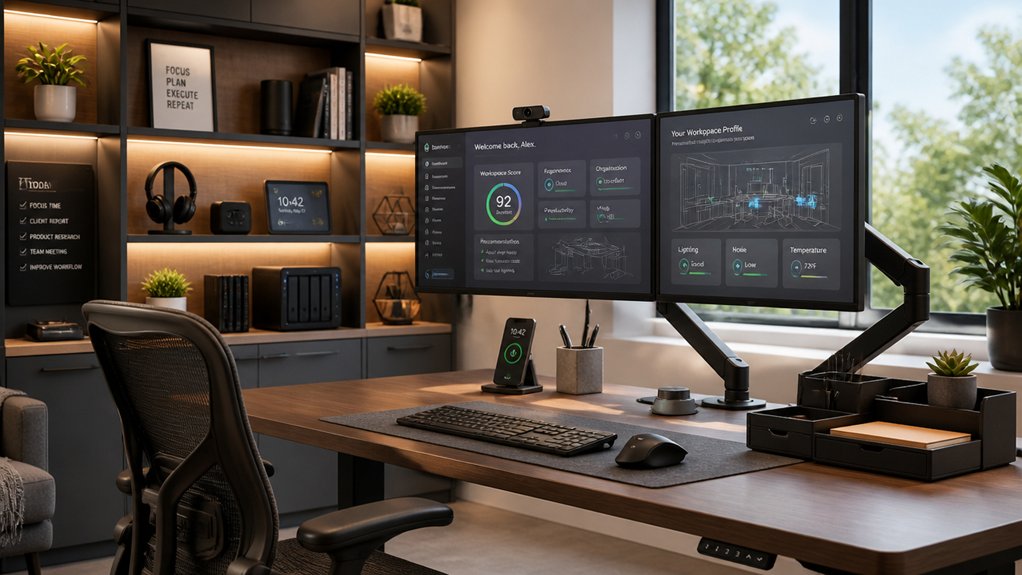
Have you ever felt that generic ergonomic assessments don’t fully address the unique challenges of your home workspace? Customizable assessment software lets you tailor evaluations to your specific setup.
With this tool, you can:
- Incorporate location-specific equipment and vendor preferences for precise recommendations.
- Receive logic-based suggestions based on your workspace configuration and personal needs.
- Use admin dashboards to track assessment data and spot trends across multiple home environments.
- Address both home and office ergonomic risks, supporting hybrid work models effectively.
- Consider factors like motor noise levels to ensure a quiet and comfortable working environment.
This customization guarantees ergonomic solutions are cost-effective and suited exactly to your needs. It helps identify necessary equipment or adjustments, maximizing comfort and safety while accommodating your individual workspace.
The Power of Professional Follow-Up for Long-Term Ergonomic Health
Professional follow-up helps guarantee your workspace adjustments are accurate and effective over time. It keeps monitoring consistent, so issues are caught early before they become chronic problems. Regular assessments ensure that your back support and ergonomic setup remain optimal, preventing support zone deterioration from affecting your posture and comfort.
Ensures Accurate Ergonomic Adjustments
Even with the best intentions, DIY adjustments often overlook subtle ergonomic risks that can lead to discomfort or injury over time.
Home workstation assessment software provides tailored, logic-based recommendations that guarantee your workstation setup fits your posture and space precisely. This software helps identify risks that may be missed during informal self-adjustments, leading to more accurate corrections.
Here’s how it benefits you:
- Pinpoints specific ergonomic issues in your current setup.
- Offers corrections aligned with your body’s needs.
- Prevents musculoskeletal disorders by addressing hidden risks.
- Lays the groundwork for follow-up evaluations by ergonomic experts.
With these precise adjustments, you reduce discomfort, lower injury risk, and support sustained productivity. Professional follow-up ensures your workstation remains compliant and adapts to your evolving needs.
Promotes Consistent Monitoring Practices
Consistent monitoring is essential for maintaining ergonomic health over time, especially as work habits and environments evolve. Home workstation assessment software enables ongoing tracking with logic-based recommendations, guaranteeing ergonomic adjustments stay current and effective.
The software’s admin dashboard lets you monitor risk trends, promoting proactive health and safety measures and preventing issues before they escalate. Personalized follow-up reports guide you in maintaining proper posture and equipment setup, vital for preventing repetitive strain and musculoskeletal disorders at home.
Regular use supports standardized ergonomic practices across your work environment, reducing variability and guaranteeing compliance. Plus, integration of professional follow-up assessments triggered by alerts guarantees early detection of ergonomic issues, safeguarding your long-term health and safety in the evolving home workspace.
Supports Preventative Care Measures
Leveraging professional follow-up assessments through home workstation software enhances ongoing ergonomic health by identifying issues early before they worsen. This proactive approach helps prevent long-term problems like chronic back pain.
The software offers personalized reports and guidance, making it easier to:
- Detect early signs of ergonomic risk, reducing the likelihood of developing back pain.
- Implement workstation modifications tailored to your needs, promoting better posture.
- Receive timely virtual assessments that catch minor issues before they escalate.
- Stay engaged in regular ergonomics reviews, encouraging healthy habits and preventing discomfort.
Finding the Right Assessment Tool for Your Needs and Budget
Are you unsure which assessment software best fits your needs and budget? Start by evaluating the features that align with your organization’s requirements.
Look for assessment software that offers cost-effective, accessible ergonomic self-evaluations, guiding you through personalized workstation adjustments. Employer group licenses can provide unlimited employee access, helping you monitor ergonomic trends and manage risks proactively across locations.
Consider customizable software versions that adapt content and recommendations to your specific office equipment and regional needs, enhancing relevance.
Online tools are especially useful for hybrid and remote work models, addressing ergonomic risks at home and in the office without external consultants.
Choosing the right assessment software helps you optimize your budget by focusing on prioritized interventions and data-driven decisions about equipment investments.
How Assessment Software Helps You Stay Compliant and Reduce Risks
Assessment software actively supports your organization’s compliance with health and safety regulations by enabling systematic workstation risk assessments across both home and office environments. It helps identify ergonomic risks specific to remote work setups, like poor chair support or improper monitor height, reducing musculoskeletal disorder chances.
The software offers logic-based recommendations, guiding you to make timely workspace adjustments to prevent injuries and fulfill legal duty of care. Additionally, it provides:
- Monthly trend reports that highlight ergonomic risks in home working environments.
- Admin dashboards offering clear oversight of compliance status.
- Alerts for potential hazards to guarantee prompt action.
- Data-driven insights that support ongoing risk management.
Using Assessment Data to Improve Ergonomic Policies for Hybrid Teams
By analyzing ergonomic data collected through assessment software, you can make informed adjustments to your policies that better serve hybrid teams. Data trends reveal common ergonomic risks across diverse work environments, such as improper work surfaces, leading to discomfort or musculoskeletal issues. This insight allows you to refine work surface guidelines and recommend suitable equipment for both home and office setups.
Location-specific analytics help tailor workstation standards and resource allocation, ensuring each employee’s workspace supports their needs. Incorporating software-generated reports into your policies enables proactive risk management, maintaining compliance and promoting well-being across all work environments.
Ultimately, data-driven assessments help develop flexible policies, accommodating individual workstation differences and enhancing overall comfort for hybrid employees.
Tips for Seamlessly Incorporating Assessment Software Into Your Routine
Integrating ergonomic assessment software into your daily routine can make maintaining proper workstation habits more manageable and consistent. To do this effectively:
Using ergonomic software daily helps establish and maintain healthy workstation habits effortlessly.
- Schedule quick, regular self-assessments to catch workstation risks early.
- Use the software’s logic-based suggestions to make immediate, practical adjustments without waiting for in-person evaluations.
- Leverage automated follow-up reports to monitor your progress and guarantee posture stays optimal.
- Incorporate employer-administered versions for centralized oversight, aligning your habits with safety standards.
Additionally, reinforce your routine with short educational webinars or tutorials during work breaks. These help you stay aware of ergonomic best practices and keep your workstation setup evolving with your needs, promoting long-term health and comfort.
Emerging Trends in Home Office Ergonomic Technology
As remote work continues to expand, innovative home office ergonomic technologies are transforming how you optimize your workspace. Emerging assessment software offers intelligent, logic-based recommendations that help improve your posture and reduce musculoskeletal risks.
These tools provide personalized follow-up reports and educational resources, empowering you to make informed adjustments without waiting for expert help. For organizations, employer versions include admin dashboards and data reporting features to monitor ergonomic trends and manage risks across dispersed home setups.
The software supports hybrid work by enabling regular self-assessments and pinpointing high-risk areas, which may be addressed through virtual or in-person ergonomic consultations. By integrating preferences for ergonomic equipment and location-specific data, these advancements guarantee tailored recommendations, promoting consistent health and safety compliance in diverse home office environments.
Frequently Asked Questions
What Is the Purpose of the Workstation Assessment?
The purpose of a workstation assessment is to help you optimize your ergonomic setup, prevent discomfort, and reduce injury risks by identifying issues with your chair, desk, monitor, and posture, ensuring you’re comfortable and productive at home.
Why Should You Do Workstation Self-Assessment?
You should do a workstation self-assessment to identify ergonomic issues early, improve comfort, prevent injuries, and develop healthier work habits. It empowers you to take control of your workspace and recognize when professional help is needed.
What Is the Purpose of an Assessment Tool?
An assessment tool helps you identify ergonomic risks and minor workstation issues, guiding you to make personalized modifications. It promotes safer, healthier work habits by providing tailored reports, educational resources, and proactive risk management for your home workspace.
Who Is Responsible for Arranging Your Workstation Assessment?
You’re responsible for arranging your workstation assessment, but your employer or designated experts typically coordinate and fund it, especially if you report discomfort, start a new role, or have specific needs like pregnancy or injuries.



