
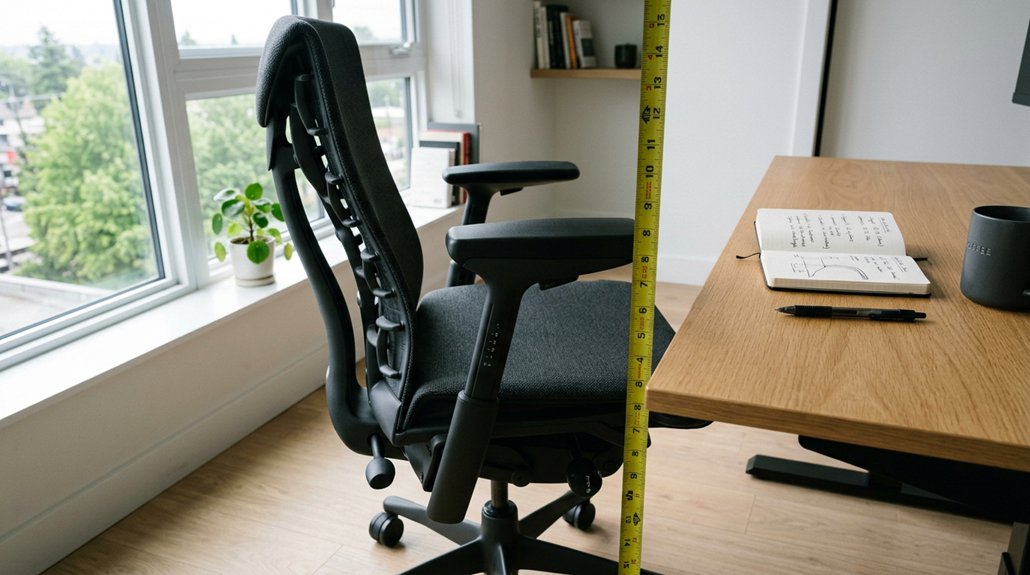
To evaluate your armrest height at home, start by measuring your sitting elbow height while seated with relaxed shoulders and elbows bent at 90–100°. Use household items like stacked books or cushions to fine-tune the armrest position, ensuring your forearms rest comfortably and in line with your keyboard. Test your posture and make small adjustments to prevent strain. For more detailed tips and troubleshooting, keep exploring how to optimize your armrest setup effectively.
How to Measure and Adjust Your Gaming Armrests for Comfort
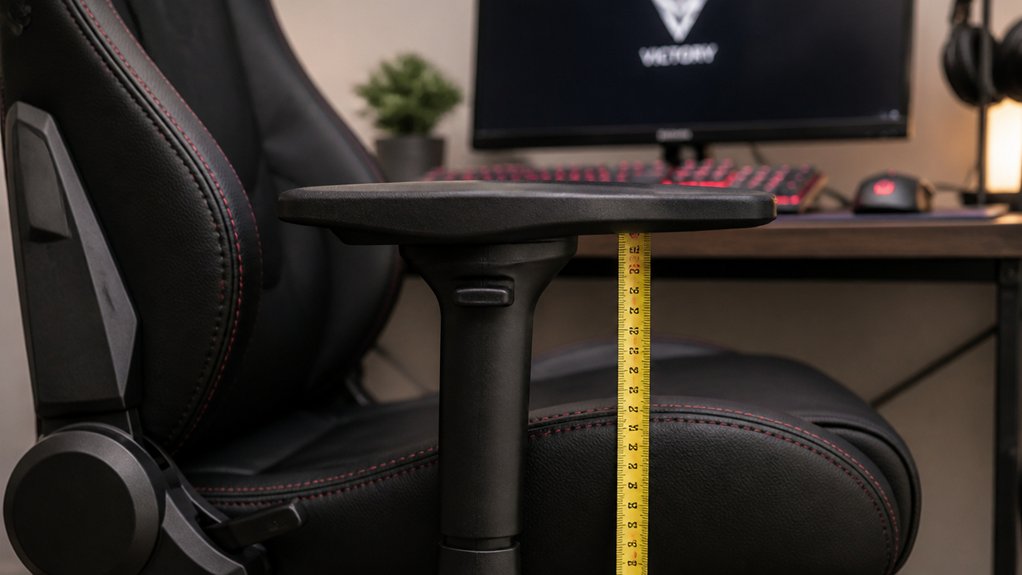
To guarantee your gaming armrests are comfortable and supportive, start by measuring your sitting elbow height. Sit upright with elbows bent at 90–100°, then measure vertically from the seat surface to your bent elbow. This typically ranges between 20–29 cm.
Adjust the armrest height to about 18–30 cm above the seat, making certain your forearms rest gently and your shoulders stay relaxed. Look for armrests with 3D or 4D adjustability, allowing you to modify vertical height, reach forward/backward (8–12 cm), and adjust width for a natural gaming posture.
Test the armrests by placing your forearms on them with a slight 20° forward lean. Confirm they don’t cause shoulder tension or wrist extension, and verify they clear your desk for comfortable input device use. Proper ergonomic adjustment principles help ensure long-term comfort and reduce fatigue during extended gaming sessions.
Assess Your Elbow Height and Armrest Support
Evaluating your elbow height and armrest support starts with a simple seated measurement. Sit upright in your usual seat, with elbows bent at about 90–100°. Measure vertically from the seat surface to your bent elbow—this is your elbow height, usually between 20–29 cm. To guarantee comfort, check if your armrests align with this height, ideally adjustable between 18–30 cm above the seat. Consider these steps: 1. Confirm your seated posture keeps shoulders relaxed. 2. Make sure your wrists stay neutral when resting on the armrests. 3. Verify that armrests support your elbows without raising your shoulders. 4. Use a mirror or helper to visually match armrest height to your elbow height for best support. Additionally, some ergonomic chairs feature multi-dimensional adjustments such as 3D or 5D armrests to fine-tune positioning precisely for optimal comfort. Adjust as needed for a natural, comfortable fit.
Use Household Items to Check and Fine-Tune Armrest Reach
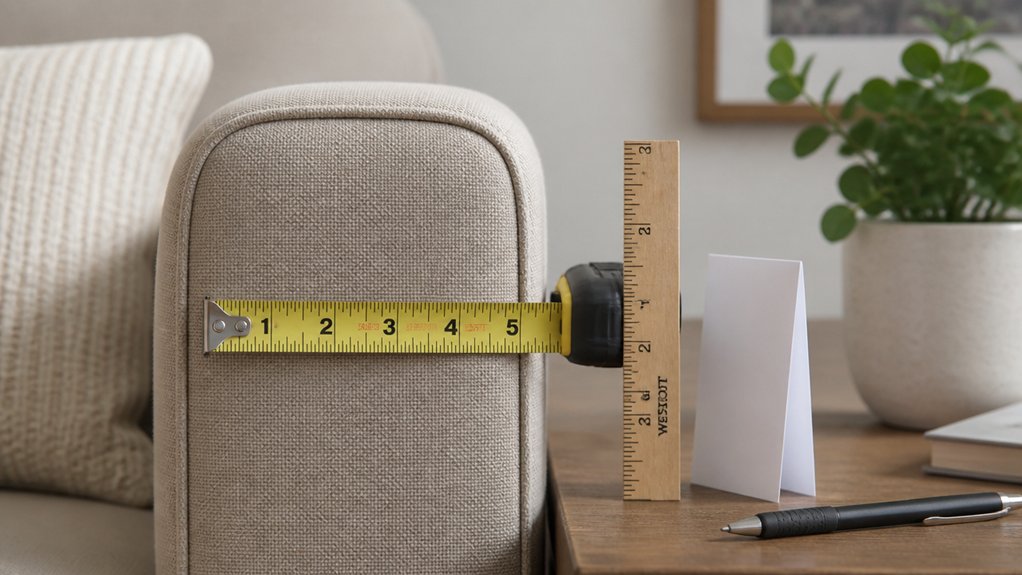
Using common household items can help you easily check and fine-tune your armrest reach to guarantee maximum comfort. Start by placing a stack of books or thick magazines to simulate your ideal armrest height; rest your elbows at a 90–100° angle to confirm they fall within 18–30 cm above the seat.
Add a folded towel or small cushion on the armrest to adjust forward or back reach and test for comfortable forearm support with about 8–12 cm of movement.
Use a tape measure or household ruler to verify the vertical distance from the seat surface to the armrest top matches your elbow height, typically 20–29 cm.
For side-to-side space, employ a flexible tape or string to measure width and confirm shoulder comfort without constriction.
Additionally, consider the materials used in ergonomic supports, as durable and breathable fabrics can enhance comfort during extended use.
Test Your Gaming Posture With Armrests in Place
Settle into your gaming position with your elbows bent at 90–100° and your feet flat on the floor. Adjust the armrests so they sit roughly 18–30 cm above your seat cushion, supporting relaxed shoulders.
Next, check that your armrests allow:
- 8–12 cm forward/back and inward/outward movement for natural arm positioning.
- Forearms resting lightly on the armrests with elbows close to your body.
- Your forearms aligned with your keyboard and mouse height to avoid shoulder strain.
- Maintaining a neutral position for your wrists, avoiding extension or flexion.
- Ergonomic features like adjustable tilt and support to better promote healthy arm and wrist positioning.
During a five-minute gaming test, monitor comfort and posture. Make sure your feet stay flat, your shoulders stay relaxed, and your arms remain supported without tension.
Adjust as needed for ideal support.
Troubleshoot Common Armrest Fit Issues and Make Easy Adjustments
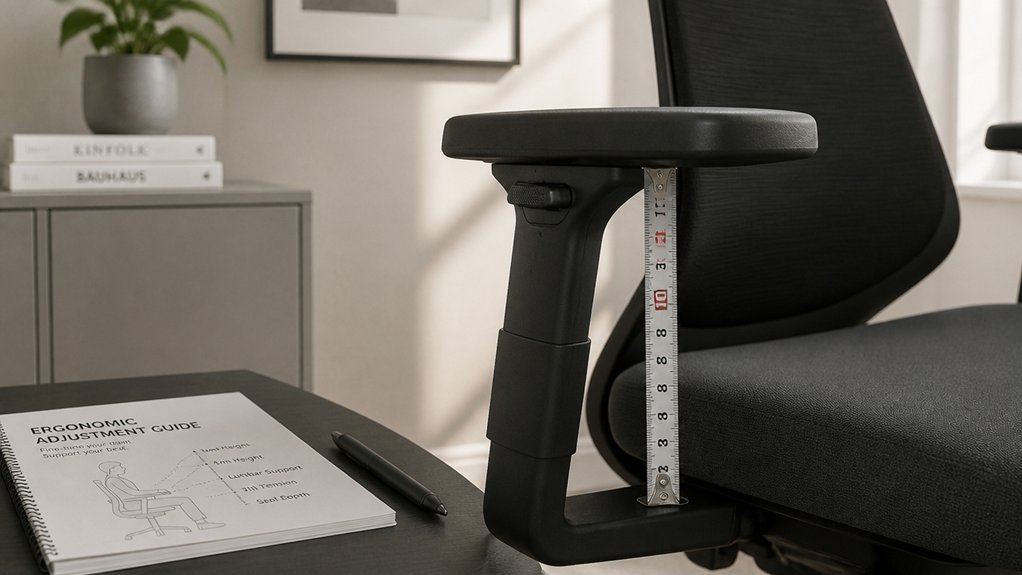
When armrests don’t feel right, it’s often because their position isn’t properly aligned to support your body’s natural posture. Start by measuring your sitting elbow height from the seat to your bent elbow to see if the armrests are at the right height. Using adjustable height levels ensures a more personalized and ergonomic fit for your posture. Adjust the armrests so they’re roughly 18–30 cm above your seat, ensuring they support your forearms without causing wrist extension or shoulder tension. Properly aligned armrests promote shoulder comfort and maintain a neutral shoulder posture, preventing raised shoulders. Check that the armrests clear your desk’s underside by several centimeters or can be lowered below the surface for better forearm support. Use a photo or video from the side to spot misalignments like unsupported forearms or shoulder tension, then make easy adjustments accordingly.
Frequently Asked Questions
What Is the Most Accurate Way to Measure Height at Home?
The most accurate way is using a tape measure while seated comfortably, with your elbows at 90–100°, forearms resting naturally, and measuring from the seat to the armrest top, documenting with photos for consistency and future adjustments.
What Is the Correct Height for Armrests?
The correct armrest height is 18 to 30 centimeters above your seat cushion, aligning with your elbow height, supporting relaxed shoulders and elbows bent around 90–100°, preventing strain during keyboard and mouse use.
How to Measure Arm Reach at Home?
To measure your arm reach at home, sit relaxed, bend elbows at 90–100°, and extend your arms forward. Use a tape measure from the seat back or edge to your forearm tip, capturing horizontal and side-to-side distances.
How Do You Estimate Height With Arm Span?
You estimate height from arm span by measuring the vertical distance from the seat surface to your bent elbow when seated. This helps you determine ergonomic armrest height, ensuring your elbows are supported comfortably at approximately 20-29 cm above the seat.



