

You need the right standing‑desk height to keep your elbows at a 90‑degree angle, your wrists neutral, and your monitor at eye level. When the desk is too low you hunch, strain your lower back, and tilt your head, causing neck and shoulder tension. If it’s too high, your shoulders lift and your wrists bend awkwardly, leading to fatigue. Proper height supports a natural spinal alignment, reduces joint stress, and lets you stay comfortable throughout the day, and the next sections show exactly how to set it up.
Identify Posture Problems Caused by Incorrect Standing Desk Height
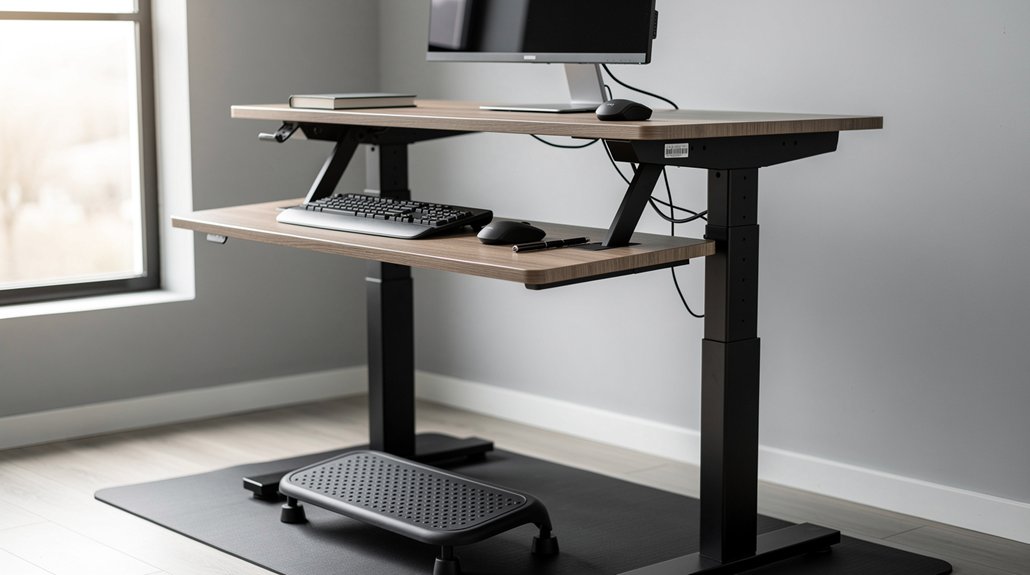
Why does a poorly set standing desk ruin your posture? When the standing desk height is off, you’ll feel shoulder elevation and neck tension as you crane upward to see the screen. If the desk sits too low, you hunch, creating lower back strain and breaking spinal alignment. A mismatched keyboard and mouse height forces your wrists into awkward angles, ruining a neutral wrist position and inviting repetitive strain injuries. You’ll also notice that your elbows aren’t at the proper ergonomic setup, which throws off the entire arm chain and adds shoulder fatigue. Keeping the monitor at eye level is essential; otherwise you tilt your head, worsening neck tension. All these misalignments collapse the benefits of a sit‑stand routine, leaving you fatigued and unfocused.
Measure Your Ideal Standing Desk Height in Minutes
Start by measuring the distance from the floor to your elbow when your arm forms a 90‑degree angle, then add a couple of inches for a neutral wrist.
Next, position your monitor so the top is at or just below eye level and about 18–24 inches away.
This quick check guarantees your desk height supports proper posture and visual comfort.
Elbow Height Measurement
Ever wondered how to set your standing desk at the perfect height in just a few minutes? Measure your elbow height by standing tall, bending one arm to a 90‑degree elbow angle, and noting the distance from floor to elbow. Add 1–2 inches so your wrists stay neutral, then set the desk height accordingly. This simple step creates an ergonomic setup that cuts forearm strain and aligns your posture.
A height‑adjustable desk lets you keep the same alignment in both sitting and standing positions, preserving neutral wrists as you switch. Consistently using your elbow height ensures the desk supports proper posture, reduces fatigue, and promotes long‑term musculoskeletal health.
Monitor Eye‑Level Positioning
How can you keep your neck comfortable while you work at a standing desk? Align the monitor so the top of screen sits at eye level; this prevents neck strain and encourages a neutral posture. Measure your eye line, then set the screen height so the top third of the display aligns with your gaze. Keep the monitor 18–24 inches away and use a monitor arm for quick eye‑level positioning as you raise or lower the standing desk. Recheck after each posture adjustment; the top of screen must stay at eye level for an ergonomic workspace.
| Position | Distance |
|---|---|
| Eye line | 18‑24 in |
| Top of screen | Eye level |
| Shoulder relaxed | Neutral |
| Monitor arm | Adjustable |
Apply the 20‑8‑2 Rule for Balanced Sitting, Standing, and Moving With Your Standing Desk Height
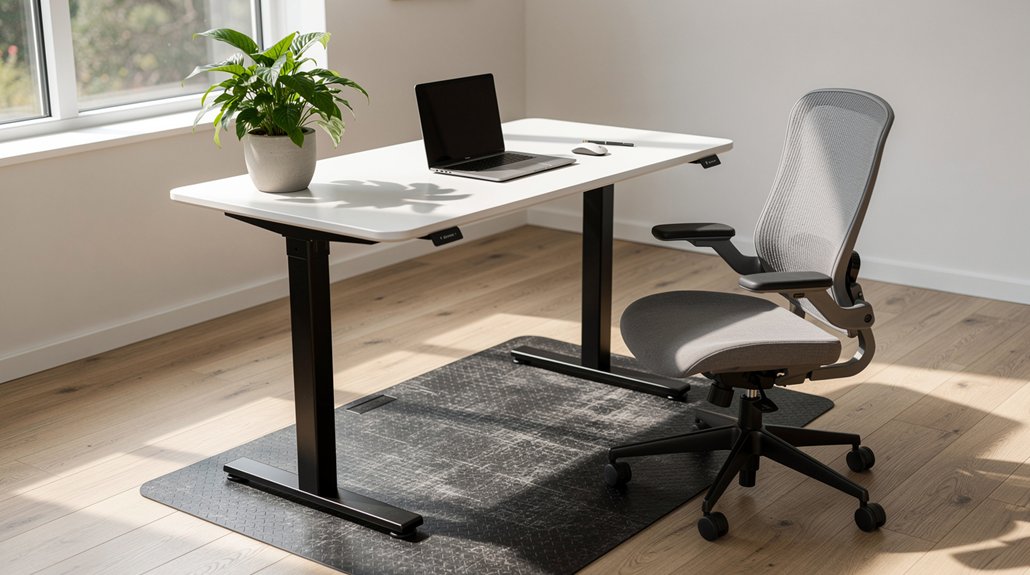
Why not make your workday rhythm as simple as 20‑8‑2? With a standing desk, you can set height adjustment presets for 20 minutes sitting, 8 minutes standing, and 2 minutes moving. This 20-8-2 rule creates balanced sitting, standing, and moving cycles that keep circulation flowing and stiffness at bay. Use the memory buttons on adjustable desks to switch positions quickly, so you never miss a beat.
During the 2‑minute moving slots, stretch, march, or do light cardio to boost blood flow and reset posture. Pair the cadence with regular breaks and micro‑movements for maximum ergonomic benefit. By following this rhythm, you sustain focus, protect joints, and make the most of your desk’s ergonomic design.
Fix Common Ergonomic Mistakes With Standing Desks
Make sure your elbows stay close to your sides and form a 90‑degree angle, then adjust the monitor so its top is at eye level to keep your neck neutral.
Placing an anti‑fatigue mat under your feet reduces pressure on your joints and encourages subtle movement.
Elbow Alignment Checks
Ever notice your shoulders hunching when you type? That’s a sign your elbow alignment is off. Aim for a 90‑degree angle between forearms and upper arms, keeping wrists neutral. Use the elbow height as the primary reference for desk height, not a generic chart. If your elbows sit too high, shoulders lift; too low and forearms slump, straining the back. An adjustable desk lets you accommodate arm length variation, ensuring a posture neutral stance whether you’re sitting or standing.
Perform quick ergonomic checks each day: align elbows, verify forearms are parallel to the floor, and confirm the standing desk’s surface matches that angle. Consistent alignment reduces strain and keeps you comfortable for longer work sessions.
Monitor Eye‑Level Position
When your elbows are properly aligned, the next step is to get the screen at the right height. Aim for monitor eye level that places the top third of screen at eye level and keep the screen distance 18–24 inches away. This eye level alignment maintains a neutral neck position, preventing forward head tilt and supporting good neck posture throughout sit‑stand transitions. Use a monitor mount to fine‑tune monitor height quickly, especially when you switch from sitting to standing. Consistent monitor height eliminates awkward head tilts, reducing strain on the upper back and shoulders. By keeping the display at the proper height, you achieve head tilt reduction and sustain comfort during long work sessions.
Anti‑Fatigue Mat Use
Why bother with an anti‑fatigue mat? It softens hard flooring, giving foot cushioning that cuts leg fatigue while you use a standing desk. The mat encourages micro‑movements, letting you shift weight subtly and keep ergonomic posture in check. Pair it with gradual transitions—start with 15‑30 minutes of standing, then increase—to support comfortable standing and protect joint health. Proper thickness (3‑6 mm foam or gel) works with height adjustment and monitor alignment, creating a stable base for your workflow.
| Feature | Benefit |
|---|---|
| Cushioning | Reduces pressure on feet |
| Micro‑movements | Promotes circulation |
| Thickness (3‑6 mm) | Balances support and flexibility |
| Compatibility | Complements height‑adjustable desks |
| Transition aid | Eases shift from sitting to standing |
Select Accessories That Complement Your Standing Desk Height
Looking to keep your workstation ergonomic at every height? Pair your standing desk height with a keyboard tray and monitor arms that slide smoothly as you rise or sit. Add an anti‑fatigue mat to soften foot pressure, and use cable management to keep cords out of the way. Set memory presets and enable app‑controlled height so you can switch between personalized positions in seconds. Position the monitor at eye level, keeping the top third of the screen aligned with your gaze, and maintain a 18‑24‑inch distance to protect your neck. Adjustable accessories like a footrest or tilt‑adjustable tray help you keep neutral wrists and elbows, ensuring comfort whether you’re standing, sitting, or transitioning between tasks.
Adjust Your Desk Quickly for Different Tasks and Body Changes Using Standing Desk Height
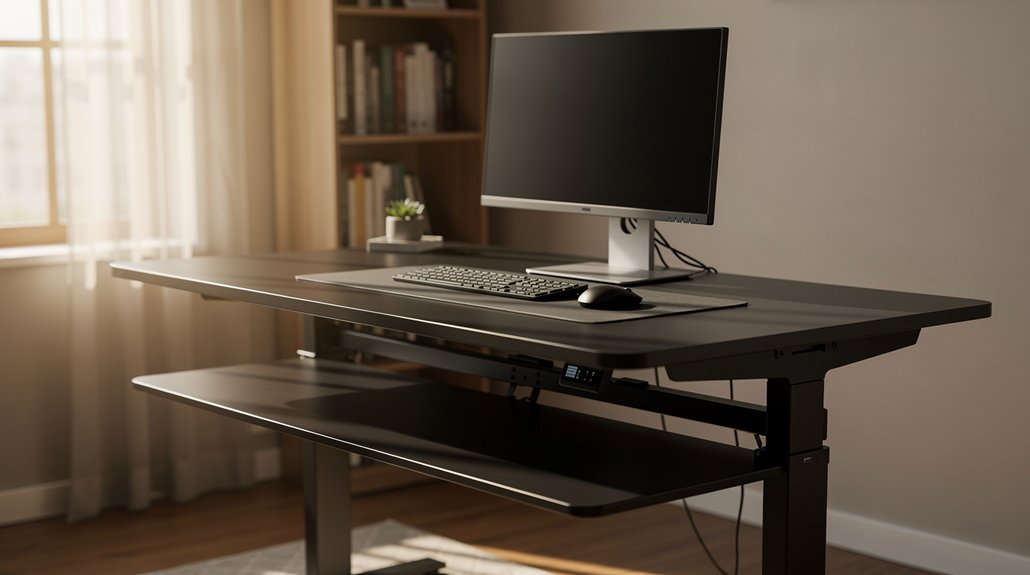
Ever wonder how a few seconds can keep your workflow smooth as you switch tasks or your body changes? With a height‑adjustable desk, you can make quick adjustments that preserve an ergonomic setup and neutral posture. Push‑button controls and memory presets let you shift between sit‑stand rhythms, keeping movement throughout the day effortless.
- Task‑based height – preset a low setting for typing, ensuring keyboard and mouse level align with elbows at 90°, then raise for collaborative work.
- Body changes – store a taller position for after‑lunch fatigue, keeping monitor eye level consistent.
- Rapid transitions – use the 20‑8‑2 rhythm, tapping the button to move instantly without breaking focus.
These quick adjustments keep you comfortable, productive, and injury‑free.
Frequently Asked Questions
Is It Worth Getting a Height Adjustable Desk?
Yes, you’ll find it worth it—adjustable desks let you switch between sitting and standing, easing joint strain, boosting posture, and sharpening focus, which together improve health and productivity.
What Is the 20/8-2 Rule for Standing Desks?
You follow the 20/8/2 rule by sitting twenty minutes, standing eight, and moving two, cycling continuously throughout the day to keep circulation flowing, stiffness down, and focus sharp.
Is Standing Desk Better for a Herniated Disc?
Yes, a properly adjusted standing desk can help your herniated disc by easing spinal load and encouraging movement, but you must keep the surface at elbow height, alternate regularly, and avoid over‑standing.
How High Should My Desk Be if I’m 5’7″?
Your desk should be roughly 40‑44 inches high when standing—measure your elbow angle, add about 1–2 inches for neutral wrists, and adjust until forearms stay parallel to the floor.
In Summary
By fine‑tuning your desk height, you protect your posture, reduce strain, and keep your body moving efficiently. Measuring once, applying the 20‑8‑2 rule, and fixing common ergonomic slip‑ups let you stay comfortable all day. Pairing the right accessories and adjusting on the fly for different tasks or body changes ensures you stay productive, pain‑free, and ready to tackle whatever comes your way.



