
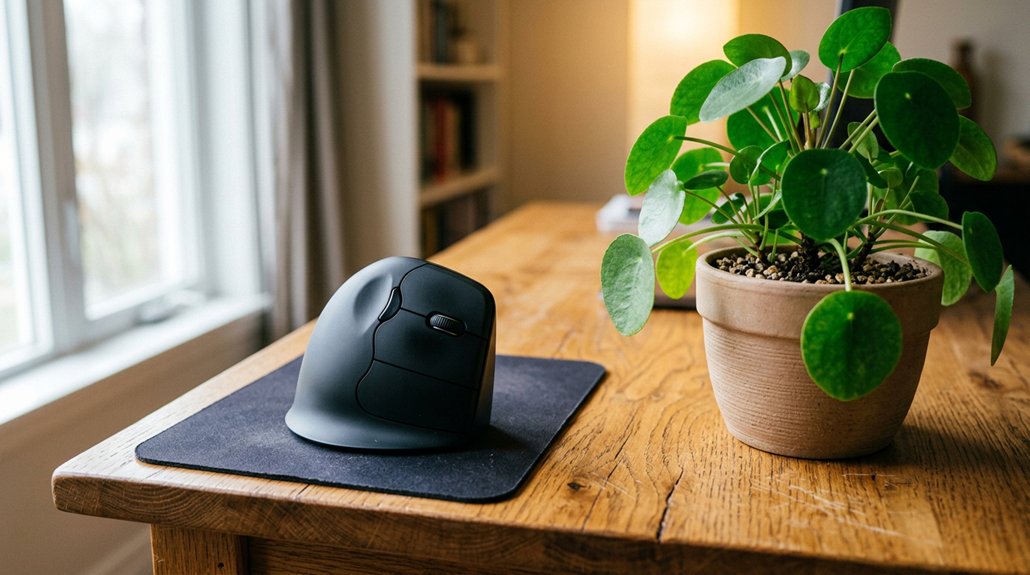
Vertical mice prevent RSI and wrist pain by promoting a natural, handshake-like wrist position that reduces twisting and nerve compression. They minimize strain on your muscles and tendons, especially in the forearm and wrist, by supporting better alignment and decreasing pressure on soft tissues. This ergonomic design helps prevent chronic injuries like carpal tunnel syndrome and eases discomfort. Keep exploring to discover how choosing the right vertical mouse can improve your comfort and long-term wrist health.
What Causes Wrist and Forearm Strain From Traditional Mice?

Traditional flat mice force you into a palm-down (pronated) grip that twists your wrist, putting stress on your forearm bones—radius and ulna—and compressing the soft tissues inside your wrist. This pronated position increases pressure on tendons and the median nerve within the carpal tunnel, raising the risk of carpal tunnel syndrome. A vertical mouse design promotes a more natural wrist position, reducing strain during extended use. Repetitive clicking, scrolling, and dragging in this unnatural wrist posture cause muscle and tendon strain, leading to soreness, fatigue, and potential Repetitive Strain Injury (RSI). Over time, this strain accumulates, resulting in wrist pain, numbness, and reduced grip strength. Prolonged use of a traditional mouse keeps your wrist in this compromised position, heightening the chance of developing chronic discomfort and injury.
How Do Vertical Mice Help Reduce Wrist Pain and RSI?
Vertical mice promote a neutral hand position, keeping your wrist in line and reducing strain. They also minimize twisting movements that can lead to discomfort and injury. Additionally, their ergonomic designs often incorporate contoured wrist rests that further support proper wrist alignment and promote circulation.
Promotes Neutral Hand Position
Using a vertical mouse helps keep your hand in a natural, handshake-like position, which prevents unnecessary twisting of the wrist. This promotes a neutral wrist posture, reducing strain on muscles and tendons from the elbow to fingers. The ergonomic design encourages forearm pronation at a comfortable angle, lowering risks like repetitive strain injuries and carpal tunnel syndrome. Here’s a quick look at how:
| Feature | Benefit | Impact |
|---|---|---|
| Vertical Design | Keeps wrist in handshake position | Reduces twisting |
| Neutral Wrist Posture | Maintains natural hand alignment | Minimizes muscle fatigue |
| Forearm Pronation | Relieves soft tissue pressure | Lessens nerve compression |
| Muscles & Tendons | Spreads workload evenly | Prevents strain injuries |
| Overall Effect | Supports healthy wrist position | Decreases RSI risk |
A proper ergonomic angle setup further enhances the benefits by customizing the device to match your hand size and grip style, promoting comfort and preventing strain.
Minimizes Twisting Movements
Reducing twisting movements is essential for preventing wrist pain and RSI, as repeated or forceful rotations can strain your tendons and soft tissues. A Vertical Ergonomic mouse promotes a natural handshake grip, keeping your wrist in a neutral position and straightening your forearm bones.
This design minimizes twisting motions associated with pronation and ulnar deviation, lowering strain on muscles and reducing median nerve compression. By shifting workload from smaller wrist muscles to larger arm muscles, a vertical mouse decreases localized strain on wrist tendons, helping you avoid soreness and injury.
Adjustable tilt angles between 35° and 90° guarantee your wrist remains aligned, preventing the twisting forces that contribute to early wrist injuries. This simple change can greatly reduce muscle fatigue and promote healthier, pain-free use. Additionally, ergonomic design considerations such as shape and support features further enhance the reduction of strain during extended use.
Key Features to Look for in an Ergonomic Vertical Mouse
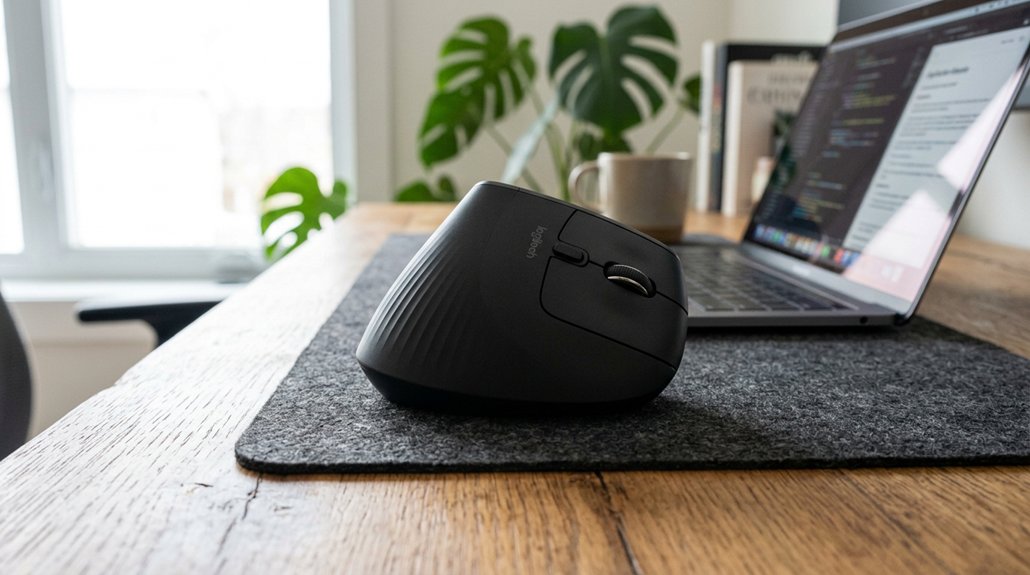
What should you look for when choosing an ergonomic vertical mouse to enhance comfort and prevent injury? First, the vertical mouse offers adjustable tilt angles between 35° and 70°, helping you maintain a natural grip and align your wrist properly. Be sure to select a size that fits your hand—small, medium, or large—to avoid new discomfort. Look for lightweight models under 120 grams, as this reduces the effort needed for small movements and minimizes fatigue. High DPI settings (1600–3200) help you move the cursor precisely with less strain. Programmable buttons and DPI switches boost efficiency while decreasing awkward hand motions. Additionally, ergonomic mice come with thumb rests and sculpted grips, supporting a relaxed hand position and reducing tension in your wrist and forearm, especially for thumb muscles. Split layout designs and adjustable tilt mechanisms further promote a neutral hand posture, decreasing wrist strain during extended use.
Types of Ergonomic Mice: Which Is Best for You?
Different ergonomic mice offer distinct benefits depending on your needs. Vertical mice reduce wrist strain, rollerbar models minimize shoulder reach, and trackballs decrease forearm movement. Additionally, some ergonomic mice feature adjustable DPI settings, allowing you to customize cursor speed for improved comfort during prolonged use.
Vertical Versus Rollerbar Mice
When choosing an ergonomic mouse, understanding the key differences between vertical and rollerbar designs can help you find the best fit for your needs.
Vertical mice promote a handshake grip, keeping your hand in a natural position and reducing wrist strain and pressure on the median nerve, which offers effective carpal tunnel relief. They shift workload to larger arm muscles and minimize forearm pronation.
Conversely, the RollerMouse Pro sits centrally in front of your keyboard, using its patented rollerbar to minimize lateral shoulder reach, lowering shoulder tension and neck strain. Rollerbar mice also feature ergonomic customization, like interchangeable palm rests, providing comfort for users with combined wrist and upper body pain.
Your choice depends on whether wrist-specific strain or broader shoulder and neck tension is your main concern. Incorporating ergonomic memory foam cushion can further enhance comfort during prolonged use by supporting proper posture and reducing pressure points.
Trackballs and Touchpads Advantages
| Feature | Benefit |
|---|---|
| Thumb-operated | Maintains natural wrist position |
| Finger-operated | Improves precision |
| Centralized design | Reduces tendon stress |
| Many ergonomic mice incorporate contoured shapes to optimize wrist support and alignment.
How to Choose the Perfect Vertical Mouse for Your Hand Size
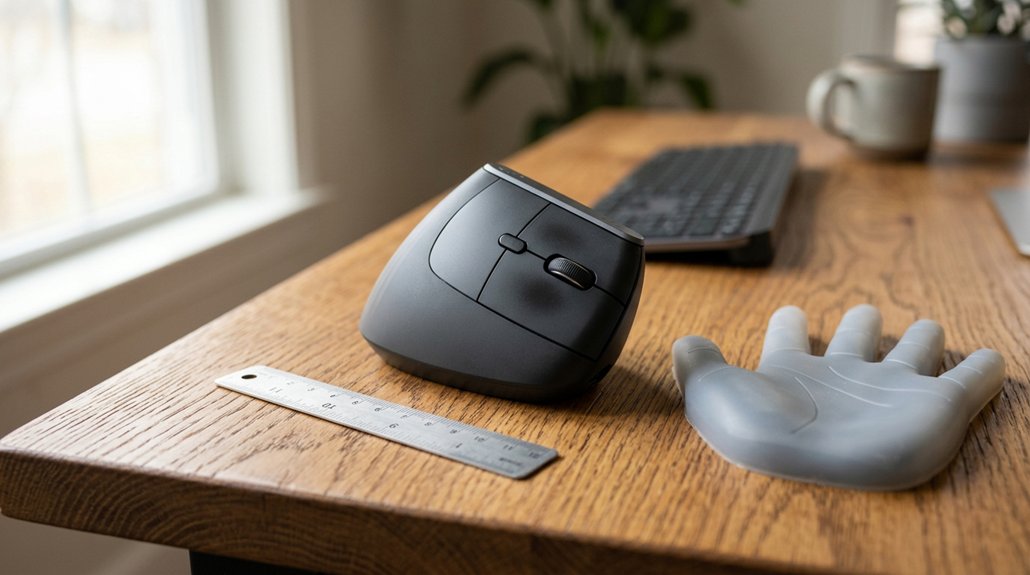
Choosing the right vertical mouse begins with accurately measuring your hand size to guarantee ideal ergonomic benefits. Measure from the base of your palm to the tip of your middle finger to determine if a small, medium, or large vertical mouse fits best. An ergonomic mouse that suits your size helps prevent strain and secures comfort. Additionally, selecting models with adjustability range and customizable controls ensures the mouse can accommodate your specific ergonomic needs. Look for models with adjustable tilt angles between 35° and 70°—these promote a natural handshake grip and lessen wrist pronation. Opt for a lightweight mouse under 120 grams with sculpted grips that match your finger curves for added comfort. High DPI settings (1600–3200) and programmable buttons help reduce unnecessary hand movement and streamline your workflow. If you’re left-handed, choose true left-handed vertical mice to maintain proper ergonomic alignment and prevent discomfort.
Overcoming Challenges When Switching to a Vertical Mouse
Switching to a vertical mouse can initially feel awkward because its handshake grip and increased arm movement differ greatly from the traditional palm-down position. During the adjustment period, you might notice a temporary decrease in cursor control as your muscles adapt to whole-arm movements instead of wrist or finger motion. Choosing an ergonomic equipment like a vertical mouse with adjustable tilt angles (50° to 90°) helps reduce discomfort. Gradually, your muscles—especially the radial deviator and thenar muscles—will strengthen, relieving initial wrist discomfort. To speed up this process, use higher mouse DPI settings (1600–2400) and take micro-breaks frequently. Incorporating adjustable arm supports into your workspace can further enhance ergonomic alignment and reduce strain during this adaptation phase. Consistent practice and ergonomic adjustments ultimately help you get comfortable with the new movement patterns, reducing strain and preventing wrist pain.
Long-Term Benefits of Using a Vertical Mouse for Wrist Health

Using a vertical mouse consistently offers significant long-term benefits for wrist health by promoting proper wrist and forearm alignment and reducing strain. Vertical mice decrease forearm pronation, encouraging a natural handshake grip that lowers median nerve compression by up to 32%.
This ergonomic positioning shifts workload from smaller wrist muscles to larger arm muscles, minimizing muscle fatigue and chronic strain. Over time, this helps prevent repetitive strain injury and reduces the risk of carpal tunnel syndrome.
Users often experience less wrist pain, nighttime tingling, numbness, and improved grip strength due to decreased soft tissue compression. Although it requires an initial adjustment, long-term vertical mouse use enhances comfort, reduces joint stress, and supports sustainable wrist health, especially for heavy computer users.
Frequently Asked Questions
Are Vertical Mouses Better for RSI?
Yes, vertical mice are better for RSI because they reduce wrist twisting, shift workload to larger arm muscles, and keep your wrist in a neutral position, lowering pressure on nerves and decreasing strain for long-term comfort and injury prevention.
Do Vertical Mouses Help With Wrist Pain?
Yes, vertical mice help with wrist pain by keeping your wrist straight, reducing nerve pressure, and shifting workload to larger muscles, lowering muscle strain and fatigue. This ergonomic design improves comfort, especially if you’re experiencing early wrist discomfort.
Does Vertical Mouse Help With Tendonitis?
Yes, a vertical mouse can help with tendonitis by reducing wrist tendon compression, minimizing strain on forearm muscles, and decreasing twisting motions. However, if you have thumb-side tendonitis, you should evaluate its use carefully.
What Are the Benefits of a Vertical Mouse?
Using a vertical mouse keeps your wrist in a natural, neutral alignment, reducing strain, muscle fatigue, and nerve compression. It shifts workload to larger arm muscles, improves posture, and promotes comfortable, whole-arm movement during prolonged computer use.
In Summary
Switching to a vertical mouse can greatly ease wrist strain and prevent RSI. By choosing the right ergonomic design for your hand size and preferences, you’ll enjoy improved comfort and reduced pain during long work sessions. Embrace the change, and you’ll likely notice the long-term benefits for your wrist health and overall productivity. Taking this small step can make a big difference in maintaining your comfort and preventing injury over time.




Leave a Reply