
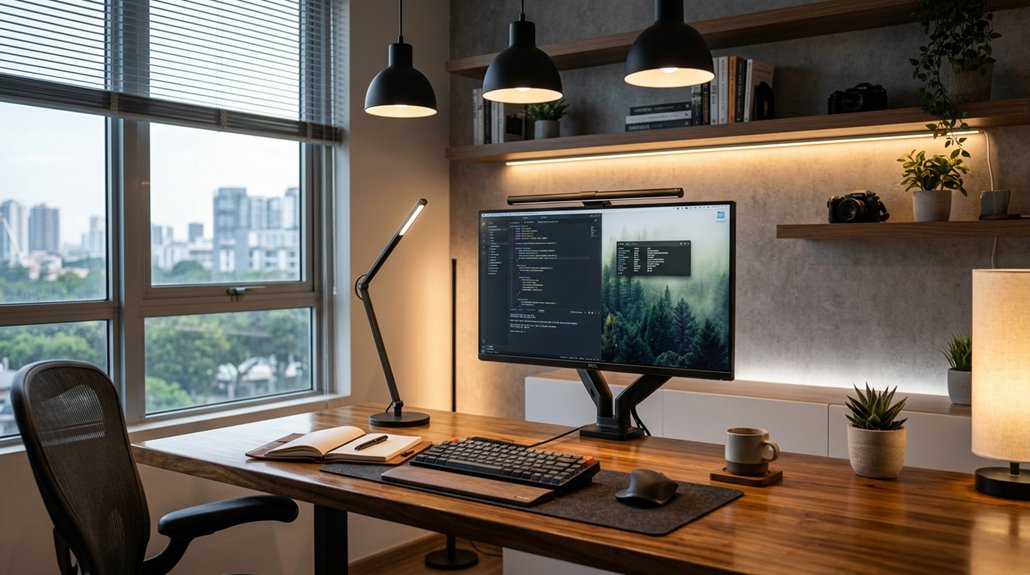
Arrange your desk perpendicular to windows to use natural light evenly without causing screen glare. Use adjustable task lamps angled away from your line of sight and on the side opposite your dominant hand to avoid shadows. Mount ambient lights with diffusers at least 7–8 feet above for uniform illumination. Add bias lighting behind your monitor to reduce eye strain. Regularly check and adjust your lighting setup to match changing natural light for maximum comfort and focus. If you keep exploring, you’ll find even more useful tips.
Create Even, Diffuse Ambient Lighting to Minimize Shadows
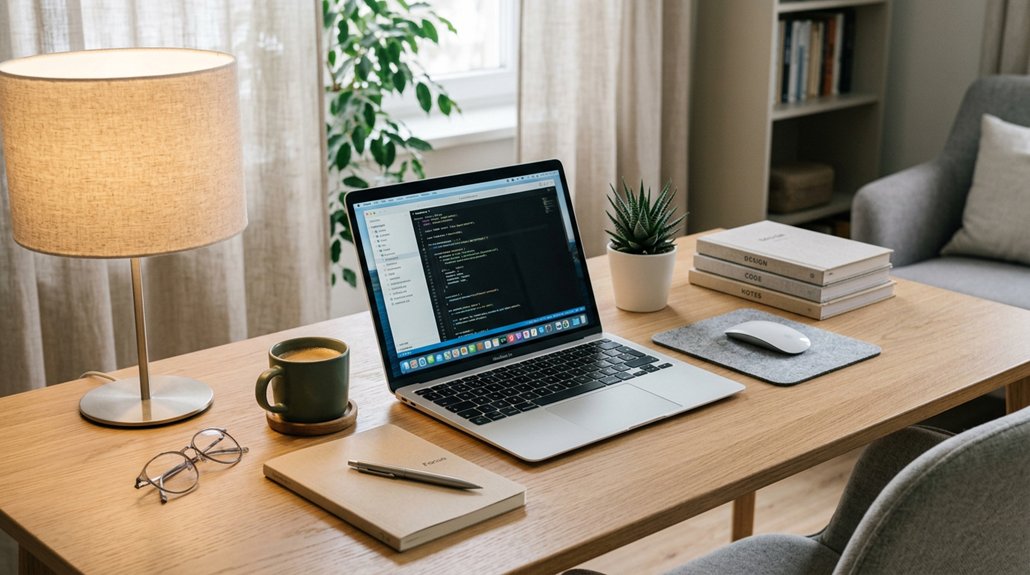
To minimize shadows and reduce eye strain, you should create even, diffuse ambient lighting in your workspace. This involves positioning ambient light sources to spread uniform, soft light throughout the room, preventing harsh shadows and contrast. Use ceiling fixtures with diffusers or multiple bulbs to distribute brightness evenly and eliminate dark corners that can cause eye discomfort. Incorporating natural light with window blinds or sheer curtains helps soften intense sunlight while maintaining balanced illumination. Avoid single, direct overhead lights, as they cast sharp shadows and can cause visual discomfort during prolonged work. Aim for brightness levels between 150 and 300 lux, providing enough light without overwhelming or dimming your workspace. Proper ambient lighting reduces glare, eases eye fatigue, and creates a flicker-free environment that promotes visual comfort.
Position Your Desk Perpendicular to Windows for Better Natural Light
Have you considered how your desk’s orientation affects the quality of natural light in your workspace? To optimize it, position your desk perpendicular to windows. This setup helps natural light illuminate your workspace evenly, reducing monitor glare and preventing harsh shadows.
When you stay perpendicular, you avoid direct reflections on your screen, which can cause eye strain. Using curtains or blinds alongside this position allows you to control and diffuse sunlight, creating balanced lighting that minimizes brightness fluctuations.
This arrangement also supports ergonomic posture by eliminating the need to crane your neck or squint, which can cause discomfort. Overall, positioning your desk perpendicular to windows enhances natural light, promotes comfort, and helps reduce eye strain during long work hours. Incorporating bias lighting can further improve your environment by reducing contrast and eye fatigue.
Use Adjustable Task Lamps to Focus Light on Your Work
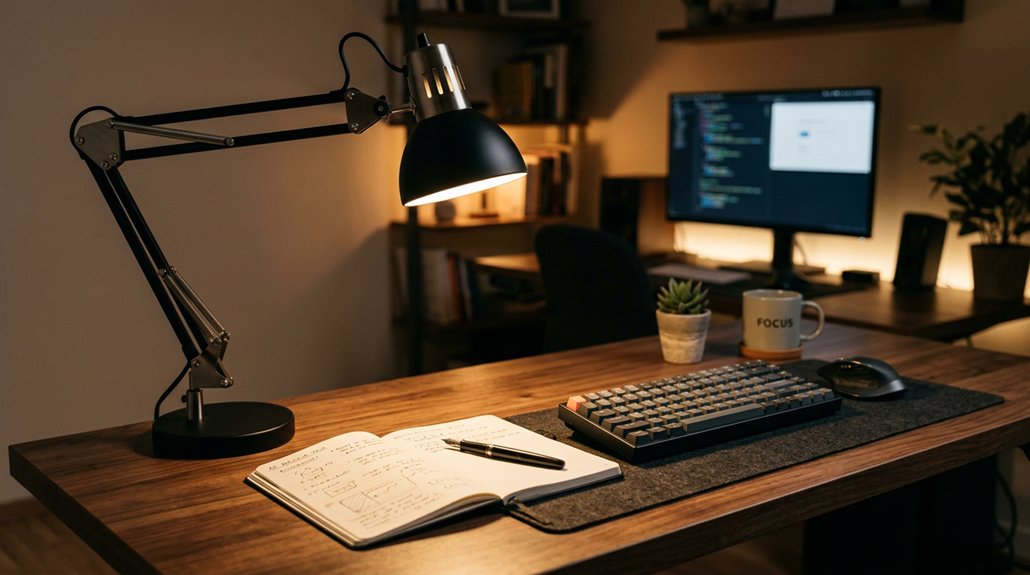
Positioning your adjustable task lamp correctly guarantees focused, productive lighting that minimizes eye strain. Place your adjustable task lamps 16–24 inches above your desk and angle them 30–45° away from your direct line of sight to prevent glare.
Position the lamps opposite your dominant hand to avoid casting shadows on your work surface, ensuring clear visibility of documents and keyboard. Use flicker-free LED bulbs with brightness control to customize the light intensity according to your needs and ambient room lighting, aiming for 300–500 lux on your desk.
Choose a task lamp with flexible arms or long reaches, especially if you have a height-adjustable desk, allowing you to maintain consistent task lighting regardless of desk height changes. Proper placement and adjustable features promote better focus and reduce eye strain.
Avoid Glare and Reflections by Properly Mounting Overhead Lights
Properly mounting overhead lights prevents glare and reflections that can cause eye strain and reduce visibility. Use overhead lights equipped with diffusers or fabric covers to soften the brightness and avoid harsh glare.
Position the fixtures to deliver even ambient illumination without shining directly into your eyes or reflecting off screens. Avoid placing overhead lights directly above or behind your monitors, as reflections and bright spots can increase eye fatigue.
Opt for dimmable or adjustable overhead fixtures so you can control brightness levels within the recommended 150–300 lux. Combining overhead lighting with other task and bias lighting helps balance contrast and minimizes glare.
Additionally, selecting anti-glare screen protectors can further reduce reflections and improve visual comfort in well-lit environments.
Proper overhead light placement guarantees comfortable lighting conditions, reducing eye strain and enhancing visibility during work.
Place Light Sources Opposite Your Dominant Hand to Prevent Shadows
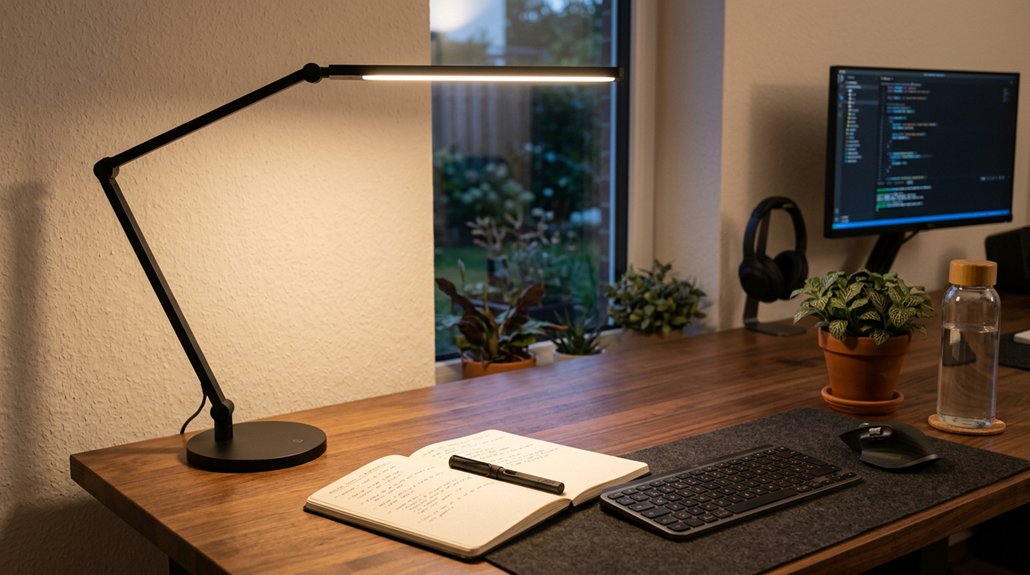
Placing your light source opposite your dominant hand helps reduce hand shadows that can obscure your work. A well-positioned light also enhances color rendering, making colors appear more vivid and true-to-life, which is essential for detailed tasks.
Minimize Hand Shadows
To minimize hand shadows while working at your desk, keep your task light on the side opposite your dominant hand—so right-handed people should place it on the left, and vice versa. This positioning helps create a shadow-free area and reduces visual distractions. Using flicker-free LED technology ensures consistent illumination that reduces eye fatigue and glare during extended tasks.
Consider these tips:
- Use adjustable desk lamps to customize the angle and height for proper lighting.
- Position the light 16–24 inches above your work surface at a 30–45° angle to avoid glare.
- Keep the light opposite your dominant hand to prevent shadows that cause eye strain.
- Proper lighting prevents you from leaning forward, avoiding neck strain, and guarantees your work surface stays evenly lit.
This setup keeps your workspace clear, minimizing eye fatigue and maintaining focus during detailed tasks.
Enhance Task Light Clarity
Positioning your task light on the side opposite your dominant hand is essential for clear visibility. Proper lighting placement guarantees your work area is well-lit without creating shadows from your hand or arm. Incorporating an adjustable lamp with features like anti-slip backing can ensure stability and prevent accidental movement that may disrupt your lighting setup. Use adjustable lamps, placed 16–24 inches above the desk, angled 30–45° away from your sight line to minimize glare and shadows. This setup provides consistent task lighting, making details easier to see and reducing eye strain.
When the light source is on the opposite side of your dominant hand, your writing or tasks stay illuminated, and your hand doesn’t block the light. Avoiding shadows improves visual clarity and focus, while proper lighting placement helps maintain a comfortable posture throughout your work session.
Improve Visual Comfort
Placing your task light on the side opposite your dominant hand guarantees your work remains well illuminated without shadows obstructing your view. This position improves visual comfort by reducing eye strain and preventing glare caused by shadows. A well-positioned light source can also help maximize brightness retention, ensuring your workspace is consistently properly lit.
Here are key tips:
- Position the light source on the opposite side of your dominant hand to avoid shadow cast during writing or reading.
- Use adjustable task lighting, angled 30–45° from your line of sight, for even, glare-free illumination.
- Keep the light source 16–24 inches above the desk to distribute light evenly across your workspace.
- Proper placement prevents the need to lean forward or squint, minimizing strain on your eyes and neck.
This setup enhances lighting, reduces shadow interference, and creates a comfortable visual environment at your desk.
Balance the Brightness of Your Screen With Surrounding Lighting
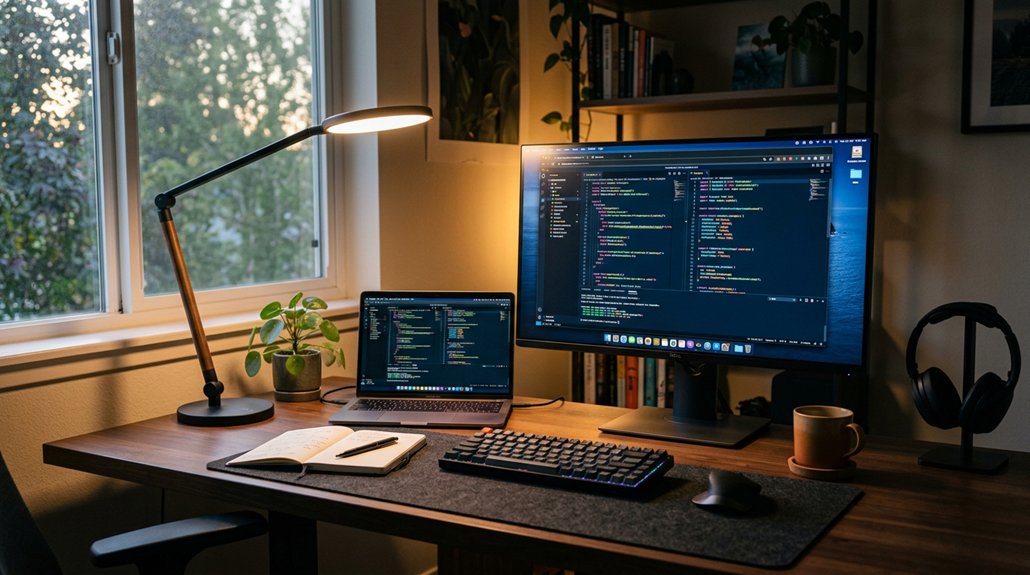
To prevent eye strain, you need to match your screen brightness with your surrounding lighting. Keep reflections at bay by positioning your monitor away from windows and adjusting ambient light to around 300–500 lux.
Properly balancing these elements helps create a comfortable, glare-free workspace.
Minimize Screen Reflections
Ensuring your screen remains free of reflections requires balancing your ambient and task lighting effectively. To minimize glare and screen reflections, start by:
- Position your monitor perpendicular to windows to avoid direct sunlight hitting the screen.
- Use curtains or blinds to diffuse natural light, reducing harsh reflections and glare.
- Place adjustable task lamps opposite your dominant hand, angled 30–45° away from your line of sight, to prevent direct light on the display.
- Add bias lighting behind your monitor with soft, neutral white LEDs at 10–20% brightness, lowering visual contrast and further minimizing reflections.
Balancing brightness and controlling reflections helps protect your eyes from strain and makes your workspace more comfortable.
Adjust Ambient Light
Adjusting your ambient light is key to creating a balanced workspace that reduces eye strain. Position your desk perpendicular to windows to utilize ambient natural light without causing direct glare on your screen, preventing harsh reflections. Use curtains, blinds, or diffusers to soften intense natural light and avoid bright spots or glare that force you to squint or adopt poor posture. Guarantee your ambient lighting offers even, diffuse illumination at 150–300 lux, matching your screen’s brightness and preventing high contrast that fatigues your eyes. Combine ceiling fixtures with adjustable task lamps to maintain consistent, balanced lighting throughout the day. Just be sure your monitor isn’t directly opposite or behind bright light sources, which can cause annoying screen glare and hinder a comfortable working environment. Incorporating acoustic panels can also help reduce reflections and echoes, enhancing visual comfort by improving overall room acoustics.
Adjust Light Angles to Prevent Screen Glare and Reflections
Positioning your desk lighting correctly is key to reducing glare and reflections on your monitor. Proper light angles help prevent eye strain caused by harsh reflections and screen glare.
Consider these tips:
- Place task lamps 16–24 inches above your desk and angle them between 30° and 45° from your line of sight to minimize direct glare.
- Position desk lighting opposite your dominant hand to avoid casting distracting shadows and reflections.
- Use diffusers or indirect lighting to soften harsh light sources, preventing unwanted reflections on the screen.
- Keep fixtures and windows perpendicular to your monitor to reduce glare and surface reflections.
- Ensure your monitor supports adjustable mount stands, which can help optimize viewing angles and further reduce glare.
Adjusting light angles guarantees the desk lighting remains effective while keeping your screen clear of annoying glares. This supports comfortable work sessions and eye health.
Add Bias Lighting Behind Your Monitor to Reduce Eye Strain
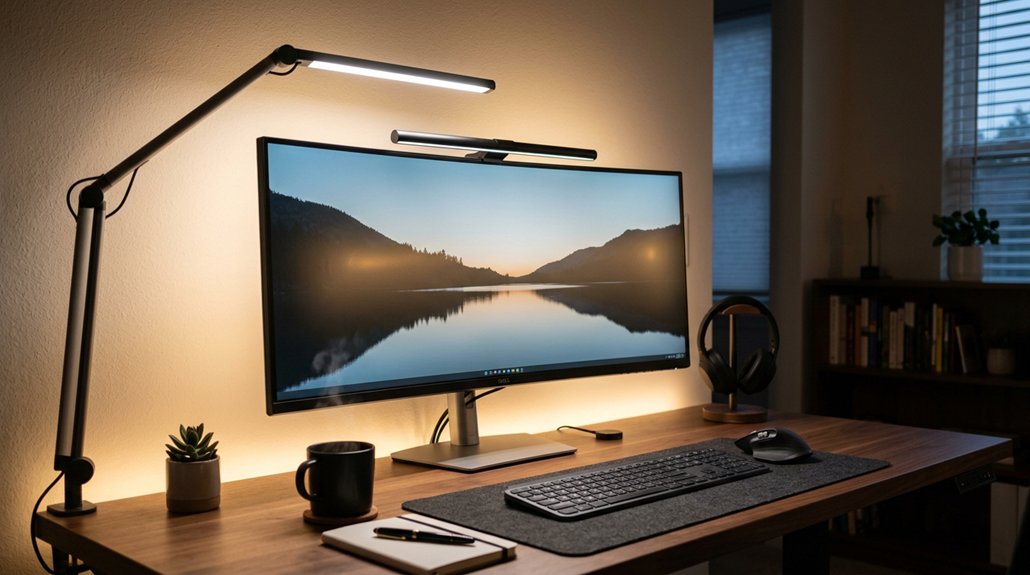
Adding bias lighting behind your monitor can greatly reduce eye strain by balancing the contrast between your screen and the surrounding environment. Using soft, neutral white LED lighting (~6500K), set at about 10–20% of your monitor’s brightness, helps ease pupil adjustment and minimizes visual fatigue. Incorporating adjustable monitor hoods can further enhance glare reduction and privacy, optimizing your workspace comfort. Proper bias lighting preserves color accuracy and reduces glare and reflections on the monitor, making it easier to see details without eye strain. It also guarantees consistent ambient light in your field of view, preventing your eyes from constantly adapting between bright and dark areas.
Installing bias lighting is an effective ergonomic practice that complements overall desk lighting, making long computer sessions more comfortable and reducing the risk of eye fatigue from excessive brightness contrasts.
Set the Right Height and Distance for Desk and Overhead Lights
To optimize your lighting, set task lamps about 16–24 inches above your desk and angle them 30–45° away from your eyes to avoid glare.
Make sure your overhead lights are diffused and centered, while adjusting them to keep a consistent brightness level as your desk height changes. Proper positioning of both desk and overhead lights guarantees your workspace stays well-lit without causing shadows or eye strain.
Optimal Light Height
Achieving ideal lighting involves setting the right height and distance for both desk and overhead lights to secure a comfortable work environment.
Proper placement prevents eye strain caused by glare or uneven brightness.
Consider these guidelines:
- Position task lamps 16–24 inches above the work surface, angled 30–45° away to avoid direct glare.
- Mount overhead lighting at least 7–8 feet above the floor for even, diffused ambient light.
- For adjustable desks, combine fixed overhead lights with task lamps at a consistent height to guarantee uniform illumination.
- Place desk lighting opposite your dominant hand to keep shadows off your work area.
Setting the ideal light height reduces eye strain, creates a balanced light source, and improves overall comfort.
Ideal Light Distance
The right distance and height for desk and overhead lighting are essential for creating an efficient and comfortable work environment. Proper placement reduces glare, improves brightness, and supports an ergonomic setup. Task lamps should be positioned 16–24 inches (40–60 cm) above the desk surface and angled 30–45° away from your direct sight line to minimize shadows and eye strain. Overhead lighting should be evenly diffused and layered with adjustable task lighting to accommodate desk height changes. For peak setup, consider the following:
| Lighting Type | Ideal Distance | Key Considerations |
|---|---|---|
| Task lamps | 16-24 inches | Adjustable angle, reduce glare |
| Overhead | 24-32 inches | Layered with adjustable brightness |
| Background | Soft, at monitor | Balance light, prevent reflections |
Proper distance and angle guarantee comfortable, glare-free illumination.
Correct Desk Position
Positioning your desk correctly involves setting the right height and distance for both your desk and overhead lighting to guarantee comfortable and effective illumination.
To achieve this, focus on these key steps:
- Arrange your desk perpendicular to windows to reduce glare and improve screen visibility.
- Set task lighting 16–24 inches above the desk surface, angling it 30–45° away from your line of sight to minimize shadows.
- Use overhead lights that provide diffuse room illumination without shining directly into your eyes or onto screens.
- Maintain a viewing distance of 20–28 inches from your monitor to avoid leaning forward and eye fatigue.
Following these points helps optimize your correct desk position, enhance lighting, and support healthier posture.
Regularly Review and Adjust Your Lighting as Natural Light Changes
Since natural light varies throughout the day, regularly reviewing and adjusting your lighting setup guarantees consistent, comfortable illumination.
Regularly adjust your lighting to ensure consistent, comfortable illumination as natural light changes throughout the day.
As natural light changes in intensity and direction, you should adjust your window coverings—using adjustable blinds or sheer curtains to diffuse harsh sunlight and prevent glare.
Positioning your desk perpendicular to windows helps balance natural light without causing direct glare on your screens, but this setup might need reevaluation as seasons and sun angles shift.
Incorporate dimmable task lamps to maintain task lighting of 300–500 lux during darker periods.
Periodically measuring ambient and task light levels with smartphone apps helps confirm you’re adapting your lighting to evolving natural light conditions, supporting peak eye comfort and minimizing eye strain.
Frequently Asked Questions
What Lighting Reduces Eye Strain in Office?
You reduce eye strain by using a mix of well-placed task lighting, ambient light, and bias lighting. Position lamps away from your line of sight, avoid glare, and maintain even illumination to keep your eyes comfortable.
What Is the Best Desk Setup to Reduce Eye Strain?
You should position your desk perpendicular to windows to avoid glare, use an adjustable task lamp on the opposite side of your dominant hand, and incorporate ambient and bias lighting to guarantee even, comfortable illumination and reduce eye strain effectively.
What Is the 10 10 10 Rule for Screens?
The 10 10 10 rule advises you to keep your eyes about 10 inches from the screen, position it 10 degrees below eye level, and take 10-minute breaks every hour to minimize eye strain and fatigue.
What Is the 5 7 Light Rule?
The 5-7 light rule advises you to position your desk lamp 5 to 7 inches above and slightly in front of your workspace. This setup provides balanced lighting, minimizes glare, and reduces eye strain during your tasks.
In Summary
By setting up your desk with even, adjustable lighting and positioning lights strategically, you can greatly reduce eye strain. Keep your lighting diffuse, avoid glare, and take advantage of natural light whenever possible. Regularly review your setup as daylight changes to guarantee comfort. Putting these tips into practice creates a healthier, more comfortable workspace, helping your eyes stay relaxed and focused throughout your workday.



